- 3 -
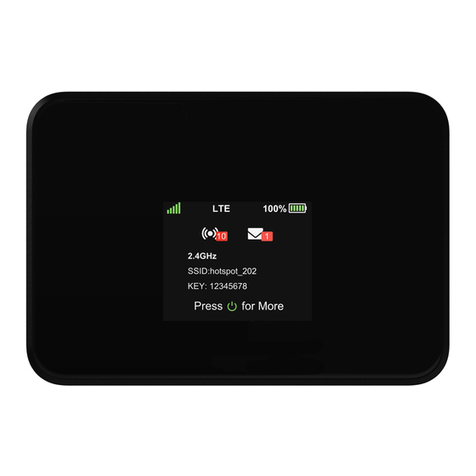
Note: The first time you po er on your IIM2100M ith your ne SIM, there may be a delay of up to 10
minutes for the initial net ork connection to occur.
Your IIM2100M is been preconfigured. If a problem should occur please contact IIM Support
at 866 –715-2272 or support@internetinmotion.net
Hard are Installation
Please consult the attached installation instructions.
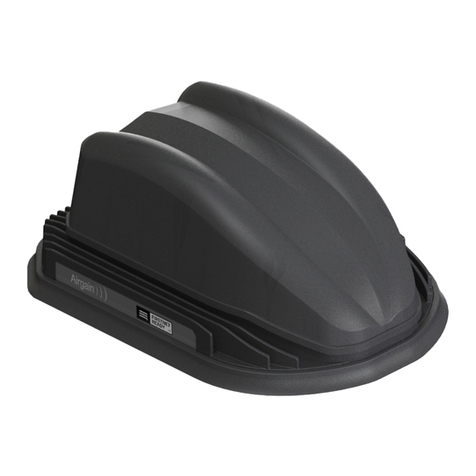
our IIM2100M should be mounted in a position that allows easy access for the cables so they are not bent or con-
stricted. The LEDs on the front panel should be visible for ease of operational verification. ou should ensure that
there is adequate airflow around the modem but that it is kept free from direct exposure to the elements (sun, rain,
etc.)
IIM Customer Support
Electronics Products Group
222 N. Hicks Place, Palatine, IL 60067
IIM Support Line: 866-715-2272
TEL: 847-934-0580 FAX: 847-991-3328
5. Replace the SIM slot cover.
Replace the cover to prevent dust or other unwanted parti-
cles from entering the IIM2100M-A. Once the cover is
replaced, the installation is complete.
Figure 7. SIM Slot cover replaced.