manuals.online logo
Brands
  1. Home
  2. •
  3. Brands
  4. •
  5. Avidsen
  6. •
  7. Gate Opener
  8. •
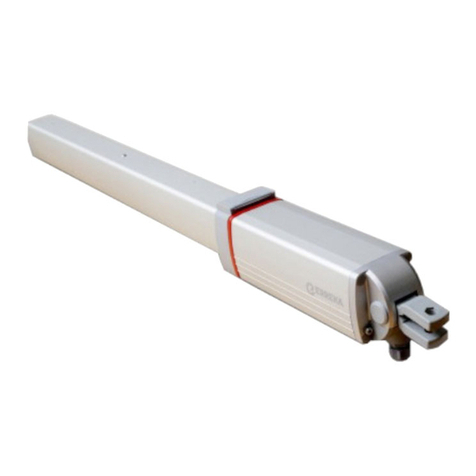
  9. Avidsen STYRKA400 User manual

Avidsen STYRKA400 User manual

This manual suits for next models

1

Other Avidsen Gate Opener manuals

Avidsen V300 User manual

Avidsen

Avidsen V300 User manual

Avidsen 114359 User manual

Avidsen

Avidsen 114359 User manual

Avidsen ORANE-CONNECT User manual

Avidsen

Avidsen ORANE-CONNECT User manual

Avidsen ORANGE510 User manual

Avidsen

Avidsen ORANGE510 User manual

Avidsen ORANE410 User manual

Avidsen

Avidsen ORANE410 User manual

Avidsen ORANE510 User manual

Avidsen

Avidsen ORANE510 User manual

Avidsen STYRKA310 User manual

Avidsen

Avidsen STYRKA310 User manual

Avidsen V250 User manual

Avidsen

Avidsen V250 User manual

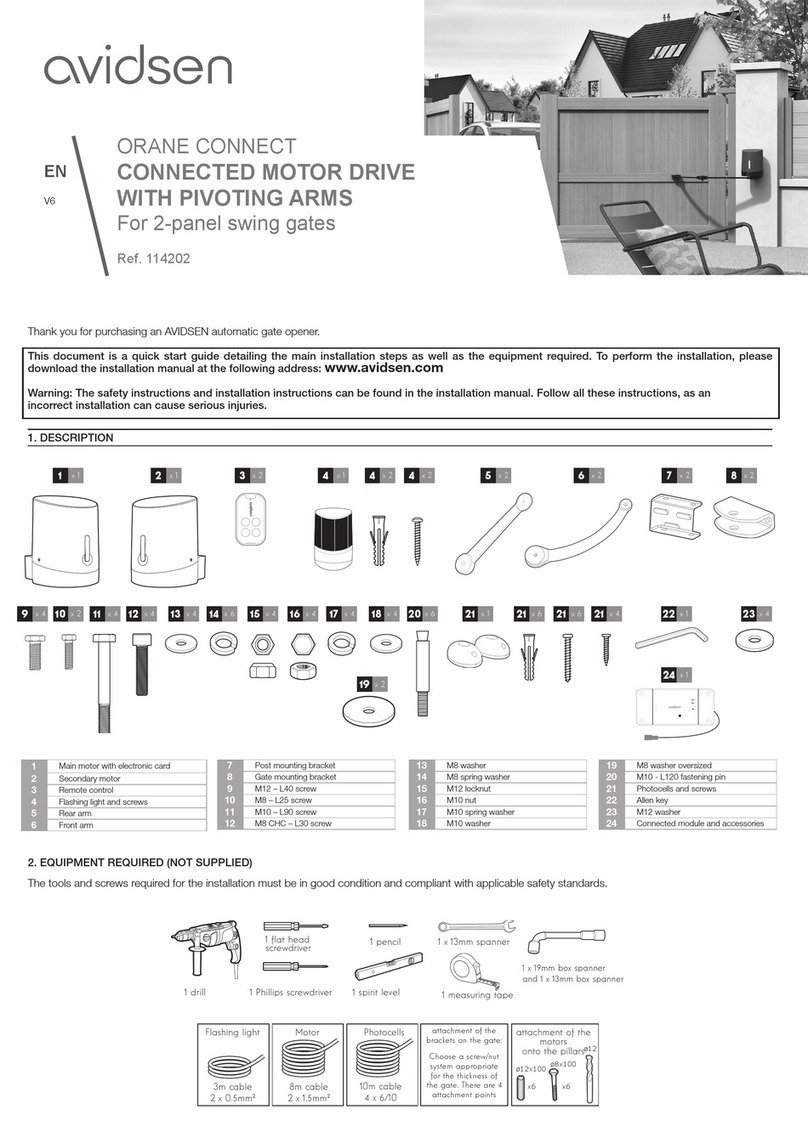
Avidsen 114202 User manual

Avidsen

Avidsen 114202 User manual

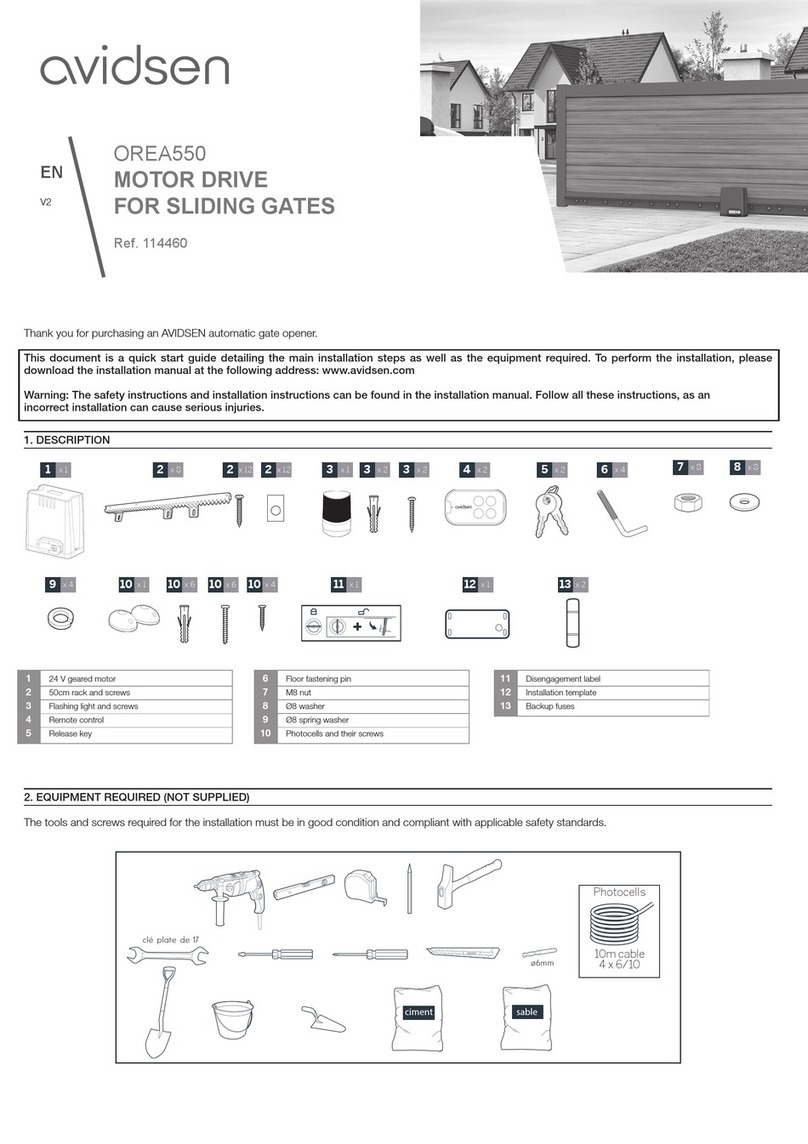
Avidsen OREA550 User manual

Avidsen

Avidsen OREA550 User manual

Avidsen 114202 User manual

Avidsen

Avidsen 114202 User manual

Avidsen ZENIA250 User manual

Avidsen

Avidsen ZENIA250 User manual

Avidsen Styrka 310 User manual

Avidsen

Avidsen Styrka 310 User manual

Avidsen Orane 510 User manual

Avidsen

Avidsen Orane 510 User manual

Avidsen 114461 User manual

Avidsen

Avidsen 114461 User manual

Popular Gate Opener manuals by other brands

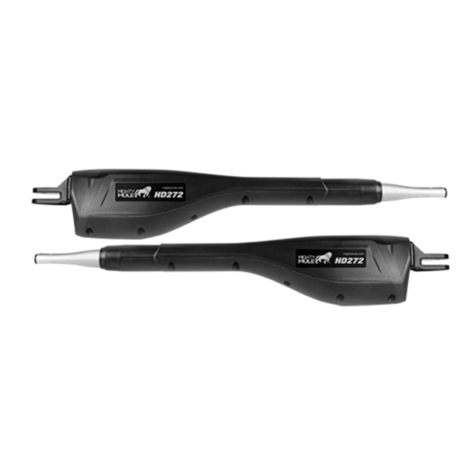
Nortek Security & Control Mighty Mule HD272 installation manual

Nortek Security & Control

Nortek Security & Control Mighty Mule HD272 installation manual

tousek TURN 10 Installation and operating instructions

tousek

tousek TURN 10 Installation and operating instructions

SOMFY AXOVIA 220B RTS installation instructions

SOMFY

SOMFY AXOVIA 220B RTS installation instructions

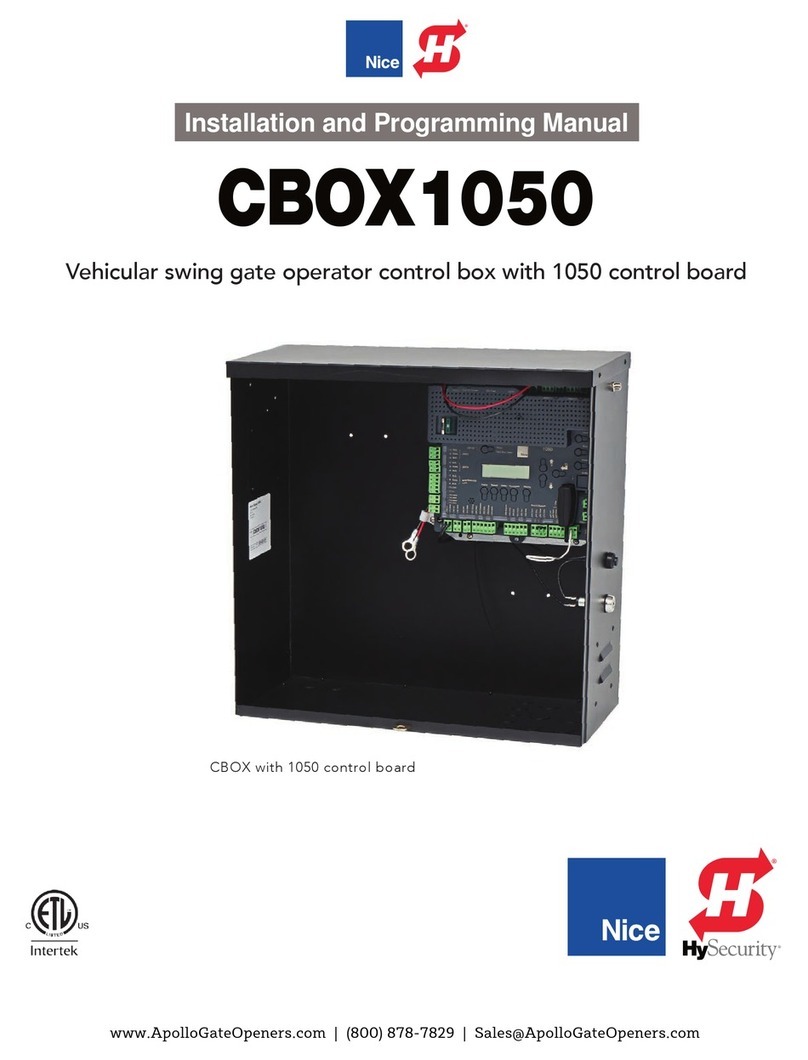
Nice HySecurity CBOX1050 Installation and programming manual

Nice HySecurity

Nice HySecurity CBOX1050 Installation and programming manual

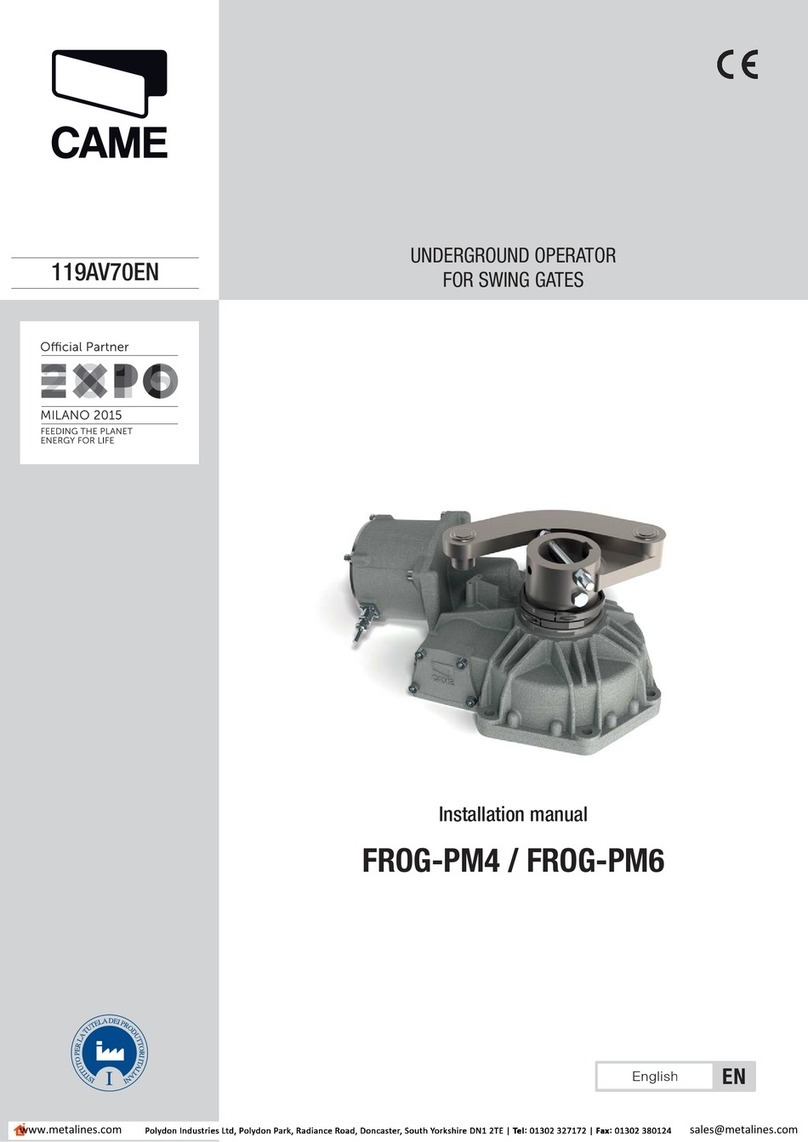
CAME FROG-PM4 installation manual

CAME

CAME FROG-PM4 installation manual

Aprimatic ONDA 500 installation instructions

Aprimatic

Aprimatic ONDA 500 installation instructions

Turnstiles FSW 900 manual

Turnstiles

Turnstiles FSW 900 manual

Erreka BUL BL33 Quick installation and programming guide

Erreka

Erreka BUL BL33 Quick installation and programming guide

Extel VERA quick guide

Extel

Extel VERA quick guide

Beninca R1-2 WBV quick start guide

Beninca

Beninca R1-2 WBV quick start guide

Erreka VULCAN D user manual

Erreka

Erreka VULCAN D user manual

Motorline professional FORT User& installer's manual

Motorline professional

Motorline professional FORT User& installer's manual

Beninca BOB5024 manual

Beninca

Beninca BOB5024 manual

AGA GATEMASTER 900 HD installation manual

AGA

AGA GATEMASTER 900 HD installation manual

Cardin BL Series manual

Cardin

Cardin BL Series manual

Westfalia 85 27 06 instruction manual

Westfalia

Westfalia 85 27 06 instruction manual

Riello Elettronica CARDIN ACE FAST Instruction handbook

Riello Elettronica

Riello Elettronica CARDIN ACE FAST Instruction handbook

Telcoma ARM Instruction handbook

Telcoma

Telcoma ARM Instruction handbook

manuals.online logo
manuals.online logoBrands
  • About & Mission
  • Contact us
  • Privacy Policy
  • Terms and Conditions

Copyright 2025 Manuals.Online. All Rights Reserved.

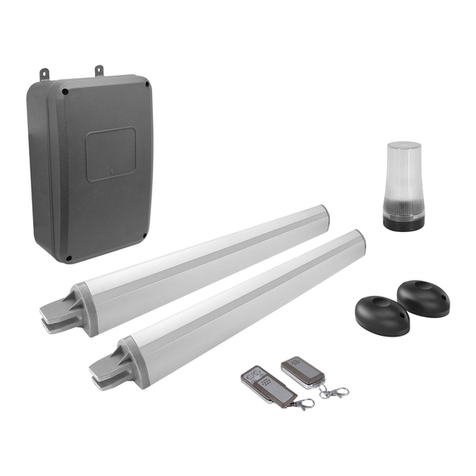
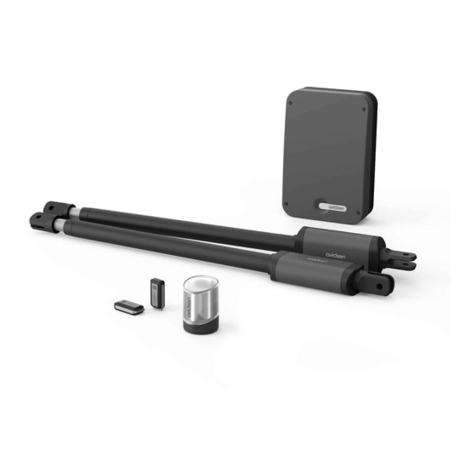
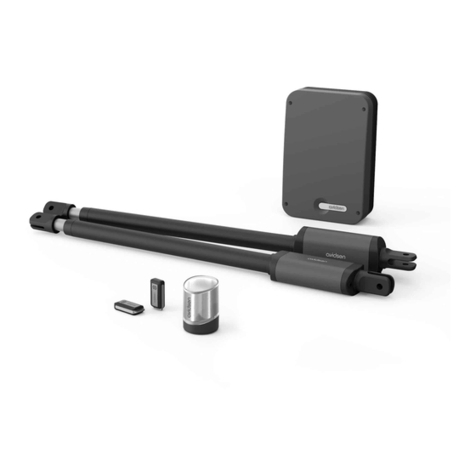
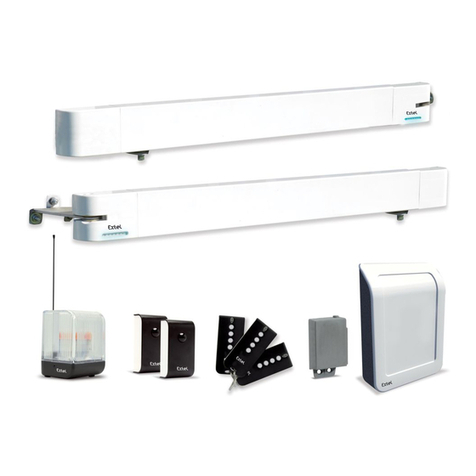
1 12V motorised cylinders
2 Control unit
3 Pillar mounting bracket
4 Gate mounting bracket
5 Clevis pin
6 7.5mm spacer
7 Elastic pin
8 Photocells
9Remote control
10 Flashing light
10 x 1
9x 2
EQUIPMENT REQUIRED (NOT SUPPLIED)
The tools and screws required for the installation must be in good condition and compliant with applicable safety standards.
  ¡
¡
¡
¡
¡ ¡[
¡
[ [
¡[
IL[DWLRQGHVSDWWHV
VXUOHSRUWDLO
&KRLVLUXQV\VWqPH
YLVpFURXVDGDSWpj
O¶pSDLVVHXUGXSRUWDLO
,O\DSRLQWVGHIL[DWLRQ
¡
drilling the post
Photocells Actuators Attachment to the post:
- electronic panel
- flashing light
- photocells
attachment of the brackets
onto the posts:
10m cable
4-strand telephone
cable
10m cable
2 x 1.5mm2
drilling into the
gate
1x 1 3x 2 4x 2
2x 1
5x 4 6x 8 7x 4
Thank you for purchasing an AVIDSEN automatic gate opener.
This document is a quick start guide detailing the main installation steps as well as the equipment required. To perform the installation, please
download the installation manual at the following address: www.avidsen.com
Warning: The safety instructions and installation instructions can be found in the installation manual. Follow all these instructions, as an
incorrect installation can cause serious injuries.
CONTENTS OF THE KIT
V5
Ref. 114159
EN
8x 1
STYRKA400
TELESCOPIC
MOTOR DRIVE KIT
For 2-panel swing gates
Flashing light
3m cable
2 x 0.5mm2
x8 x8
attachment of the
attachment of the
brackets on the gate:
Choose a screw/nut
Choose a screw/nut
system appropriate for
the thickness of the gate.
There are 4 attachment
points
points
INSTALLATION
Safety guidelines: please refer to the installation manual for all safety instructions.
To perform the installation, please download the installation manual at the following address: www.avidsen.com
Overview:
The cables used must be appropriate for outdoor use (such as H07RN-F for example).
The cable run between the two posts must comply with applicable standards (NFC 15-100).
The geared motor power cable must run 80cm deep with red warning mesh.
Photocells
actuators
Inner side of the property
Flashing light
Switchgear
control unit
1
3
4
2
5 6
List of cables:
Connection Cable Max length
1 230VAC power line Cable 3 x 2.5mm² (more than 30m long)
Cable 3 x 1.5mm² (less than 30m long) Unlimited
2 Flashing light Cable 2 x 0.5mm² 15m
3 Left motor Cable 2 x 1.5mm² 10m
4 Right motor Cable 2 x 1.5mm² 10m
5 Reception Photocell 4-strand telephone cable 10m
6 Transmission Photocell 4-strand telephone cable 10m
The installation is a 4-step process:
1. Installation of the cylinders onto the pillars and gate, and of the electronic panel, flashing light and photocells.
2. Electrical connection of the motors, flashing light and electronic panel to the mains. This connection must be performed by qualified personnel (electrician, etc.).
3. Adjustments and operation:
Note: Only switch on the electronic panel once all connections have been made.
- Read the installation manual chapter on simple adjustments.
- Launch the movement self-learning programme (press "+" for 3 seconds)
- Programme the remote controls:
- press "-" for 3 seconds
- press "SET"
- press the remote control button to be memorised
- Repeat the operation for each remote control
- Choice of operating mode:
By default, automatic closing is deactivated. To activate it, you must install a pair of photocells
4. Operational testing: To familiarise yourself with the automatism and ensure it operates properly, read the chapter on usage and conduct operational tests (open/
close, initiate obstacle detection, cut the photocell beam). Upon completion of these tests, you may have to modify certain settings (e.g. motor power).
DECLARATION OF CONFORMITY
Avidsen declares that the equipment complies with the essential applicable requirements of RED Directive 2014/53/EU.
Directive 2014/35/EU: (protection of users’ health and safety)
Directive 2014/30/EU: (protection requirements relating to electromagnetic compatibility).
Directive 2014/53/EU: (efficient use of the radio spectrum, in order to avoid harmful interference).
The full declaration of compliance is available on the website www.avidsen.com
Tours, 26/06/2020
Alexandre Chaverot, CEO
Pour en savoir plus :
www.quefairedemesdechets.fr
Avidsen
19 avenue Marcel Dassault - ZAC des Deux Lions - 37200 Tours - France