manuals.online logo
Brands
  1. Home
  2. •
  3. Brands
  4. •
  5. AVYCON
  6. •
  7. Security Camera
  8. •
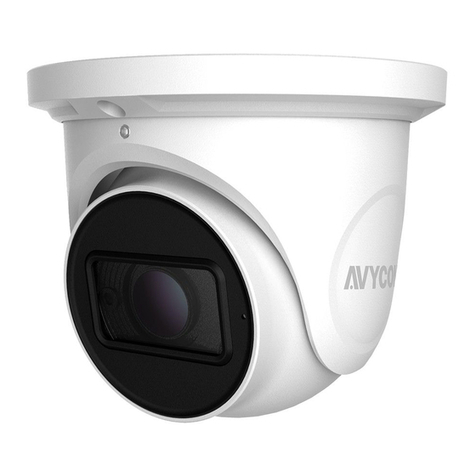
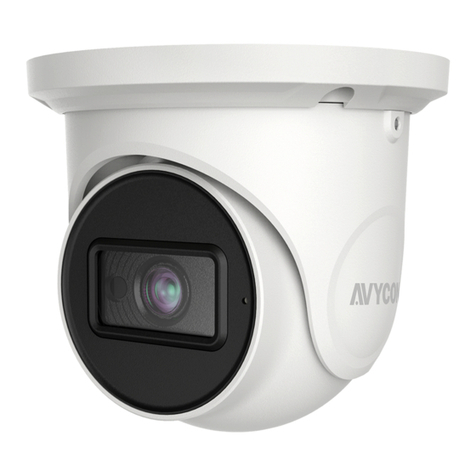
  9. AVYCON AVC-TE81F28 User manual

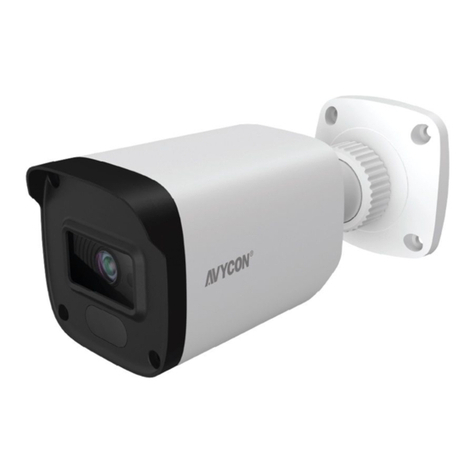
AVYCON AVC-TE81F28 User manual

This manual suits for next models

2

Other AVYCON Security Camera manuals

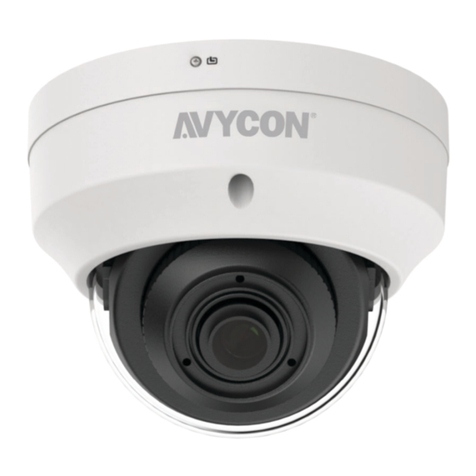
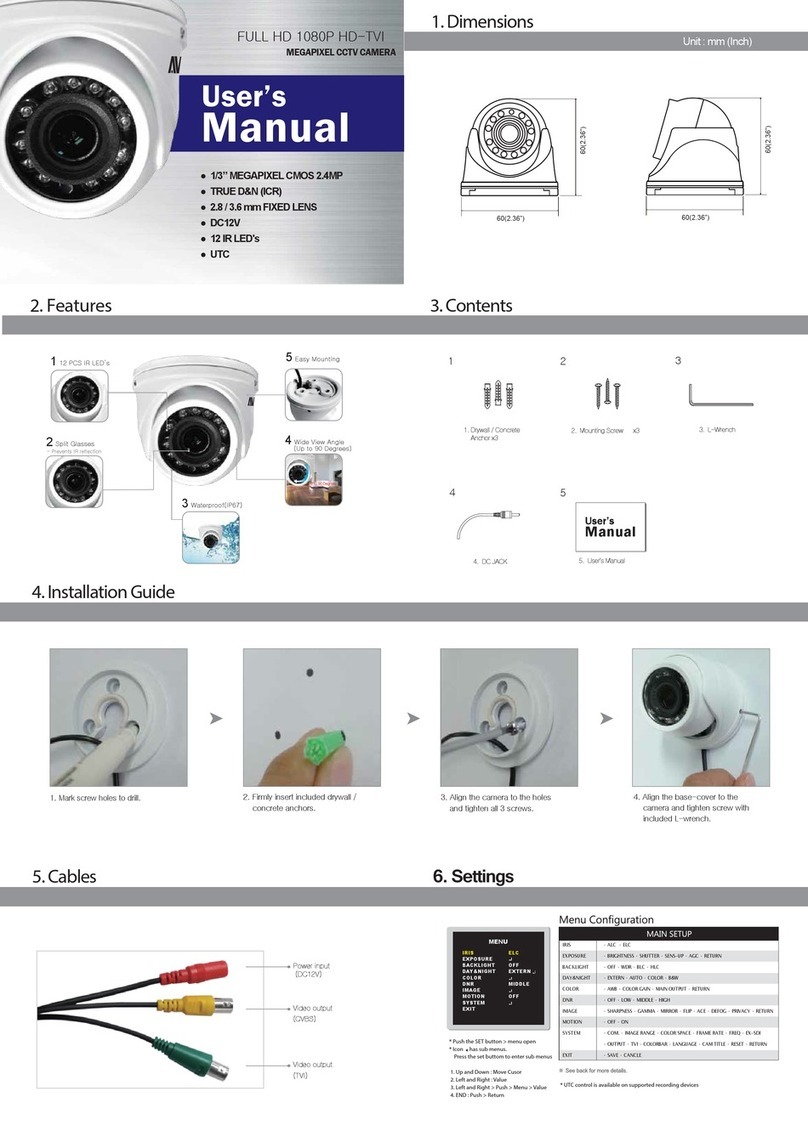
AVYCON AVC-DH52VT User manual

AVYCON

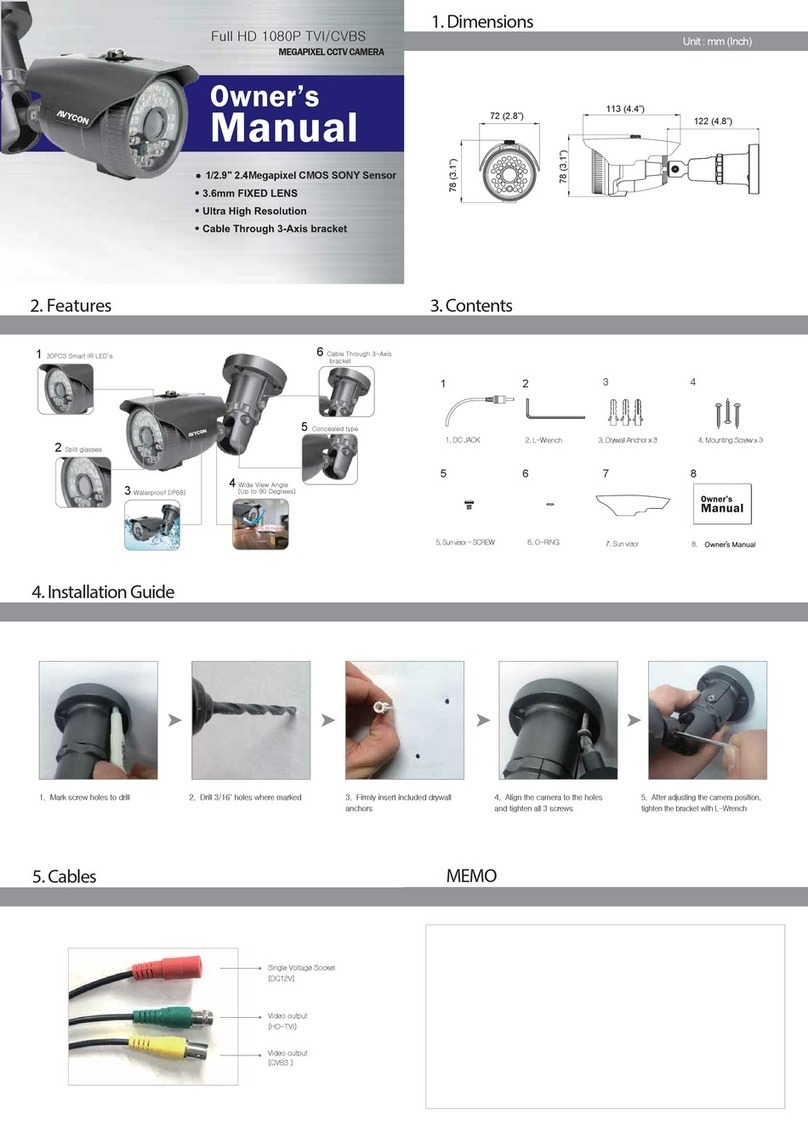
AVYCON AVC-DH52VT User manual

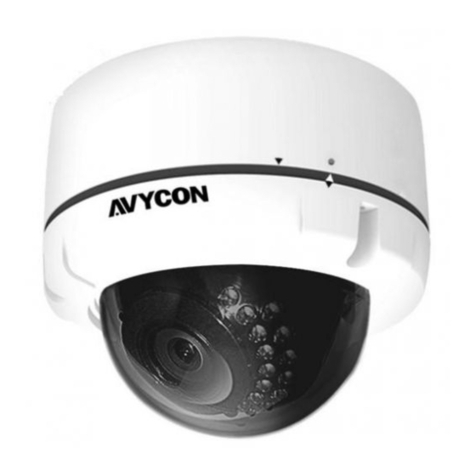
AVYCON AVC-TV81M User manual

AVYCON

AVYCON AVC-TV81M User manual

AVYCON AVC NBL21M-L1 User manual

AVYCON

AVYCON AVC NBL21M-L1 User manual

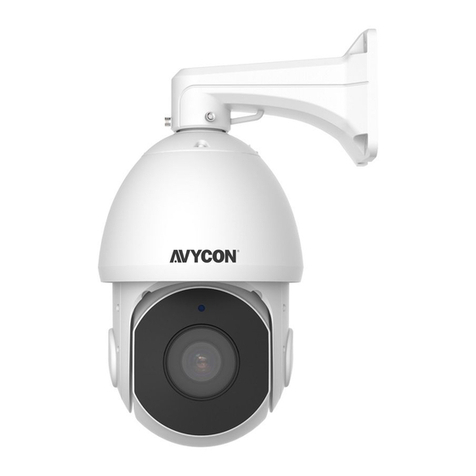
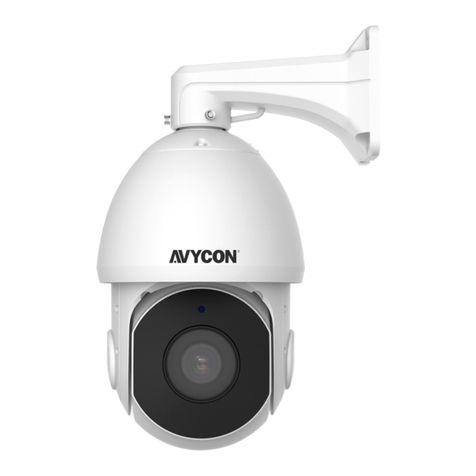
AVYCON AVC-NPTZ51X42L User manual

AVYCON

AVYCON AVC-NPTZ51X42L User manual

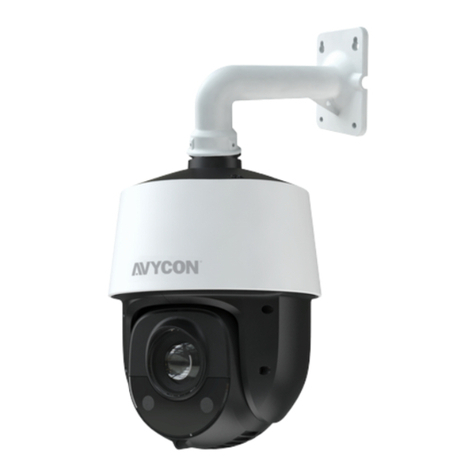
AVYCON AVC NPTZ81X36L User manual

AVYCON

AVYCON AVC NPTZ81X36L User manual

AVYCON CAT5 User manual

AVYCON

AVYCON CAT5 User manual

AVYCON AVC-BHN41FT2.8 User manual

AVYCON

AVYCON AVC-BHN41FT2.8 User manual

AVYCON NDAA Series User manual

AVYCON

AVYCON NDAA Series User manual

AVYCON AVC PT91X25LW User manual

AVYCON

AVYCON AVC PT91X25LW User manual

AVYCON AAVC-BH71F User manual

AVYCON

AVYCON AAVC-BH71F User manual

AVYCON AVC-BHN41AVT User manual

AVYCON

AVYCON AVC-BHN41AVT User manual

AVYCON AVC-NPTZ21X23L User manual

AVYCON

AVYCON AVC-NPTZ21X23L User manual

AVYCON AVC-BLN41AVT User manual

AVYCON

AVYCON AVC-BLN41AVT User manual

AVYCON AVC-NPTZ21X30L User manual

AVYCON

AVYCON AVC-NPTZ21X30L User manual

AVYCON NTSC User manual

AVYCON

AVYCON NTSC User manual

AVYCON AVC-PHN61FLT User manual

AVYCON

AVYCON AVC-PHN61FLT User manual

AVYCON AVC-TE21M User manual

AVYCON

AVYCON AVC-TE21M User manual

AVYCON AVC-NBL41M-L1 User manual

AVYCON

AVYCON AVC-NBL41M-L1 User manual

AVYCON AVC-NBL41M-L1 User manual

AVYCON

AVYCON AVC-NBL41M-L1 User manual

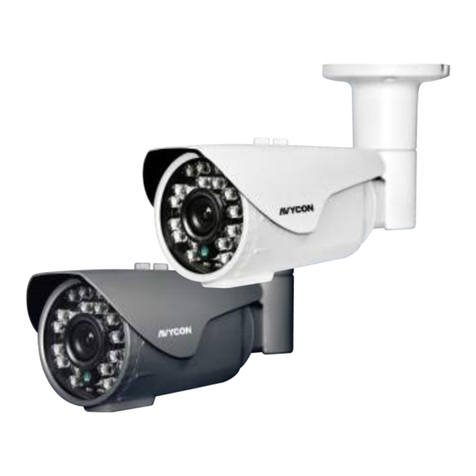
AVYCON AVC-BH52VT User manual

AVYCON

AVYCON AVC-BH52VT User manual

AVYCON AVC-LA92VT User manual

AVYCON

AVYCON AVC-LA92VT User manual

AVYCON AVC-BLN41FT 2.8 User manual

AVYCON

AVYCON AVC-BLN41FT 2.8 User manual

AVYCON AVC-NBM81F180 User manual

AVYCON

AVYCON AVC-NBM81F180 User manual

AVYCON AVC-NPTZ51X23L-F User manual

AVYCON

AVYCON AVC-NPTZ51X23L-F User manual

Popular Security Camera manuals by other brands

ADEMCO RapidDome Owners Operating & Installation Guide

ADEMCO

ADEMCO RapidDome Owners Operating & Installation Guide

EverFocus EBA2880 user manual

EverFocus

EverFocus EBA2880 user manual

Honeywell OptiCAM-IR Installation and setup guide

Honeywell

Honeywell OptiCAM-IR Installation and setup guide

Uniq UC-600 user manual

Uniq

Uniq UC-600 user manual

OPTICOM NVD-120-S datasheet

OPTICOM

OPTICOM NVD-120-S datasheet

Steren CCTV-221 instruction manual

Steren

Steren CCTV-221 instruction manual

Arm Electronics C420BCDNVFIR Features

Arm Electronics

Arm Electronics C420BCDNVFIR Features

Eneo PLD-2036PTZ installation guide

Eneo

Eneo PLD-2036PTZ installation guide

Axis AXIS M20 Series installation guide

Axis

Axis AXIS M20 Series installation guide

Panasonic KX-HCM230 operating instructions

Panasonic

Panasonic KX-HCM230 operating instructions

COP-USA CC15NV-SL Specifications

COP-USA

COP-USA CC15NV-SL Specifications

Active Silicon HARRIER H.264 quick start guide

Active Silicon

Active Silicon HARRIER H.264 quick start guide

Motorola Avigilon 1.3C-H5SL-BO1-IR installation guide

Motorola

Motorola Avigilon 1.3C-H5SL-BO1-IR installation guide

INSTEON 2864-232 user manual

INSTEON

INSTEON 2864-232 user manual

Wisenet XNB-6002 quick start guide

Wisenet

Wisenet XNB-6002 quick start guide

Axis M5525-E user manual

Axis

Axis M5525-E user manual

Vitek VTC-IR62NZ922 user guide

Vitek

Vitek VTC-IR62NZ922 user guide

Panasonic WV-SF342 Specifications

Panasonic

Panasonic WV-SF342 Specifications

manuals.online logo
manuals.online logoBrands
  • About & Mission
  • Contact us
  • Privacy Policy
  • Terms and Conditions

Copyright 2025 Manuals.Online. All Rights Reserved.

HD Analog 2MP/5MP/8MP Cameras
QUICK START GUIDE
FIXED TURRET DOME CAMERA
HD-TVI / CVI / AHD / CVBS
Introduction
Safety Instructions
Installation
Setup Diagram
2
3
4
5
Package Contents6
Resources7
Thank you for purchasing our product. We make every effort to
update and ensure accuracy of the information contained in this
manual, which may be subject to change from time to time
without prior notice. For any questions or needs, please feel free
to contact us at any time.
1)
2)
3)
Please comply with the power supply specications as required
for this equipment and select the correct power supply.
In the case that equipment fails to operate properly, immediately
contact the manufacturer or the nearest service center. Please
do not attempt to disassemble the product or attempt to modify
the product in any manner, which may void warranty.
For cleaning of the lens, be sure to use compressed air or a
dedicated lens cleaner. For cleaning of the plastic shield, use a
soft and dry microber cloth to wipe it. Do not use any detergents
containing alcohol or benzene.
4) Do not drop any object onto the device or knock heavy objects
onto the equipment.
5) Do not put the camera toward any strong light source (including
lighting lamp or sun), which may cause over-exposure or light
leakage (not due to defect of the product) and impair useful life
of the camera.
6) Avoid use of the equipment in any environment other than as
suggested in this manual.
7) Prevent water or any other liquid from owing into the equipment.
8) For replacement of any parts, contact the distributor. Changing
any parts in the device without authorization is not permitted and
may void warranty.
OPERATING ENVIRONMENT
Power Supply DC12V±10%
Temperature -30°C~60°C
Humidity 10%~95%
Altitude -60m~3000m
Atmosphere 86kpa~106kpa
1. Place mounting template sticker in area where you will be
mounting camera to surface that can sustain weight of camera.
2. Remove the ring off the camera by rotating it down to separate
from magnets.
Sticker
Ring
1
INTRODUCTION
CONTENTS
2
SAFETY INSTRUCTIONS 3
INSTALLATION 4
FIXED TURRET DOME CAMERA

3. Drill into surface at marked drill holes deep enough to
accommodate for mounting hardware.
• If using the included hardware, insert the three drywall
anchors into holes in the mounting surface and align holes
in camera mounting plate with anchors. Then use included
screws to secure mounting plate and camera to surface.
5. Installation complete.
Mounting Screw
Drywall Anchors
Set Screws
4. Loosen set screws (pictured below) with included security
wrench.
Adjust the camera to desired angle, then tighten screws and
then place the magnetic ring back onto the camera.
Power Supply
DVR
Camera
BNC Video Output
Power Connector
CCTV Power Supply
12VDC
Power Outlet
LAN USB DC12 V
VGA

PLEASE CONFIRM THAT VOLTAGE OF POWER SUPPLY USED MATCHES
POWER REQUIRED BY CAMERA, OTHERWISE PERMANENT DAMAGE OR
RISK OF FIRE MAY OCCUR
CAUTION
Fixed Turret Dome Camera Mounting Template
Drywall Anchor x 3
Mounting Screw x 3 L-Wrench
DC Plug Terminal Block
Need help?
[email protected]om
www.avycon.com
1 (888) 833-4611
1 (949) 752-7606
[M-F, 6am-5pm PST]
Technical Support E-mail :
Technical Support Website :
US Helpdesk Number :
Toll Free Number (Canada) :
Visit us online for up-to-date software and complete instruction manuals.
1) Visit www.avycon.com
2) Search for the model number of your product.
3) Click on your product and nd appropriate documents on product page.
SETUP DIAGRAM 5
PACKAGE CONTENTS 6
RESOURCES 7
FIXED TURRET DOME CAMERA