9
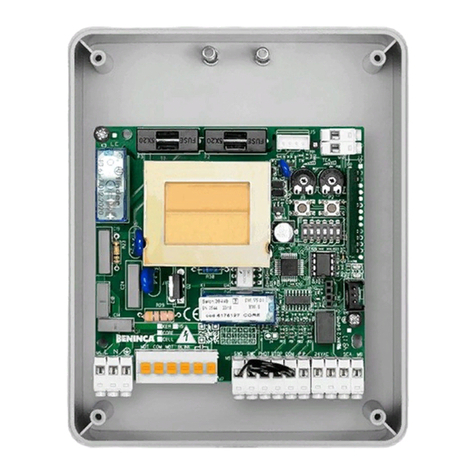
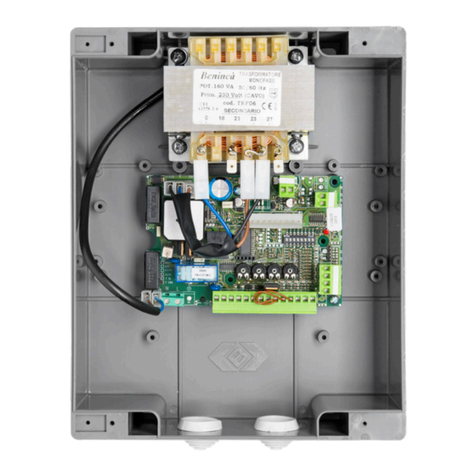
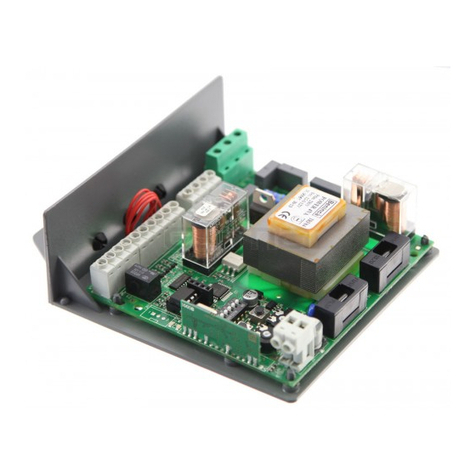
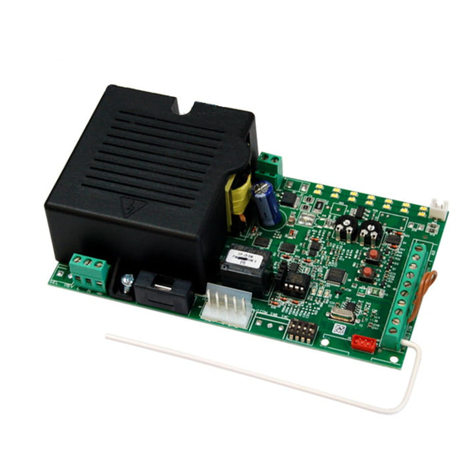
ZED SC Card
Terminal No. Function Description
1-2 Speed 1 Connection to speed 1, motor 2
3-4 COMMON Connection, Common of motor 2
5-6 Speed 2 Connection, Speed 2 of motor 2
7-8 Motor “ Light Connection to courtesy light of Motor 2
9-10 COM Common for limit switch of Motor 2.
11-12 SWC Input, CLOSE limit switch
13-14 SWO Input, OPEN limit switch
Remarks:
a) If present, the push buttons on the motor are connected to Step-by-Step and STOP controls.
Any further safety devices should be connected in series to the STOP control.
b) The courtesy light stays on for about 90s at each operation.
c) The safety EDGE should be connected only to the special inputs. Two types of EDGE can be used:
If a safety edge is used with 8K2 resistance, the “DAS” jumper should be closed.
If a mechanical safety edge with N.C. contact is used, the “DAS” Jumper should be opened.
If no edge is used, terminals 21-22 should be short-circuited.
To adjust the limit switches
1) Power the control unit
2) Manually release the system and completely open the door.
3) Adjust the opening limit switch cam, the SWO LED turns off.
If braking is required in the opening phase, the limit switch triggering should be anticipated.
4) Shut the door completely.
5) Adjust the closing limit switch cam, the SWC LED turns off.
If braking is required in the closing phase, the limit switch triggering should be anticipated.
6) Cut off power supply.
7) Move the door half-way and lock it again.
8) Reset power supply. The STOP, PHOT, SWO and SWC LED’s should light up.
9) Give a step-by-step control signal by pressing the appropriate button or using the remote control.
10) The door should move in the opening phase. In the negative, it is sufcient to invert the speed wires (6<>8) of the motor and
the limit switch inputs (SWO<>SWC).
11) Adjust Time and Operating and Motor power logic.
If braking is required, move DIP3 to ON and adjust the braking time of trimmer TSLOW.
To adjust the motor power
WARNING! This adjustment affects the safety level of the automatic system.
Check that the thrust applied onto the wing complies with regulations in force.
On the power supply transformer, a Faston connector (T1) is provided which allows to adjust motor power to 4 different levels. By
positioning the Faston (T1) on 120, the minimum power is obtained, by moving the Faston to 210 the maximum power is obtained.
Functions of the trimmers
TCA It allows to adjust the automatic closure time. Check Dip-Switch N°1= On.
The adjustment varies from 1s minimum to 90s maximum
TSLOW With Dip-Switch 3 On, it adjusts the slowdown cycle time from 1 to 12 secs.
With Dip-Switch 3 Off, it adjusts the work time from 10 to 120 secs. In this case the slowdown option is disabled.
Dip-Switch functions
DIP 1 “TCA” The automatic closure is enabled or disabled
Off: disabled automatic closure
On: enabled automatic closure
DIP 2 “Prelam.” Forewarning ashing light enabled or disabled
Off: disabled forewarning ashing light
On: enabled forewarning ashing light. The ashing light is activated 3 s before the starting of the motor.
DIP 3 “Rall.” Enables or disables the slowdown cycle.
Off: Slowdown disabled. The TSLOW trimmer adjusts the motor work time from 10 to 120 secs.
Set a work time longer than the duration of an operation.
On: Braking in both opening and closing phases.
N.B.: the braking phase starts when the limit switches are triggered.
By using trimmer “TSLOW”, preset a braking time slightly higher than the time required to complete the
operation.