3
Table of Contents
1 Introduction............................................................................................................................................4
1.1 Instructions...............................................................................................................................................4
1.2 Intended Use............................................................................................................................................4
1.3 Safety Instructions....................................................................................................................................4
1.4 Safety Markings .......................................................................................................................................5
1.5 Environment.............................................................................................................................................5
2 Product Description...............................................................................................................................6
2.1 Important Features...................................................................................................................................6
2.2 Technical Data..........................................................................................................................................6
2.3 Product Overview.....................................................................................................................................7
2.4 Contents of Delivery.................................................................................................................................8
3 Implementing..........................................................................................................................................9
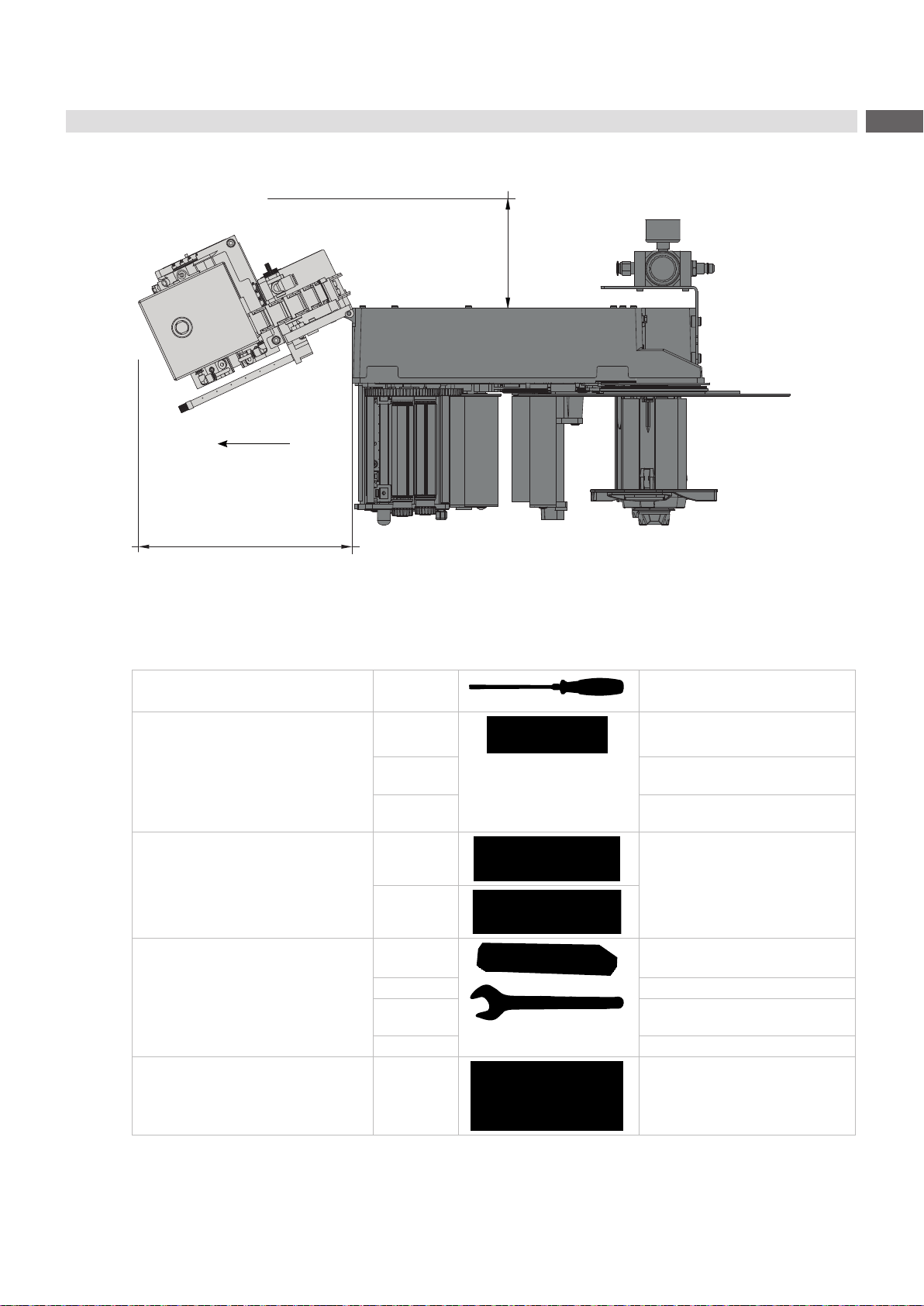
3.1 Required Space ......................................................................................................................................9
3.2 Tools for the implementing.......................................................................................................................9
3.3 Mounting the Applicator..........................................................................................................................10
3.4 Mounting and Demounting the Cover .....................................................................................................11
3.5 Releasing the Transportation Lock..........................................................................................................11
3.6 CongurationonthePrinter ...................................................................................................................12
3.6.1 Method for Changing the Printer Setup............................................................................................12
3.6.2 CongurationParametersoftheApplicator......................................................................................13
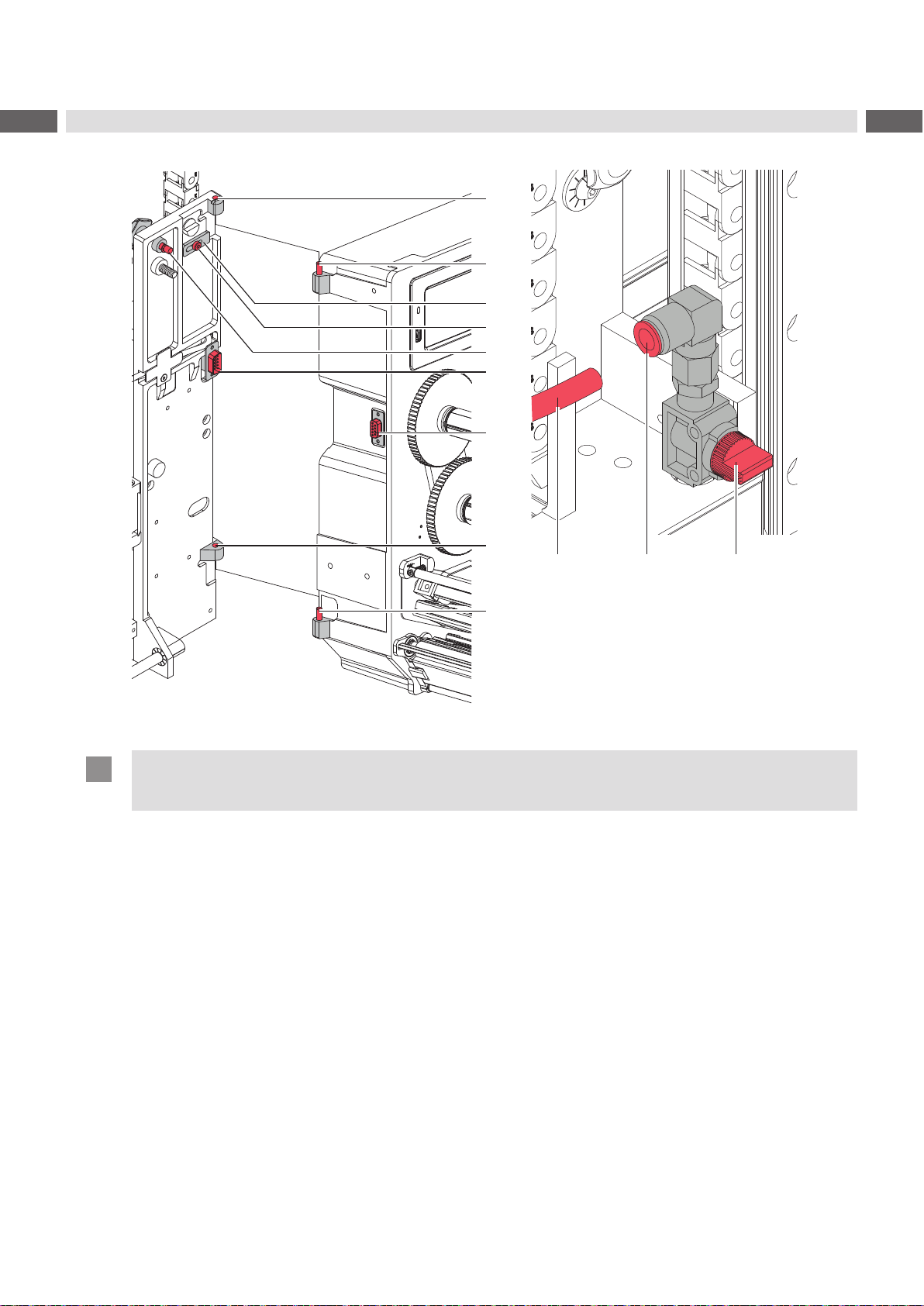
3.7 Compressed Air Connection ..................................................................................................................14
3.8 Test motion sequence and sensors........................................................................................................14
3.9 Mounting the Suction Pads....................................................................................................................15
3.10 Mounting the Blow Tube.........................................................................................................................15
3.11 Preparing the Tamp Assembly for Adjustments......................................................................................16
3.12 Adjusting the Pad...................................................................................................................................17
3.12.1 Moving the Pad in Y-Direction ..........................................................................................................18
3.12.2 Moving the Pad in Z-Direction..........................................................................................................19
3.12.3 Moving the Pad in X-Direction..........................................................................................................20
3.13 Setting the Peel Position........................................................................................................................21
3.14 Activation of Peel-off Mode....................................................................................................................21
3.15 Adjustments to the Blow Tube (Supporting Air)......................................................................................22
3.16 Adjusting the Vacuum ............................................................................................................................23
3.17 Alignment of the Product to the Applicator.............................................................................................24
3.18 Setting the Application Height................................................................................................................25
4 Operation..............................................................................................................................................26
4.1 Test Mode without a Print Job................................................................................................................26
4.2 Test Mode with a Print Job.....................................................................................................................26
4.3 Standard Operation................................................................................................................................27
4.4 Cleaning.................................................................................................................................................27
5 Error Messages....................................................................................................................................28
5.1 Error Messages of the Printer................................................................................................................28
5.2 Error messages of the applicator...........................................................................................................28
6 Licenses................................................................................................................................................29
6.1 Declaration of Incorporation...................................................................................................................29
6.2 EU Declaration of Conformity.................................................................................................................30