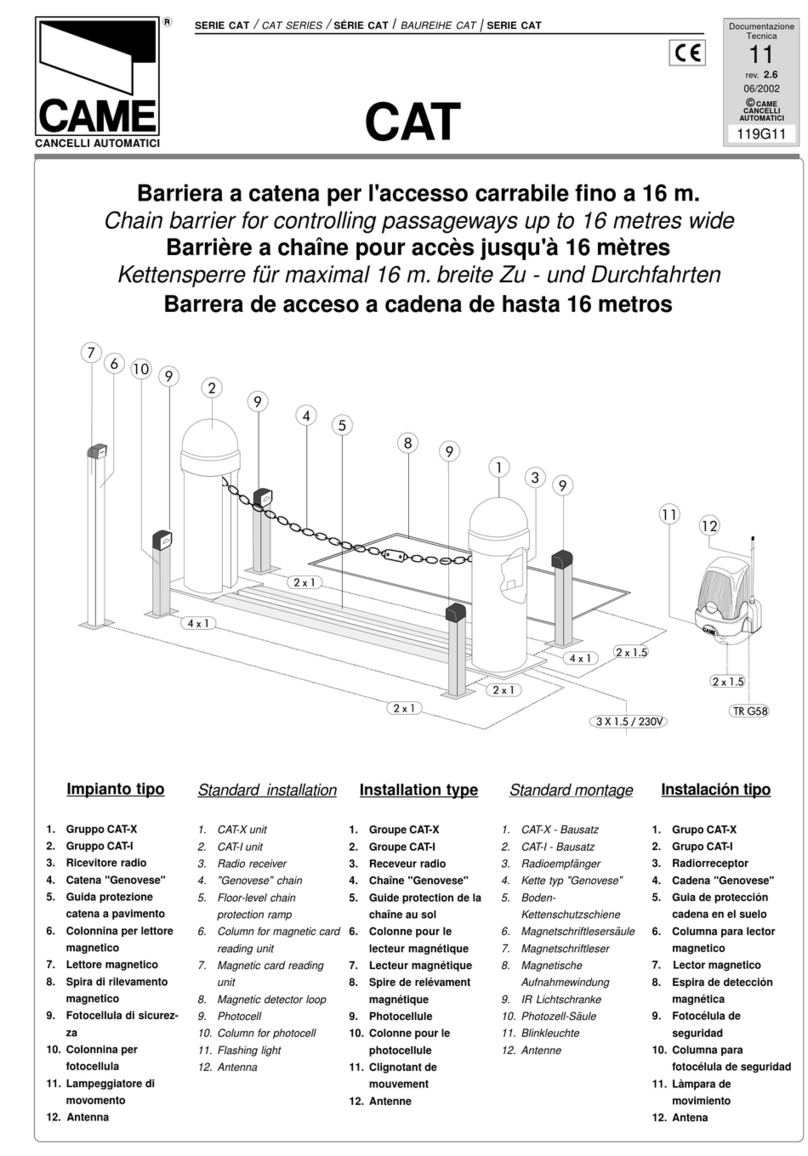
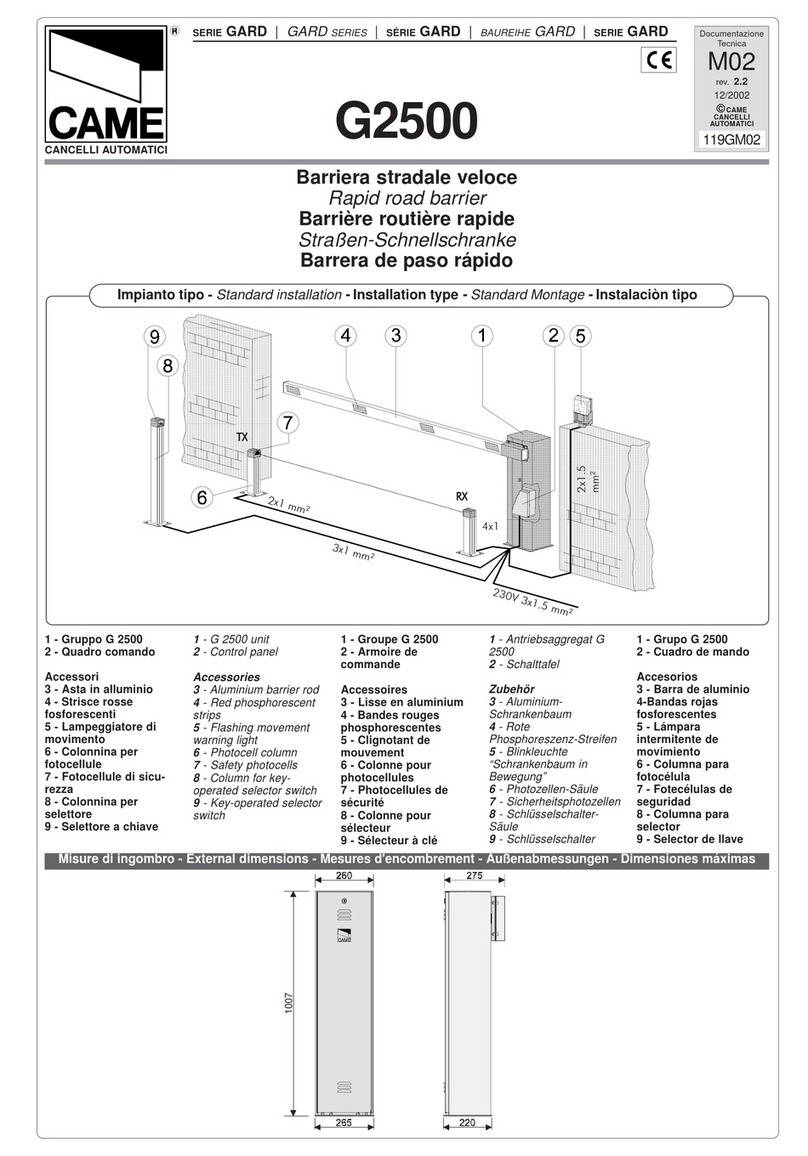
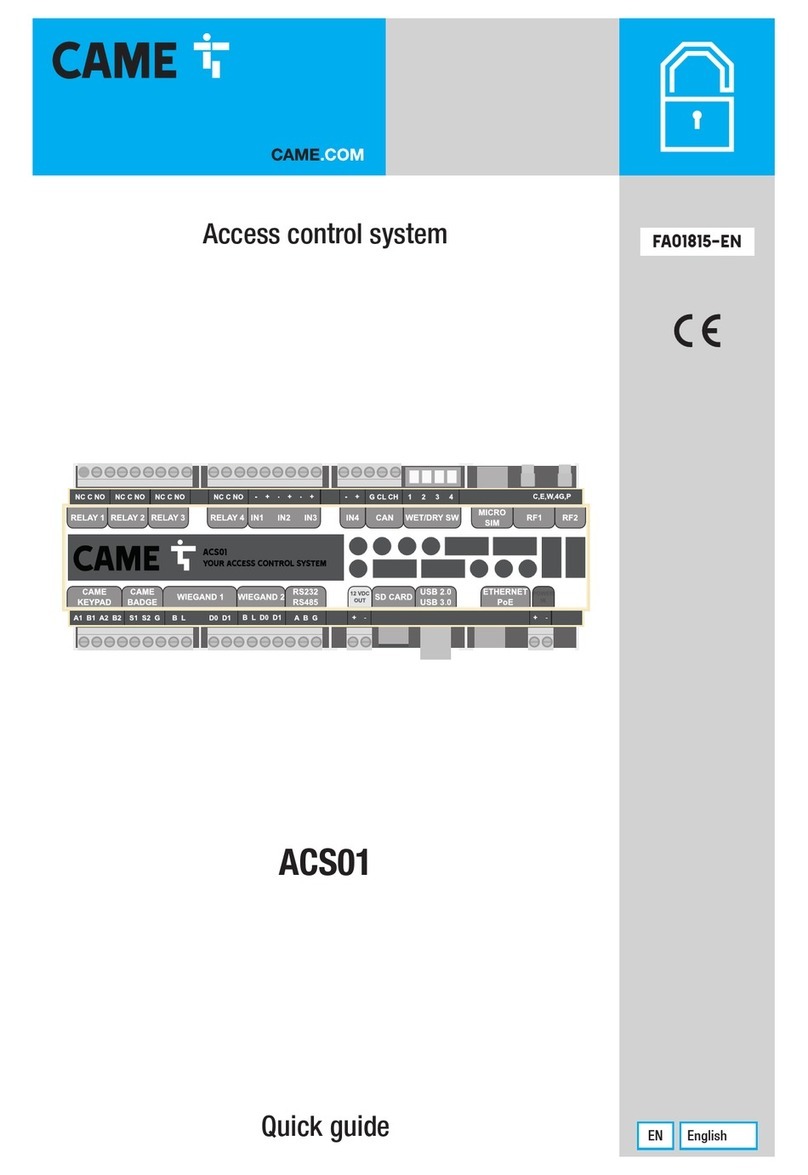
CAME RBM84-HW User manual

Came
cancelli automatici
s.p.a.
via Martiri della Libertà, 15
31030 Dosson di Casier
Treviso- Italy
tel. (+39) 0422 4940
fax (+39) 0422 4941
www.came.it
CameCancelli Automatici
èuna società certificata
ISO9001 per il sistema
digestione della qualità
aziendalee ISO 14001
peril sistema di gestione
ambiantale.
Cameprogetta e produce
interamentein Italia.
FA00189-EN
INSTALLATION MANUAL
RBM84 - HW
ACCESS CONTROL
SYSTEM
English
EN

RBM84 -
Hardware and connections
2
Page
2
- Manual code:
FA00189M04
FA00189M04 ver.
1
10/2015 © CAME s.p.a. - The data and information provided in this manual are subject to change at any time without prior notice by CAME S.p.a.
SUMMARY
TOPIC PAGE
What RBM84 is.................................................................................................................................................................................3
The uses of RBM84 .........................................................................................................................................................................4
What RBM84 can do .........................................................................................................................................................................5
Technical data for individual components..........................................................................................................................................5
Schematic diagram...........................................................................................................................................................................6
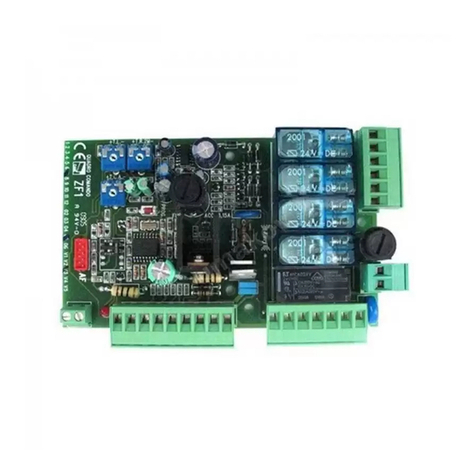
RBM84 base board - description ......................................................................................................................................................7
RBM84 base board - description.......................................................................................................................................................8
TOR100 base board - description......................................................................................................................................................9
RBM84 Turnstile configuration ........................................................................................................................................................10
PC30 - description..........................................................................................................................................................................11
RBM84 connection <----> PC30 <----> Personal Computer ..........................................................................................................12
RBM84 connection <----> Modem <----> Personal Computer.......................................................................................................13
RBM84 connection <----> REM (single segments) .........................................................................................................................14
RBM84 connection <----> REM (two segments).............................................................................................................................15
Connection RBM84/REM <----> Sensor: remote control .................................................................................................................16
Connection RBM84/REM <----> S5000 keyboard selector series ...................................................................................................17
Connection RBM84/REM <----> S6000 / S7000 keyboard selector series ......................................................................................18
Connection RBM84/REM <----> Transponder sensor for proximity devices.....................................................................................19
Connection RBM84/REM <----> Sensor for magnetic swipe cards .................................................................................................20
Connection RBM84/REM <----> Digital input contacts....................................................................................................................21
Connection RBM84/REM <----> Turnstile connection .....................................................................................................................22
Connection RBM84/REM <----> WAVE connection..........................................................................................................................23
Connection RBM84 <----> Trac lights..........................................................................................................................................24
Connection RBM84 <----> LBD2/BN1 battery charger....................................................................................................................25
DIP setting on REM connected in succession ..................................................................................................................................26
Dip switch RBM84 - Function selection...........................................................................................................................................27
Annex A - How to connect the U/UTP cable .....................................................................................................................................27

RBM84 -
Hardware and connections
3
Page
3
- Manual code:
FA00189M04
FA00189M04 ver.
1
10/2015 © CAME s.p.a. - The data and information provided in this manual are subject to change at any time without prior notice by CAME S.p.a.
The system and its software can manage up to 5500 users.
RBM84 is an integrated access control system completely controlled by a Personal Computer.
The base configuration comprises two devices, RBM84 and PC30, and a proprietary software that is easy to install and use on a PC
running Windows OS (Xp/Windows7/Windows8, Professional versions).
The RBM84 card is the heart of the system, and can be installed remotely from the computer (max 1000 m) as all programming/
modification/control functions are handled by the software.
PC30 should instead be installed in the vicinity of the computer (max 5 m), as it is an indispensable tool for programming the control
devices connected. PC30 unites all the decoders required to store all compatible Came control devices:
- Transmitters of the series Atomo, Tam, Top, TWIN (in TOP, TAM mode).
- S5000, S6000 and S7000 keyboard selectors;
- TSP00 sensor for transponder card.
- LT001 reader for magnetic stripe cards.
- WAVE sensors (WA01).
- Twister and Guardian turnstiles.
The number of these devices varies depending on the type of system.
The basic configuration can manage and control up to 8 operators (doors, gates, bars, etc.) with 4 control devices; There are also 8
digital inputs for connecting alarms, emergency locks, trac lights, sensitive mats , etc.
Up to 60 Rem expansion devices or 60 Twister/Guardian turnstiles can be added to this configuration, used simultaneously with-
out exceeding 60 units. In addition, up to 8 Wave sensors can be connected.
The system can manage and control up to 128 operators via 124 sensors and 128 digital inputs.
REM is an expansion card created to extend the capabilities of RBM84 in terms of equipment and / or devices connected (not neces-
sarily both); they are connected to each other via a serial cable whose total length must not exceed 1000 m where RBM84 can be
installed at the starting point (single line connection) or in an intermediate position (two-line connection).
The turnstiles are bidirectional electromechanical devices for regulating transit in high flow areas.
Wave WA01 is a proximity sensor with graphic display for an additional output.
What RBM84 is

RBM84 -
Hardware and connections
4
Page
4
- Manual code:
FA00189M04
FA00189M04 ver.
1
10/2015 © CAME s.p.a. - The data and information provided in this manual are subject to change at any time without prior notice by CAME S.p.a.
The uses of RBM84
The RBM84 system is able to fit into any context that requires access control for:
- access authorisation
- entrance/exit recording
- entrance/stay/exit monitoring
- entrance and exit activation and selection
- controlling parking time and costs
- locking/releasing the system and/or providing real-time authorisation
- allow system centralised management
The areas of application vary greatly and the main ones include:
PUBLIC CAR PARKS
PRIVATE PARKING
COMPANY PARKING AND BUILDINGS
EMPLOYEE MANAGEMENT
TOWN CENTRES
SPORTS FACILITIES
PUBLIC TOILETTES
WASTE DISPOSAL SYSTEMS
Employee access Employee parking Offices Loading/unloading bay

RBM84 -
Hardware and connections
5
Page
5
- Manual code:
FA00189M04
FA00189M04 ver.
1
10/2015 © CAME s.p.a. - The data and information provided in this manual are subject to change at any time without prior notice by CAME S.p.a.
Technical data for individual components
RBM84 REM PC30 WA01 TSP00 S5000 S6000 S7000 PST001
Power supply 120/230V 120/230V 15V AC 120-230V 15V DC 12/24V - 10VDC 230V AC
Maximum power 18W 8W 2.7W 2.3W 0.45 1W - 0.05W 55W
Current draw when idle 40mA 34 mA AC 180mA AC 10mA AC 30mA DC 43mA AC - 3.2mA 130mA
Protection rating IP54 IP54 IP20 IP40 IP54 IP54 IP54 IP54 IP44
Working
temperature -20 / 55C° -20 / 55C° -20 / 55C° -20 / 55C° -20 / 55C° -20 / 55C° -20 / 55C° -20 / 55C° -20 / 55C°
The following features are oered for all these applications and for any system that includes access and/or exit points that require
authorisation/control/recording/monitoring:
For the system as a whole
- Configuration - within the system - of dierent control devices, even for the same automation: a keyboard selector, transmitter
or transponder cards (magnetic or swipe), home control systems (Wave).
- Automation enabling/disabling.
- Digital input enabling/disabling.
- Definition of 30 homogeneous groups of users for collective authorisation/denial.
- Setting of 8 "vacant/occupied" control trac lights, with maximum number of spots and availability.
- Selection of relay operating mode, bistable / monostable (with setting of monostable closing time).
- Selection of contact type NO/NC, for all digital inputs.
- Settings for 8 dierent time brackets of the day.
- Enabling/disabling of time brackets.
- Programming of hourly costs for time brackets and whole day.
- Set of 4 discount levels.
- Programming complementary parking time limit.
- Setting the timed AntiPassBack duration.
- Programmed access opening and closing.
- Definition of "blocked days": partial or total system lock-up
- System lock-up/release.
- Storage/recording of 5500 dierent users with personal data and code of the control device assigned.
- User list print function.
- User operations per set time interval display or print function.
For each user
- Association to a homogeneous group.
- Enable/disable: edits or deletes user permanently
- Definition of type of access: normal, time or amount prepaid, subscription (in days).
- Antipassback type selection: normal or timed.
- Setting of hourly costs for customised credits.
- Allocation of discounts and complementary parking.
- Allocation of time brackets on a daily basis.
- Monitoring the status of the user: if recorded, last entrance and last exit, total stay, total accesses, remaining credit.
- User configuration print function.
- User operations per set time interval display or print function.
All these functions can be activated/blocked/changed at any time through the software, and all drives connected to RBM84 and REM
can be locked/unlocked using the safety push buttons connected to digital inputs.
What RBM84 can do

Came
cancelliautomatici
s.p.a.
viaMartiridella Libertà, 15
31030Dossondi Casier
Treviso-Italy
tel.(+39) 0422 4940
fax(+39) 0422 4941
www.came.it
CameCancelliAutomatici
èunasocietàcertificata
ISO9001perilsistema
digestionedellaqualità
aziendaleeISO14001
perilsistemadigestione
ambiantale.
Cameprogettaeproduce
interamenteinItalia.
*
*
*
*
*
PSINS PSSRV
REM
REM WA01
PST001
(Twister)
PSHPS07
(Guardian)
RBM84 -
Hardware and connections
6
Page
6
- Manual code:
FA00189M04
FA00189M04 ver.
1
10/2015 © CAME s.p.a. - The data and information provided in this manual are subject to change at any time without prior notice by CAME S.p.a.

*Recommended cable: unshielded braided multi-strand (CAT 5 - U/UTP - AWG 24)
Types of compatible commands
Transmitters
ATOMO/TOP/TAM
TWIN
Transponder card
sensors
TSP00/TST01
Transponder
keychain
PCT/TAG
Magnetic card
sensor
LT001/TST02
Transponder sensor
WA01
Keypad
selectors
S5000/S6000
S7000
PC with operating system
Windows Xp/7/8
RBM84
Control unit Software
PC30
Interface
Cables x 1.5 mm² for 230 V AC
Barriers or other operators
RS232 cable
Max 5 m
Other units
Maximum distance
between RBM84 and
last REM/Turnstile unit
1000 m
Max 1000 m
Schematic diagram

9
8
7
6
5
4
2
1
11
3
12
10
13
RBM84 -
Hardware and connections
7
Page
7
- Manual code:
FA00189M04
FA00189M04 ver.
1
10/2015 © CAME s.p.a. - The data and information provided in this manual are subject to change at any time without prior notice by CAME S.p.a.
RBM84 base board - description
1. 315mA safety fuses (Line) and 630mA circuit fuses
(control board)
2. R700 and R800 board connector
3. Sensor connection terminal
4. LBD2BN1 battery charger board connection terminals
5. Battery connection terminals
6. 230V A.C. line connection
7. Connector terminal block for controlled devices, max. 5A
at 230V per contact.
8. Connection terminals for REM extensions/Wave connection
or PST001.
9. Connection terminals for input digital devices.
10. PC30 connection terminals
11. Signalling LEDs: red - "circuit active" - green -
"communication in progress".
12. Modem RS232 connector
13. Function selector (see p. 27)

11
6
4
5
10
9
4
7
8
1
2
3
RBM84 -
Hardware and connections
8
Page
8
- Manual code:
FA00189M04
FA00189M04 ver.
1
10/2015 © CAME s.p.a. - The data and information provided in this manual are subject to change at any time without prior notice by CAME S.p.a.
1. Power supply terminals for 230V A.C. board
2. Power supply safety fuse
3. Circuit safety fuse
4. Connection terminals for transponder sensors (TSP00) and
reader for magnetic stripe cards (LT001).
5. Connectors for signal decoding cards (selectors, sensors,
transmitters)
6. Antenna connection terminals
7. Connection terminals for digital input devices
8. Connection terminals for slave devices
9. "Circuit active" alert LED
10. Rem address selector (see p. 26)
11. Connection terminal block for segment subsequent device
(REM/WAVE/Turnstile).
RBM84 base board - description

L N + -
+ E -
A B GND
EbA EbA EbI EbI
10 S2
S12EM432111
11
9
8
13
10
14
12
15
7
6
5
4
2
3
2
1
RBM84 -
Hardware and connections
9
Page
9
- Manual code:
FA00189M04
FA00189M04 ver.
1
10/2015 © CAME s.p.a. - The data and information provided in this manual are subject to change at any time without prior notice by CAME S.p.a.
1. Transformer
2. Transformer connection terminal block
3. 1.6A accessory fuse
4. Limit switch connection terminal block
5. 1.6A line fuse
6. Board power supply terminal block, 230V A.C.
7. Control accessories and devices connection terminal block
8. Electric lock connection terminal block
9. Buzzer (Siren) connection terminal block
10. Transponder connection connectors
11. R700 board connectors
12. Memory roll card connector
13. Display connection connector
14. Function programming buttons
15. Connection terminal block for segment subsequent device
(REM/WAVE/Turnstile).
TOR100 base board - description

F - 11
F
-
12
OFF ON
F
-
10
+
Esc
F - 12
F
-
13
1 3
2
60
F
-
11
+
Esc
RBM84 -
Hardware and connections
10
Page
10
10 - Manual code:
FA00189M04
FA00189M04 ver.
1
10/2015 © CAME s.p.a. - The data and information provided in this manual are subject to change at any time without prior notice by CAME S.p.a.
Function 11: Stand Alone or OnLine mode
In Stand-Alone (OFF) the turnstile works automatically, while On-Line (ON) the turnstile is connected and controlled by RBM84.
Function 12: Device number.
Assign the position inside the RBM84 circuit to each turnstile.
The turnstile must be configured and numbered via functions 11 and 12 in order to perform operations in the RBM84
system, as shown hereafter.
(for 10 cycles)
(for 11 cycles)
RBM84 Turnstile configuration
Table of contents
Other CAME Control System manuals

CAME
CAME RBM21 - HW User manual

CAME
CAME G4040Z User manual

CAME
CAME GLT40AOS User manual

CAME
CAME CAT Serie User manual

CAME
CAME GARD 4 SERIES User manual

CAME
CAME GARD series User manual

CAME
CAME PS ONE SERIES User manual

CAME
CAME GARD series User manual

CAME
CAME GARD series User manual

CAME
CAME GARD 8 SERIES User manual