manuals.online logo
Brands
  1. Home
  2. •
  3. Brands
  4. •
  5. CAME
  6. •
  7. Garage Door Opener
  8. •
  9. CAME BY-3500T User manual

CAME BY-3500T User manual

Other manuals for BY-3500T

5

Other CAME Garage Door Opener manuals

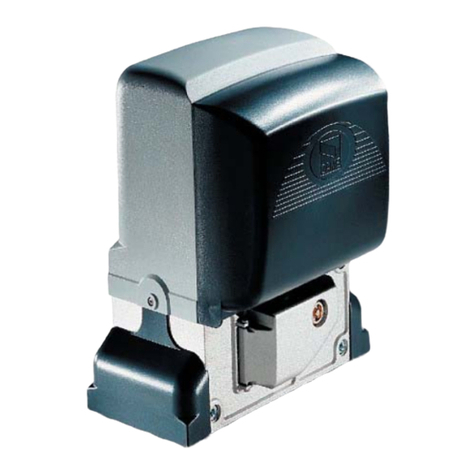
CAME BX-74 User manual

CAME

CAME BX-74 User manual

CAME G4140ZU User manual

CAME

CAME G4140ZU User manual

CAME RIO SYSTEM User manual

CAME

CAME RIO SYSTEM User manual

CAME MYTO ME User manual

CAME

CAME MYTO ME User manual

CAME FL-180 User manual

CAME

CAME FL-180 User manual

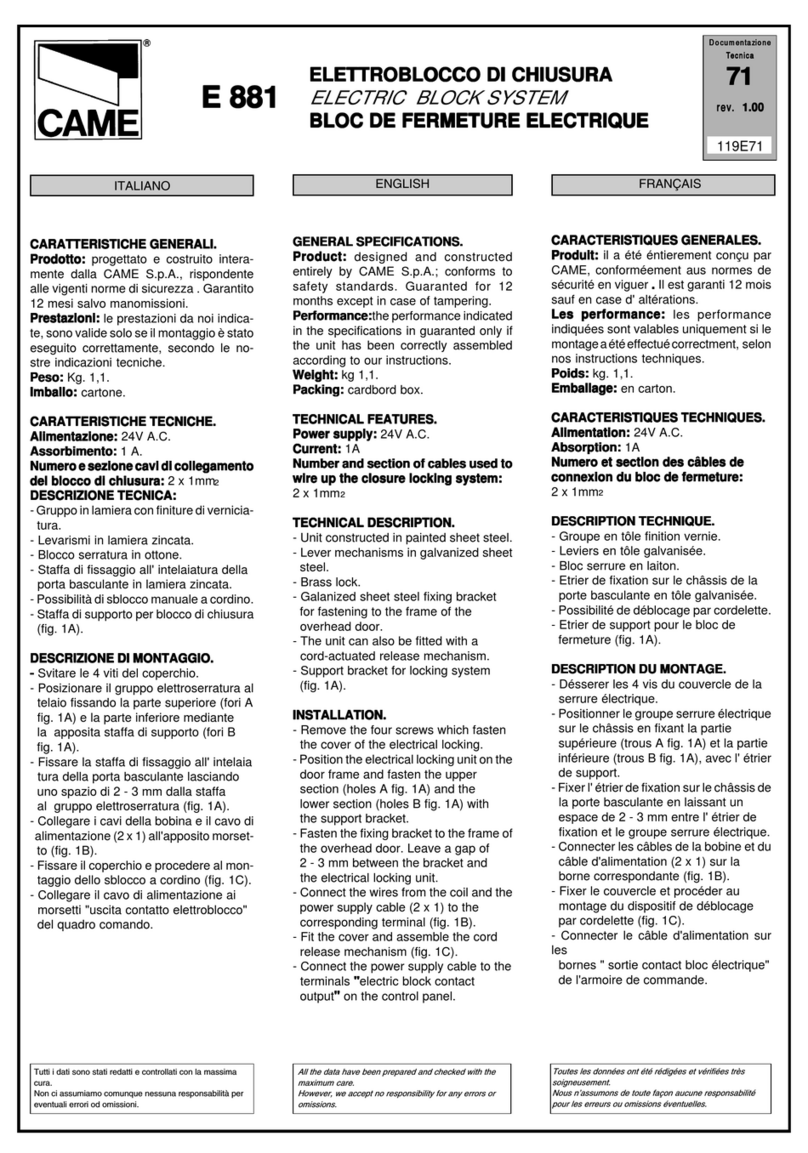
CAME E 881 User manual

CAME

CAME E 881 User manual

CAME BX704ALS User manual

CAME

CAME BX704ALS User manual

CAME BK 800 User manual

CAME

CAME BK 800 User manual

CAME BK-2200T User manual

CAME

CAME BK-2200T User manual

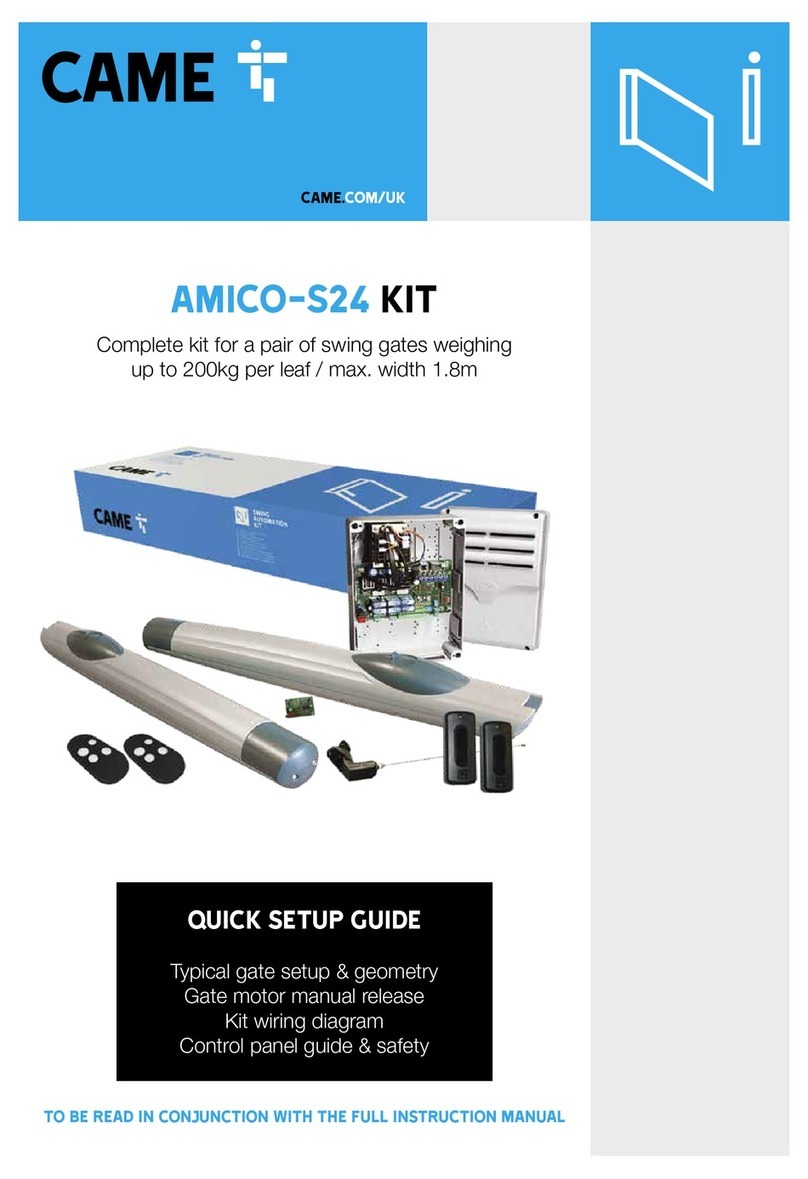
CAME FAST-S24 KIT User manual

CAME

CAME FAST-S24 KIT User manual

CAME BK-221 User manual

CAME

CAME BK-221 User manual

CAME VER Series User manual

CAME

CAME VER Series User manual

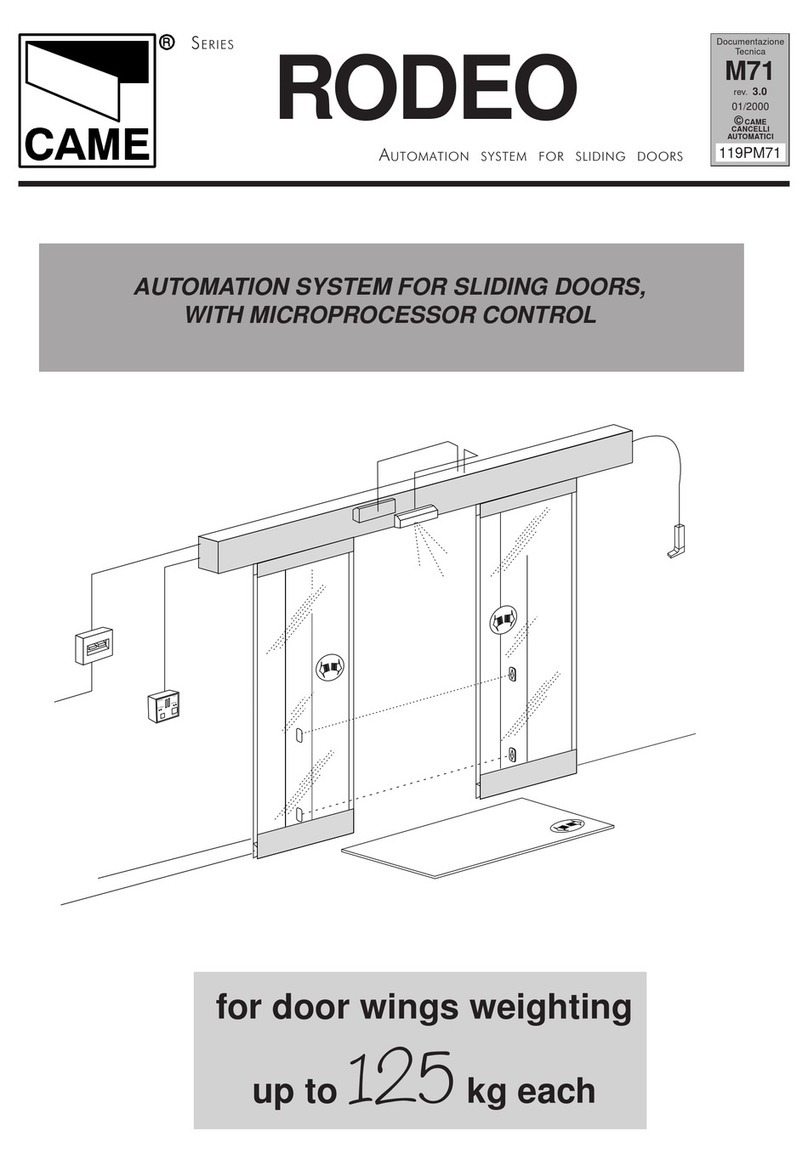
CAME RODEO Series User manual

CAME

CAME RODEO Series User manual

CAME RIOCT8WS User manual

CAME

CAME RIOCT8WS User manual

CAME BK-2200T User manual

CAME

CAME BK-2200T User manual

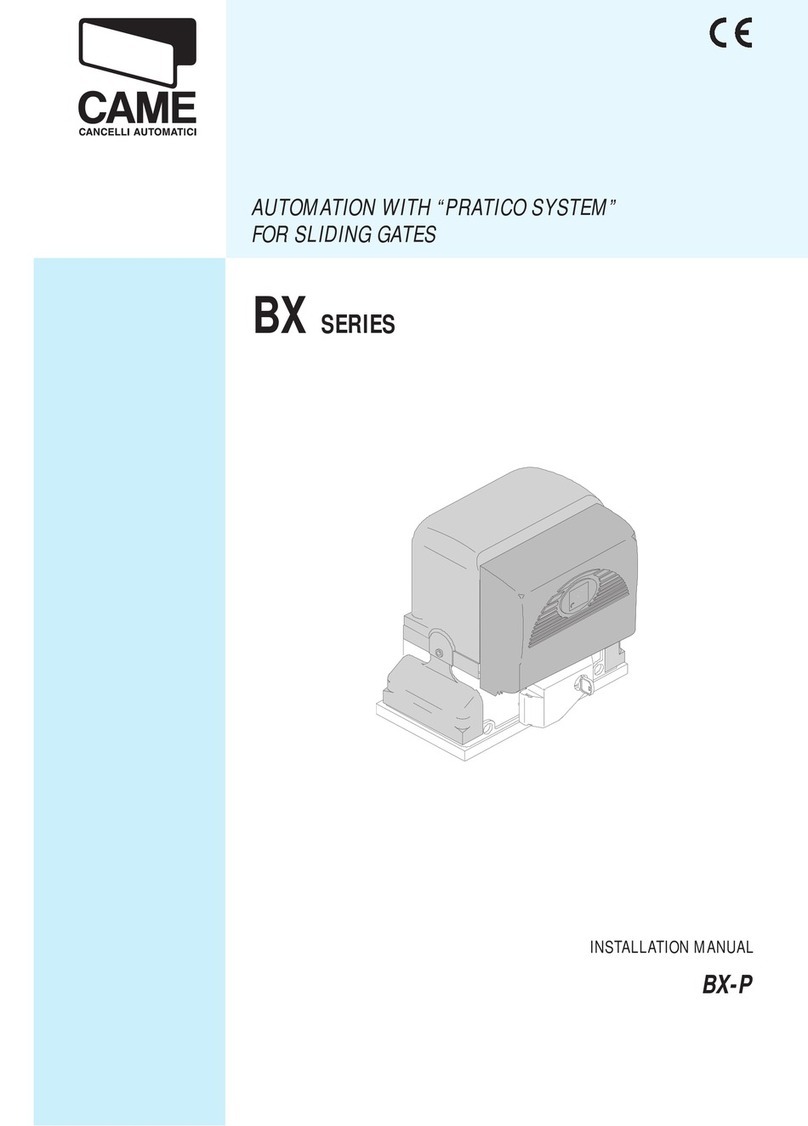
CAME PRATICO SYSTEM BX Series User manual

CAME

CAME PRATICO SYSTEM BX Series User manual

CAME V6000P User manual

CAME

CAME V6000P User manual

CAME BX Series User manual

CAME

CAME BX Series User manual

CAME VER-PLUS Series User manual

CAME

CAME VER-PLUS Series User manual

CAME v6000 User manual

CAME

CAME v6000 User manual

CAME 8K01MB-0572 STYLO KIT User manual

CAME

CAME 8K01MB-0572 STYLO KIT User manual

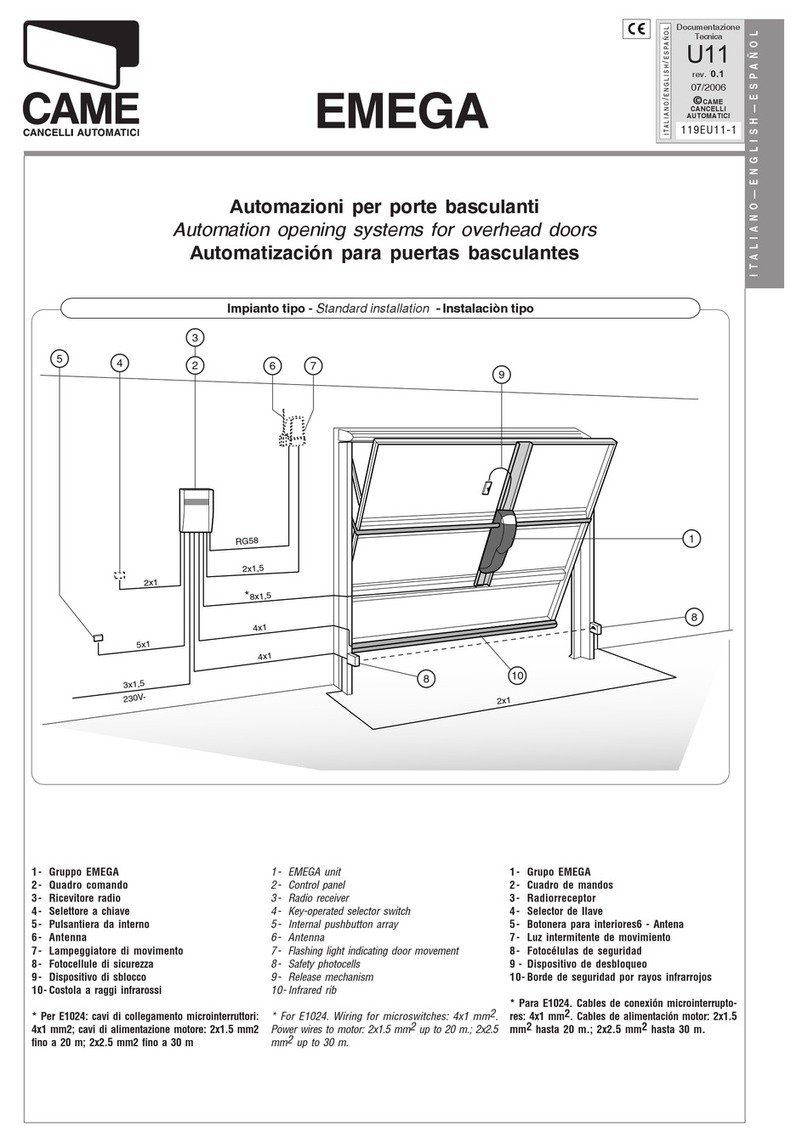
CAME EMEGA E306 User manual

CAME

CAME EMEGA E306 User manual

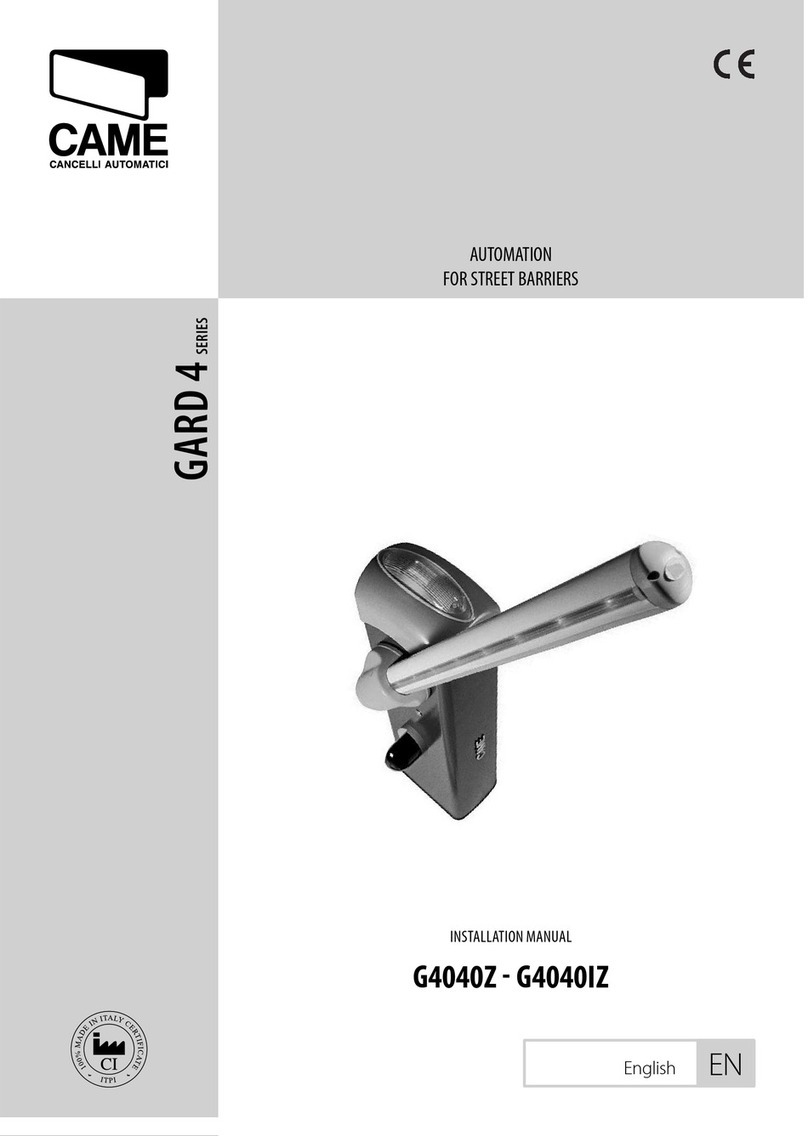
CAME G4040IZ User manual

CAME

CAME G4040IZ User manual

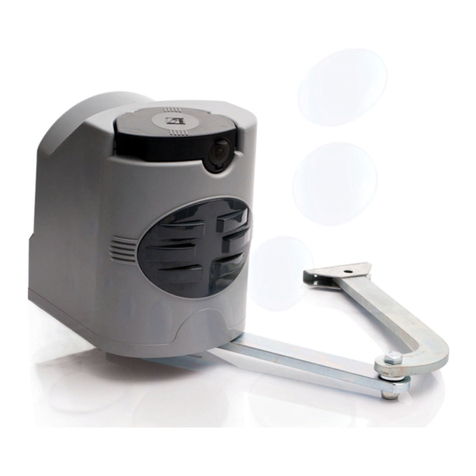
CAME RODEO User manual

CAME

CAME RODEO User manual

Popular Garage Door Opener manuals by other brands

ATA GDO-6 EasyRoller instruction manual

ATA

ATA GDO-6 EasyRoller instruction manual

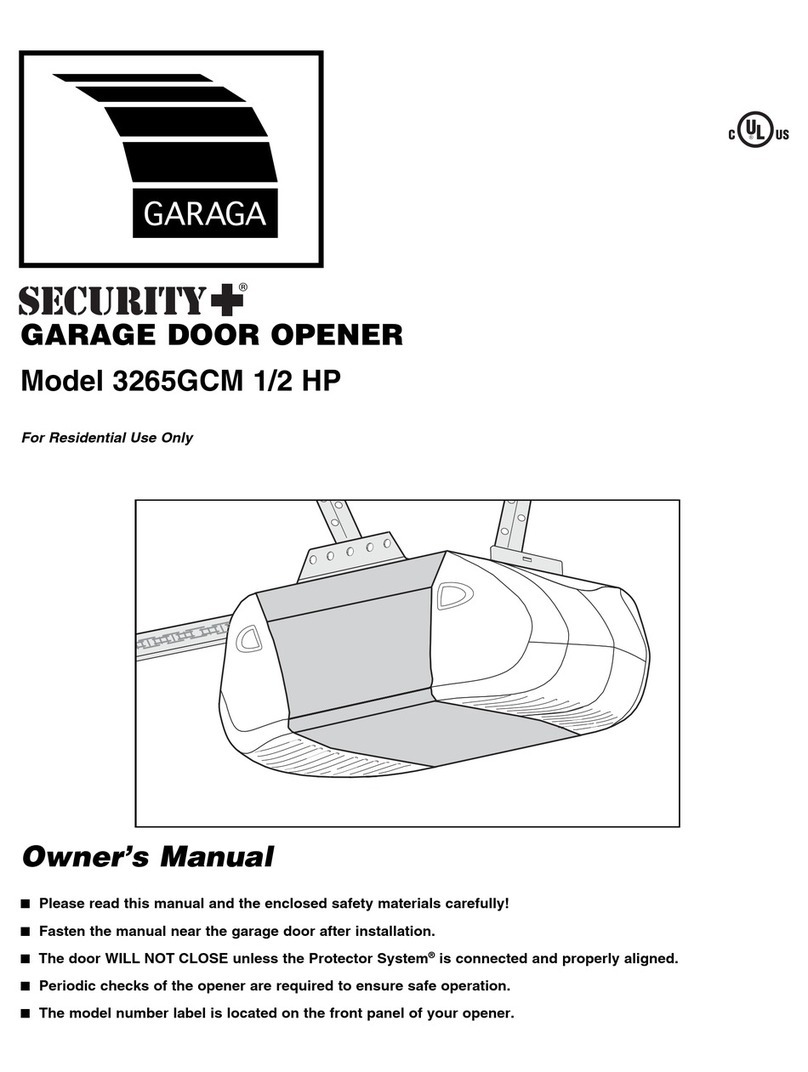
Garaga SECURITY+ 3265GCM 1HP owner's manual

Garaga

Garaga SECURITY+ 3265GCM 1HP owner's manual

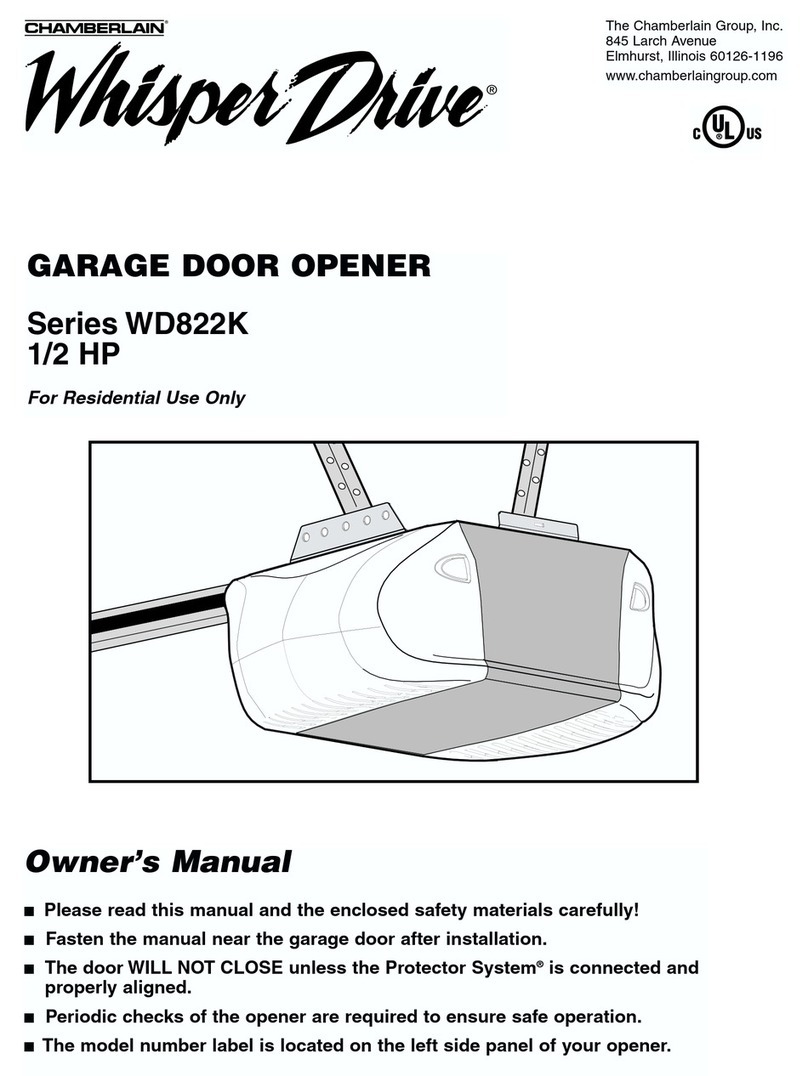
Chamberlain Whisper Drive SECURITY+ WD822K Series owner's manual

Chamberlain

Chamberlain Whisper Drive SECURITY+ WD822K Series owner's manual

Chase Doors DuraShield installation manual

Chase Doors

Chase Doors DuraShield installation manual

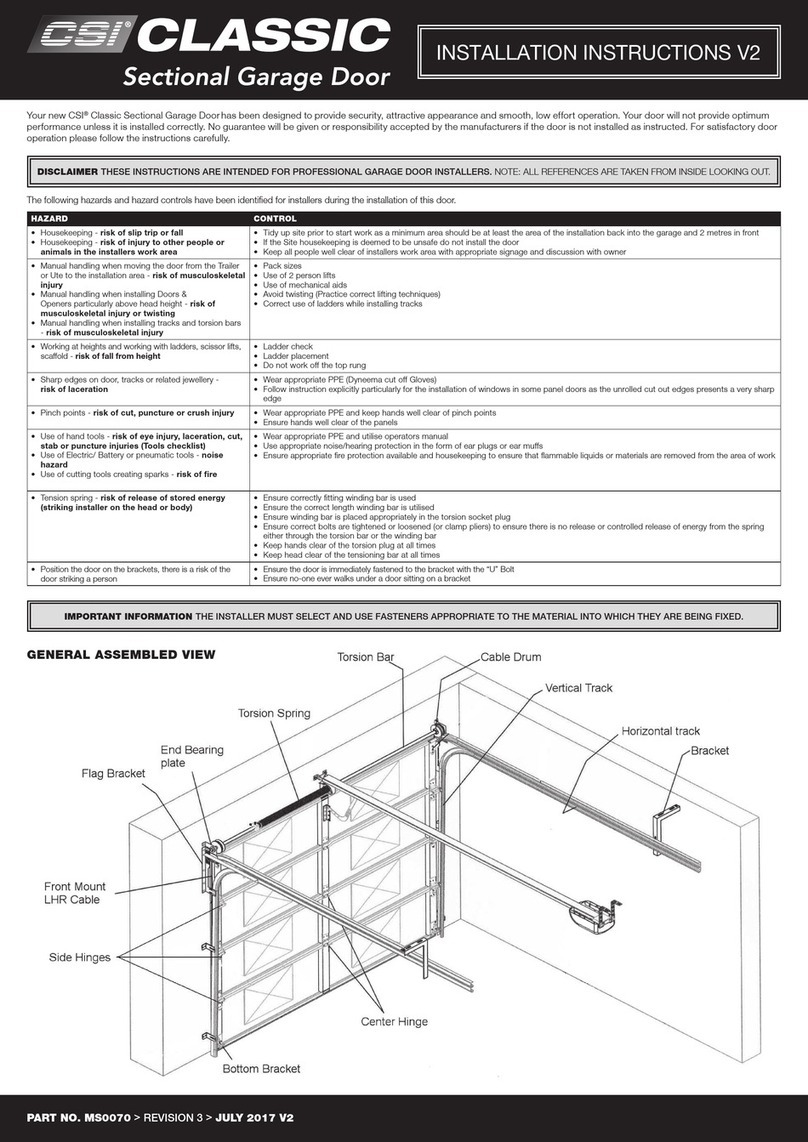
CSI Classic installation instructions

CSI

CSI Classic installation instructions

Chamberlain Elite 3575S owner's manual

Chamberlain

Chamberlain Elite 3575S owner's manual

Richmond GTR156 user manual

Richmond

Richmond GTR156 user manual

B&D Controll-A-Door 5 instruction manual

B&D

B&D Controll-A-Door 5 instruction manual

Chamberlain MyQ 940ESTD owner's manual

Chamberlain

Chamberlain MyQ 940ESTD owner's manual

Automatic Technology GDO-9V1 SecuraLift installation instructions

Automatic Technology

Automatic Technology GDO-9V1 SecuraLift installation instructions

Westfalia 19 36 07 instruction manual

Westfalia

Westfalia 19 36 07 instruction manual

Chamberlain HD520EVP manual

Chamberlain

Chamberlain HD520EVP manual

Cardin BL Series instruction manual

Cardin

Cardin BL Series instruction manual

Chamberlain 8355 - 1/2 hp installation instructions

Chamberlain

Chamberlain 8355 - 1/2 hp installation instructions

Bauer CROSS18 Application. Installation and Maintenance Manual

Bauer

Bauer CROSS18 Application. Installation and Maintenance Manual

Dorma ES 90 manual

Dorma

Dorma ES 90 manual

Wayne-Dalton 8124 Installation instructions and owner's manual

Wayne-Dalton

Wayne-Dalton 8124 Installation instructions and owner's manual

Chamberlain Merlin MS105MYQ Installation and operating instructions

Chamberlain

Chamberlain Merlin MS105MYQ Installation and operating instructions

manuals.online logo
manuals.online logoBrands
  • About & Mission
  • Contact us
  • Privacy Policy
  • Terms and Conditions

Copyright 2025 Manuals.Online. All Rights Reserved.

CAME.COM/UK
BY-3500T
kit
Complete kit for a sliding gate weighing
up to 3500kg / max. width 23m
QUICK SETUP GUIDE
TO BE READ IN CONJUNCTION WITH THE FULL INSTRUCTION MANUAL
CONTENTS
AF43S
Radio Frequency Card
BY-3500T
Motor with built-in ZT6
control panel
BY-3500T: KIT CONTENTS
x2
DIR10
Pair of Photocells
top-a433n
Tuned Antenna
topd4Fks
Fixed code Transmitter
1Kit Contents
2Safety Instructions
3Typical Gate Setup
4Geometry
5Manual Release Instructions
6Kit Wiring Diagram
7Control Panel:
Quick Start Guide
8Control Panel:
Programming Transmitters
9Control Panel: Safety
10 Optional Accessories
SAFETY INSTRUCTIONS
When correctly installed in compliance to installation instructions and adhering to all
current electrical, mechanical and manufacturer regulations, your automation system
will provide a high degree of safety and problem free operation.
Please take note of the following warnings that must be followed in order to
prevent accidents during your gate operation:
• Do not allow children to play near the gate.
• Keep all remote control operating devices out of the reach of children.
• Do not pass through the gate whilst in operation. Wait until they are fully open before passing through.
• Do not stop unnecessarily when passing through the gate.
• Keep feet away from the bottom of the gate during operation.
• Do not operate the gate by remote control unless they are in view.
• Do not attempt to block or interfere with the gate movement during operation.
• Under no circumstances should you attempt to modify the gate automation system.
• Ensure that your gate is serviced at 3 to 12 month intervals (dependent on number of openings) by your installation/
maintenance company.
• Report any signs of malfunction to your installation/maintenance company immediately.
• In the case of malfunction, isolate the power supply, release any additional locking mechanism, manually open the
gate (see manual release instruction booklet) and call your installation/maintenance company.
• If you are in any doubt regarding the operation of your gate, call your installation/maintenance company.
BY-3500T: TYPICAL GATE SETUP
PHOTOCELLS
• The photocells are used in pairs, one transmitter and one receiver.
• They should be installed between 500-600mm from the ground, facing each other.
• Power for the photocells is taken from the control panel 24v AC.
• The maximum range of the photocell should always be observed.
When the photocell beam is broken, the control panel can be programmed on how to react.
Please see ‘Safety’ section for more information.
1
9
7
8
8
2
5
3
4
6
OUTSIDE OF GATES
INSIDE OF GATES
10
11
12
BY3500T
1BY-3500T Motor 5Selector Keypad (optional) 9Photocell column (optional accessory)
2Limit switch fins 6Photocells (on outside of gate posts) 10 Slide guides
3Reception Antenna 72nd set of Photocells (optional) 11 Rack
4Flashing Light (optional) 8Mechanical End Stop (not supplied) 12 Sensitive safety-edge
CONTROL PANEL
• The control panel is integral to the motor and is accessed by removing the outer cover.
• The control panel is protected by a board-protection cover which will need to be removed for initial wiring.
Only a competent service provider should open the enclosure
and adjust the settings.
BY-3500T: GEOMETRY
Max Leaf Length (m) Max Leaf Weight (kg)
23 3500
Preliminary checks
gate GEOMETRY
Tick
1. Ensure that all surfaces are perfectly level (Do not install on slopes)
2. Foundation frame dug out
3. Set up the corrugated tubes needed for the wiring coming out of the junction pit.
4. Use Ø 40 mm corrugated tubes to connect the gearmotor to the accessories
5. Prepare a Ø 20 mm tube to run the release cord through A.
6. Use Ø 40 mm corrugated tubes to connect the gearmotor to the accessories
The number of tubes depends on the type of system and the accessories that are going to be tted
INSTALLATION
Please refer to the full manual for installing the motor, rack and setting travel end points
1-2mm. The rack and pinion should mesh.
Do not allow the rack to rest on the pinion.
The gate motor must be installed parallel to the gate.
578
222
480
==
171
167
275
295
BY-3500T: MANUAL RELEASE
To manually release the gates:
1. Unlock and remove the cover
A1 .
2. Insert the locking key
provided A2 and turn to
release the gate.
3. The gate should be manually
released. Fully open the gate
carefully at the same speed
as the automatic operator.
4. To re-engage, close the
gate and re-engage the
mechanism using the locking
key B1 .
5. Replace the casing and lock
back in place B2 .
6. Attempt to manually move
the gate to ensure it is fully
engaged.
The BY-3500T sliding gate operator has a manual release system inside the metal casing.
Basic Maintenance: Hints & Tips
• If a ground track is fitted, ensure the track is always
clear of debris.
• Lubricate manual release compartment and key
mechanism.
• Manually release the gates at least once per month.
ALWAYS isolate the power supply as
instructed by your installer (even in a
power cut).
Release any additional locking
device fitted to the gate (eg. electric
lock etc).
1 2
21
a
B
BY-3500T: wiring diagram
ZT6
Control Panel
DIR
Photocells
Cable/length
RX 4 Core 0.5mm Flex
TX 4 Core 0.5mm Flex
1m - 30m
AF43S
Plug-in
+ -
10 2 TX C NC TX 2
TX
TOP-A433N
Antenna
Cable/length
RG58
Max. 5m
RX
Mains Supply
400V 3 Phase
Cable/length
1m - 10m = H05RN-F 4G x 1.5mm2
10m - 20m = H05RN-F 4G x 2.5mm2
20m - 30m = H05RN-F 4G x 4mm2
ZT6: QUICK START GUIDE
Should the gates not operate as suggested above,
call CAME helpline 0115 921 0430 for technical support.
Safety inputs should now be configured and the
gate force tested as required. Please refer to the
full manual to complete the commissioning.
Ensure the wiring is complete (refer to the wiring diagram) & any required physical stops are set before
commencing with programming Tick
1. Power on the control panel.
2. Disable total stop – Dip switch 10 ON.
3. Disable the safety input C1 – Dip switch 7 ON.
4. Disable safety input CX – Dip switch 8 ON.
5. Set all other dip switches off.
6. Set the motor direction as viewed from the inside of the property looking out.
The default setting for the motor is left hand opening if the gate is to open to the right the motor and end stop
connections must be swapped as below.
Right hand opening.
7. With the gate in the closed position check the gate operation by pulsing across connections 2 & 3,
the gate will open.
Please refer to the main manual for:
Changing automatic closing time, adjusting encoder settings if required
Important!
BY3500T
M
ZT6: transmitters
Should the transmitter not operate as suggested above,
call CAME helpline 0115 921 0430 for technical support.
add a transmitter button
1. Press and hold the CH1 button, the PROG. LED starts flashing rapidly.
2. While keeping the CH1 button held down press and release a button on a transmitter
The PROG. LED goes solid to signal the successful saving of the code.
3. Release the CH1 key.
One individual button can be saved.
duplicating a transmitter button
Additional transmitters will need to be duplicated from the one that was saved to the control board
in the above procedure.
Using a transmitter that has not been saved on to the control board
1. Press and hold the two large buttons on the remote until the
LED at the top starts flashing rapidly.
Release the buttons.
2. Now press and release the button you wish to use
to open the gate.
The LED will change to a slow flash.
3. Place the previously programmed transmitter against
the new transmitter.
Press and release the button on the previously saved
transmitter that is used to open the gate.
The LED on the new transmitter will flash three times to
acknowledge it has received the signal from the saved transmitter.
Ensure the AF card is fitted (refer to the wiring diagram).
NEW
PROGRAMMED
x3
ZT6: SAFETY
C1 REOPENING DURING CLOSING
• When the automation is in its closing cycle and the safety circuit is triggered the automation will stop and reverse its motion until it reaches its
fully open position again.
• If the auto closing option is enabled and the safety is no longer triggered the auto closing countdown will commence, once completed the
automation will start the closing cycle again.
• If the auto closing option is not enabled the automation will return to the fully open position awaiting another activation from a command device.
FUNCTIONS > C1 Input, CX Input
SAFETY INPUTS
C2 RECLOSING DURING OPENING
• When the automation is in its opening cycle and the safety circuit is triggered the automation will stop and reverse its motion until it reaches its
fully closed position again.
• Once the automation has reached the fully closed position it will require another activation from a command device to restart.

C3 PARTIAL STOP
• When the automation is in its opening cycle and the safety circuit is triggered the automation will stop.
• If the auto closing option is enabled and the safety is no longer triggered the auto closing countdown will commence, once completed the
automation will start closing the device.
If during the reverse motion a different safety is triggered the automation will perform the appropriate action for the new triggered
safety, should multiple safeties be triggered at the same time the automation will be halted at its current position.
OR
The above sequence will be attempted 3 times before the automation is halted, the automation will then
require activation from a command device to restart.