manuals.online logo
Brands
  1. Home
  2. •
  3. Brands
  4. •
  5. Chiayo
  6. •
  7. Microphone
  8. •
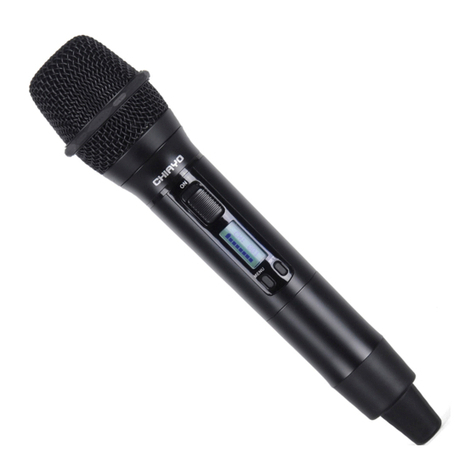
  9. Chiayo DH2400 User manual

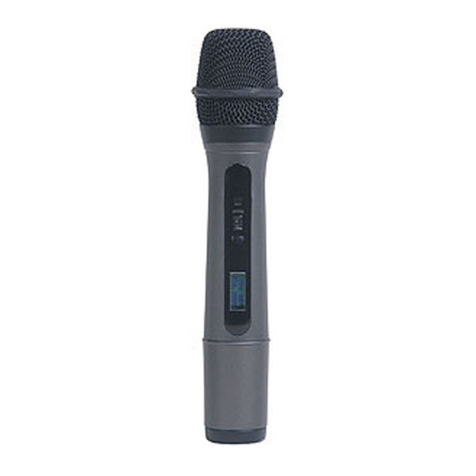
Chiayo DH2400 User manual

Other manuals for DH2400

1

This manual suits for next models

1

Other Chiayo Microphone manuals

Chiayo DWR-2420 User manual

Chiayo

Chiayo DWR-2420 User manual

Chiayo GMW-200 User manual

Chiayo

Chiayo GMW-200 User manual

Chiayo GM-200 User manual

Chiayo

Chiayo GM-200 User manual

Chiayo SQ-5016 User manual

Chiayo

Chiayo SQ-5016 User manual

Chiayo ITX2 User manual

Chiayo

Chiayo ITX2 User manual

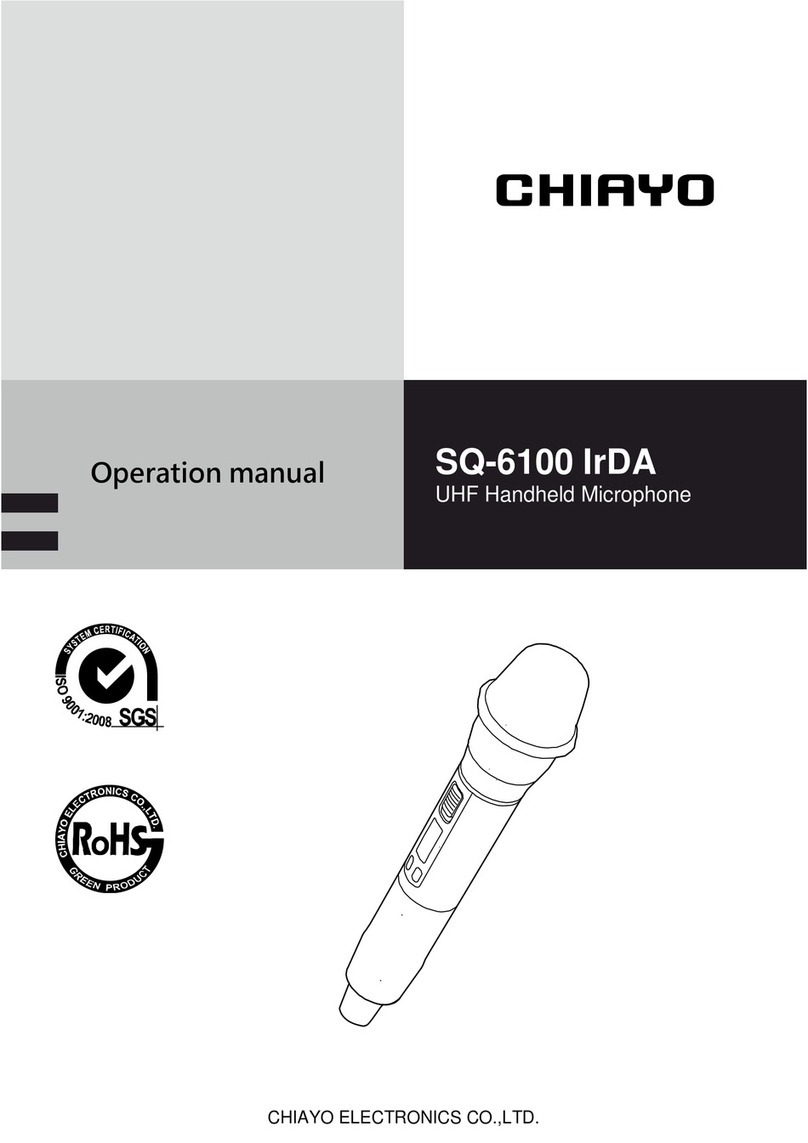
Chiayo SQ-6100 IrDA User manual

Chiayo

Chiayo SQ-6100 IrDA User manual

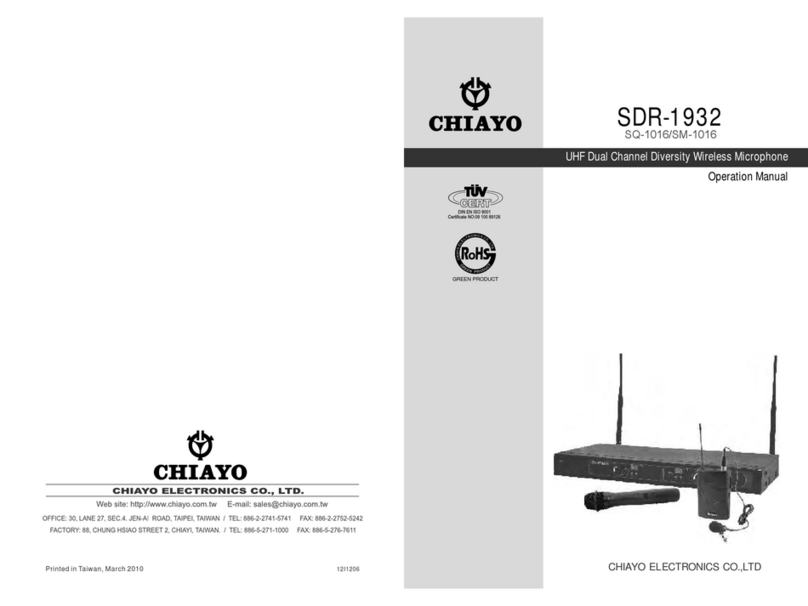
Chiayo SDR-1932 User manual

Chiayo

Chiayo SDR-1932 User manual

Chiayo SDR-5900 User manual

Chiayo

Chiayo SDR-5900 User manual

Chiayo NH-3100 User manual

Chiayo

Chiayo NH-3100 User manual

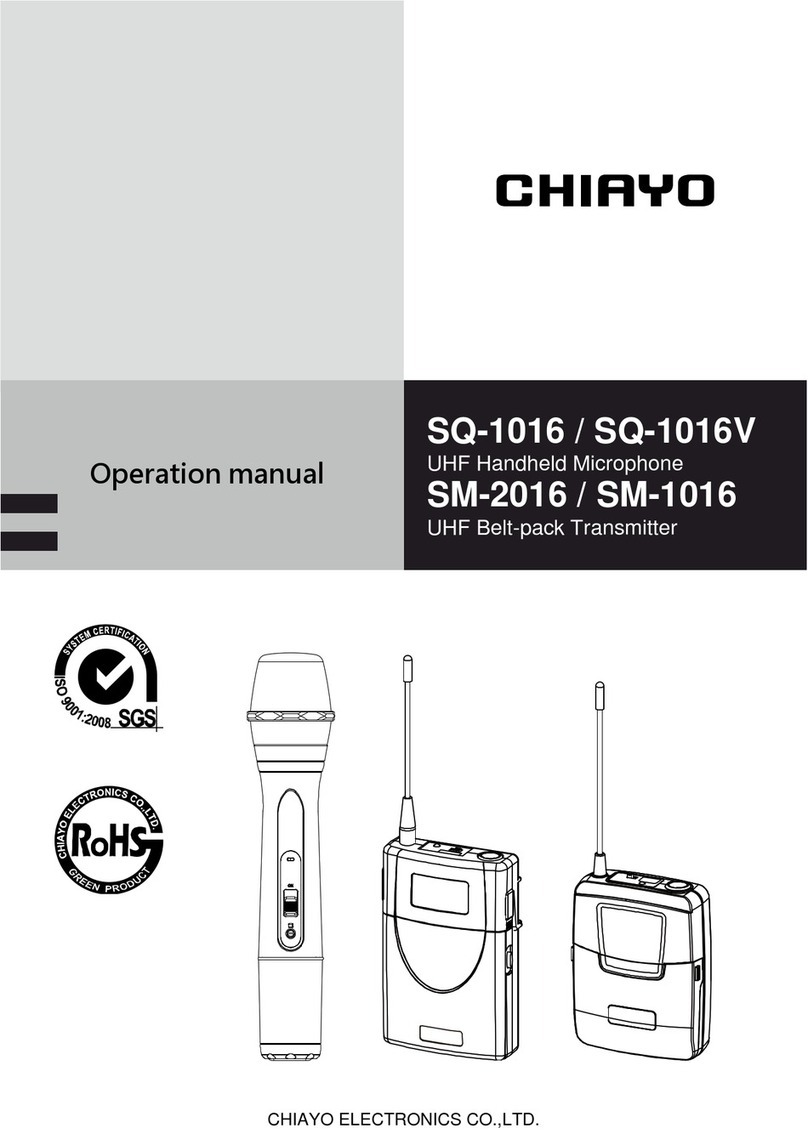
Chiayo SQ-1016 User manual

Chiayo

Chiayo SQ-1016 User manual

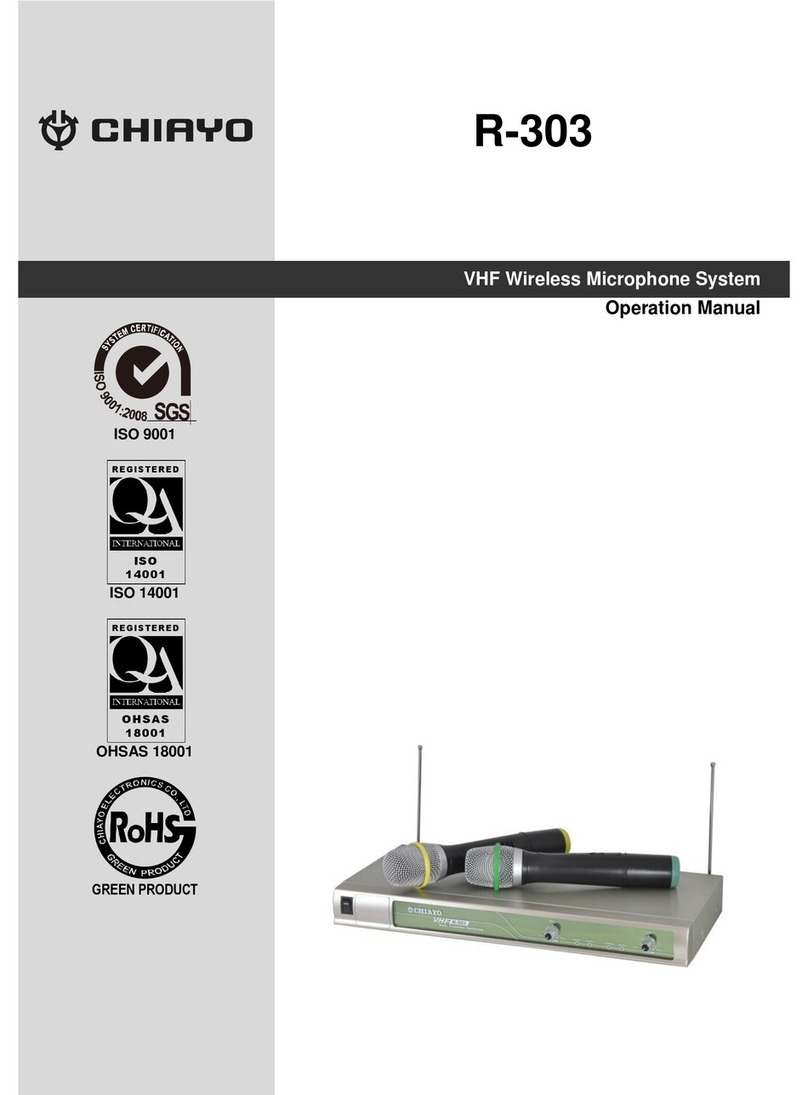
Chiayo R-303 User manual

Chiayo

Chiayo R-303 User manual

Chiayo SQ-9000 IrDA User manual

Chiayo

Chiayo SQ-9000 IrDA User manual

Chiayo GMW-216 User manual

Chiayo

Chiayo GMW-216 User manual

Chiayo SQ-6100 IrDA User manual

Chiayo

Chiayo SQ-6100 IrDA User manual

Chiayo SQ-5100 IrDA User manual

Chiayo

Chiayo SQ-5100 IrDA User manual

Chiayo GM-243 User manual

Chiayo

Chiayo GM-243 User manual

Chiayo IrDA-9000 User manual

Chiayo

Chiayo IrDA-9000 User manual

Chiayo IWM-402 User manual

Chiayo

Chiayo IWM-402 User manual

Popular Microphone manuals by other brands

IK Multimedia iRig Stream MIC PRO user manual

IK Multimedia

IK Multimedia iRig Stream MIC PRO user manual

DAPAudio RM-101 user manual

DAPAudio

DAPAudio RM-101 user manual

AKG CHM 21 User instructions

AKG

AKG CHM 21 User instructions

Sennheiser evolution wireless series EM 100 instruction manual

Sennheiser

Sennheiser evolution wireless series EM 100 instruction manual

Sony C-48 operating instructions

Sony

Sony C-48 operating instructions

GIGAMEDIA GGM PAMICUHFG user manual

GIGAMEDIA

GIGAMEDIA GGM PAMICUHFG user manual

Shure WH30TQG user guide

Shure

Shure WH30TQG user guide

auna PRO MIC-900 manual

auna PRO

auna PRO MIC-900 manual

AKG D 3800 User instructions

AKG

AKG D 3800 User instructions

Shure KSM141 user guide

Shure

Shure KSM141 user guide

MAIIN SOUND IIN style instruction manual

MAIIN SOUND

MAIIN SOUND IIN style instruction manual

Earthworks TC25 user manual

Earthworks

Earthworks TC25 user manual

Alesis MicLink Wireless user guide

Alesis

Alesis MicLink Wireless user guide

DSPPA D6234 manual

DSPPA

DSPPA D6234 manual

Monacor IMG STAGELINE ECM-300B manual

Monacor

Monacor IMG STAGELINE ECM-300B manual

Ansr Audio Scan16 user manual

Ansr Audio

Ansr Audio Scan16 user manual

Shure MXA710 Series user guide

Shure

Shure MXA710 Series user guide

Sennheiser evolution D1 user manual

Sennheiser

Sennheiser evolution D1 user manual

manuals.online logo
manuals.online logoBrands
  • About & Mission
  • Contact us
  • Privacy Policy
  • Terms and Conditions

Copyright 2025 Manuals.Online. All Rights Reserved.

CHIAYO ELECTRONICS CO.,LTD.
Operation manual
069 9
IR RF AF SYNCCHANNEL 1
MIN MAX MIN MAXIR RF AF SYNCCHANNEL 2
NDR-3120
DIVERSITY RECEIVER
DH-2400
Digital Handheld Microphone
1
DH-2400 Digital Handheld Microphone
Parts and functions
3-STEP power switch
To prevent other user from turning off the power, you may slide this switch
to the right to lock the microphone on stand-by or mute status. Slide to the
left to unlock.
Power status
ON
ON
MUTE
MUTE
OFF
Lock status
unlocked
locked
unlocked
locked
can’t be
locked
Cartridge
Battery power LED
Power switch
LCD
Setting button
Menu button
Channel synchronizing button
B
attery compartment
Color cap
Charging port
2
Instructions
Battery installation & indicator
When the transmitter is switched
ON, a blue LED will blink once to
denote the batteries installed are
in good condition.
If the LED remains illuminated, it
means the batteries are weak and
require replacement.
This transmitter requires 2 x AA
batteries to operate.
To install, remove the battery cover
and slide the batteries into the
battery compartment & replace the
battery cover.
Note: Batteries contain a corrosive acid that may leak and damage the
transmitter when stored for a long period. Batteries should be removed
from the transmitter before storing without use for more than 4 weeks.
3
DH-2400 Digital Handheld Microphone
Changing CHANNEL / FREQUENCY
1 Press-release MENU button until the CHANNEL-FREQUENCY
page appears.
2 Press and hold SET button until the channel number flashes to
denote readiness for setting.
3 Press-release SET (UP) or MENU (DOWN) button to select a
new channel.
4 After a channel is chosen, wait about 3 seconds to store the
setting.
MHz
C H : 0 7 9
2480
MHz
C H : 0 7 9
2480
MHz
C H : 0 7 6
2477
4
Instructions
Channel synchronizing of the receiver and transmitter
1 Unscrew the microphone’s lower housing and then press and
hold the synchronizing button until LINK flashes on the LCD.
2 Press and press and hold the receiver’s SYNC button until the
frequency icon appears. After successful channel
synchronizing, this icon will disappear automatically.
C H : 0 0 0
L I N K
FREQ
SYNC
C H
FREQ CH.
RF AF
MHz
0 7 9
2480
5
DH-2400 Digital Handheld Microphone
Battery type setting
1 Press-release MENU button until the CHANNEL-BATTERY
TYPE page appears.
2 Press and hold SET button until NIMH or AKLN flashes to
denote readiness for setting.
3 Press-release SET or MENU button to select either NiMH
(rechargeable battery) or AKLN (alkaline battery).
4 After a battery type is chosen, wait about 3 seconds to store the
setting.
C H : 0 7 6
A K L N
C H : 0 7 6
A K L N
C H : 0 7 6
N I M H
6
Instructions
RF power setting
IMPORTANT: Lower output power will reduce the RF transmission
distance and higher output power will extend the possible RF transmission
distance. However, higher output power places slightly more load on the
battery and will reduce operating duration faster than lower output power.
1 Press-release MENU button until the CHANNEL-RF POWER
page appears.
2 Press and hold SET button until the RF power figure flashes to
denote readiness for setting.
3 Press-release SET (UP) or MENU (DOWN) button to choose an
output level from 0db to 20db.
4 After an output level is chosen, wait about 3 seconds to store
the setting.
C H : 0 7 6
R F 0 8
C H : 0 7 6
R F 0 8
C H : 0 7 6
R F 1 2
Federal Communication Commission Interference Statement
This equipment has been tested and found to comply with the limits for a Class B digital device,
pursuant to Part 15 of the FCC Rules. These limits are designed to provide reasonable protection
against harmful interference in a residential installation.
This equipment generates, uses and can radiate radio frequency energy and, if not installed and
used in accordance with the instructions, may cause harmful interference to radio communications.
However, there is no guarantee that interference will not occur in a particular installation. If this
equipment does cause harmful interference to radio or television reception, which can be
determined by turning the equipment off and on, the user is encouraged to try to correct the
interference by one of the following measures:
Reorient or relocate the receiving antenna.
Increase the separation between the equipment and receiver.
Connect the equipment into an outlet on a circuit different from that to which the receiver is
connected.
Consult the dealer or an experienced radio/TV technician for help.
FCC Caution: To assure continued compliance, any changes or modifications not expressly
approved by the party responsible for compliance could void the user's authority to operate this
equipment. (Example - use only shielded interface cables when connecting to computer or
peripheral devices).
FCC Radiation Exposure Statement
This equipment complies with FCC RF radiation exposure limits set forth for an uncontrolled
environment. This equipment should be installed and operated with a minimum distance of 20
centimeters between the radiator and your body.
This transmitter must not be co-located or operating in conjunction with any other antenna or
transmitter.
The antennas used for this transmitter must be installed to provide a separation distance of at least
20 cm from all persons and must not be co-located or operating in conjunction with any other
antenna or transmitter.
This device complies with Part 15 of the FCC Rules. Operation is subject to the following two
conditions:
(1) This device may not cause harmful interference, and
(2) This device must accept any interference received, including interference that may cause
undesired operation.
Frequency: 2400~2483.5MHz Maximal power: 9.81dBm
CE declaration info: www.chiayo.com.tw/declaration.html
CHIAYO ELECTRONICS CO.,LTD.
Http://www.chiayo.com.tw|Email: [email protected]
Office: 30, Lane 27, Section 4, Jen-Ai Road, Taipei 10685, Taiwan
Tel: 886-2-27415741|Fax: 886-2-27525242
Factory: 88, Chung-Hsiao Street 2, Chiayi 60080, Taiwan
Tel: 886-5-2711000|Fax: 886-5-5767611