manuals.online logo
Brands
  1. Home
  2. •
  3. Brands
  4. •
  5. Chiayo
  6. •
  7. Microphone
  8. •
  9. Chiayo GM-200 User manual

Chiayo GM-200 User manual

This manual suits for next models

2

Other Chiayo Microphone manuals

Chiayo DWR-2420 User manual

Chiayo

Chiayo DWR-2420 User manual

Chiayo SQ-9000 IrDA User manual

Chiayo

Chiayo SQ-9000 IrDA User manual

Chiayo SQ-1016 User manual

Chiayo

Chiayo SQ-1016 User manual

Chiayo GMW-216 User manual

Chiayo

Chiayo GMW-216 User manual

Chiayo SDR-1932 User manual

Chiayo

Chiayo SDR-1932 User manual

Chiayo IWM-402 User manual

Chiayo

Chiayo IWM-402 User manual

Chiayo SQ-6100 IrDA User manual

Chiayo

Chiayo SQ-6100 IrDA User manual

Chiayo SQ-5100 IrDA User manual

Chiayo

Chiayo SQ-5100 IrDA User manual

Chiayo NH-3100 User manual

Chiayo

Chiayo NH-3100 User manual

Chiayo SQ-5016 User manual

Chiayo

Chiayo SQ-5016 User manual

Chiayo R-303 User manual

Chiayo

Chiayo R-303 User manual

Chiayo ITX2 User manual

Chiayo

Chiayo ITX2 User manual

Chiayo IrDA-9000 User manual

Chiayo

Chiayo IrDA-9000 User manual

Chiayo GMW-200 User manual

Chiayo

Chiayo GMW-200 User manual

Chiayo SQ-6100 IrDA User manual

Chiayo

Chiayo SQ-6100 IrDA User manual

Chiayo SDR-5900 User manual

Chiayo

Chiayo SDR-5900 User manual

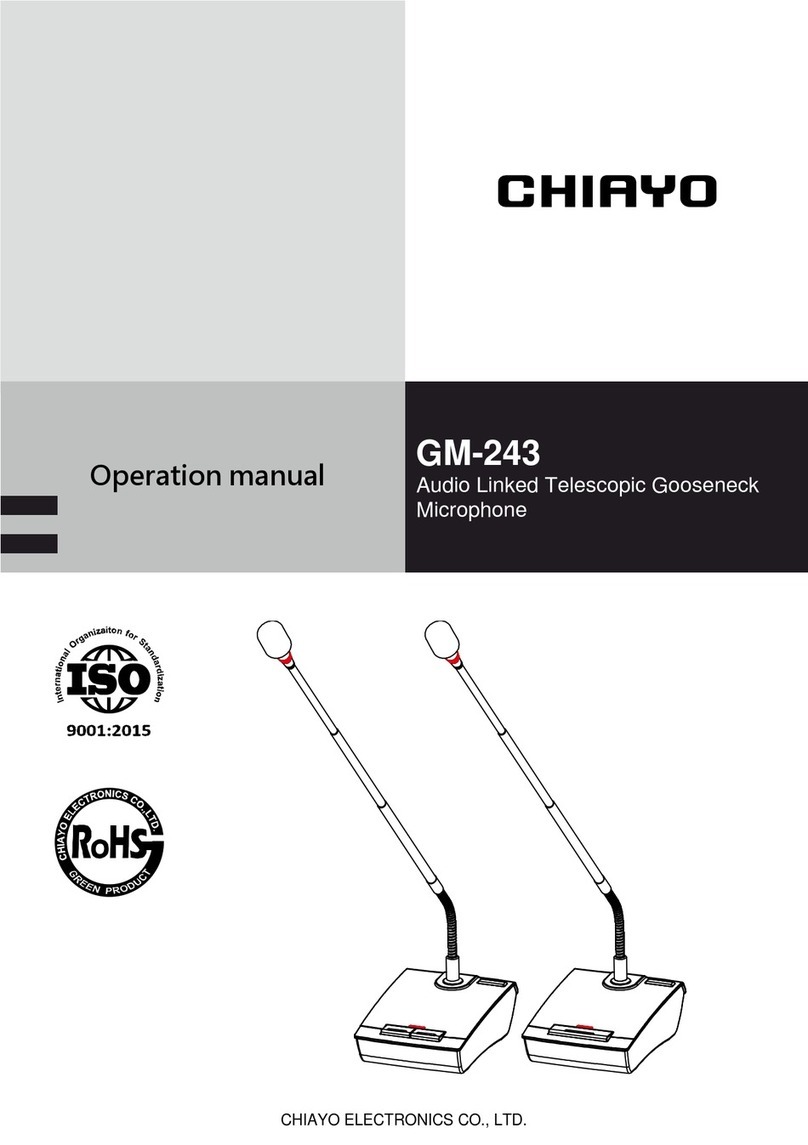
Chiayo GM-243 User manual

Chiayo

Chiayo GM-243 User manual

Chiayo DH2400 User manual

Chiayo

Chiayo DH2400 User manual

Popular Microphone manuals by other brands

IK Multimedia iRig Stream MIC PRO user manual

IK Multimedia

IK Multimedia iRig Stream MIC PRO user manual

DAPAudio RM-101 user manual

DAPAudio

DAPAudio RM-101 user manual

AKG CHM 21 User instructions

AKG

AKG CHM 21 User instructions

Sennheiser evolution wireless series EM 100 instruction manual

Sennheiser

Sennheiser evolution wireless series EM 100 instruction manual

Sony C-48 operating instructions

Sony

Sony C-48 operating instructions

GIGAMEDIA GGM PAMICUHFG user manual

GIGAMEDIA

GIGAMEDIA GGM PAMICUHFG user manual

Shure WH30TQG user guide

Shure

Shure WH30TQG user guide

auna PRO MIC-900 manual

auna PRO

auna PRO MIC-900 manual

AKG D 3800 User instructions

AKG

AKG D 3800 User instructions

Shure KSM141 user guide

Shure

Shure KSM141 user guide

MAIIN SOUND IIN style instruction manual

MAIIN SOUND

MAIIN SOUND IIN style instruction manual

Earthworks TC25 user manual

Earthworks

Earthworks TC25 user manual

Alesis MicLink Wireless user guide

Alesis

Alesis MicLink Wireless user guide

DSPPA D6234 manual

DSPPA

DSPPA D6234 manual

Monacor IMG STAGELINE ECM-300B manual

Monacor

Monacor IMG STAGELINE ECM-300B manual

Ansr Audio Scan16 user manual

Ansr Audio

Ansr Audio Scan16 user manual

Shure MXA710 Series user guide

Shure

Shure MXA710 Series user guide

Sennheiser evolution D1 user manual

Sennheiser

Sennheiser evolution D1 user manual

manuals.online logo
manuals.online logoBrands
  • About & Mission
  • Contact us
  • Privacy Policy
  • Terms and Conditions

Copyright 2025 Manuals.Online. All Rights Reserved.

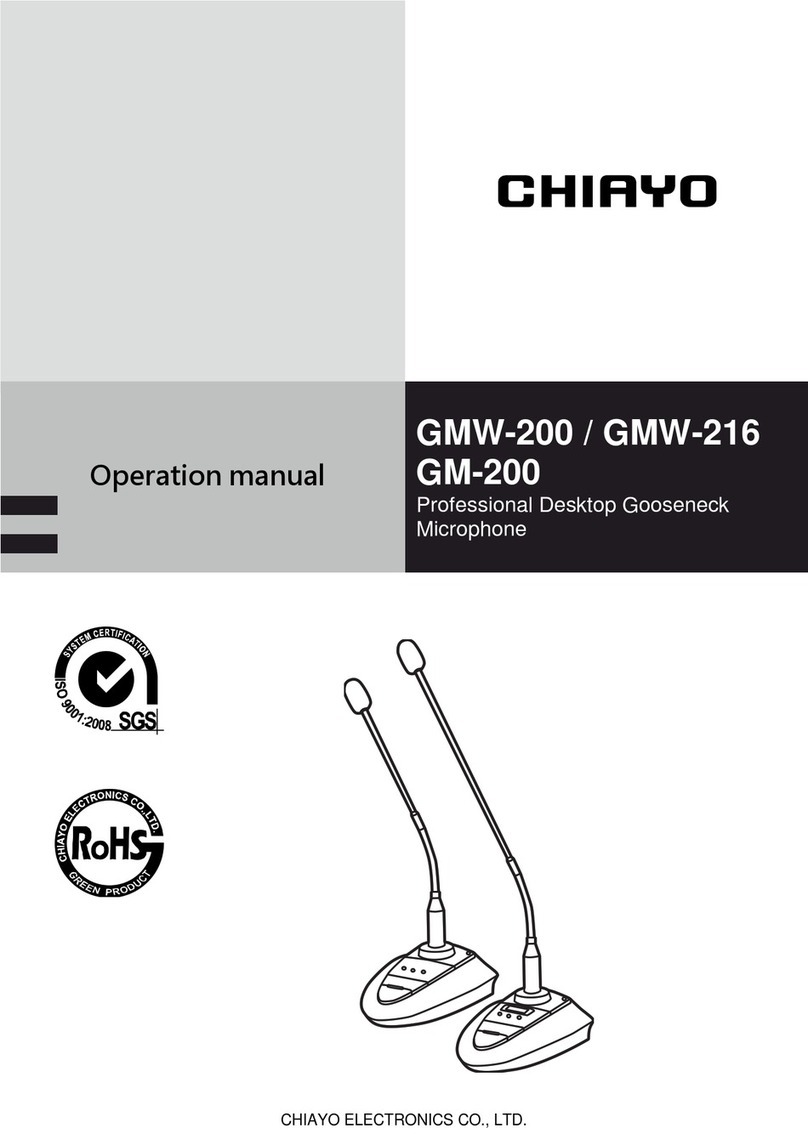
OPERATION MANUAL
Professional Desktop Gooseneck Microphone
GMW-216/GMW-200/GM-200
GREEN PRODUCT
ISO 9001:2008
All manuals and user guides at all-guides.com
all-guides.com
1. Gooseneck microphone input
2. LCD display
3. UP button
4. DOWN button
5. SET button
6. TALK button: Press to talk, for short speaking.
7. LOCK button: Switch of long/temporary speaking.
8. POWER on/off LED
9. POWER on/off switch
10. Gain control:
.
Standard Configuration
1. Gooseneck microphone + base
2. Operation manual
3. Switching adaptor
User can rotate the knob until a desired acoustic quality
is reached
11. High impedance audio input/low impedance audio output connector
12. DC in/charging port
13. DC on/off switch:
To be powered by DC input, please remove the batteries, slide to ON, and
connect the switching adaptor. The DC on/off indicator will light up.
To recharge the NiMH batteries inside, please slide to ON and connect the
switching adaptor. The DC on/off indicator will light up.
When the switching adaptor is not connected, please slide to OFF.
14. DC on/off indicator
15. Battery compartment
Parts and functions of GMW-216/GMW-200
8
6
1
7
2
4
5
3
10 12
11
9
15
13
14
ON OFF
GMW-216/GMW-200
All manuals and user guides at all-guides.com
LCD menu settings
1. Changing CHANNEL / FREQUENCY:
Use UP or DOWN button to go to the CHANNEL / FREQUENCY page.
The cursor will flash to allow changes to be made. Pressing UP or DOWN
button will increase or decrease the channel number. The corresponding
frequency will change accordingly. When a desired channel(frequency) is
being selected, it will be automatically saved and stored in the memory.
2. Changing Battery selection:
Use UP or DOWN button to go to the Battery selection page.
Press SET for about 2 seconds to activate the cursor. Press UP or DOWN
button to move the cursor to either NiMH ( rechargeable battery ) or AKLN
( Alkaline battery ) position.
When the desired option has been selected, press SET for about 2 seconds to
save and store the data in the memory.
Application
GMW-216/200 is compatible with any of CHIAYO's UHF 16/100- channel
receivers and portable PA system whichever is equipped with built-in 16/100-
channel wireless receiver module. Besides handheld and beltpack types, it is
another stylish hands free alternative.
Remark : When changing transmitter frequencies, user should take
care not to cause interference to other channels / users.
Remark : Do not connect the adaptor when AKLN batteries are
being used. Wrong selection of battery will cause battery sensing
electronics to display wrong information and mislead charging
status.
Professional Wireless & Wired Gooseneck Microphone

All manuals and user guides at all-guides.com
1. Gooseneck microphone input
2. LOCK button: Switch of long/temporary speaking.
3. TALK button: Push to talk, for short speaking.
4
Standard Configuration
1. Gooseneck microphone + base
2. Operation manual
Application
Operation is the same as common wired microphones.
. High impedance audio input/low impedance audio output connector.
5. Battery compartment
FCC Caution: To assure continued compliance, any changes or modifications not expressly
approved by the party responsible for compliance could void the user's authority to operate
this equipment. (Example - use only shielded interface cables when connecting to computer
or peripheral devices).
THIS DEVICE COMPLIES WITH PART 74 OF THE FCC RULES. This equipment complies
with FCC RF radiation exposure limits set forth an uncontrolled environment.
Parts and functions of GM-200
12I2175
1
2
4
3
5
GM-200 Professional Wired Gooseneck Microphone
All manuals and user guides at all-guides.com