76
English
Operating environment
• Up to 2000 m above sea level.
• Max. air humidity: 90%.
• Operating temperature: −20 to 40°C.
1. Press [ ] to switch themeter on.
2. Make thedesired settings, take areading and use theHOLD and MAX/MIN
functions as explained in theButtons and functionssection.
3. Hold in [ ] until “OFF” appears on thedisplay before thedisplay turns
blank to switch themeter off.
Display backlight
After themeter has been switched on, quick-press [ ] to switch thedisplay
backlight on/off. Thedisplay backlight will go out automatically after 30 seconds
if no button is pressed.
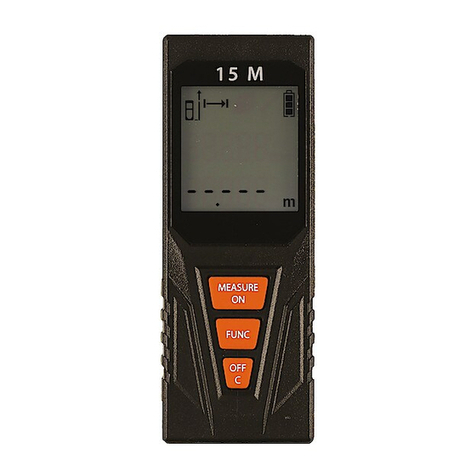
Continuous sound level measurement
This function is used for measuring thesound level over along period.
Hold in [LEVEL], press [ ]. Themeter will come on without theautomatic
shut-off icon (15) showing on thedisplay. Themeter will stay on until it is
switched off manually.
Care and maintenance
• Themeter can be cleaned by wiping it with adry cloth.
• Whenever themeter is not to be used for along time, thebattery should be
removed and themeter should be stored in adry, dust-free environment,
out of children’s reach.
Responsible disposal
This symbol indicates that this product should not be
disposed of with general household waste. This applies
throughout theentire EU. In order to prevent any harm to
theenvironment or health hazards caused by incorrect waste
disposal, theproduct must be handed in for recycling so that
thematerial can be disposed of in aresponsible manner.
When recycling your product, take it to your local collection
facility or contact theplace of purchase. They will ensure that
theproduct is disposed of in anenvironmentally sound manner.