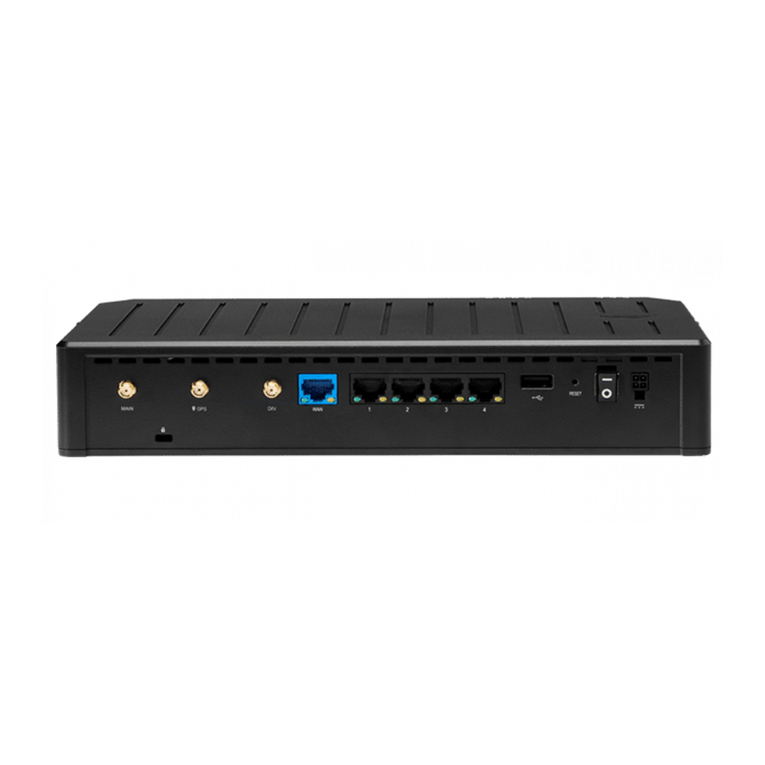
• Keep the device out of reach. It is required that the endpoint be installed behind a locked/gated enclosure
to restrict unauthorized access. The S700 Router is designed to work in elevated ambient temperatures
which may cause the surface of the device to become too hot to safely touch.
• Mount the device in a location compliant with the Safety, Regulatory, and Warranty Guide, included in the
product shipping box.
For mobile installations, refer to the Vehicle Installation Guide for Mobile Routers for more information.
IMPORTANT
The S700 Router requires increased separation distances between the Cradlepoint
hardware and human beings. The recommended minimum separation distance is listed
on the Safety, Regulatory, and Warranty guide included in the shipping box. Therefore,
Cradlepoint requires that all 5G devices be installed by a professional installer. For
assistance with installation or in locating a professional installer, contact Cradlepoint Sales
and Support.
SIM Card for Wireless Connectivity
A wireless broadband data plan must be added to the router for wireless broadband connectivity. Wireless
broadband data plans are available from network operators. The SIM card must be activated and
provisioned by the network operator. Contact your network operator for details about selecting a data plan
and about the process for provisioning the SIM.
Router Communication and Data Usage
The factory default configuration of the router is set to communicate with Cradlepoint and other resources
at regular intervals to access the latest NetCloud OS and modem updates, clock synchronization (NTP),
and NetCloud Manager. Such communication may result in data usage and applicable charges regardless
of whether the router uses a wired or wireless Internet connect. To avoid such data usage and potential
charges, refer to Router Communication/Data Usage for more information.
Setup
The following instructions walk you through basic setup of the router. For more advanced setups, contact a
professional installer.
STEP 1: Check box contents.
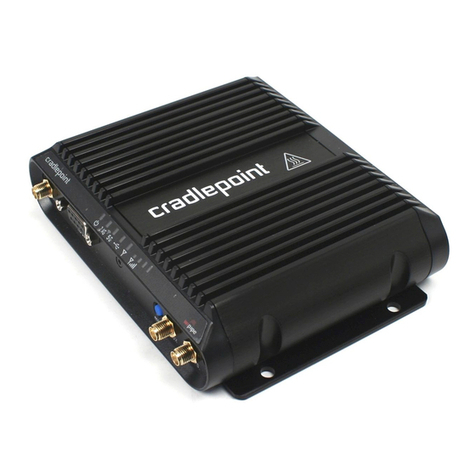
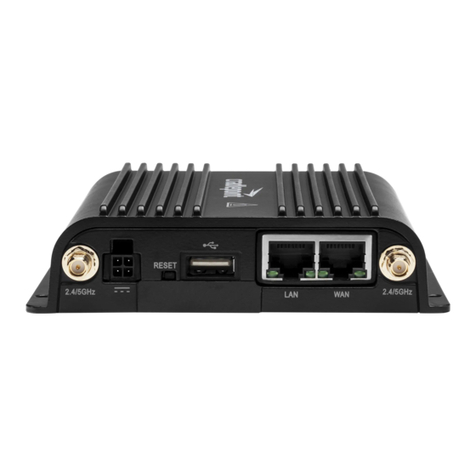
Prior to installing the S700 Series Router, open the box and ensure that all items are present based on your
ordering choice:
Model Standard orders include Orders with Accessories include
S700-
C4D
• [1] Cradlepoint S700
Series Semi-Ruggedized
Router
• [1] GPIO Cable
• [1] Getting Started Insert
Card
• [1] Safety, Regulatory, and
Warranty Guide
• [1] Cradlepoint S700 Series Semi-Ruggedized
Router
• [1] GPIO Cable
• [1] Getting Started Insert Card
• [1] Safety, Regulatory, and Warranty Guide
• [1] Power Supply (with regionally appropriate
plug)
• [2] Cellular Antennas
• [2] Wi-Fi Antennas (not included for S750-C4D)
• [1] Small Accessories Kit, including:
• [4] Rubber Feet
• [4] Wall Mount Screws
• [4] Surface mount anchors
S750-
C4D
S700-
C4E
Draft S700 Series Semi-Ruggedized Router Quick Start Guide Draft
5