manuals.online logo
Brands
  1. Home
  2. •
  3. Brands
  4. •
  5. Crestron
  6. •
  7. Cables And Connectors
  8. •
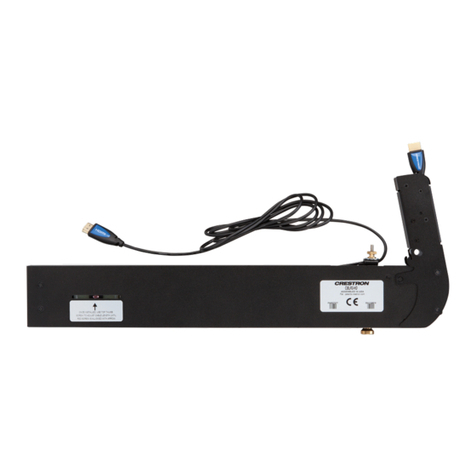
  9. Crestron CBL-MULTI-HD-6 User manual

Crestron CBL-MULTI-HD-6 User manual

Other Crestron Cables And Connectors manuals

Crestron DM-8G-CONN-100 User manual

Crestron

Crestron DM-8G-CONN-100 User manual

Crestron TPSBLOCK-10 User manual

Crestron

Crestron TPSBLOCK-10 User manual

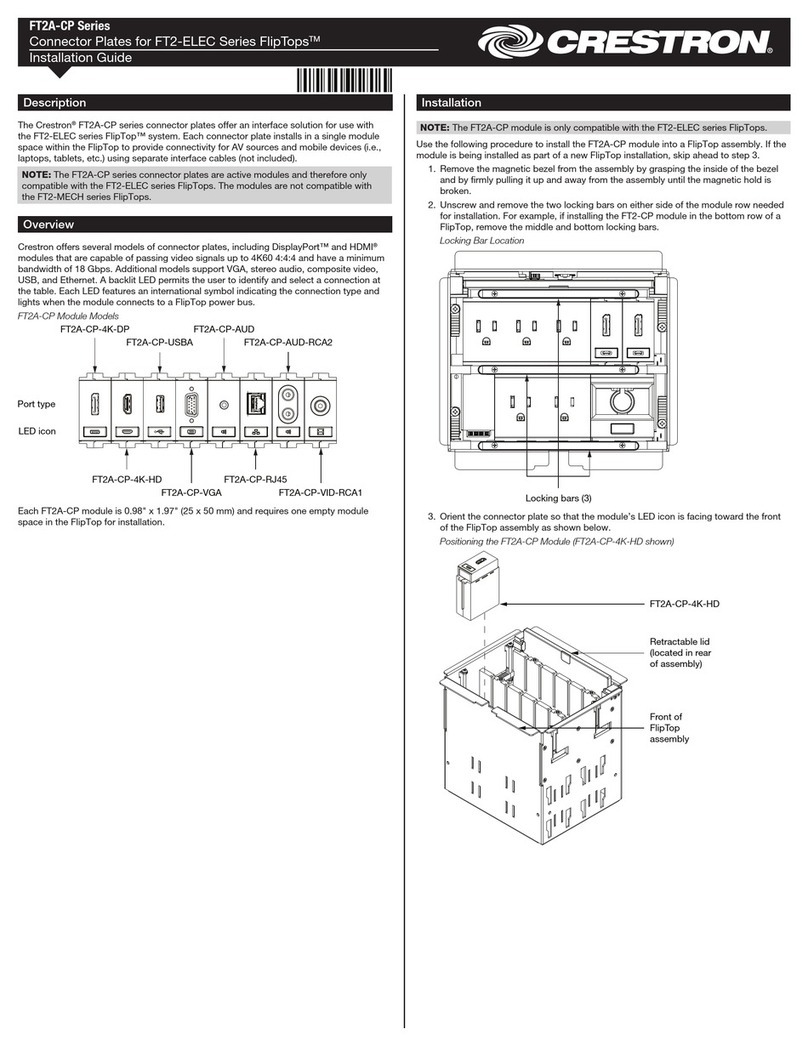
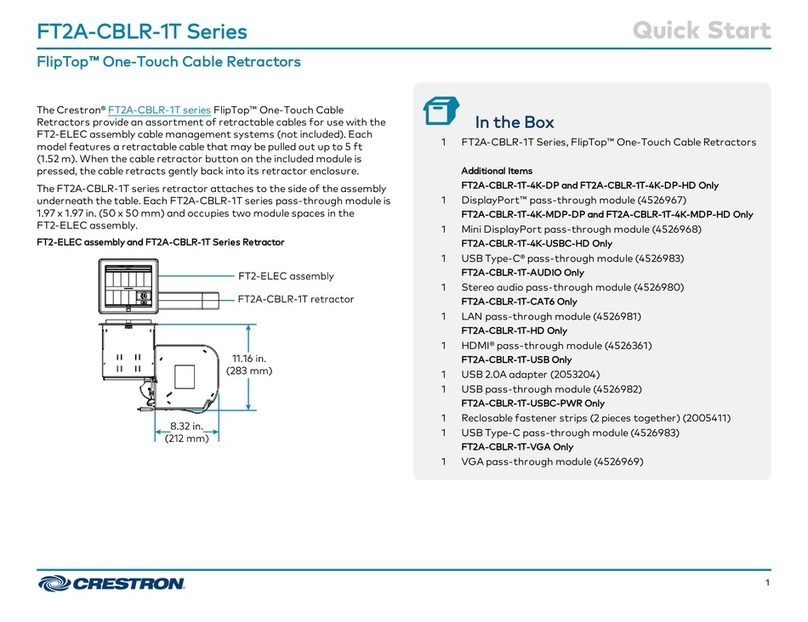
Crestron FlipTop FT2A-CBLR-1T Series User manual

Crestron

Crestron FlipTop FT2A-CBLR-1T Series User manual

Crestron QM-FTCMK User manual

Crestron

Crestron QM-FTCMK User manual

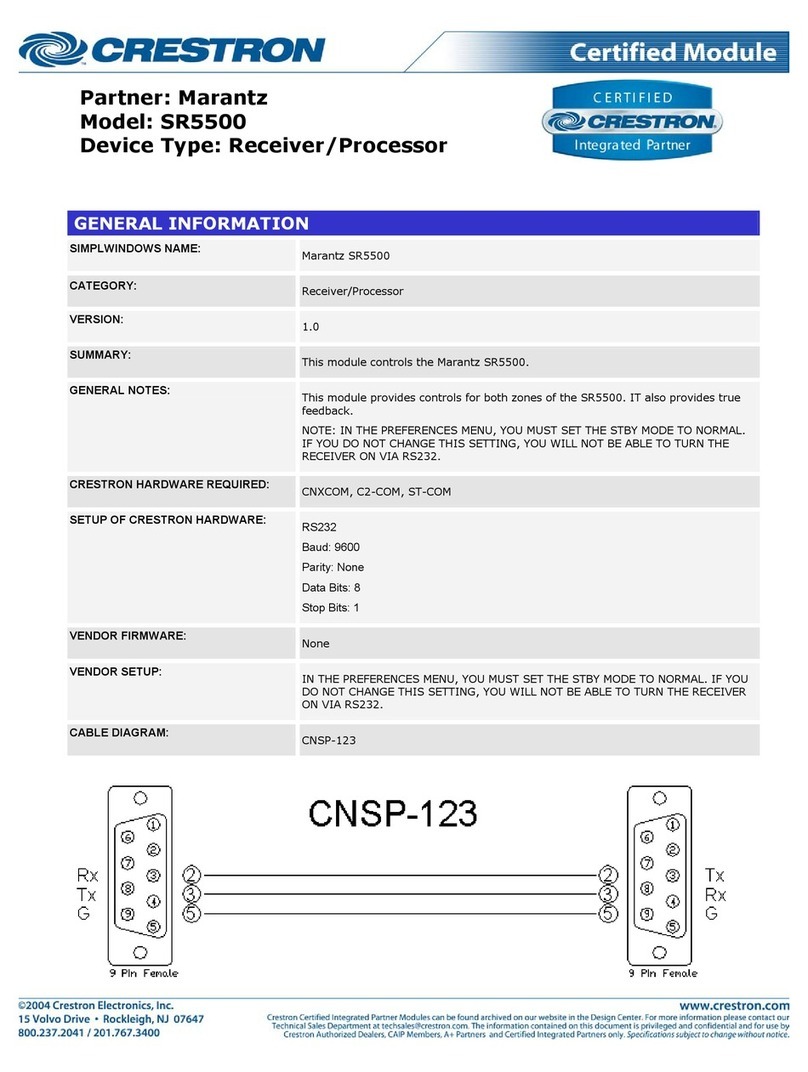
Crestron SR5500 Configuration guide

Crestron

Crestron SR5500 Configuration guide

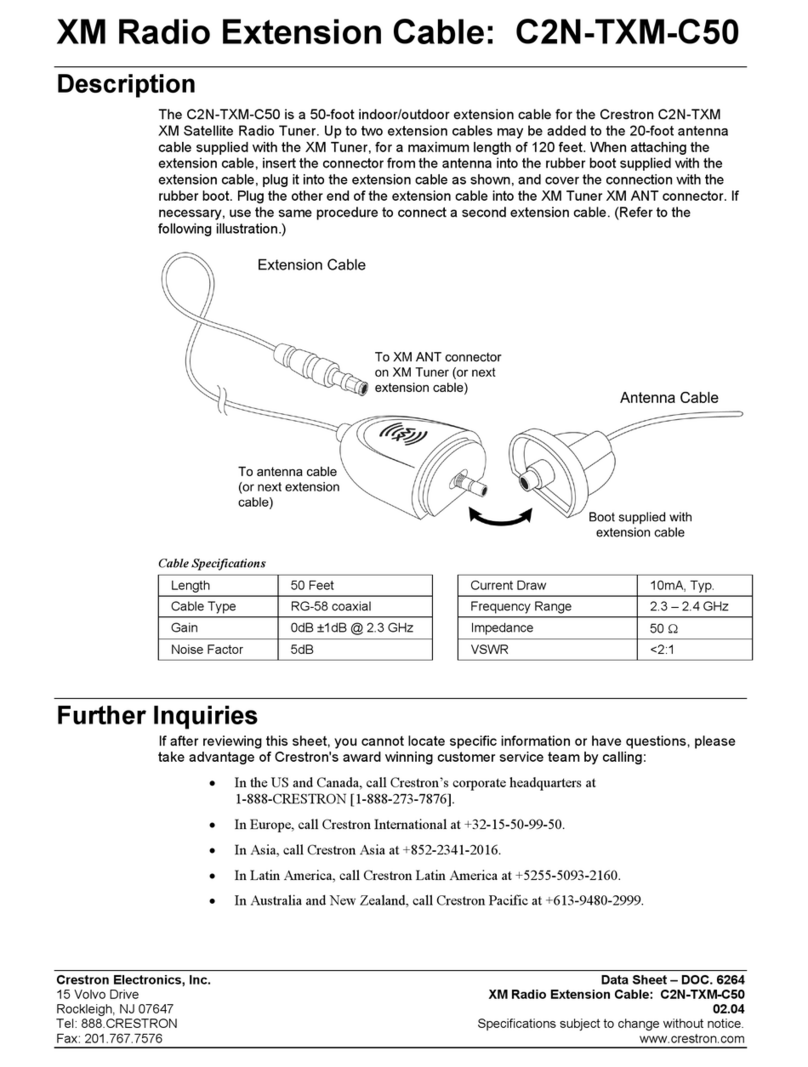
Crestron C2N-TXM-C50 User manual

Crestron

Crestron C2N-TXM-C50 User manual

Crestron SP-CBL Instruction Manual

Crestron

Crestron SP-CBL Instruction Manual

Crestron SmarTouch ST-112 User manual

Crestron

Crestron SmarTouch ST-112 User manual

Crestron HZA-KEY1 User manual

Crestron

Crestron HZA-KEY1 User manual

Crestron TPS-CBL-T User manual

Crestron

Crestron TPS-CBL-T User manual

Crestron SmartPresenter SPC-124 User manual

Crestron

Crestron SmartPresenter SPC-124 User manual

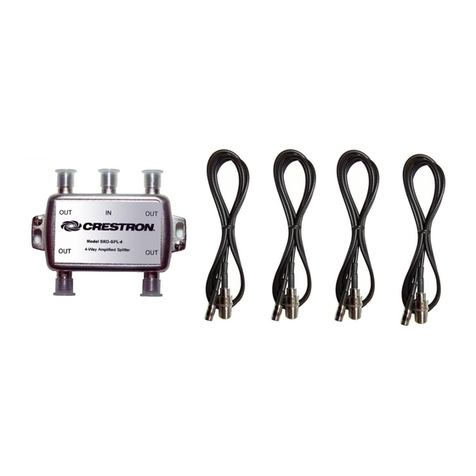
Crestron Four-Way Amplified Splitter SRD-SPL-4 User manual

Crestron

Crestron Four-Way Amplified Splitter SRD-SPL-4 User manual

Crestron FlipTop CBLR2 Series Dimensional drawing

Crestron

Crestron FlipTop CBLR2 Series Dimensional drawing

Crestron TPS-CBL User manual

Crestron

Crestron TPS-CBL User manual

Crestron ST-CBL Operating and installation instructions

Crestron

Crestron ST-CBL Operating and installation instructions

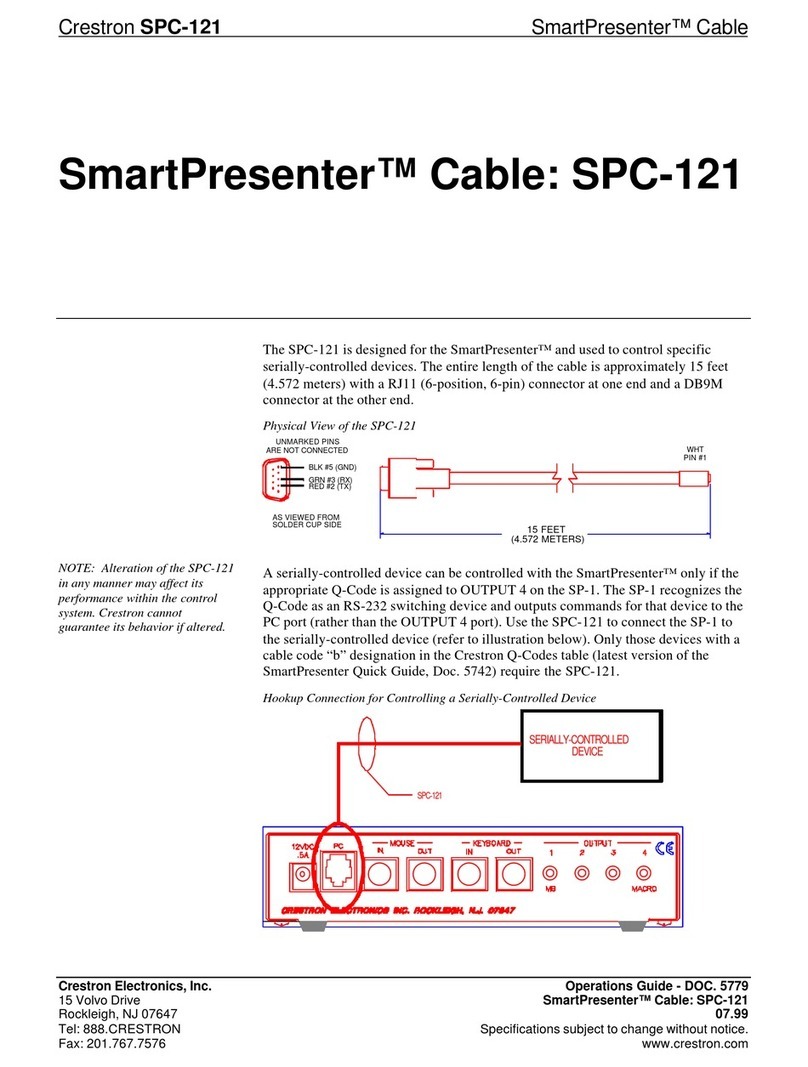
Crestron SmartPresenter SPC-121 User manual

Crestron

Crestron SmartPresenter SPC-121 User manual

Crestron FT2-700-ELEC Series User manual

Crestron

Crestron FT2-700-ELEC Series User manual

Crestron CBL-USB-RS232KM-6 User manual

Crestron

Crestron CBL-USB-RS232KM-6 User manual

Crestron FT2A-CP-USBA User manual

Crestron

Crestron FT2A-CP-USBA User manual

Crestron TPS-CBL-S User manual

Crestron

Crestron TPS-CBL-S User manual

Crestron FlipTop CBLR2 Series User manual

Crestron

Crestron FlipTop CBLR2 Series User manual

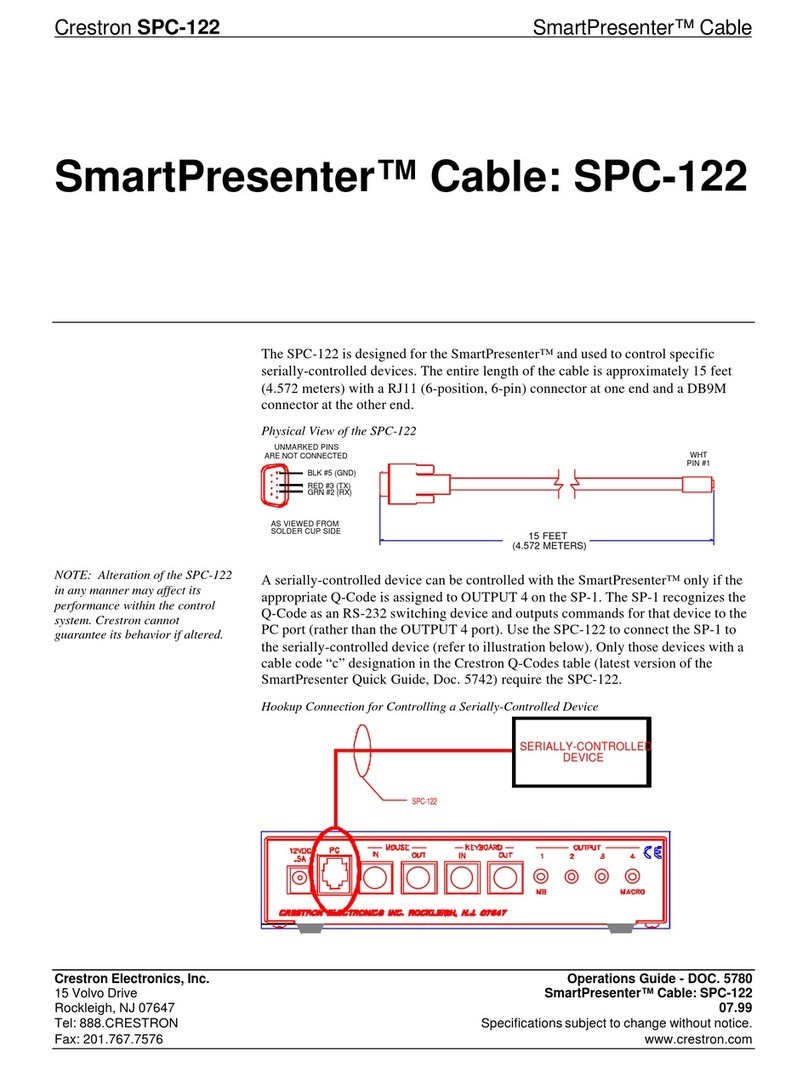
Crestron SmartPresenter SPC-122 User manual

Crestron

Crestron SmartPresenter SPC-122 User manual

Crestron SR9600 Configuration guide

Crestron

Crestron SR9600 Configuration guide

Crestron FT-PWR How to use

Crestron

Crestron FT-PWR How to use

Popular Cables And Connectors manuals by other brands

StarTech.com ST124HD20 quick start guide

StarTech.com

StarTech.com ST124HD20 quick start guide

Philips SWV4543S/10 Features

Philips

Philips SWV4543S/10 Features

Larson Electronics 10-50C instruction manual

Larson Electronics

Larson Electronics 10-50C instruction manual

Grip MEK-PM Assembly and operating manual

Grip

Grip MEK-PM Assembly and operating manual

Ultra Products Travel Pack #3 ULT31436 Specifications

Ultra Products

Ultra Products Travel Pack #3 ULT31436 Specifications

Surpass QCH-F Operation manual

Surpass

Surpass QCH-F Operation manual

Philips SWA6310 Specifications

Philips

Philips SWA6310 Specifications

StarTech.com CRJ4550PK quick start guide

StarTech.com

StarTech.com CRJ4550PK quick start guide

Nohau EMUL-IP2K-PC user guide

Nohau

Nohau EMUL-IP2K-PC user guide

Foxun SX-SP144E-HD4K2K operating instructions

Foxun

Foxun SX-SP144E-HD4K2K operating instructions

Philips SWA3305W Specifications

Philips

Philips SWA3305W Specifications

opticis Stretch DVIM1-1P0x user manual

opticis

opticis Stretch DVIM1-1P0x user manual

Volkswagen VAS 6558A operating manual

Volkswagen

Volkswagen VAS 6558A operating manual

NEXIBO N-13 user manual

NEXIBO

NEXIBO N-13 user manual

CYP PU-1H3HBTL Operation manual

CYP

CYP PU-1H3HBTL Operation manual

Allen-Bradley 1784-u2dhp installation instructions

Allen-Bradley

Allen-Bradley 1784-u2dhp installation instructions

Global Caché Flex Link Blaster quick start

Global Caché

Global Caché Flex Link Blaster quick start

Hauppauge USB-Live2 Quick installation guide

Hauppauge

Hauppauge USB-Live2 Quick installation guide

manuals.online logo
manuals.online logoBrands
  • About & Mission
  • Contact us
  • Privacy Policy
  • Terms and Conditions

Copyright 2025 Manuals.Online. All Rights Reserved.

CBL-MULTI-HD-6
Multihead Cable
Installation Guide
Introduction
The Crestron®CBL-MULTI-HD-6 multihead cable is a
directional cable that automatically detects and
converts input signals from HDMI®, DisplayPort™, Mini
DIsplayPort, and USB Type-C™ sources to HDMI
signals at 1080p/60 Hz resolution for use with the
CCS-UC-1 Tabletop Conference System.
The cable consists of the multihead connector to
connect to laptops and other sources, and a six-foot
cable that splits into two short leads with USB and
HDMI connectors that connect to the Crestron
Mercury™ Tabletop Conference System.
3. Create a generous bend radius at both
connections, and press the cable into the cable
channel shown below.
4. Apply power to the CCS-UC-1.
Operation
1. On the CCS-UC-1, select HDMI as the source to
present.
2. Connect the source to the appropriate connector
on the multihead. The source’s content displays
on the display device connected to the
CCS-UC-1.
NOTE: Do not use extension cables. Using an
extension to any connector results in failure and/or
intermittent audio and video.
NOTE: Only one input source should be connected
at a time.
NOTE: The multihead cable does not scale the video
signal.
Route
cable
here.
Installation
This cable is directional. Place the multihead on a table
so that users can connect to sources (laptops or other
presentation devices). To connect the cable to the
CCS-UC-1, follow this procedure:
1. Remove power from the CCS-UC-1.
2. Route the cable’s HDMI and USB connectors
through the underside of the CCS-UC-1, and
connect them to the HDMI IN and USB/ACC
ports.
NOTE: Do not connect the HDMI connector to the
HDMI OUT port on the CCS-UC-1. The cable is
directional and cannot be used in that direction.
NOTE: The CBL-MULTI-HD-6 requires external
power of 300 mA provided by the USB/ACC port. This
power can also be supplied by a device with a USB
HID port that supplies more than 300 mA, or a 2 to 10
watt USB charging device (not included).
NOTE: Do not connect the USB connector to the
USB/CAM port on the CCS-UC-1.
Additional Resources
Visit the product page on the
Crestron website (www.crestron.com)
for additional information and the
latest rmware updates. Use a QR
reader application on your mobile
device to scan the QR image.


To USB/ACC port
on CCS-UC-1
Cable
To HDMI IN port
on CCS-UC-1
As of the date of manufacture, the product has been tested
and found to comply with specications for CE marking.
Federal Communications Commission (FCC) Compliance
Statement
This device complies with part 15 of the FCC Rules.
Operation is subject to the following conditions: (1) This
device may not cause harmful interference and (2) this device
must accept any interference received, including interference
that may cause undesired operation.
CAUTION: Changes or modications not expressly approved
by the manufacturer responsible for compliance could void
the user’s authority to operate the equipment.
NOTE: This equipment has been tested and found to comply
with the limits for a Class B digital device, pursuant to part 15
of the FCC Rules. These limits are designed to provide
reasonable protection against harmful interference in a
residential installation. This equipment generates, uses and
can radiate radio frequency energy and, if not installed and
used in accordance with the instructions, may cause harmful
interference to radio communications. However, there is no
guarantee that interference will not occur in a particular
installation. If this equipment does cause harmful interference
to radio or television reception, which can be determined by
turning the equipment off and on, the user is encouraged to
try to correct the interference by one or more of the following
measures:
• Reorient or relocate the receiving antenna.
• Increase the separation between the equipment and
receiver.
• Connect the equipment into an outlet on a circuit
different from that to which the receiver is connected.
• Consult the dealer or an experienced radio/TV
technician for help.
Industry Canada (IC) Compliance Statement
CAN ICES-3 (B)/NMB-3(B)
Product warranty can be found at
www.crestron.com/warranty.
The specic patents that cover Crestron products are listed at
patents.crestron.com.
Certain Crestron products contain open source software. For
specic information, please visit
www.crestron.com/opensource.

Crestron, the Crestron logo, and Crestron Mercury are either
trademarks or registered trademarks of Crestron Electronics,
Inc. in the United States and/or other countries. HDMI is

either a trademark or registered trademark of HDMI Licensing
LLC in the United States and/or other countries. USB Type-C
is either a trademark or registered trademark of the USB
Implementers Forum in the United States and/or other
countries. DisplayPort is either a trademark or registered
trademark of the Video Electronics Standards Association in
the United States and/or other countries. Other trademarks,
registered trademarks, and trade names may be used in this
document to refer to either the entities claiming the marks
and names or their products. Crestron disclaims any
proprietary interest in the marks and names of others.
Crestron is not responsible for errors in typography or
photography.
This document was written by the Technical Publications
department at Crestron.
©2017 Crestron Electronics, Inc.
Crestron Electronics, Inc. Installation Guide
15 Volvo Drive DOC. 7998C
Rockleigh, NJ 07647 (2048872)
Tel: 888.CRESTRON 11.17
Fax: 201.767.7576 Specications subject to
www.crestron.com change without notice.