manuals.online logo
Brands
  1. Home
  2. •
  3. Brands
  4. •
  5. Crestron
  6. •
  7. Cables And Connectors
  8. •
  9. Crestron FT2A-CP Series User manual

Crestron FT2A-CP Series User manual

This manual suits for next models

7

Other Crestron Cables And Connectors manuals

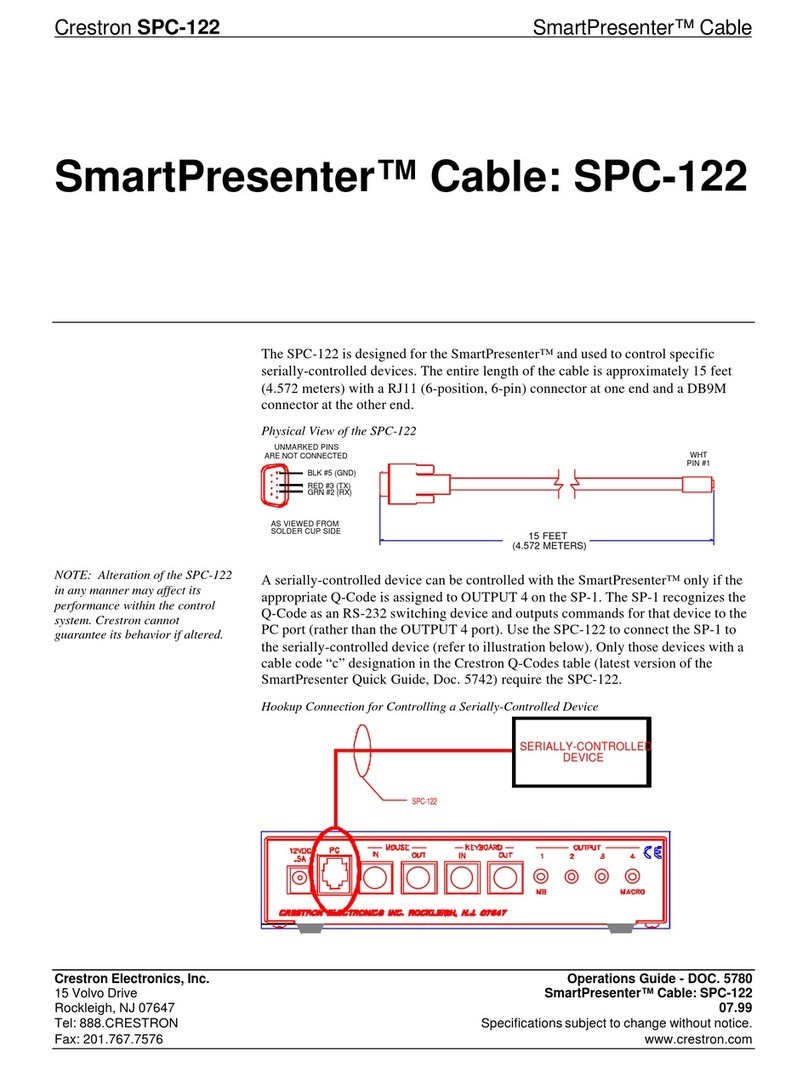
Crestron SmartPresenter SPC-122 User manual

Crestron

Crestron SmartPresenter SPC-122 User manual

Crestron QM-FTCMK User manual

Crestron

Crestron QM-FTCMK User manual

Crestron ST-CBL Operating and installation instructions

Crestron

Crestron ST-CBL Operating and installation instructions

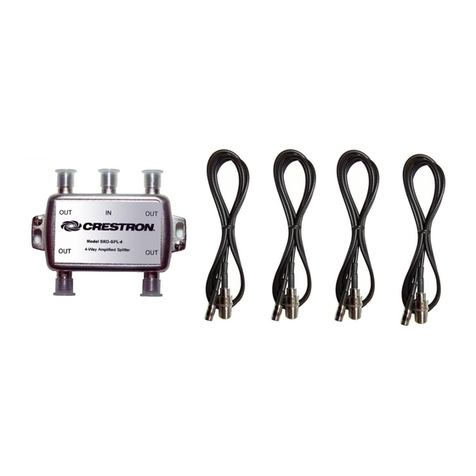
Crestron Four-Way Amplified Splitter SRD-SPL-4 User manual

Crestron

Crestron Four-Way Amplified Splitter SRD-SPL-4 User manual

Crestron TPSBLOCK-10 User manual

Crestron

Crestron TPSBLOCK-10 User manual

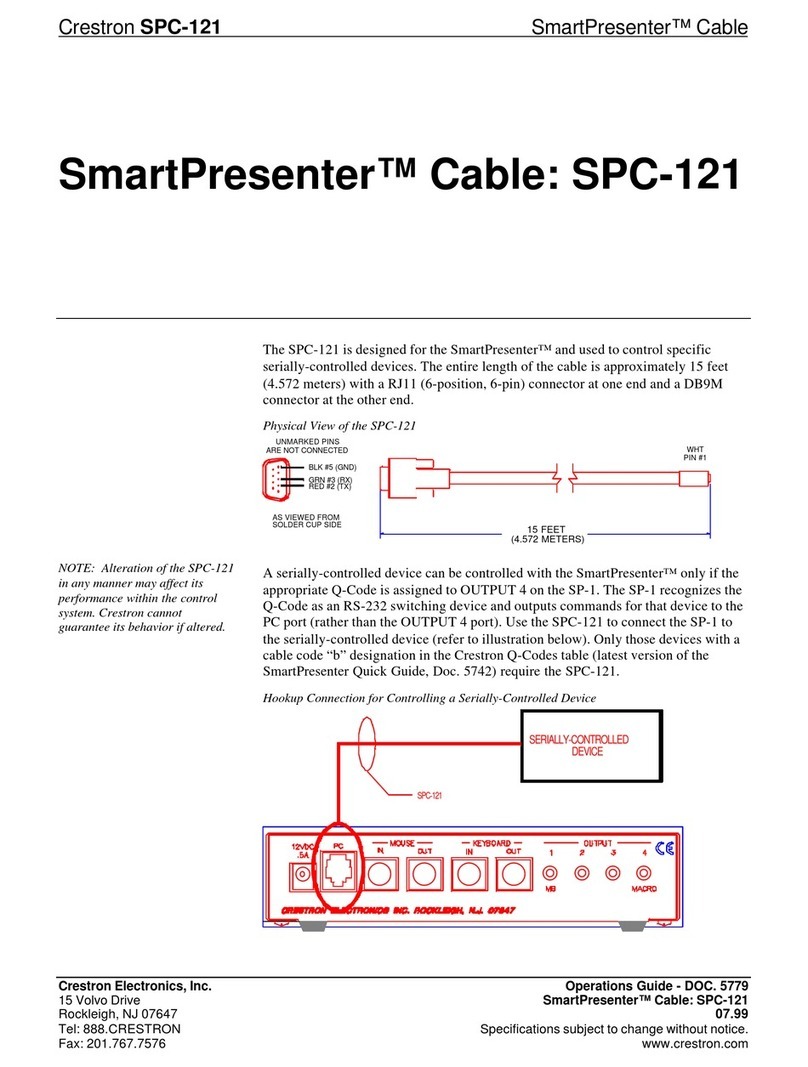
Crestron SmartPresenter SPC-121 User manual

Crestron

Crestron SmartPresenter SPC-121 User manual

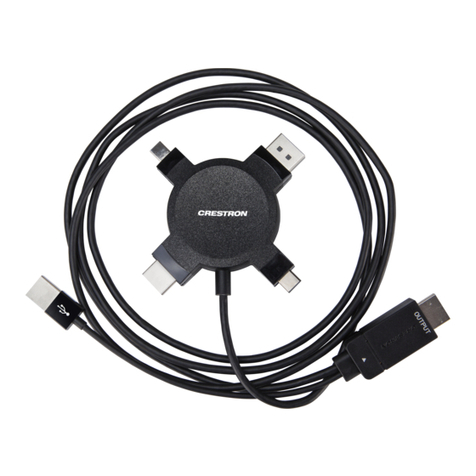
Crestron CBL-MULTI-HD-6 User manual

Crestron

Crestron CBL-MULTI-HD-6 User manual

Crestron CBL-USB-RS232KM-6 User manual

Crestron

Crestron CBL-USB-RS232KM-6 User manual

Crestron HZA-KEY1 User manual

Crestron

Crestron HZA-KEY1 User manual

Crestron TPS-CBL User manual

Crestron

Crestron TPS-CBL User manual

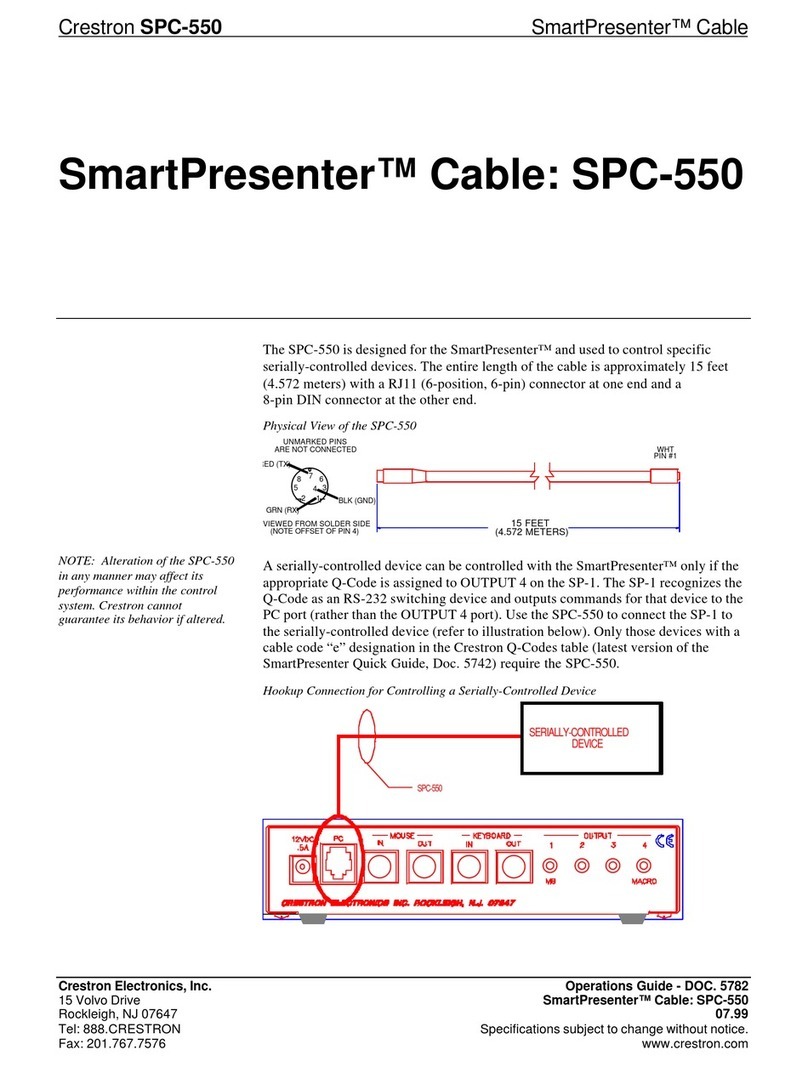
Crestron SmartPresenter SPC-550 User manual

Crestron

Crestron SmartPresenter SPC-550 User manual

Crestron FT-PWR How to use

Crestron

Crestron FT-PWR How to use

Crestron SP-CBL Instruction Manual

Crestron

Crestron SP-CBL Instruction Manual

Crestron FlipTop CBLR2 Series Dimensional drawing

Crestron

Crestron FlipTop CBLR2 Series Dimensional drawing

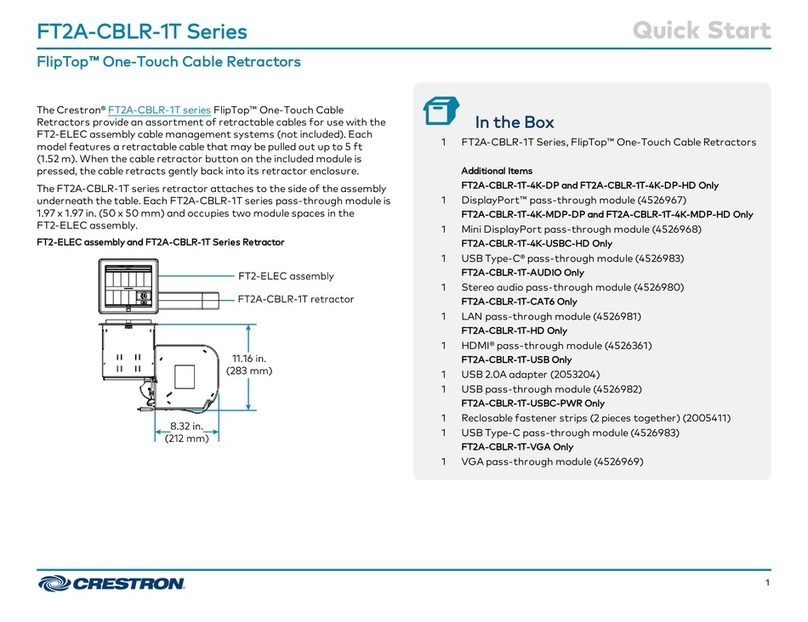
Crestron FlipTop FT2A-CBLR-1T Series User manual

Crestron

Crestron FlipTop FT2A-CBLR-1T Series User manual

Crestron FT2A-CP-USBA User manual

Crestron

Crestron FT2A-CP-USBA User manual

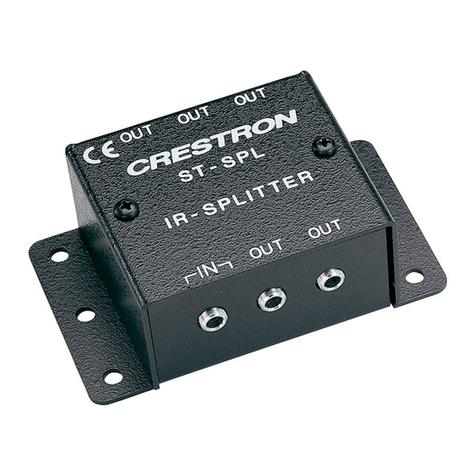
Crestron ST-SPL User manual

Crestron

Crestron ST-SPL User manual

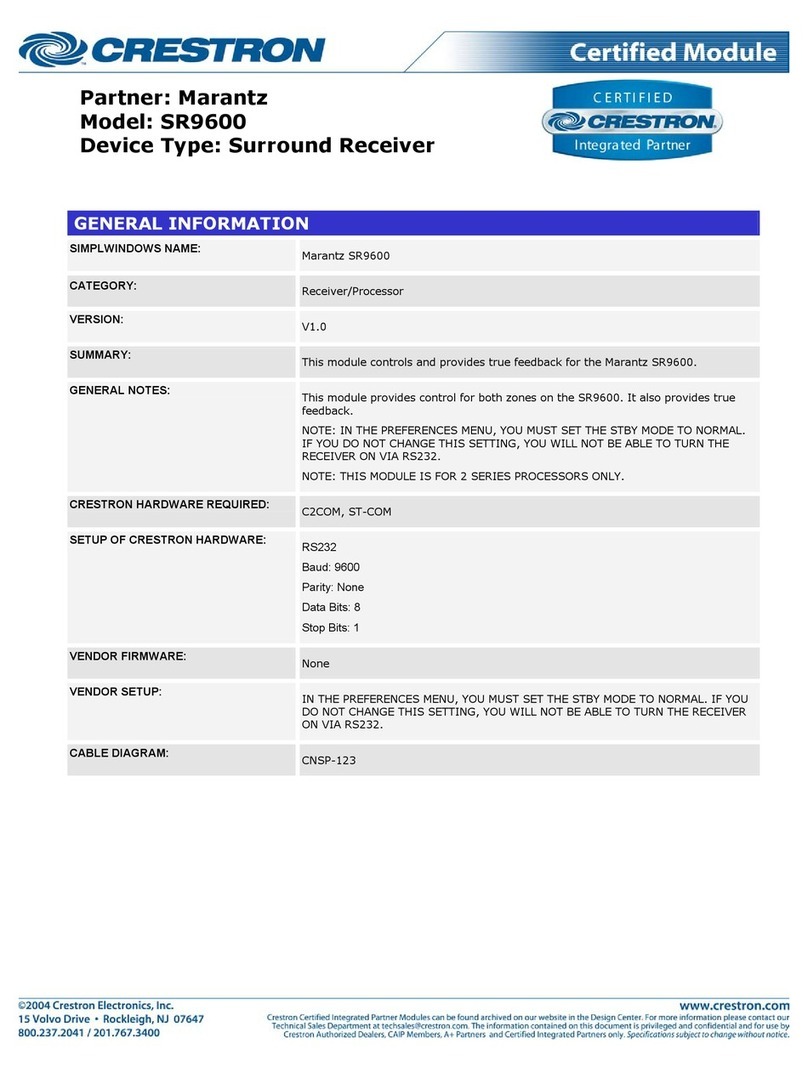
Crestron SR9600 Configuration guide

Crestron

Crestron SR9600 Configuration guide

Crestron UC-B-ACCY User manual

Crestron

Crestron UC-B-ACCY User manual

Crestron TPMC-CBL-T User manual

Crestron

Crestron TPMC-CBL-T User manual

Crestron Connect It TT-100 Series User manual

Crestron

Crestron Connect It TT-100 Series User manual

Crestron ZUMLINK-CONV-CN User manual

Crestron

Crestron ZUMLINK-CONV-CN User manual

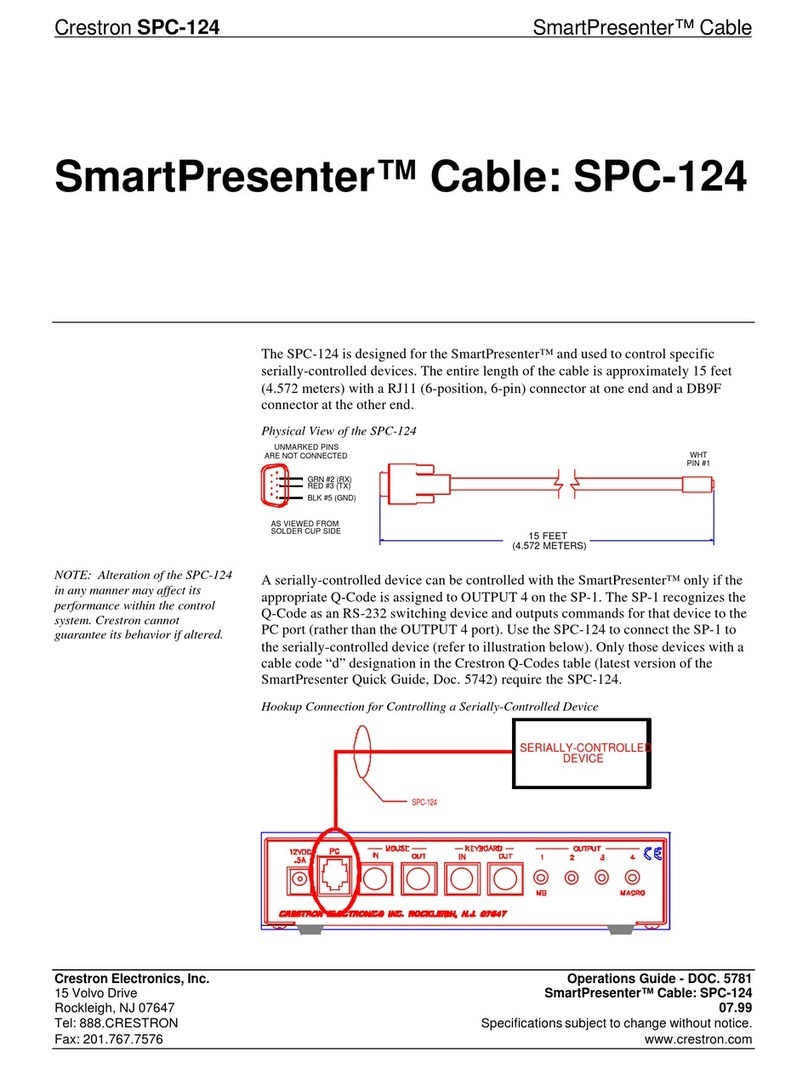
Crestron SmartPresenter SPC-124 User manual

Crestron

Crestron SmartPresenter SPC-124 User manual

Crestron TPS-CBL-S User manual

Crestron

Crestron TPS-CBL-S User manual

Popular Cables And Connectors manuals by other brands

StarTech.com ST124HD20 quick start guide

StarTech.com

StarTech.com ST124HD20 quick start guide

Philips SWV4543S/10 Features

Philips

Philips SWV4543S/10 Features

Larson Electronics 10-50C instruction manual

Larson Electronics

Larson Electronics 10-50C instruction manual

Grip MEK-PM Assembly and operating manual

Grip

Grip MEK-PM Assembly and operating manual

Ultra Products Travel Pack #3 ULT31436 Specifications

Ultra Products

Ultra Products Travel Pack #3 ULT31436 Specifications

Surpass QCH-F Operation manual

Surpass

Surpass QCH-F Operation manual

Philips SWA6310 Specifications

Philips

Philips SWA6310 Specifications

StarTech.com CRJ4550PK quick start guide

StarTech.com

StarTech.com CRJ4550PK quick start guide

Nohau EMUL-IP2K-PC user guide

Nohau

Nohau EMUL-IP2K-PC user guide

Foxun SX-SP144E-HD4K2K operating instructions

Foxun

Foxun SX-SP144E-HD4K2K operating instructions

Philips SWA3305W Specifications

Philips

Philips SWA3305W Specifications

opticis Stretch DVIM1-1P0x user manual

opticis

opticis Stretch DVIM1-1P0x user manual

Volkswagen VAS 6558A operating manual

Volkswagen

Volkswagen VAS 6558A operating manual

NEXIBO N-13 user manual

NEXIBO

NEXIBO N-13 user manual

CYP PU-1H3HBTL Operation manual

CYP

CYP PU-1H3HBTL Operation manual

Allen-Bradley 1784-u2dhp installation instructions

Allen-Bradley

Allen-Bradley 1784-u2dhp installation instructions

Global Caché Flex Link Blaster quick start

Global Caché

Global Caché Flex Link Blaster quick start

Hauppauge USB-Live2 Quick installation guide

Hauppauge

Hauppauge USB-Live2 Quick installation guide

manuals.online logo
manuals.online logoBrands
  • About & Mission
  • Contact us
  • Privacy Policy
  • Terms and Conditions

Copyright 2025 Manuals.Online. All Rights Reserved.

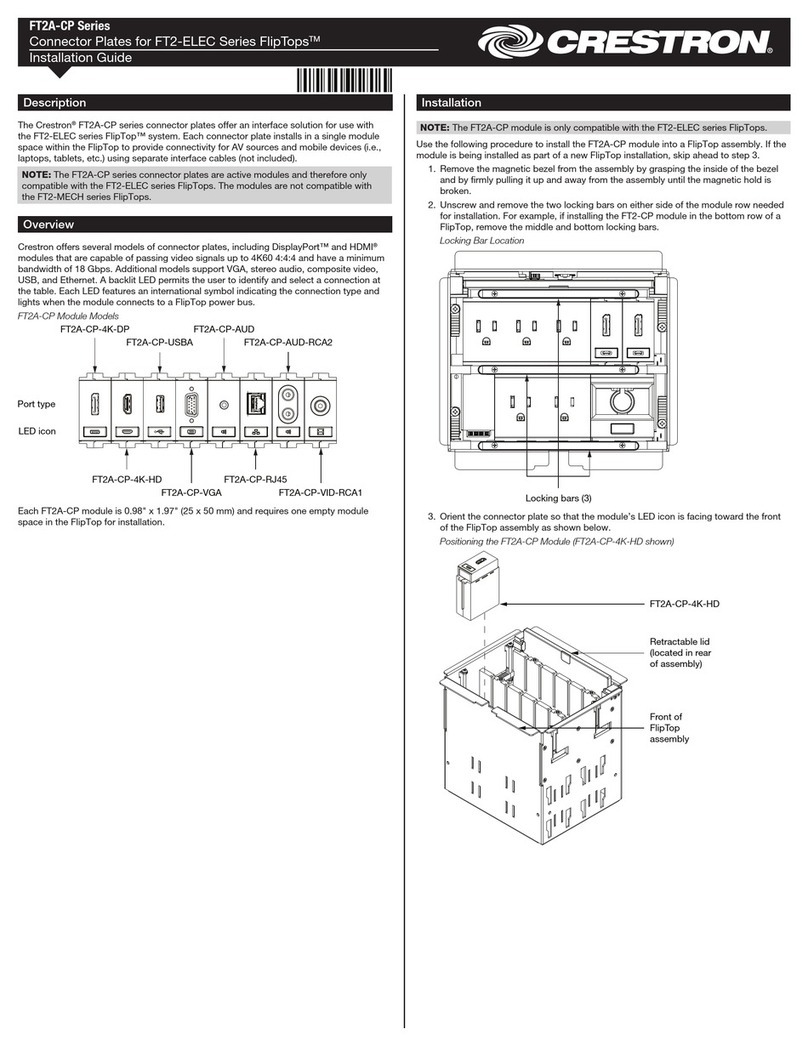
The Crestron® FT2A-CP series connector plates offer an
interface solution for use with the FT2-ELEC series FlipTop™
system. Each connector plate installs in a single module
slot within the FlipTop to provide connectivity for AV
sources and mobile devices (i.e., laptops, tablets, etc.) using
separate interface cables (not included).
NOTE: The FT2A-CP series connector plates are active
modules and therefore only compatible with the FT2-ELEC
series FlipTops. The modules are not compatible with the
FT2-MECH series FlipTops.
Check the Box
Item Qty
FT2A-CP-RJ45, FT2A-CP-AUD-RCA2,
FT2A-CP-4K-HD, FT2A-CP-4K-DP, FT2A-CP-VGA,
FT2A-CP-AUD or FT2A-CP-VID-RCA1
1
Overview
Crestron offers several models of connector plates,
including DisplayPort™ and HDMI® modules that are
capable of passing video signals up to 4K60 4:4:4 and have a
minimum bandwidth of 18 Gbps. Additional models support
VGA, stereo audio, composite video, and Ethernet. A backlit
LED permits the user to identify a connection at the table.
Each LED features an international symbol indicating the
connection type and lights when the module connects to a
FlipTop power bus.
FT2A-CP Modules
LED icon
Port type
FT2A-CP-4K-DP
FT2A-CP-VGA
FT2A-CP-4K-HD
FT2A-CP-AUD
FT2A-CP-AUD-RCA2
FT2A-CP-VID-RCA1
FT2A-CP-RJ45
Each FT2A-CP module is 0.98 in. x 1.97 in.
(25mm x 50 mm) and requires one empty module slot in the
FlipTop for installation.
Install the Module
NOTE: The FT2A-CP module is only compatible with the
FT2-ELEC series FlipTops.
Install the FT2A-CP module into the FlipTop assembly. If the
bezel and locking bars have not been installed on the FT2
FlipTop assembly, skip to step 4.
1. Tap the lid retraction button to retract the one-touch
lid, which disappears into the FT2 FlipTop assembly. If
the assembly has two lids, open both.
2. Remove and retain the magnetic bezel from the FT2
FlipTop assembly by grasping the inside of the bezel
and firmly pulling it up and away from the assembly
until the magnetic hold is broken.
3. Using a manual torque screwdriver, unscrew, remove,
and retain the two locking bars on either side of
the module row where the module is to be installed.
For example, if installing the FT2-CP module in the
bottom row of a FlipTop, remove the middle and
bottom locking bars.
Locking Bar Location
Locking bars (3)
4. Orient the connector plate so that the module’s LED
icon is facing toward the front of the FlipTop assembly
as shown in the next column. Connect the cable to the
bottom of the module and feed it through the empty
module slot.
Positioning the FT2A-CP Module (FT2A-CP-4K-HD shown)
FT2A-CP-4K-HD
Retractable lid
(located in rear
of assembly)
Front of
FlipTop
assembly
LED Icon
5. Push the top of the module down so it slides into the
appropriate module slot in the FlipTop assembly. Use
the guide ribs on the front and rear of each module to
help position the module in the assembly.
Installing the FT2A-CP-4K-HD into the FlipTop Assembly -
Overhead View
FT2A-CP-4K-HD
FT2A-CP Series
Connector Plates for FT2-ELEC Series FlipTops™
6. Under the table, dress the cable connecting the module
as necessary and route it to its destination.
NOTE: Crestron recommends using a wire tie to relieve
strain on the cable connected to the bottom of each module.
7. Confirm that all modules are level with their
surroundings and place the locking bars into position
so that the screws on either side engage the screw
holes in the assembly.
8. Using a manual torque screwdriver set to its lowest
possible setting, hand tighten the locking bar screws
until the locking bars are secured to the FT2 FlipTop
assembly.
9. Place the bezel onto the FT2 FlipTop assembly so that
the retractable lid fits inside the bezel opening. The
bezel is held in place using magnets.
Attaching the Bezel to the FlipTop Assembly
with FT2A-CP-4K-HD Installed
Retractable lid
ts inside this
opening in bezel
Retractable lid
Lid retraction
button
Additional Information
Scan or click the QR code for detailed product information.
FlipTops
Compliance and Legal
Original Instructions: The U.S. English version of this document is the original
instructions. All other languages are a translation of the original instructions.
As of the date of manufacture, the product has been tested and found to
comply with specifications for CE marking.
Federal Communications Commission (FCC) Compliance Statement
This device complies with part 15 of the FCC Rules. Operation is subject to the
following conditions: (1) This device may not cause harmful interference and (2)
this device must accept any interference received, including interference that
may cause undesired operation.
CAUTION: Changes or modifications not expressly approved by the
manufacturer responsible for compliance could void the user’s authority to
operate the equipment.
NOTE: This equipment has been tested and found to comply with the limits
for a Class B digital device, pursuant to part 15 of the FCC Rules. These limits
are designed to provide reasonable protection against harmful interference
in a residential installation. This equipment generates, uses and can radiate
radio frequency energy and, if not installed and used in accordance with
the instructions, may cause harmful interference to radio communications.
However, there is no guarantee that interference will not occur in a particular
installation. If this equipment does cause harmful interference to radio or
television reception, which can be determined by turning the equipment off and
on, the user is encouraged to try to correct the interference by one or more of
the following measures:
•Reorient or relocate the receiving antenna.
•Increase the separation between the equipment and receiver.
•Connect the equipment into an outlet on a circuit different from that to
which the receiver is connected.
•Consult the dealer or an experienced radio/TV technician for help
Industry Canada (IC) Compliance Statement
CAN ICES-3 (B)/NMB-3(B)
The product warranty can be found at www.crestron.com/warranty.
The specific patents that cover Crestron products are listed at www.crestron.
com/legal/patents.
Certain Crestron products contain open source software. For specific
information, please visit www.crestron.com/opensource.

Crestron, the Crestron logo, and FlipTop are either trademarks or registered
trademarks of Crestron Electronics, Inc. in the United States and/or other

countries. DisplayPort is either a trademark or registered trademark of
Video Electronics Standards Association in the United Statews and/or other
countries. HDMI and the HDMI logo are either trademarks or registered
trademarks of HDMI Licensing LLC in the United States and/or other countries.
Other trademarks, registered trademarks, and trade names may be used in this
document to refer to either the entities claiming the marks and names or their
products. Crestron disclaims any proprietary interest in the marks and names
of others. Crestron is not responsible for errors in typography or photography..
©2019 Crestron Electronics, Inc.
Crestron Electronics, Inc.
15 Volvo Drive, Rockleigh, NJ 07647
Tel: 888.CRESTRON
Fax: 201.767.7576
www.crestron.com
Quick Start - Doc. 8223C
(2053576)
03.19
Specifications subject to
change without notice.