Control Panel Operating Instruction
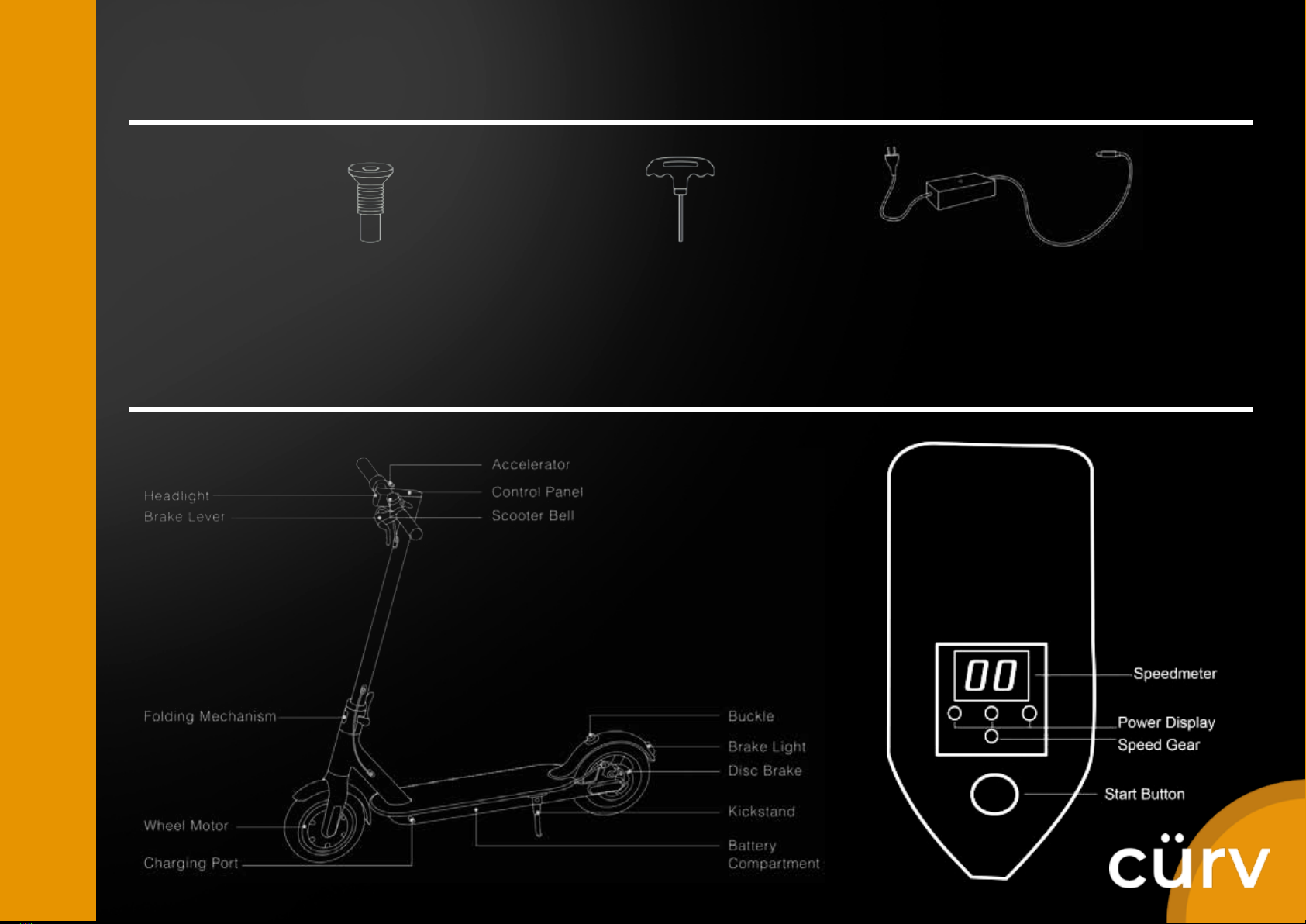
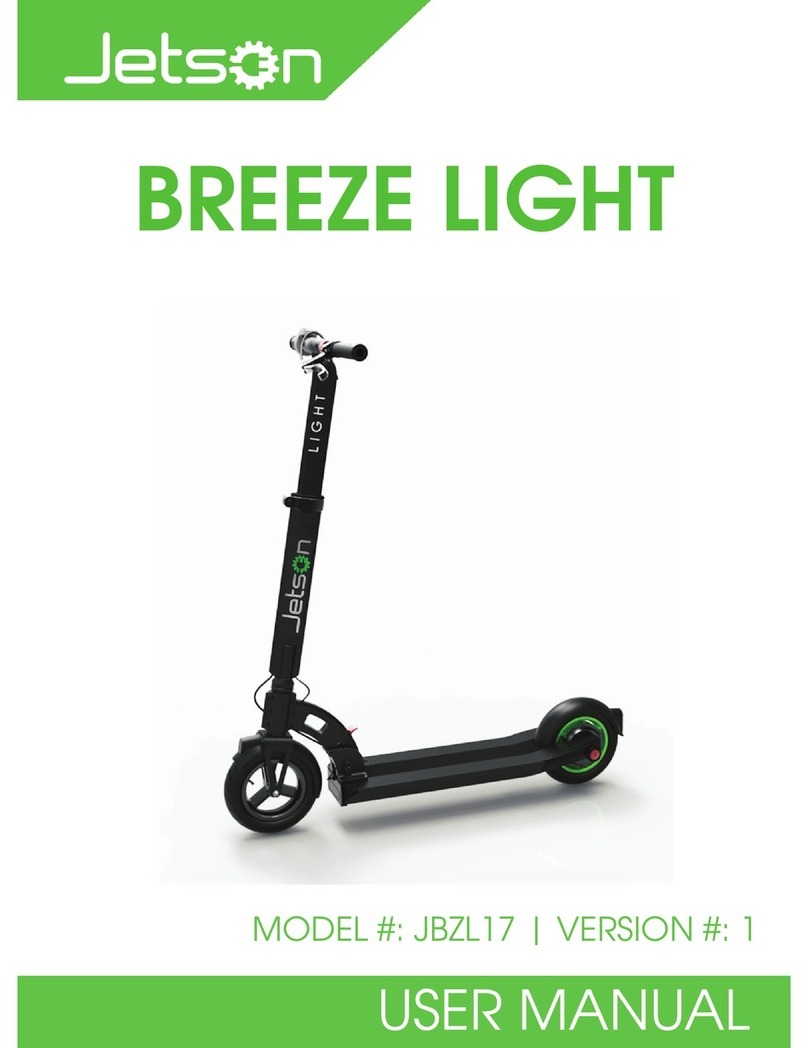
1. To Turn On: Press the start button for 3 seconds
2. To Turn Off: Press the start button for 3 seconds
3. Speed Adjustment: The scooter has 3 speed gear; to change speed mode, quickly click the start button
4. Speed Gear Light: Green Light indicates low speed mode with maximum speed of 10km/h; Blue light
indicates medium speed mode with maximum speed of 20km/h; and Red light indicates high speed
mode with speed of maximum 30km/h
5. Power Display: The power level is indicated by three power lights on the control panel. As power is
consumed, the lights will change from solid to flashing, and finally turn off from left to right
6. Front Light: Quickly double-click the start button will turn the front light on, double-click the start button
again to turn it off