manuals.online logo
Brands
  1. Home
  2. •
  3. Brands
  4. •
  5. Daintree
  6. •
  7. Lighting Equipment
  8. •
  9. Daintree GE GEXNLG15 User manual

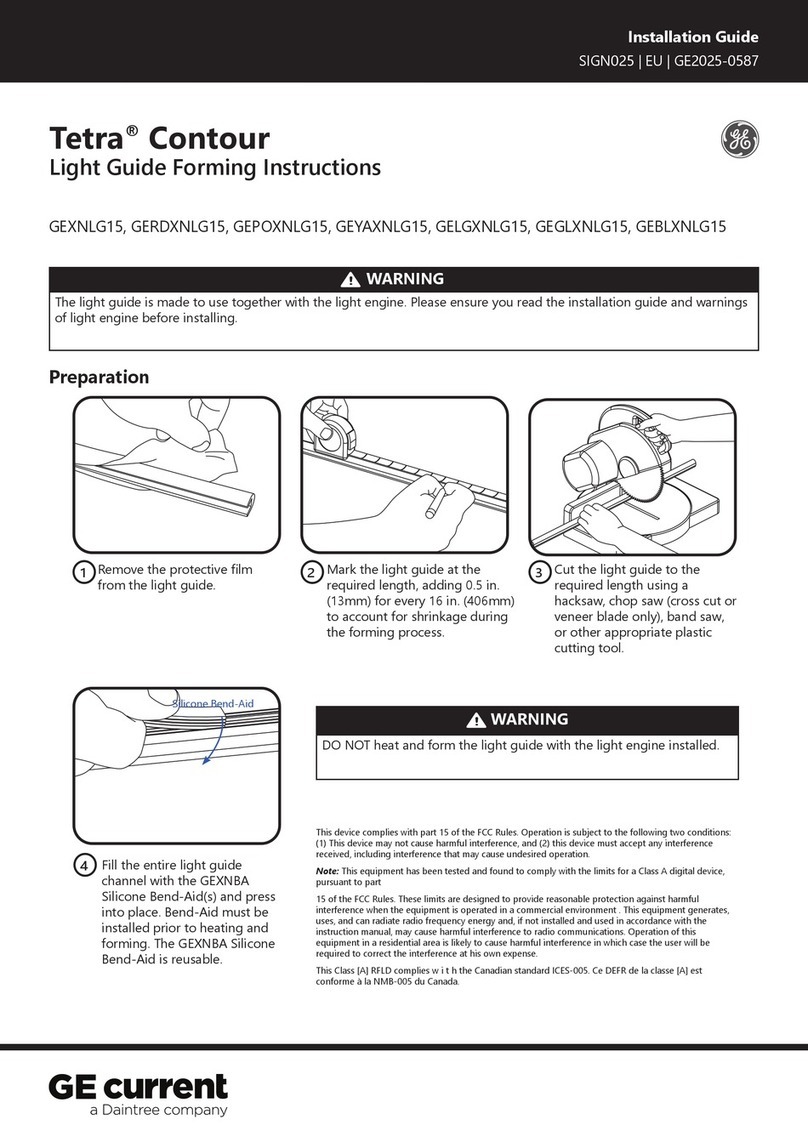
Daintree GE GEXNLG15 User manual

This manual suits for next models

7

Other Daintree Lighting Equipment manuals

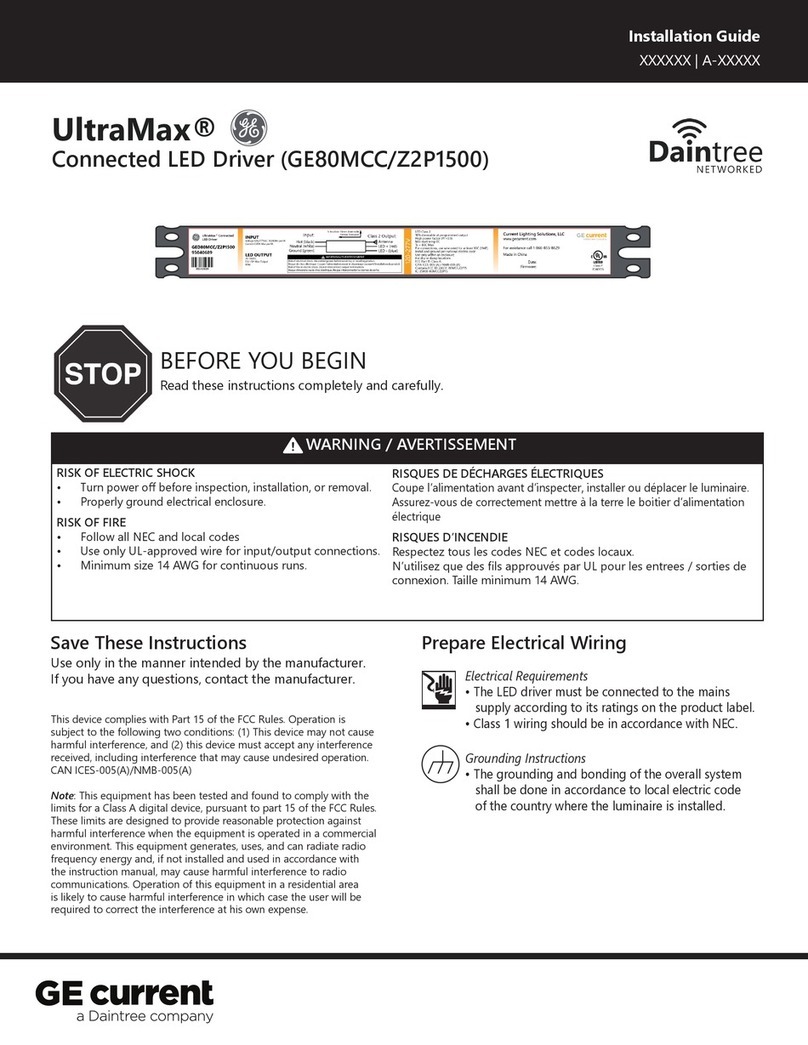
Daintree GE Current UltraMax GED80MCC/Z2P1500 User manual

Daintree

Daintree GE Current UltraMax GED80MCC/Z2P1500 User manual

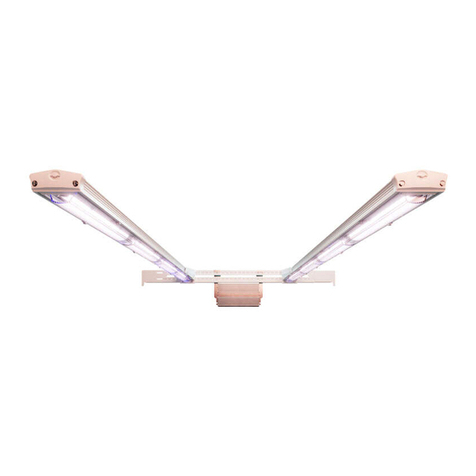
Daintree Contour Gen 2 Flex User manual

Daintree

Daintree Contour Gen 2 Flex User manual

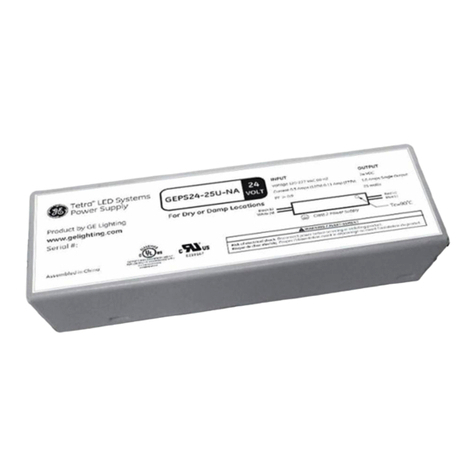
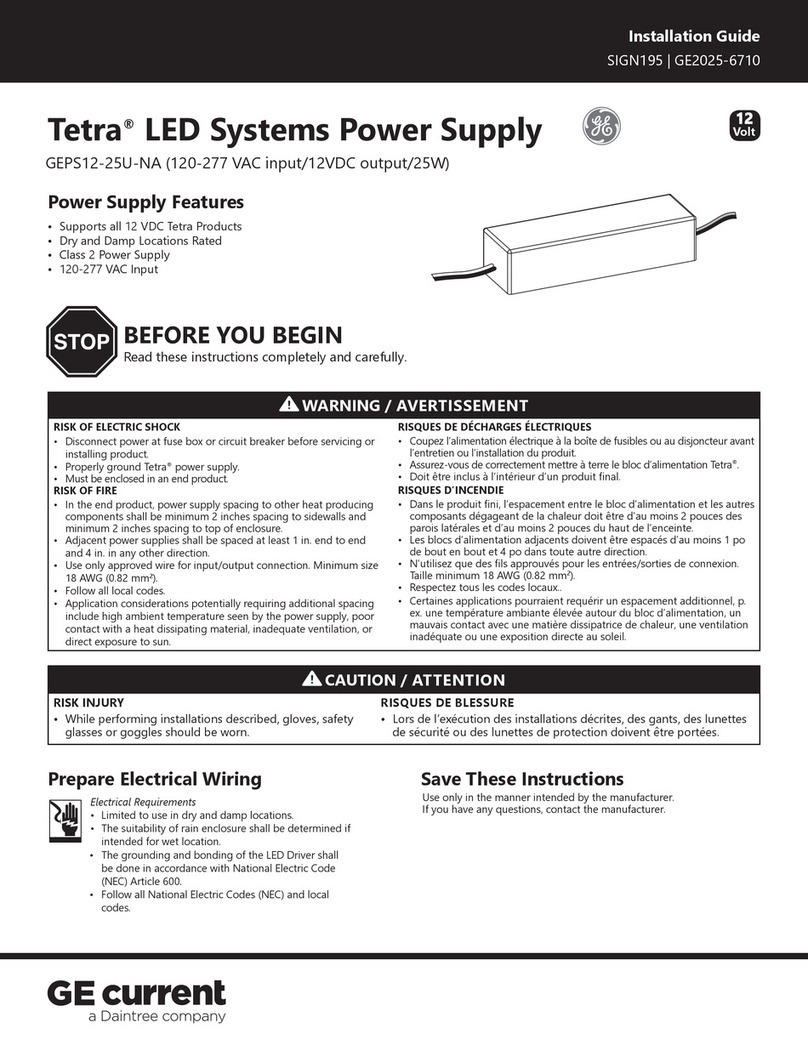
Daintree GE Current Tetra GEPS12-25U-NA User manual

Daintree

Daintree GE Current Tetra GEPS12-25U-NA User manual

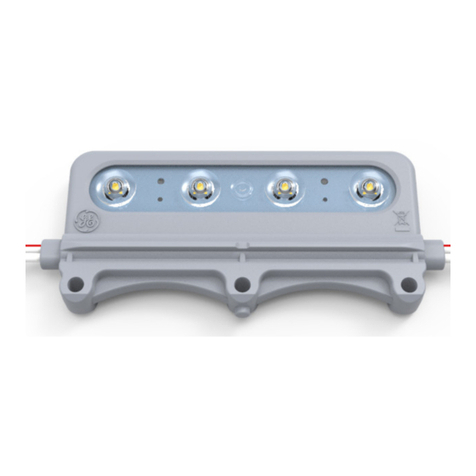
Daintree GE Tetra MAX User manual

Daintree

Daintree GE Tetra MAX User manual

Daintree GE current Lumination LRX Series User manual

Daintree

Daintree GE current Lumination LRX Series User manual

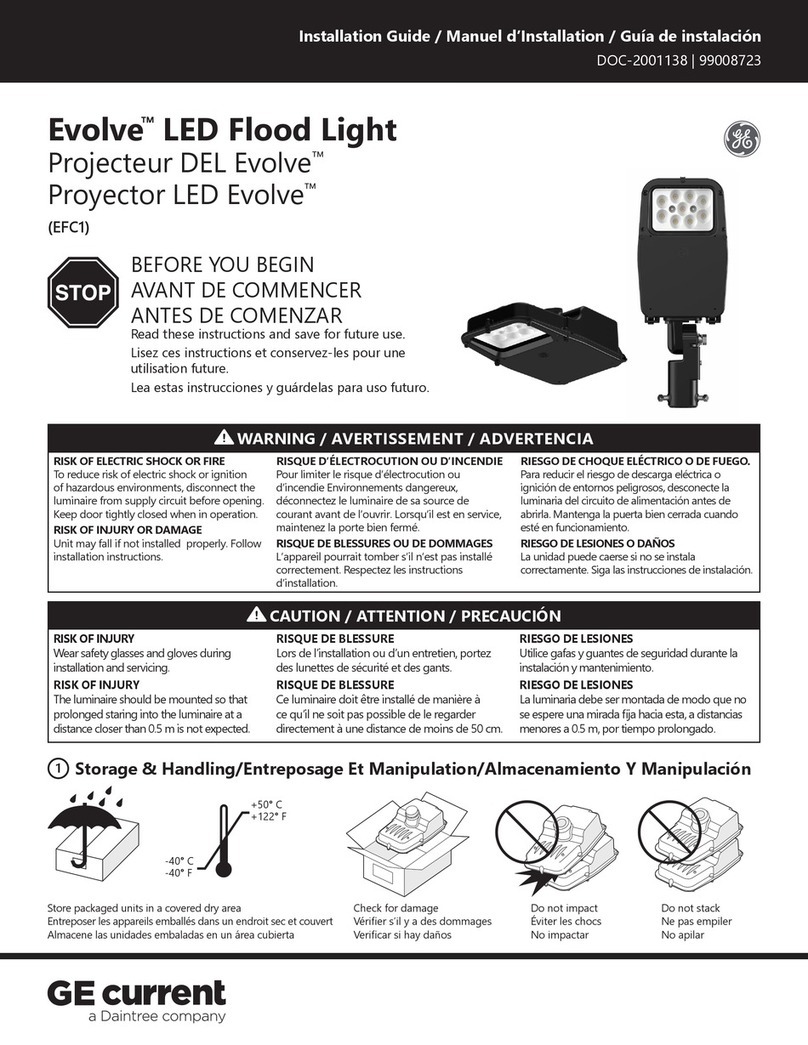
Daintree GE current Evolve EFC1 Series User manual

Daintree

Daintree GE current Evolve EFC1 Series User manual

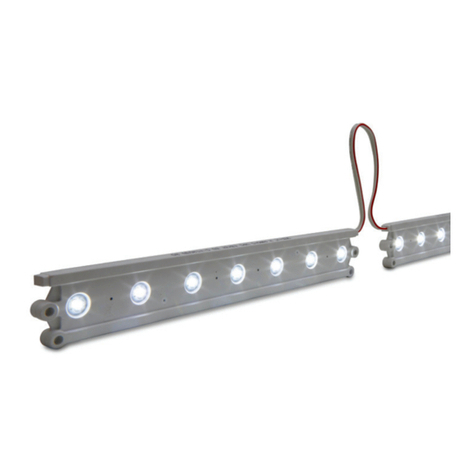
Daintree GE cirrent Tetra Rigid Light Bar User manual

Daintree

Daintree GE cirrent Tetra Rigid Light Bar User manual

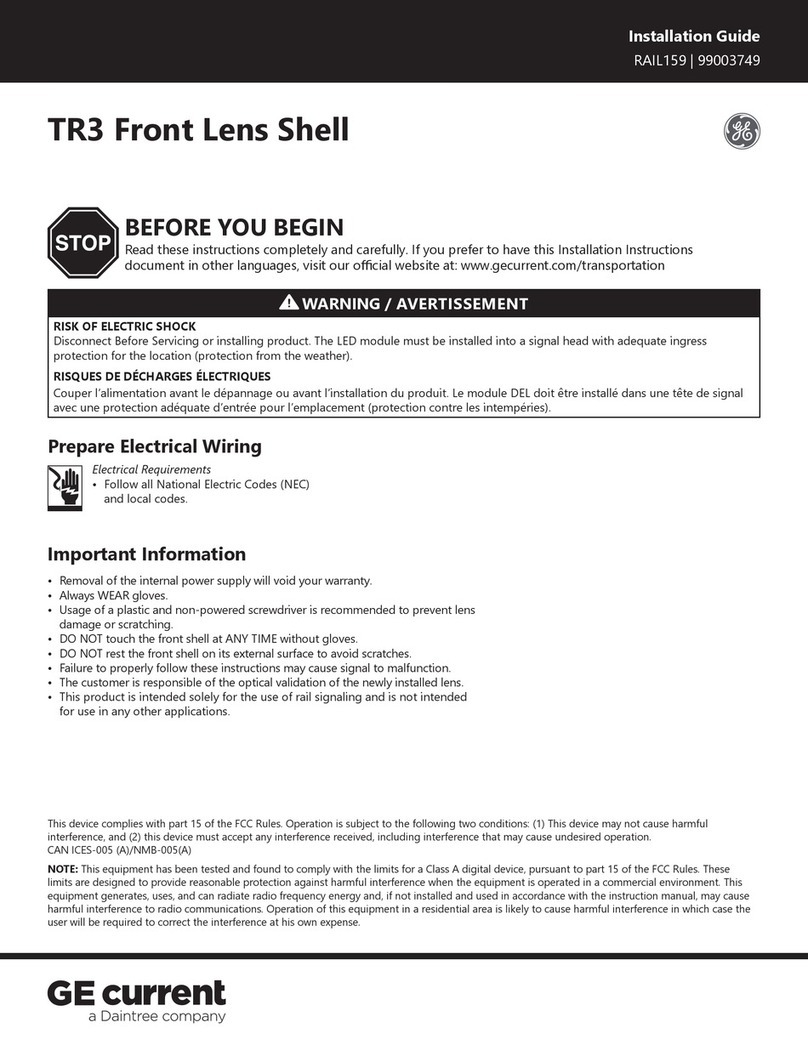
Daintree GE Current RAIL159 User manual

Daintree

Daintree GE Current RAIL159 User manual

Daintree GE Current Tetra GEPS24-25U-NA User manual

Daintree

Daintree GE Current Tetra GEPS24-25U-NA User manual

Daintree GE current Tetra PowerStrip DS User manual

Daintree

Daintree GE current Tetra PowerStrip DS User manual

Daintree GE current Tetra GETP35-2 User manual

Daintree

Daintree GE current Tetra GETP35-2 User manual

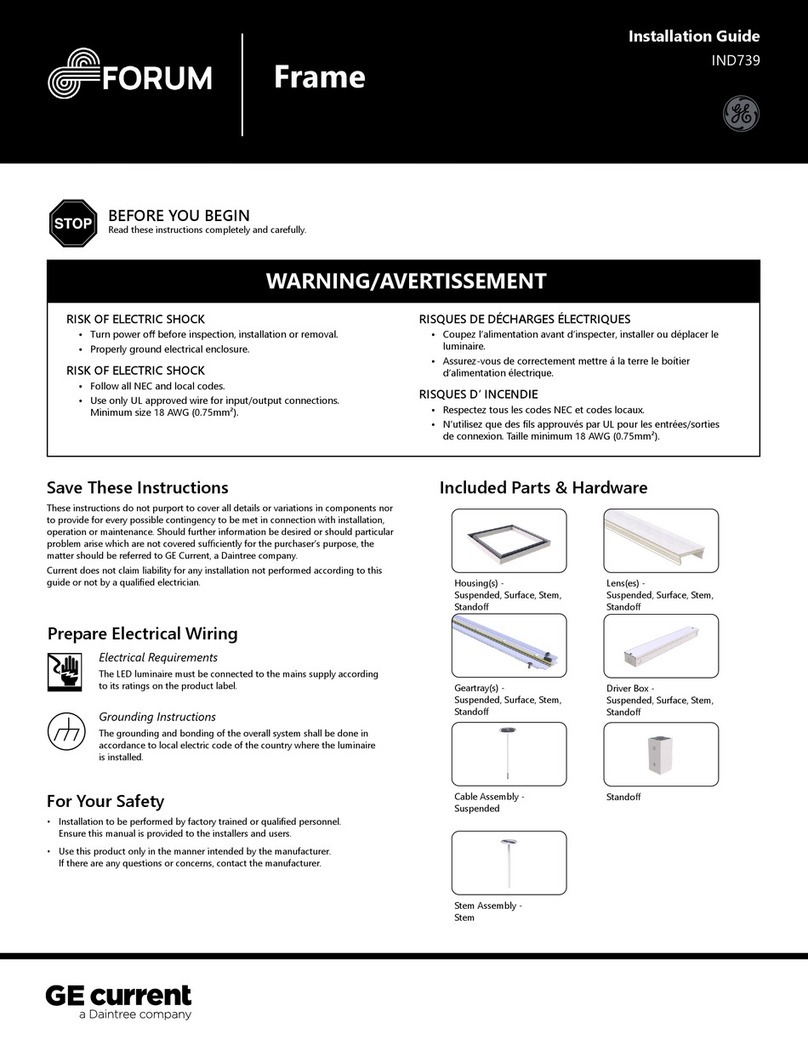
Daintree GE Forum Frame IND739 User manual

Daintree

Daintree GE Forum Frame IND739 User manual

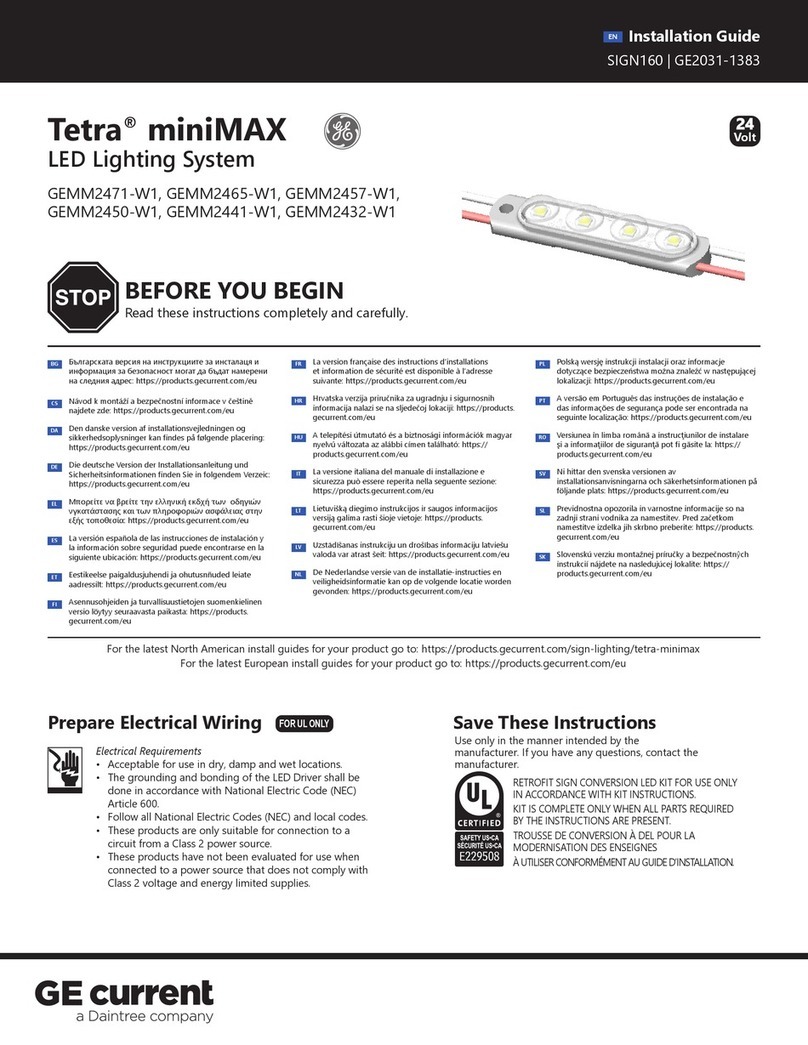
Daintree GE Tetra miniMAX User manual

Daintree

Daintree GE Tetra miniMAX User manual

Daintree GE Current Arize Life2 User manual

Daintree

Daintree GE Current Arize Life2 User manual

Daintree GE Current Arize Factor User manual

Daintree

Daintree GE Current Arize Factor User manual

Daintree GE current Tetra PowerStrip Snap DS User manual

Daintree

Daintree GE current Tetra PowerStrip Snap DS User manual

Daintree GE current Tetra Contour User manual

Daintree

Daintree GE current Tetra Contour User manual

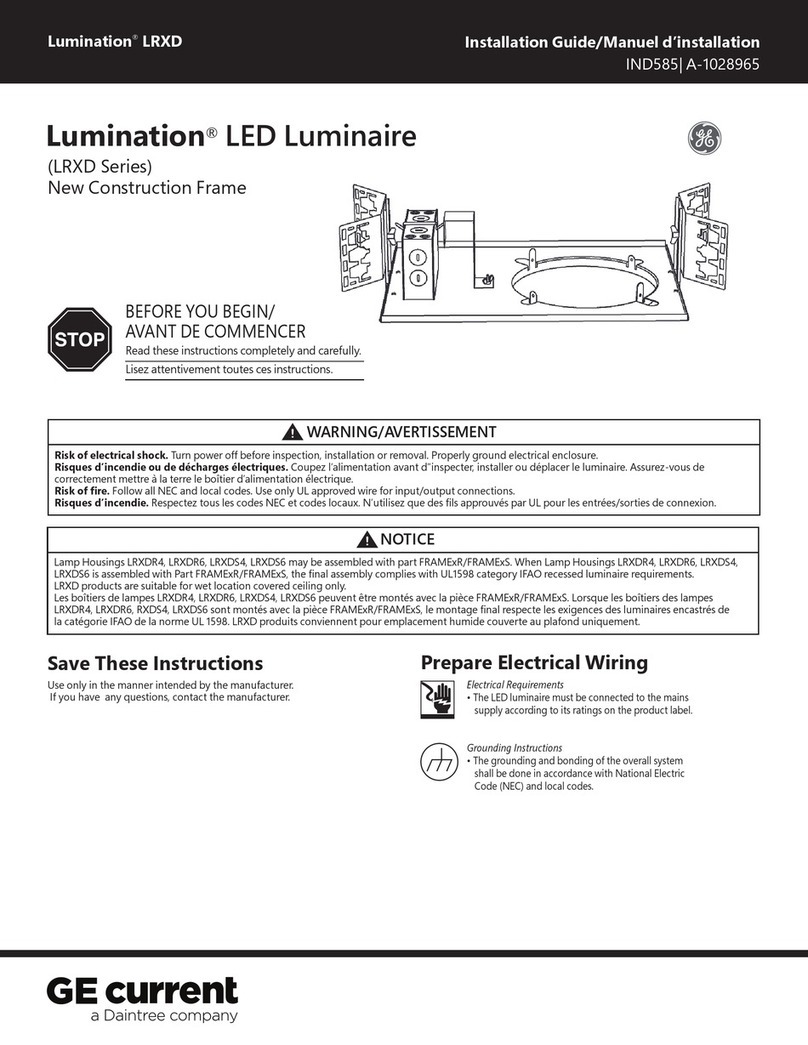
Daintree GE Current Lumination LRXD Series User manual

Daintree

Daintree GE Current Lumination LRXD Series User manual

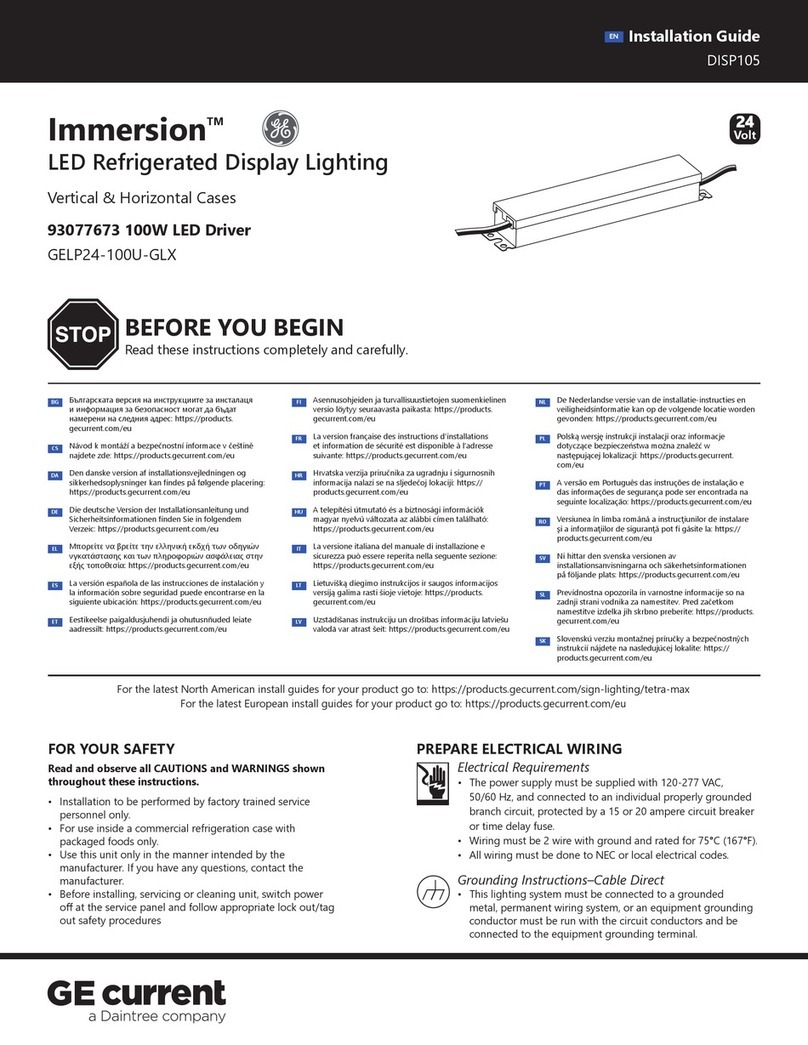
Daintree GE current Immersion GELP24-100U-GLX User manual

Daintree

Daintree GE current Immersion GELP24-100U-GLX User manual

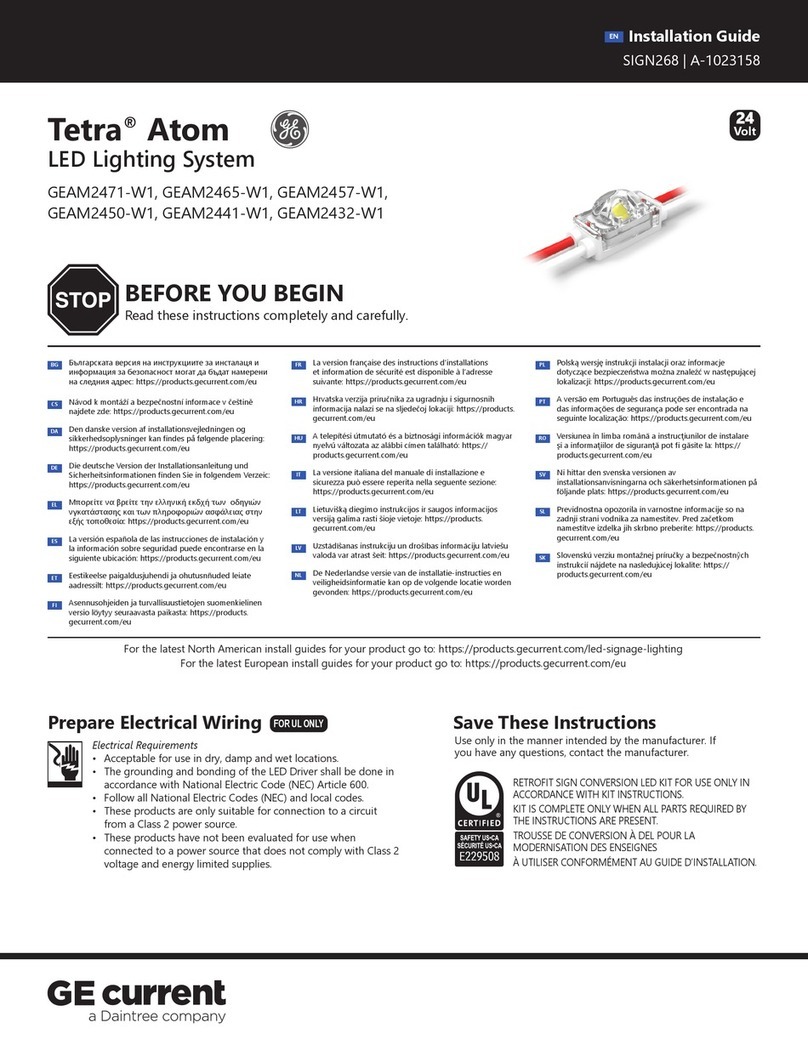
Daintree GE Tetra Atom User manual

Daintree

Daintree GE Tetra Atom User manual

Daintree RM4 User manual

Daintree

Daintree RM4 User manual

Daintree GE current Lumination RC Series User manual

Daintree

Daintree GE current Lumination RC Series User manual

Daintree GE current Proline LEX Series User manual

Daintree

Daintree GE current Proline LEX Series User manual

Popular Lighting Equipment manuals by other brands

Life 39.9F70020C quick start guide

Life

Life 39.9F70020C quick start guide

EuroLite LED ML-20 user manual

EuroLite

EuroLite LED ML-20 user manual

LIGMAN OD-50141 installation manual

LIGMAN

LIGMAN OD-50141 installation manual

Home Accents Holiday 1002461144 instructions

Home Accents Holiday

Home Accents Holiday 1002461144 instructions

Experia IRiS Ripple Light instruction manual

Experia

Experia IRiS Ripple Light instruction manual

Erco Gecko Mounting instructions

Erco

Erco Gecko Mounting instructions

Inter-lux ZTA.100.Surface Installation and maintenance instructions

Inter-lux

Inter-lux ZTA.100.Surface Installation and maintenance instructions

Whelen Engineering Company TN Series installation guide

Whelen Engineering Company

Whelen Engineering Company TN Series installation guide

IKEA BJÖRKSPIREA manual

IKEA

IKEA BJÖRKSPIREA manual

Toolland PM 6640 instruction manual

Toolland

Toolland PM 6640 instruction manual

GTD GTD-LP200 user manual

GTD

GTD GTD-LP200 user manual

LIVARNO home 1105-W-UK manual

LIVARNO home

LIVARNO home 1105-W-UK manual

ProLights EclPar IPMFC user manual

ProLights

ProLights EclPar IPMFC user manual

Velvet EVO Series user manual

Velvet

Velvet EVO Series user manual

IDTOLIGHT GENT installation instructions

IDTOLIGHT

IDTOLIGHT GENT installation instructions

MAYTONI S35 installation manual

MAYTONI

MAYTONI S35 installation manual

MaxLite MLFP14DP4535 user manual

MaxLite

MaxLite MLFP14DP4535 user manual

SLV Elektronik 550621 instruction manual

SLV Elektronik

SLV Elektronik 550621 instruction manual

manuals.online logo
manuals.online logoBrands
  • About & Mission
  • Contact us
  • Privacy Policy
  • Terms and Conditions

Copyright 2025 Manuals.Online. All Rights Reserved.

1
Light Guide
Forming Instructions
GEXNLG15, GERDXNLG15, GEPOXNLG15, GEYAXNLG15, GELGXNLG15,
GEGLXNLG15, GEBLXNLG15
Tetra®Contour
LED Lighting System
Remove the protective lm
from the light guide.

1Mark the light guide at the
required length, adding 0.5 in.
(13mm) for every 16 in. (406mm)
to account for shrinkage during
the forming process.
2Cut the light guide to the
required length using a
hacksaw, chop saw (cross cut
or veneer blade only), band
saw, or other appropriate
plastic cutting tool.
3
Fill the entire light guide
channel with the GEXNBA
Silicone Bend-Aid(s) and press
into place. Bend-Aid must be
installed prior to heating and
forming. The GEXNBA Silicone
Bend-Aid is reusable.
4
Step 1: Preparation
Silicone Bend-Aid
WARNING/AVERTISSEMENT
The light guide is made to use together with the light engine. Please ensure you read the installation guide and
warnings of light engine before installing. / Le guide est conçu pour une utilisation de pair avec un module DEL
Contour. S’assurer de lire les instructions d’installation et les avertissements avant de procéder à l’installation.
WARNING/
AVERTISSEMENT
DO NOT heat and form the light
guide with the light engine installed.
/ NE PAS chauer le guide alors qu’il
contient le module DEL Contour.
This device complies with part 15 of the FCC Rules. Operation is subject to the following two
conditions: (1) This device may not cause harmful interference, and (2) this device must accept
any interference received, including interference that may cause undesired operation.
Note: This equipment has been tested and found to comply with the limits for a Class A digital
device, pursuant to part
15 of the FCC Rules. These limits are designed to provide reasonable protection against
harmful interference when the equipment is operated in a commercial environment . This
equipment generates, uses, and can radiate radio frequency energy and, if not installed and
used in accordance with the instruction manual, may cause harmful interference to radio
communications. Operation of this equipment in a residential area is likely to cause harmful
interference in which case the user will be required to correct the interference at his own expense.
This Class [A] RFLD complies w i t h the Canadian standard ICES-005. Ce DEFR de la classe [A] est
conforme à la NMB-005 du Canada.
GE and the GE Monogram are trademarks of the General Electric Company and are used under license. Information provided is subject to
change without notice. All values are design or typical values when measured under laboratory conditions, and GE makes no warranty or
guarantee, express or implied, that such performance will be obtained under end-use conditions. © 2020 GE Current, a Daintree company.
www.LED.com SIGN025 (Rev 03/02/20) GE2025-0587
Heating and Forming
Step 2:
Part 1: Move the section back and
forth while rotating about the
diameter until it is soft and pliable.
Gently bend to the desired angle.
It is recommended to use a heat-
deecting shield to distribute
the heat evenly. Avoid localized
overheating that may result in
distortion or damage (i.e. bubbling)
of the light guide.

For large bends, use either an industrial
oven or heating blanket. For small bends,
use a heat gun.
Part 2: The workable forming time
is about 2–3 minutes. The light
guide must remain in the desired
position until completely cooled. See
the chart above for minimum bend
radius guidelines.
Allow the light guide to cool by natural convection or lightly forced cool air (i.e. fan). Remove the Bend-Aids for
reuse. In order to remove any minor surface aws, perform a light sanding using 400 grit sandpaper. Flared or
deformed ends can be trimmed. The light guide is now ready for light engine installation.
NOTE: DO NOT remove the Bend-Aids until the light guide has completely cooled.
NOTE: DO NOT subject heated light guide to freezing or quenching in water.
Heat gun
Preheat the heating equipment to
300°F (149°C). Heat light guides
approximately 6-15 minutes until
soft and pliable. Bend the light
guide over a printed pattern,
routed template, or use free-
forming. A clean at insulated
surface (wood or laminated
countertop) will help to prevent
twisting or bowing. See the chart
above for minimum bend radius
guidelines.
Option B: Small BendsOption A: Large Bends
Planar 0.75 in. (19mm)
Inside Corner 1 in. (25mm)
Outside Corner 1½ in. (38mm)
Bend Type
Minimum Inside
Bend Radius (r)
r
CAUTION/ATTENTION
Avoid direct contact between hot materials and exposed skin
or combustibles. Use heat resistant gloves while heating and/
or handling any hot materials. / Éviter tout contact direct
des parties chauées avec la peau ou d’autres matières
combustibles. Utiliser des gants de protection thermique lors
du chauage ou de toute manipulation des pièces chauées.
CAUTION/ATTENTION
DO NOT use an open ame to heat the light guide. / Ne pas

utiliser une amme nue pour chauer le guide.