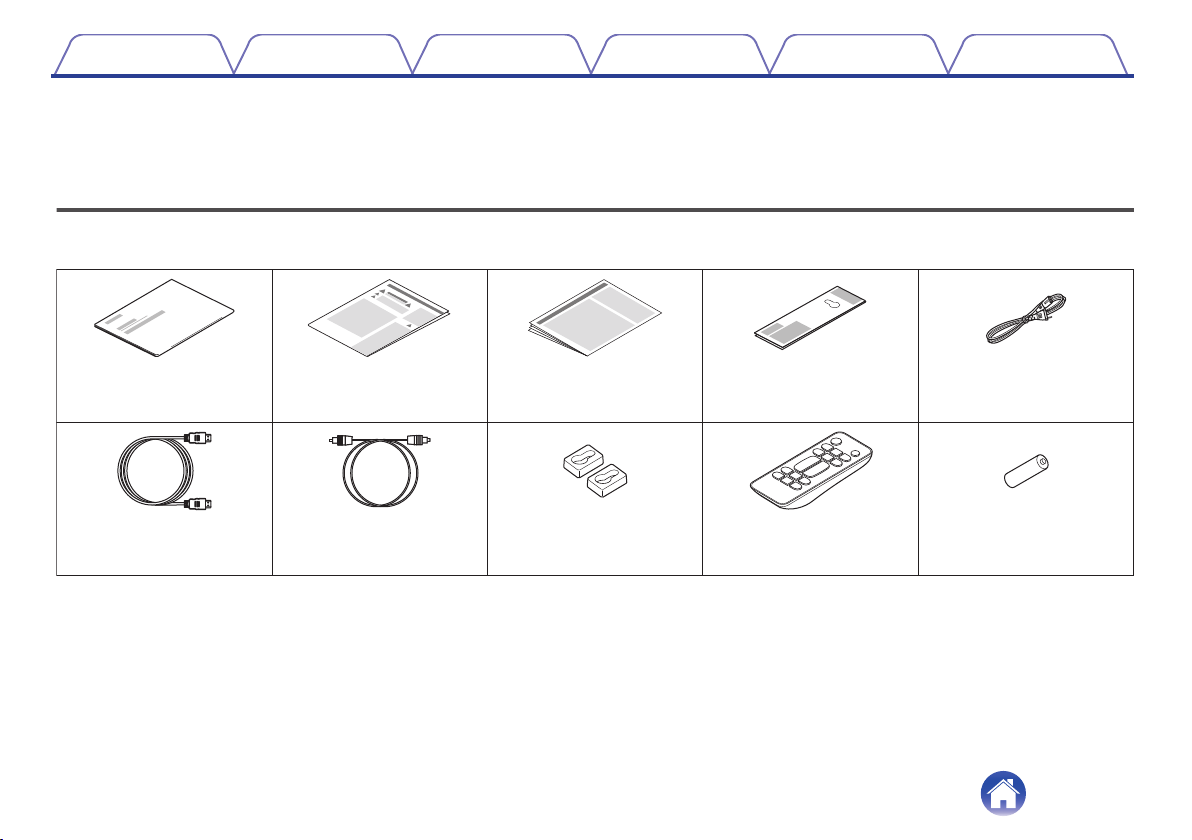
Accessories 4
Inserting the batteries 5
Operating range of the remote control unit 5
Features 6
Part names and functions 7
Sound bar 7
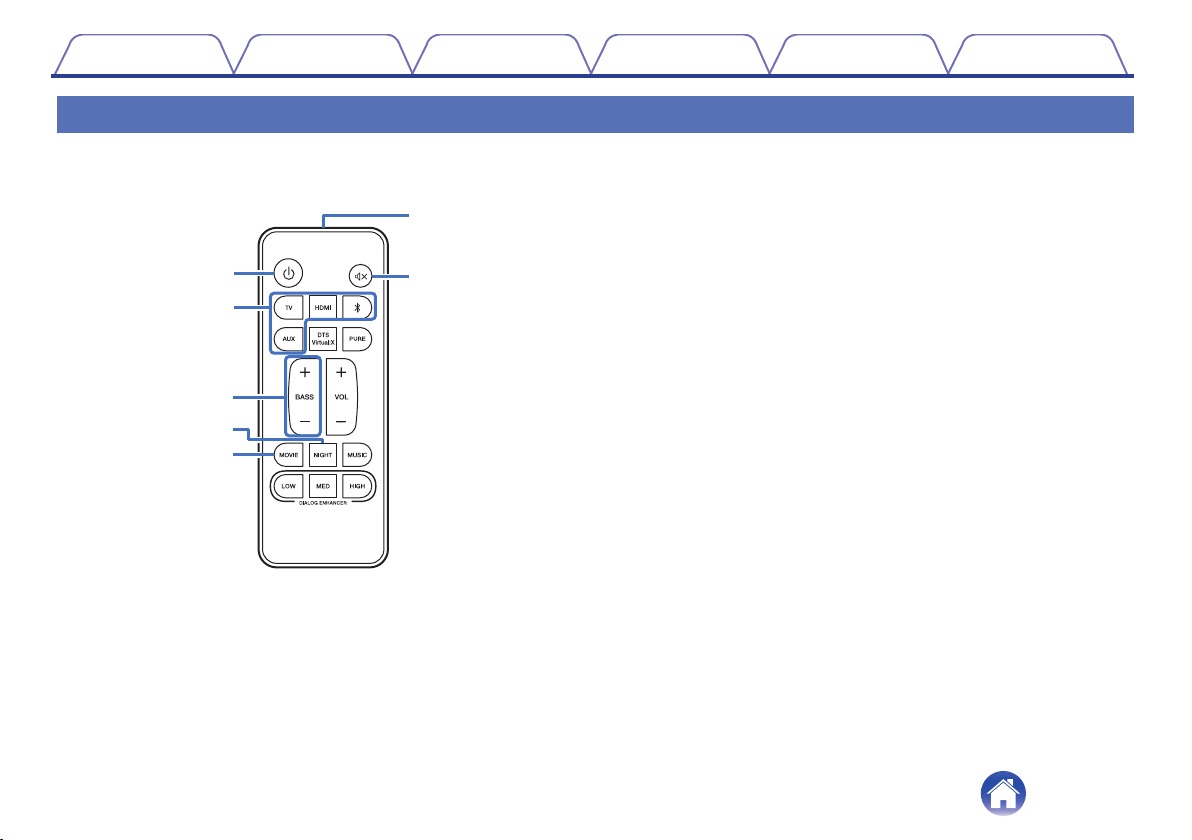
Remote control unit 10
Connections
Positioning 12
Positioning the sound bar 12
Connecting a TV 14
Connection 1: TV equipped with an HDMI connector and
compatible with the ARC (Audio Return Channel) 15
Connection 2: TV equipped with an HDMI connector and
incompatible with the ARC / TV equipped with an optical digital
connector 16
Connection 3: TV equipped with an HDMI connector and
incompatible with the ARC / TV equipped with an analog
connector 17
Connecting the subwoofer 18
Connecting an HDMI device 19
Connecting the power cords 20
Playback
Enjoying television, movies and music 21
Status LED table 22
Listening to music on a Bluetooth device 23
Pairing a Bluetooth device for the first time 23
Pairing with other Bluetooth devices 24
Listening to music with a paired Bluetooth device 24
Settings
Settings 25
Adjusting the volume 25
Adjusting the subwoofer volume 25
Selecting a listening mode 26
Turning off the sound temporarily 27
Quick Start modes 27
Auto standby function 28
Volume limiter function 28
Operating this unit using the remote control of a TV 28
Contents Connections Playback Settings Tips Appendix
2