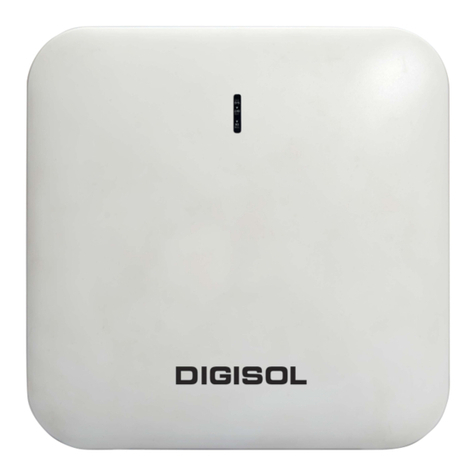
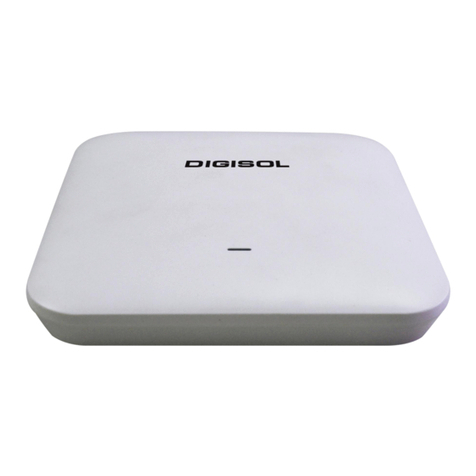
DG-WA7910P User Manual
INDEX
1. Hardware and Operation Mode Instruction……………........………………….....………………………………4
1.1. LED Interface…………….………………………………………………………………………………………………4
1.2. AP Interface:……………………………………….......…………………………….……………………………..…4
1.3. Power Supply:……………………………………………………….......………………………….…………………4
1.3.1. PoE Adapter Power Supply:…………………………………….....………………...………………...4
1.3.2. PoE Switch Power Supply…………………………...................................………...………....5
2. Connect Wireless AP with PC:……………….………………………………………..…..…………………………………….…7
3. Login………………………………………………………………………........………………………………………….………….8
4. WEB GUI interface Setting:……………………..........…………………………………………………………………………10
4.1. Status……………………………………………….….....…………………………………………………………..…10
4.2. Wizard Configuration:…………………………….…………………….......…………….…………………….12
4.2.1. Gateway Mode:…………………………….…………………………….....………………………………...13
4.2.2. WiFi Repeater mode……………………….…………………………………….....………………….16
4.2.3. WISP Operation mode:…………………….……………………………….....…….……………………..18
4.2.4. AP Operation mode:……………………………………………………………....……………………20
4.3. Advanced Setting:…………………………………………………….…………...……………………………….22
4.3.1. Device Status:…………………………………………………………………….………………………...22
4.3.2. Wireless Setting…………………………………………………………....…….……………….……..23
4.3.3. Virtual AP……………………………………………………………………………....…………………….24
4.3.4. Access Control………………………………………………………..……....……….……….………...25
4.3.5. Advanced Settings………………………………………………………………………………………..26
4.3.6. Network setting……………………………………………………………………………………………26
4.3.7. Management……………………………………………………………………….……………………...27
5. Share Internet and Obtain IP address automatically…………………………….….……..………………………..29
Trouble Shooting………………………………………………………………………………….……………………………………...30