English
www.doro.com 7
Phone Book
Using the Phone Book
The Phone Book will store 32 telephone numbers (22 digits max)and their
associated names (16 characters max) with entries arranged alphabetically.
A stored phone number can be dialled using fewer keystrokes than if dialled
manually. If you subscribe to a Caller ID service, the name/number of the caller
will be shown when you receive an incoming call (only for those numbers stored
in the Phone Book or M1/M2 memories).
Letters
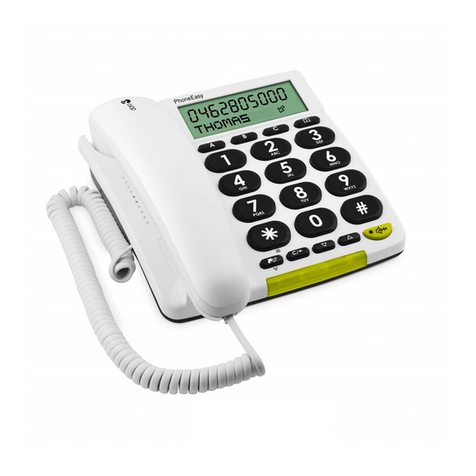
Each number key has been allocated certain characters.
Button Letters/symbols
1.......................................... [Space character] + & - / X 1
2.......................................... A B C Å Ä Æ æ å ä ß 2
3.......................................... D E F ë 3
4.......................................... G H I ï 4
5.......................................... J K L 5
6.......................................... M N O Ñ ñ ö @ ö 6
7.......................................... P Q R S 7
8.......................................... T U V Ü ü 8
9.......................................... W X Y Z 9
* .......................................... ` @ ( ) * < >
0.......................................... , . : ? = 0
#.......................................... $ _ % ! #
Storing names/numbers
1. Press b.
2. Press P.
3. Press P again.
4. Enter the telephone number to be stored (up to 22 digits). Press P.
5. Enter the name (up to 16 characters). Press the corresponding number
button one or more times for the rst letter (see the table above).
6. Press P.
Press r if you need to insert a pause in the telephone number.
If you wish to change a number, store the new number in the same location as the old one.