English
4
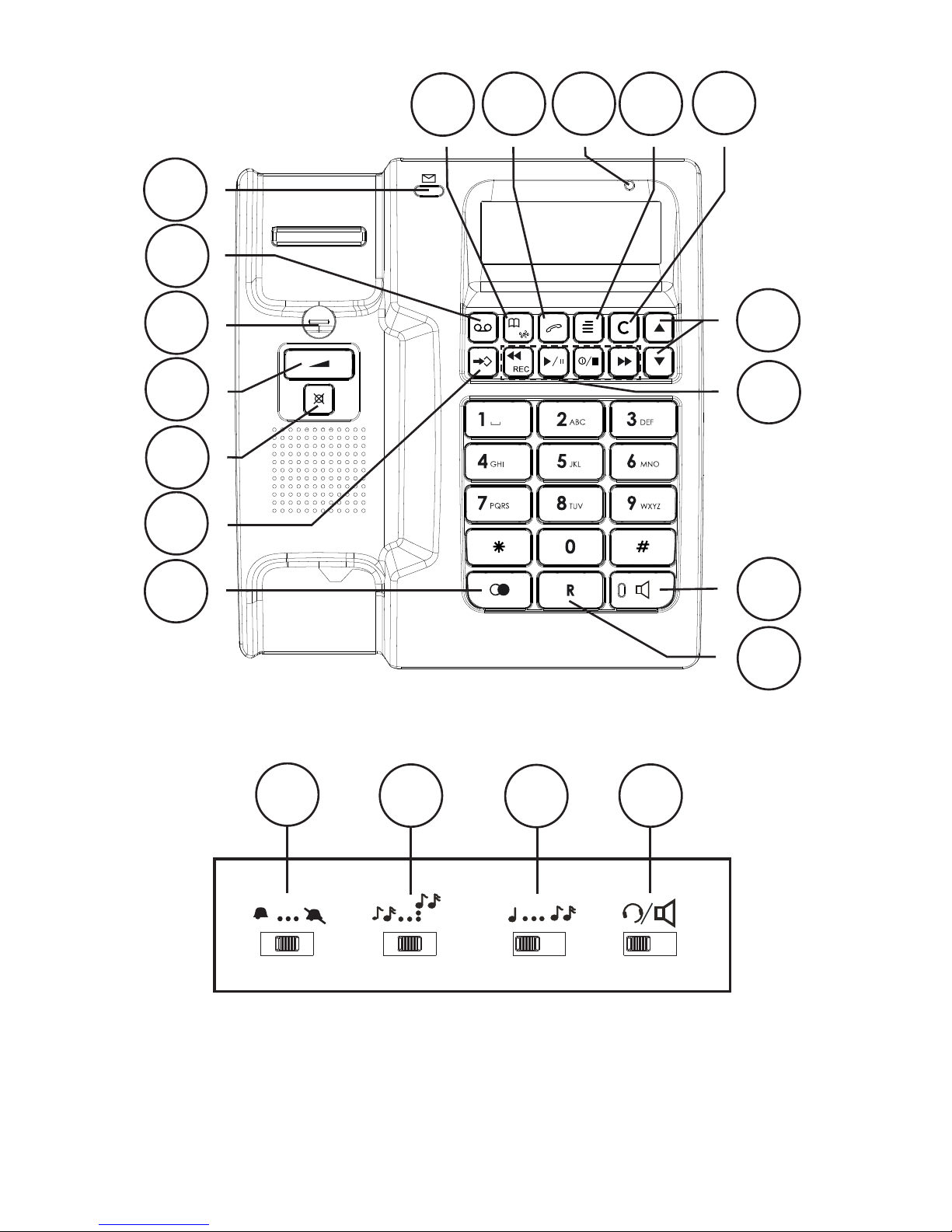
The display shows FLASH. Press Q to change or press } to continue without changes.
Select the desired setting using {/}. 100 for AU/UK/EU, 270 for FR and 600 for NZ.
Press Q.
The display shows TONE/PULSE. Press Q to change or pressor presspress } to continue without
changes.
Select TONE or PULSE using {/}. If unsure about which mode to use, select TONE as
this works in most locations. Press Q.
The display shows ANSWER DELAY. Press Q to change or pressor presspress } to continue without
changes.
Select 2, 4or TS using {/}. Press Q.
The display shows ANSWER MODE. Press Q to change or pressor presspress } to continue without
changes.
Select ANSWER&RECORD or ANSWER ONLY using {/}. Press Q.
The display shows PIN CODE. Press Q to change or pressor presspress } to continue without
changes.
Use the numeric keypad to enter the default code (0000). Pressenter the default code (0000). PressPress Q. Enter the new code.
Press Q.
If the code is not accepted/correct you will hear a short beep, repeat step 21 and 22.
The display shows PRIVACY MODE. Press Q to change or pressor presspress } to continue without
changes.
Select ON or OFF using {/}. Press Q.
The LCD shows “TOTAL:00 NEW:00”, which means both the total call and new call counter
are zero.
Press w anytime to change the settings. Press 1 / to return to standby.
Number of Rings (Answer delay)
The number of rings before the answer machine answers can be selected between 2, 4
or TS.
With TS (Time Saver) selected, calls will be answered after four rings until a new ICM
(incoming message) has been recorded, any subsequent calls will be answered after two rings.
Once these ICM’s (incoming messages) have been erased this cycle will be repeated. This
is useful when remotely accessing your unit, if there is no answer after three rings no ICM’s
(incoming messages) have been recorded, you can therefore terminate the call before you are
charged.
Pin Code
This code is needed in order to gain access to the remote control functions of the answer
machine (factory setting is 0000). The same code is used for Privacy mode. You can alter the
code according to the description above.
Voice
With VOICE set to ON you will be announced the time for when the incoming message (ICM)
was recorded. With VOICE set to OFF the time and date will not be announced but you can
still see when the incoming message was recorded in the display.
13.
14.
15.
16.
17.
18.
19.
20.
21.
22.
23.
24.