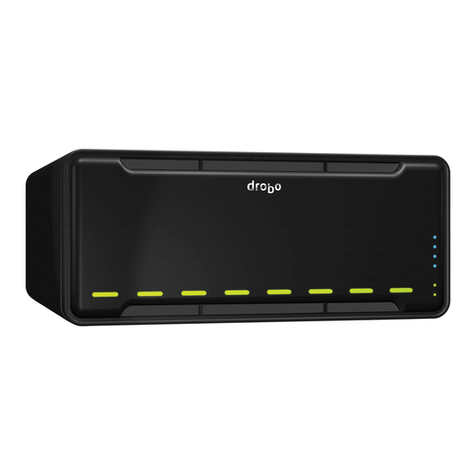
Drobo 5N Getting Started Guide 2
Table of Contents
Before You Begin....................................................................................................................... 3
Product Features at a Glance...................................................................................................................3
Checking Box Contents............................................................................................................................4
Checking System Requirements ..............................................................................................................4
Operating Systems Supported .............................................................................................................5
Connectivity Interfaces Supported for the Drobo 5N............................................................................5
Checking the Hardware You Need...........................................................................................................5
Selecting Drives....................................................................................................................................5
Determining Drive Space Requirements..............................................................................................7
Using a Router or Switch with the Drobo 5N........................................................................................7
Using Power Protection........................................................................................................................8
Setting Up Your Drobo 5N ......................................................................................................... 9
Installing Drobo Dashboard......................................................................................................................9
Installing an mSATA SSD.......................................................................................................................14
Inserting the Drives.................................................................................................................................15
Connecting the Cables and Turning on Your Drobo 5N.........................................................................16
Setting the Administrator Username and Password...............................................................................17
Where to Go Next .....................................................................................................................19
Using Best Practices...............................................................................................................................19
Keeping Your Software Up to Date ........................................................................................................19
Checking for Software Updates Automatically...................................................................................20
Checking for Software Updates Now .................................................................................................21
Manually Updating Firmware from the Website .................................................................................21
Safely Shutting Down Your Drobo 5N ....................................................................................................22
Safely Shutting Down Your Drobo 5N Using Drobo Dashboard........................................................23
Safely Shutting Down Your Drobo 5N Manually.................................................................................25
Using the Online User Guide..................................................................................................................25
Using Context-Sensitive Help.................................................................................................................25
Using the Knowledge Base ....................................................................................................................26
Registering Your Drobo 5N ....................................................................................................................26
Getting Support.......................................................................................................................................29
Copyright, Safety and Limited Warranty Information .................................................................30