1. Login to EKSA official website: www.eksa.shop
2. Click on "More" - "download" on the page
3. You will see "EKSA Surround 7.1" and click
"Download"
4. After download, double-click the installation and
you will see "EKSA Virtual 7.1 Setup"
5. Choose the language you want - then click "Next"
6. Click "OK" - "Next" - "Finish"
NOTE:
How do I download the EKSA 7.1 driver?
Q5:
+
-
+
-
+
-
+
-
+
-
Save
EQ on
Profile 1 Profile 2 Profile 3 Profile 4
3D on Reset
Load About
DOWNLOAD
Support:All Windows System (SP/7/8/10)
www.eksa.shop/download
This driver is only for windows computers
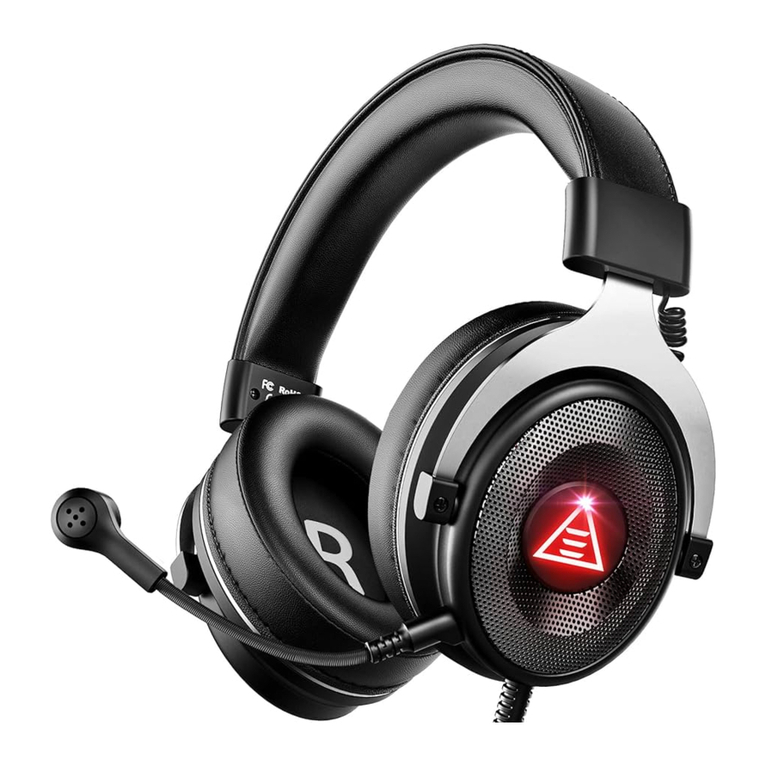
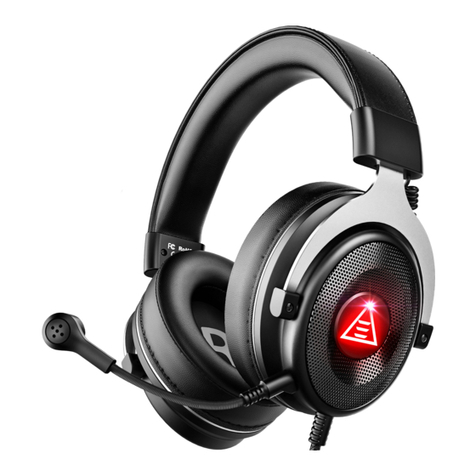
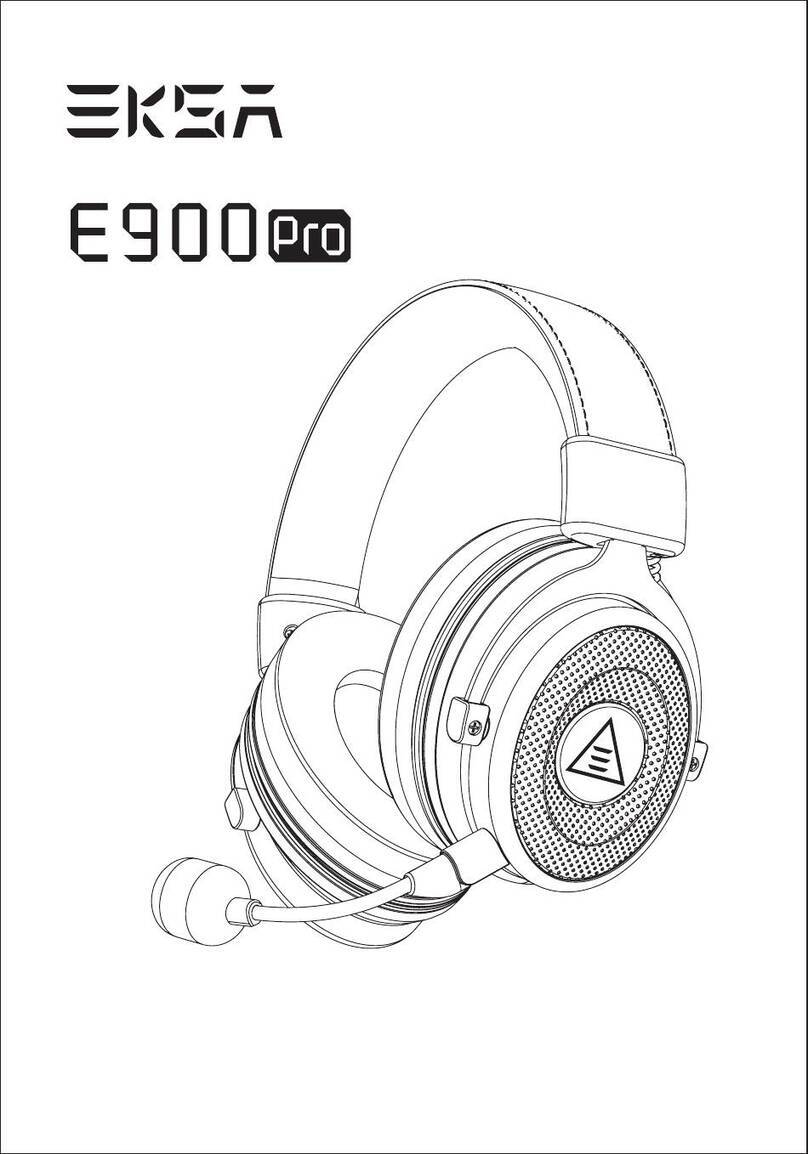
Plug in the 7.1 headset (E900) before installing
the driver