7700 MultiFrame Manual
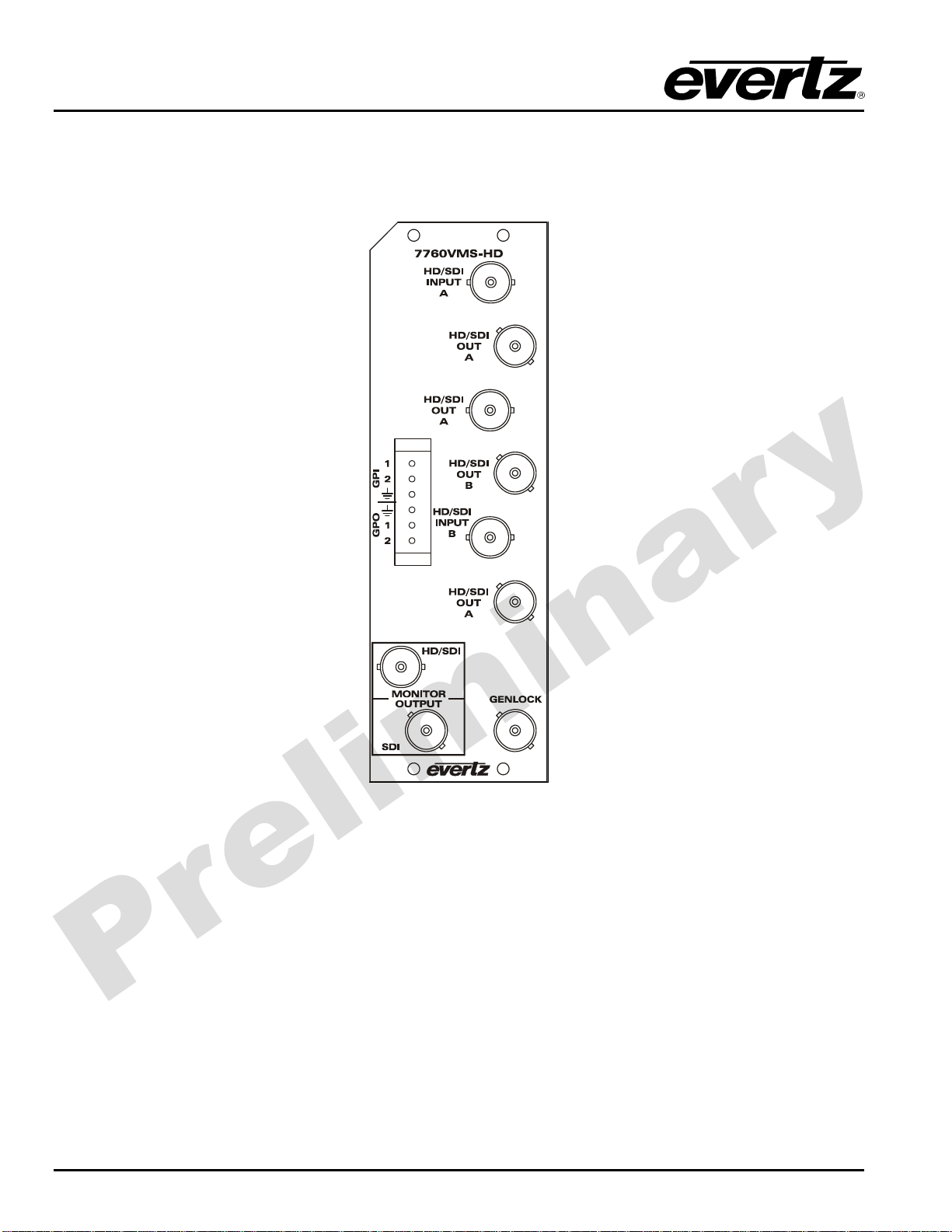
7760VMS-HD HD Video Monitoring Splitter
Revision 0.3
TABLE OF CONTENTS
1. OVERVIEW...............................................................................................................................1
2. INSTALLATION........................................................................................................................2
2.1. HD AND SD VIDEO INPUTS AND OUTPUTS............................................................................... 2
2.2. GENLOCK REFERENCE.............................................................................................................. 3
2.3. GENERAL PURPOSE INPUTS &OUTPUTS................................................................................ 3
3. SPECIFICATIONS....................................................................................................................5
3.1. SERIAL VIDEO INPUTS................................................................................................................ 5
3.2. RECLOCKED SERIAL VIDEO OUTPUTS .................................................................................... 5
3.3. DOWNCONVERTED SERIAL VIDEO OUTPUT............................................................................ 5
3.4. GENLOCK INPUT ......................................................................................................................... 5
3.5. GPIO CONTROL PORT................................................................................................................. 6
3.6. ELECTRICAL ................................................................................................................................ 6
3.7. PHYSICAL..................................................................................................................................... 6
4. STATUS INDICATORS.............................................................................................................7
4.1. AUDIO STATUS LEDS.................................................................................................................. 8
5. CARD EDGE CONTROLS........................................................................................................9
5.1. SELECTING WHETHER THE MODULE WILL BE CONTROLLED FROM THE
LOCAL CONTROLS OR THROUGH THE VISTALINK®INTERFACE .......................................... 9
6. CARD EDGE MENUS.............................................................................................................10
6.1. NAVIGATING THE CARD EDGE MENU SYSTEM ..................................................................... 10
6.2. CARD EDGE SETUP MENU ....................................................................................................... 10
6.2.1. Selecting the Reference Input Type ............................................................................... 11
6.2.2. Configuring the Behaviour of the Split Screen Output on Loss of Video........................ 11
6.2.3. Configuring the Downconverted Split Screen Output Aspect Ratio................................ 11
6.2.4. Configuring the Downconverted Split Screen Output Panel Colours.............................. 11
6.2.5. Configuring the Horizontal Split Line .............................................................................. 12
6.2.6. Configuring the Vertical Split Line................................................................................... 12
6.2.7. Configuring the Orientation of the Text On the Display.................................................. 13