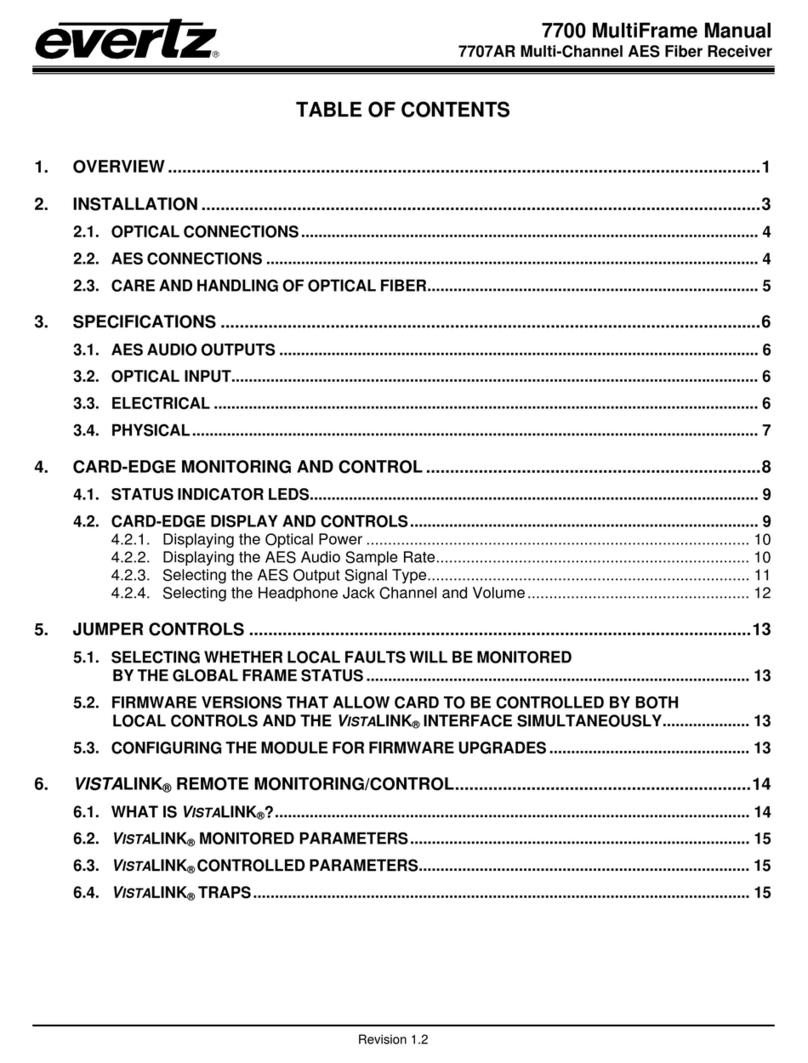
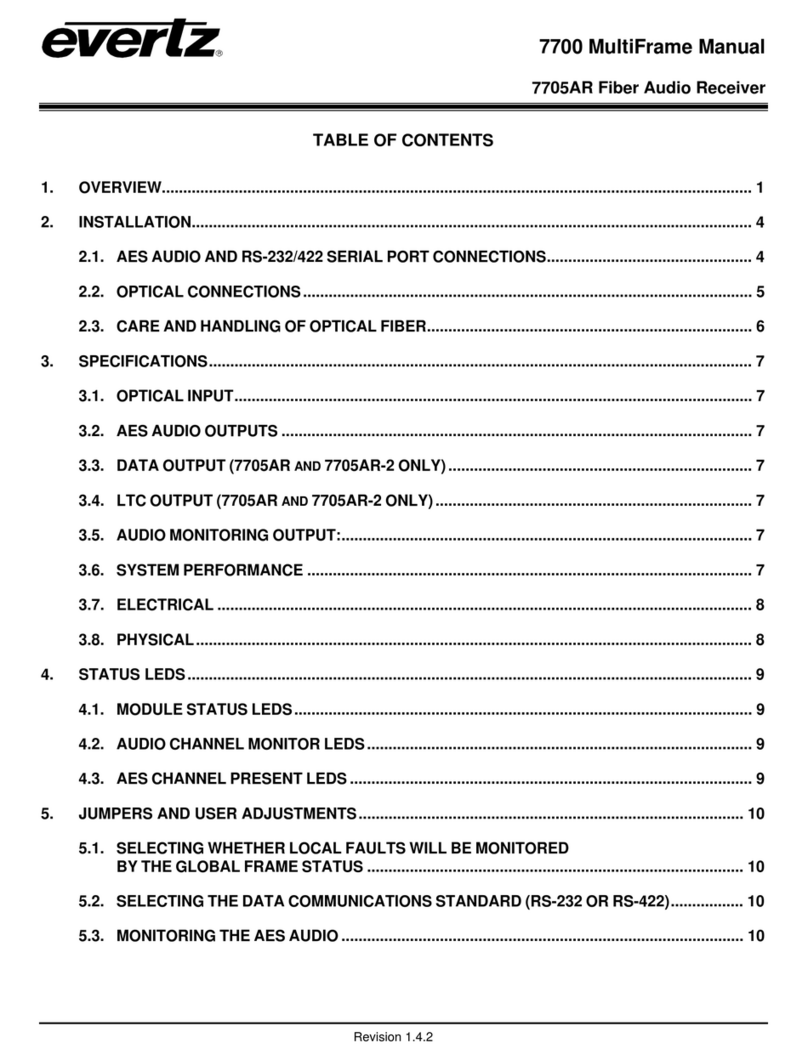
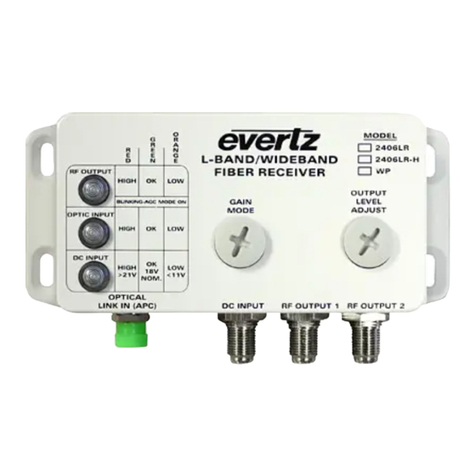
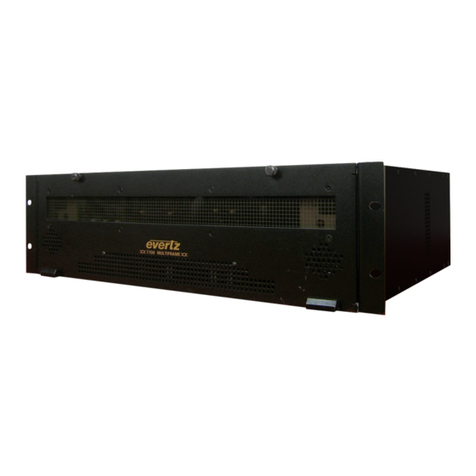
2407RGBR/DVIR DVI and RGB Video/Audio Portable Fiber Receiver
2407RGBR/DVIR - ii Revision 1.1
4.4.2. Adjusting the Horizontal and Vertical Shift (All RGBR/DVIR)........................................ 15
4.4.3. Adjusting the Output Brightness (2407RGBR Models Only)......................................... 15
4.4.4. Adjusting the Output Setting.......................................................................................... 16
4.4.5. Adjusting the Output on Loss........................................................................................ 16
4.4.6. Selecting the Output Laser Enable Mode (A2KM Versions Only)................................. 16
4.4.7. Adjusting the Sharpness (A2KM Versions Only)........................................................... 17
4.4.8. Adjusting the Headphone Jack Volume (A2 & A2KM Versions Only)........................... 17
4.4.9. Adjusting the Orientation of the Text on the Card Edge Display................................... 17
4.4.10. Displaying the Video Resolution and Refresh............................................................... 18
4.4.11. Displaying the Connected Display Type (2407RGBR Models Only)............................. 18
4.4.12. Displaying the Input Video Sync Type (2407RGBR Models Only)................................ 18
4.4.13. Displaying the Input Optical Power ............................................................................... 18
4.4.14. Displaying the Firmware Version................................................................................... 19
5. JUMPER CONTROLS....................................................................................................................... 20
5.1. CONFIGURING THE MODULE FOR FIRMWARE UPGRADES ............................................. 20
6. VISTALINK®REMOTE MONITORING/CONTROL........................................................................... 21
6.1. WHAT IS VISTALINK®?........................................................................................................... 21
6.2. VISTALINK®MONITORED PARAMETERS ............................................................................ 21
6.3. VISTALINK®CONTROLLED PARAMETERS ......................................................................... 22
Figures
Figure 1-1: 2407RGBR Block Diagram.................................................................................................................2
Figure 1-2: 2407DVIR Block Diagram...................................................................................................................3
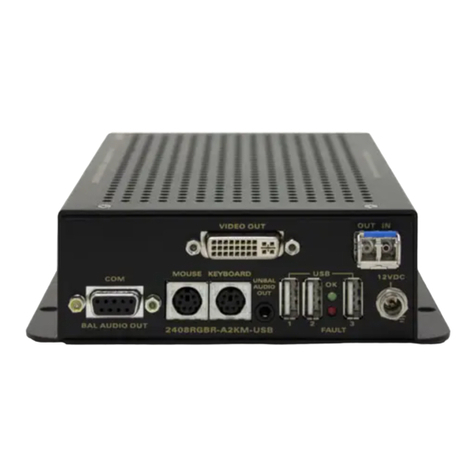
Figure 2-1: 2407RGBR/DVIR Rear Panels...........................................................................................................4
Figure 2-2: Reproduction of Laser Certification and Identification Label..............................................................6
Figure 4-1: Identifying Top Screws .....................................................................................................................10
Figure 4-2: Screws on Bottom of Unit.................................................................................................................11
Figure 4-3: Inside View of Unit............................................................................................................................11
Figure 4-4: Location of Status Indicators and Jumpers ......................................................................................12
Figure 4-5: 2407RGBR/DVIR Card Edge Menu Flow Cart.................................................................................14
Tables
Table 1-1: Typical Application Configurations.......................................................................................................2
Table 6-1: VistaLINK®Monitored Parameters.....................................................................................................21
Table 6-2: VistaLINK®Controlled Parameters....................................................................................................22