Articulation Setup and Orientation
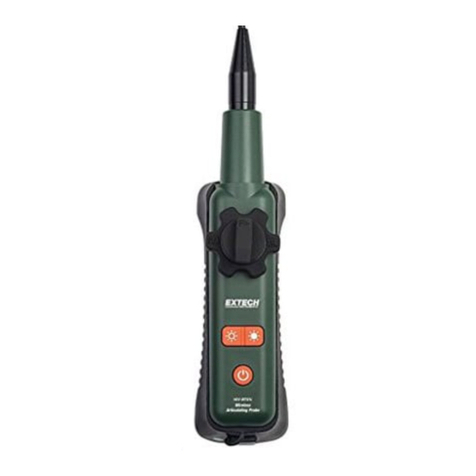
The articulation direction and orientation may change if the probe is twisted and coiled during use or
when stored. To re-orient the probe:
1. Place the extended probe on a flat surface
2. Set the tension “F” knob to the left or released position.
3. Set the articulation knob to the center position with the R Δand ΔL labels
in the horizontal position.
4. Manually adjust the probe and camera to the zero degree position.
5. Rotate the articulation knob clockwise for a 90° bend.
6. If necessary, manually adjust the probe so that the camera lays flat on the
surface with a 90° articulation
7. Rotate the articulation knob counter-clockwise and confirm proper
orientation.
Specifications
Resolution 640 x 480 pixels
Length 2m (6.5’)
Outer diameter (O.D.) 6mm (0.02”)
Focus distance 2 to 6cm (0.79 to 2.36”)
Housing Stainless Steel
Field of View 60°
Number of LEDs 4
Lamp Output 3500 Lux at 20mm
Operating Temperature -20 to 70°C (-4 to 158°F)
Storage Temperature -20 to 70°C (-4 to 158°F)
Warranty 1 year
Copyright ©2011 Extech Instruments Corporation (a FLIR company)
All rights reserved including the right of reproduction in whole or in part in any form.
www.extech.com
Revision 2.2 2/12
RΔ ΔL