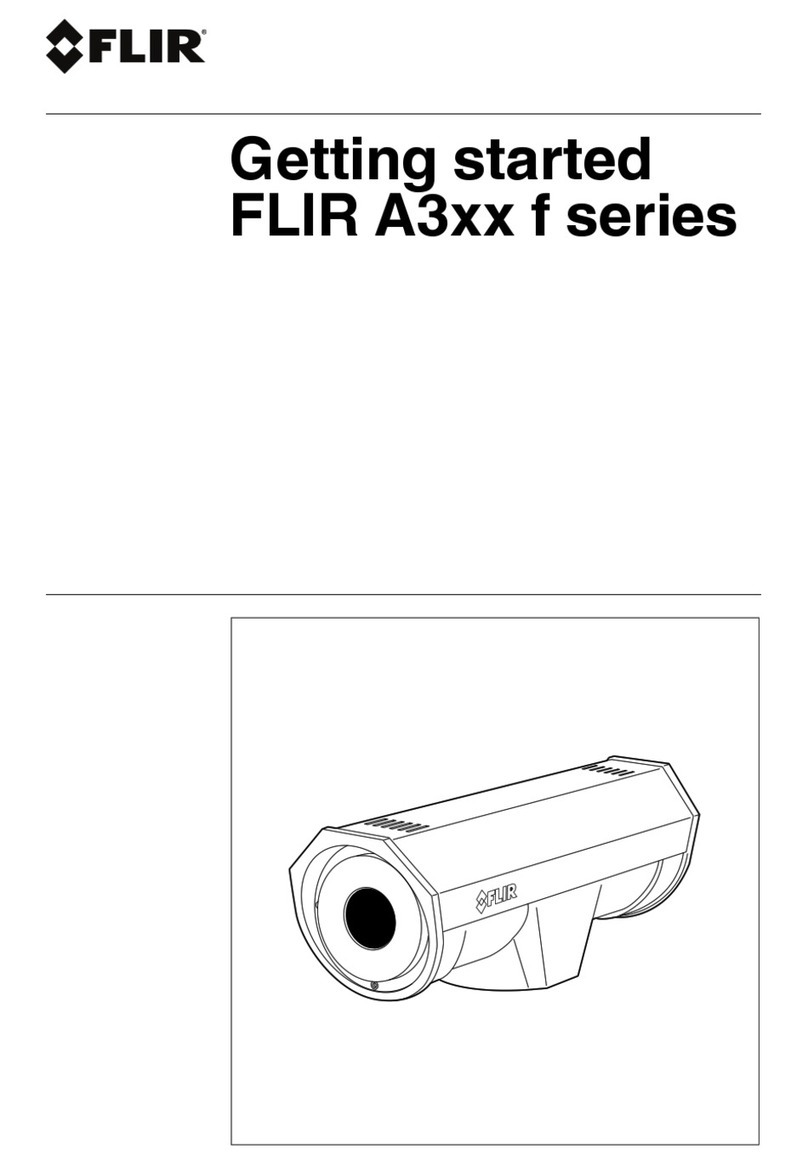
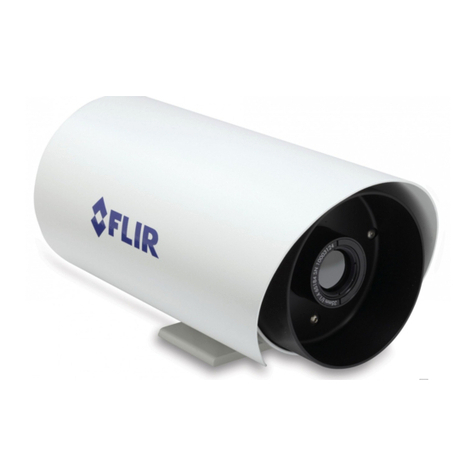
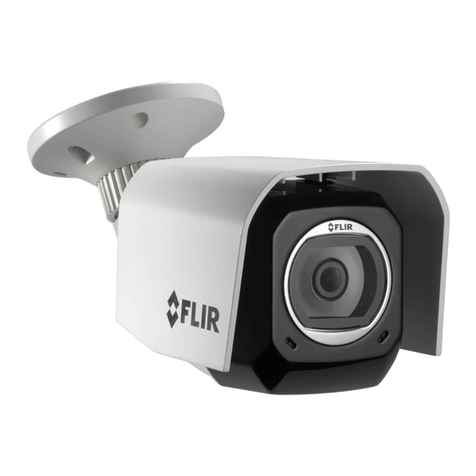
FLIR FC-Series Assembly instructions

427-0073-12-28 Rev 110 May 2015
FC-Series Camera
Quick Connect Gui e
For installations that are using the Concealed Cable Mounting Arm, refer to the
installation manual for instructions:
FLIR FC-Series Installation Manual (4 7-0073-1 -1 )
Caution!
Note
Except as described in this guide, do not disassemble the FC-Series camera.
Damage to the camera can occur as the result of careless handling or
electrostatic discharge (ESD).
Prior to making any connections, ensure the power is switched off.
Power: Power Over Ethernet Plus (PoE+) or 14 - 3 Vdc or 18 - 7 Vac
Power terminal blocks: wire size from 16 AWG to 0 AWG
Analog Vi eo Cable: BNC-terminated RG-59/U solid-center coax cable
Accessory I/O Cable: wire size 6 AWG, stranded (1 mm diameter including
insulation)
Items Inclu e in Kit
3 mm hex
2.4 mm slotte
screw river
key
427-0073-12-28 v110 FC-Series Quick Connect.fm Page 1 Thursday, May 7, 2015 11:07 AM
https://www.supplychimp.com/

427-0073-12-28 Rev 110 May 2015
Step 1 Remove cover: Using 3 mm hex key, loosen four captive
screws. Removal of sunshield not necessary.
Step 2 Install cables through sealing gland:
Step 3 If using conventional power cable, strip cable as described
below:
Access captive screws
through slots in sunshiel .
Vi eo coax
Glan nut
Ethernet
Accessory
Power cable Groun
Re-tighten gland nut after
installation is completed.
Fill any unused hole with
orange plug.
(0.8±.20 in)
20.0±5 mm
Remove outer
jacket
(0.2±.04 in)
6.0±1 mm
Strip ends
3 Places
Min diameter = 6.8 mm (0.27 in)
Max diameter = 9.4 mm (0.37 in)
Power Cable
427-0073-12-28 v110 FC-Series Quick Connect.fm Page 2 Thursday, May 7, 2015 11:07 AM
https://www.supplychimp.com/

427-0073-12-28 Rev 110 May 2015
Step 4 Terminate cables:
Caution!
Connection Purpose
1 3-pin Jumper Lens heater on/off
RCA Analog video test point
3 BNC Analog video
4 3-pin Terminal AC/DC Power
5 Ethernet PoE power, communications, IP video stream
6 6-pin terminal J8 General purpose I/O (GPIO)
7 Reserved for future use Do not connect
Table 1-1: Power Connector
1 Chassis
Vac/dc -
3 Vac/dc +
Table 1-2: GPIO Connections - J8
Pin Connection Pin Connection
1 Chassis ground 4 GPIO In
(digital ground)
GPIO Out 5 GPIO In (+5V)
3 GPIO Out 6 Chassis ground
Pins 4 and 5 should not be connected to any voltages or power sources outside
the camera. Damage to the camera may result.
Reserve J3
pin 1
GPIO J8
427-0073-12-28 v110 FC-Series Quick Connect.fm Page 3 Thursday, May 7, 2015 11:07 AM
https://www.supplychimp.com/

427-0073-12-28 Rev 110 May 2015
Step 5 Connect a ground wire between the ground stud on the back
of the camera and the nearest earth-grounding point.
Step 6 Test camera: Power on the camera and test video.
Use a web browser to test IP communications
(default IP: 192.168.250.116; login: user/fliradmin)
Step 7 Tighten Cable seal gland nut to ensure a watertight seal.
Step 8 Replace cover: Alternately tighten the four captive screws in
the cover; torque to 1.8 N-m (16.0 in-lbs).
Ensure the camera is properly grounded. Failure to properly ground the camera
can lead to permanent damage to the camera. Typical to good grounding
practices, the camera chassis ground should be connected to the lowest
resistance path possible. FLIR requires a grounding strap anchored to the
grounding lug and connected to the nearest earth-grounding point.
Before installing the FC-Series camera you should read and understand the
following documents which provide details regarding mechanical dimensions
and installation safety.
• FLIR FC-Series Installation Manual (4 7-0073-1 -1 )
• FLIR FC-Series S Interface Control Document (4 7-00XX-XX-19S)
Documents provided on the documentation CD or from the FLIR website
427-0073-12-28 v110 FC-Series Quick Connect.fm Page 4 Thursday, May 7, 2015 11:07 AM
https://www.supplychimp.com/
Other manuals for FC-Series
3
Table of contents
Other FLIR Security Camera manuals
FLIR
FLIR Photon User manual
FLIR
FLIR Lorex LNC250 PING Series Operator's manual

FLIR
FLIR Lorex LEV1512 Series User manual
FLIR
FLIR HM-Series User manual
FLIR
FLIR Saros DM Series User manual

FLIR
FLIR Nexus User manual

FLIR
FLIR Lorex LBV2711 Series User manual

FLIR
FLIR DBB533TL User manual

FLIR
FLIR Lorex LWB3801-W User manual
FLIR
FLIR Quasar CP-6408-21-I User manual

FLIR
FLIR MD-Series User manual
FLIR
FLIR FC-Series S User manual

FLIR
FLIR MPX C237VC User manual

FLIR
FLIR C23 Series User manual
FLIR
FLIR FX User manual

FLIR
FLIR DPB24TLX User manual
FLIR
FLIR CP-6302 User manual
FLIR
FLIR LOREX LW2770HAC1 User manual
FLIR
FLIR Quasar Gen II User manual
FLIR
FLIR Saros User manual