manuals.online logo
Brands
  1. Home
  2. •
  3. Brands
  4. •
  5. FRO­NIUS
  6. •
  7. Welding System
  8. •
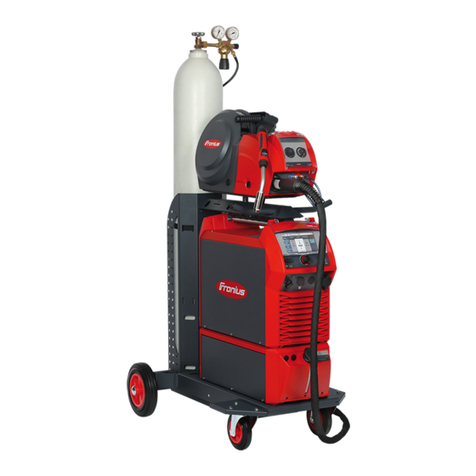
  9. FRO­NIUS TPS 270i C User manual

FRO­NIUS TPS 270i C User manual

Other manuals for TPS 270i C

2

Other FRO­NIUS Welding System manuals

FRO­NIUS Pull User manual

FRO­NIUS

FRO­NIUS Pull User manual

FRO­NIUS RC Panel Pro User manual

FRO­NIUS

FRO­NIUS RC Panel Pro User manual

FRO­NIUS TransSteel 3500 User manual

FRO­NIUS

FRO­NIUS TransSteel 3500 User manual

FRO­NIUS TransSteel 2200c User manual

FRO­NIUS

FRO­NIUS TransSteel 2200c User manual

FRO­NIUS CWF 25i User manual

FRO­NIUS

FRO­NIUS CWF 25i User manual

FRO­NIUS MTG 250i User manual

FRO­NIUS

FRO­NIUS MTG 250i User manual

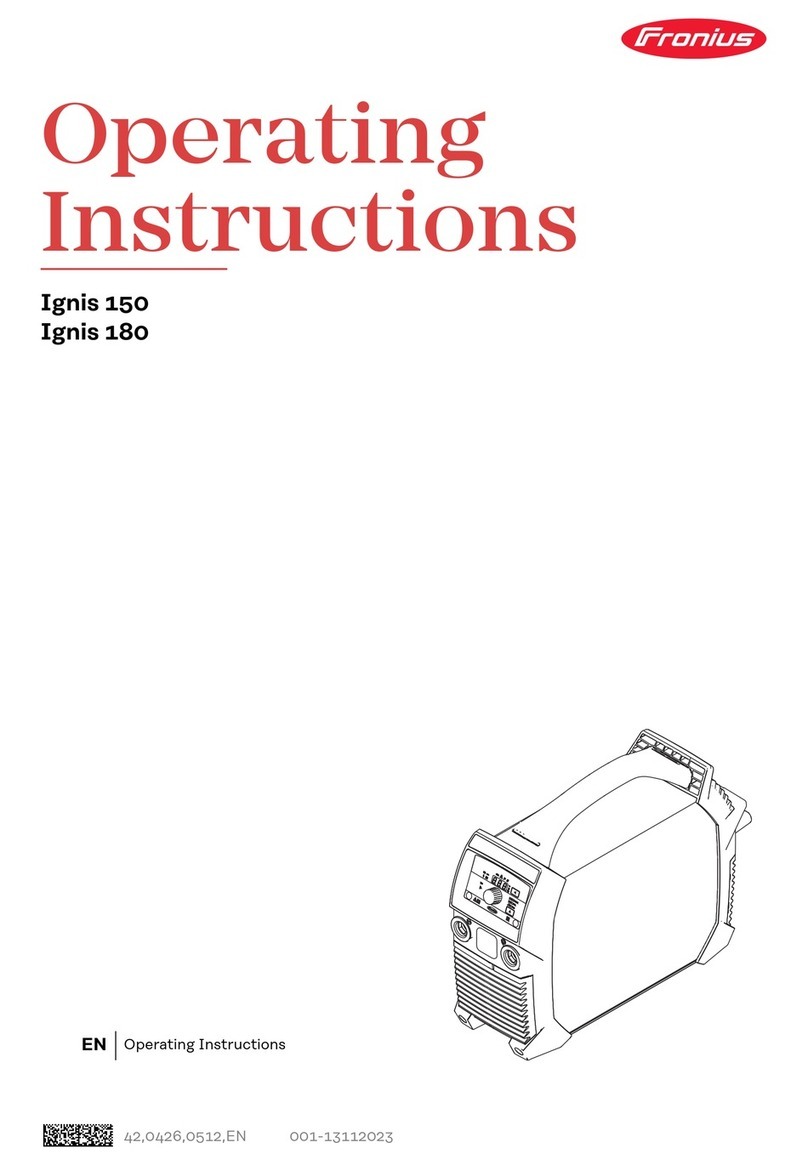
FRO­NIUS Ignis 180 User manual

FRO­NIUS

FRO­NIUS Ignis 180 User manual

FRO­NIUS VR 4000 Case D200 User manual

FRO­NIUS

FRO­NIUS VR 4000 Case D200 User manual

FRO­NIUS TransPocket 150 User manual

FRO­NIUS

FRO­NIUS TransPocket 150 User manual

FRO­NIUS PullMig User manual

FRO­NIUS

FRO­NIUS PullMig User manual

FRO­NIUS TransSteel 5000 User manual

FRO­NIUS

FRO­NIUS TransSteel 5000 User manual

FRO­NIUS Ignis 150 User manual

FRO­NIUS

FRO­NIUS Ignis 150 User manual

FRO­NIUS MAGIC WAVE 2000 FUZZY User manual

FRO­NIUS

FRO­NIUS MAGIC WAVE 2000 FUZZY User manual

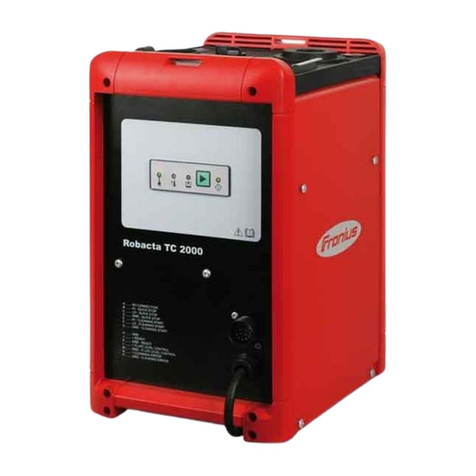
FRO­NIUS Robacta TC 2000 User manual

FRO­NIUS

FRO­NIUS Robacta TC 2000 User manual

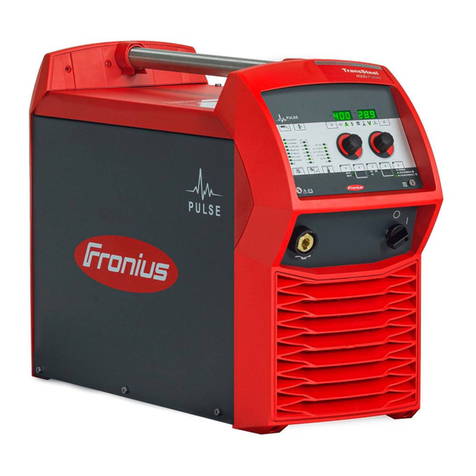
FRO­NIUS TransSteel 4000 Pulse User manual

FRO­NIUS

FRO­NIUS TransSteel 4000 Pulse User manual

FRO­NIUS OPT/i TWIN SyncBox User manual

FRO­NIUS

FRO­NIUS OPT/i TWIN SyncBox User manual

FRO­NIUS TransTig 1600 Guide

FRO­NIUS

FRO­NIUS TransTig 1600 Guide

FRO­NIUS TransPocket 180 User manual

FRO­NIUS

FRO­NIUS TransPocket 180 User manual

FRO­NIUS TransTig 170 User manual

FRO­NIUS

FRO­NIUS TransTig 170 User manual

FRO­NIUS MTG 250d User manual

FRO­NIUS

FRO­NIUS MTG 250d User manual

FRO­NIUS LaserHybrid Series User manual

FRO­NIUS

FRO­NIUS LaserHybrid Series User manual

FRO­NIUS MHP 700 S R/W/PAP/FSC User manual

FRO­NIUS

FRO­NIUS MHP 700 S R/W/PAP/FSC User manual

FRO­NIUS TPS 320i User manual

FRO­NIUS

FRO­NIUS TPS 320i User manual

FRO­NIUS FlexTrack 45 User manual

FRO­NIUS

FRO­NIUS FlexTrack 45 User manual

Popular Welding System manuals by other brands
Razorweld RAZORCUT45 instruction manual

Razorweld

Razorweld RAZORCUT45 instruction manual

Lincoln Electric Fleet 500 Operator's manual

Lincoln Electric

Lincoln Electric Fleet 500 Operator's manual

Migatronic OMEGA 220 quick guide

Migatronic

Migatronic OMEGA 220 quick guide

Magmaweld ID 300T DC user manual

Magmaweld

Magmaweld ID 300T DC user manual

Sealey POWERMIG Series instructions

Sealey

Sealey POWERMIG Series instructions

Defort 98291254 user manual

Defort

Defort 98291254 user manual

Hobart Welding Products AirForce 375 owner's manual
Hobart Welding Products

Hobart Welding Products AirForce 375 owner's manual

GF MSA 330 instruction manual

GF

GF MSA 330 instruction manual

Hakko Electronics FX-888D instruction manual
Hakko Electronics

Hakko Electronics FX-888D instruction manual

Abicor Binzel ABIPLAS WELD 100 W operating instructions
Abicor Binzel

Abicor Binzel ABIPLAS WELD 100 W operating instructions

EWM Taurus 355 Basic TDM operating instructions

EWM

EWM Taurus 355 Basic TDM operating instructions

Thermal Dynamics PakMaster 100 XL plus operating manual

Thermal Dynamics

Thermal Dynamics PakMaster 100 XL plus operating manual

Berner PLASMACUT 54 instruction manual

Berner

Berner PLASMACUT 54 instruction manual

Pro Spot PR-155 Assembly instructions

Pro Spot

Pro Spot PR-155 Assembly instructions

Forney 210 operating manual

Forney

Forney 210 operating manual

Thermal Arc 400S operating manual

Thermal Arc

Thermal Arc 400S operating manual

Lincoln Electric HANDYMIG 170I Operator's manual

Lincoln Electric

Lincoln Electric HANDYMIG 170I Operator's manual

GYS PROTIG 201 AC/DC Original instructions

GYS

GYS PROTIG 201 AC/DC Original instructions

manuals.online logo
manuals.online logoBrands
  • About & Mission
  • Contact us
  • Privacy Policy
  • Terms and Conditions

Copyright 2025 Manuals.Online. All Rights Reserved.

/ Perfect Welding / Solar Energy / Perfect Charging
TPS 270iC
Quick Guide
SAFETY
Before working with the device, ensure that you have read and understood all the documents provided in hard copy and online.
This document only describes the most important functions of the device. For a complete description of the device, refer to the Operating Instructions.
1
Set the filler metal and shielding gas
- Open the material
selection
- Turn and press to
enable the desired
settings
2
Set the welding process
- Press to select the desired
welding process
2
Set the operating mode
- Press to select the desired
mode
4
Set the welding power
Sheet thickness
Welding current
Wire speed
Special function F1
- select desired parameter
- set desired parameter
5
Adjust the parameters for correction
Arc length correction
Welding voltage
Pulse/dynamic correc-
tion
Special function F1
- select desired parameter
- set desired parameter
Text display:
- Activate / deactivate = press left adjusting dial
- Scroll through full text = turn left adjusting dial
Abbreviation Full text
Status indicators:
(light up when the
respective function is
active)
Spatter Free Ignition
Arc length stabilizer SynchroPulse
Penetration stabilizer Voltage Reduction Device
42,0426,0248,EN 002-16082017
Operating Instructions:
www.fronius.com/tpsi-manuals
Entering/exiting the Setup menu
Process parameters
Start/End
I-S Starting current (135)
AlS Start arc length correction (0)
t-S Starting current time (o)
SL1 Slope 1 (1.0)
SL2 Slope 2 (1.0)
I-E Final current (50)
AlE End arc length correction (0.0)
t-E Final current time (o)
SFI SFI ignition (o)
SFI-HS SFI HotStart (o)
W-r Wire retract (0.0)
IgC Ignition current (manual), (450)
W-r (man.) Wire retract (manual), (0.0)
Gas Setup
Gpr Gas pre-ow (0.1)
GPo Gas post-ow (0.5)
Process control
PSt Penetration stabilizer (0.0)
AISt Arc length stabilizer (0.0)
Components
C-C Cooling unit operating mode (auto)
C-t Filter time ow sensor (10)
Fdi Feeder inching speed (10.0)
ito Ignition timeout (o)
STICK
I-S Starting current (150)
Hti Starting current time (0.5)
Eln Characteristic (I-constant)
Ast Anti-stick (on)
Uco Break voltage (90.0)
TIG
Uco Break voltage (14.0)
CSS Comfort-Stop sensitivity (0.8)
SynchroPulse
Syn-Puls SynchroPulse (o)
vd Wire speed (5.0)
dFd Delta wire feed (2.0)
F Frequency (3.0)
DC Duty cycle (50)
Al-h Arc correction high (0.0)
Al-l Arc correction low (0.0)
Process Mix
vd Wire speed (1.5)
AlC Arc length correction (0.0)
PDc Pulse/dynamic correction (0.0)
Hptc Upper power time correction (0)
Lptc Lower power time correction (0.0)
Lpc Lower power correction (0.0)
R/L-check / alignment
Aligning welding circuit resistance
welding circuit inductivity
Settings
Display
Einh. Units
Norm Standards
UIBS Display brightness setting
F1/F2 Param. User-dened parameters for F1
and F2
Favorit Favourite key
IP System data
System
CLS Housing lighting setup
FAC Restore factory settings
Web-PW reset Reset website password
Information: IM-V. / SWV / IP
Operating mode setup: S4T / iJob
Language
cs, de, en, etc.
Activating/deactivating the key lock
Text display
Abbreviation Full text
Favourite
The Favourite key can be assigned the Setup parameter or Setup
folder that is currently selected.
Retrieve:
1x
Save:
Delete:
EasyJobs
The EasyJob keys allow up to 5
operating points to be saved. Specif-
ically, the current welding-relevant
settings are saved.
Retrieve:
1x
Save:
Delete:
F1 / F2 special function parameters
F1 and F2 can be assigned the currently selected setup parame-
ters.
Retrieve:
Save:
Delete:
Use the key for
F2!
(Values/entries in brackets show the factory setting)