Page 3
1. Introduction & Getting Support
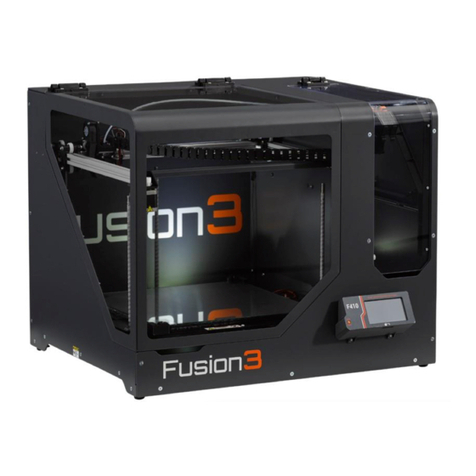
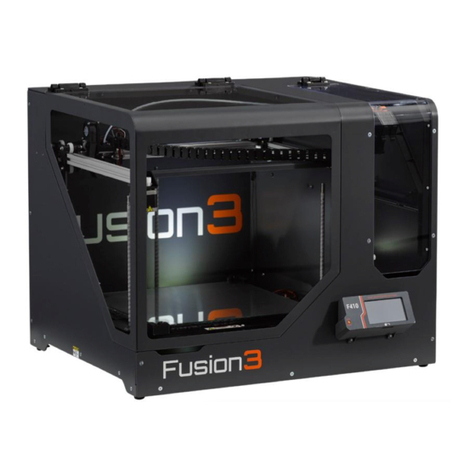
Thank you for purchasing Fusion3’s F410 3D printer! Your F410 has been designed and manufactured to the
highest quality standards to give many years of reliable, high-quality output with minimal maintenance.
This quick-start guide is designed to help you get printing quickly. It is not a comprehensive manual! A full
user manual is provided on your SD card, and is also available on our website (links to content in Section 14
at the end of this guide).
This is a complex piece of equipment, and there is a learning curve involved. Your 3D Printer is a machine
tool, not an appliance (like a microwave). Please be prepared to invest the time to learn how it works and
how to get the most out of it.
We are here to help you get up this learning curve. Please contact Fusion3 Customer Support via phone at
877-452-0010 x2 or via email at support@fusion3design.com if you are confused or have any questions!
2. What’s in the Box
1. F410 3D printer
2. Getting started packet including:
a. Thank you letter
b. Warranty information
c. Simplify3D license key card & quick setup instructions
d. This quick-start guide
3. Operator’s toolkit consisting of:
a. 4mm hex wrench
b. 3mm hex wrench
c. 2.5mm hex wrench
d. 2mm hex wrench
e. 1.5mm hex wrench
f. Spray bottle
g. Part removal tool
h. 2x purple glue sticks
i. Toothbrush
j. External SD card
k. Extruder spring height gauge
l. “Torture test” verification print
m. Filament spool holder
n. Power cord
4. 1kg roll of PLA filament
5. Spare print surface
If you ordered accessories:
Such as our optional filtration unit or
additional print heads, your packing slip
will indicate whether they were shipped
separately or included in the same box.