manuals.online logo
Brands
  1. Home
  2. •
  3. Brands
  4. •
  5. Fxlion
  6. •
  7. Batteries Pack
  8. •
  9. Fxlion BP-BV300 User manual

Fxlion BP-BV300 User manual

This manual suits for next models

1

Other Fxlion Batteries Pack manuals

Fxlion BM-HV300 User manual

Fxlion

Fxlion BM-HV300 User manual

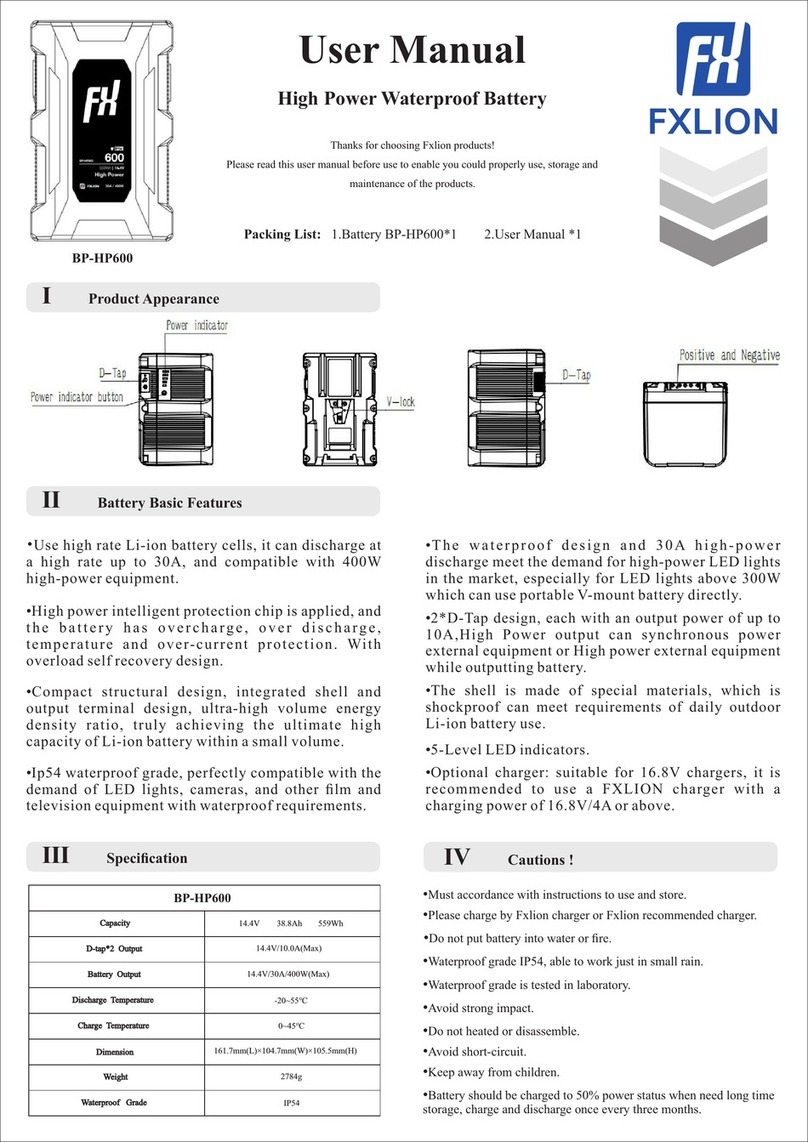
Fxlion BP-HP600 User manual

Fxlion

Fxlion BP-HP600 User manual

Fxlion BP-7S500 User manual

Fxlion

Fxlion BP-7S500 User manual

Popular Batteries Pack manuals by other brands

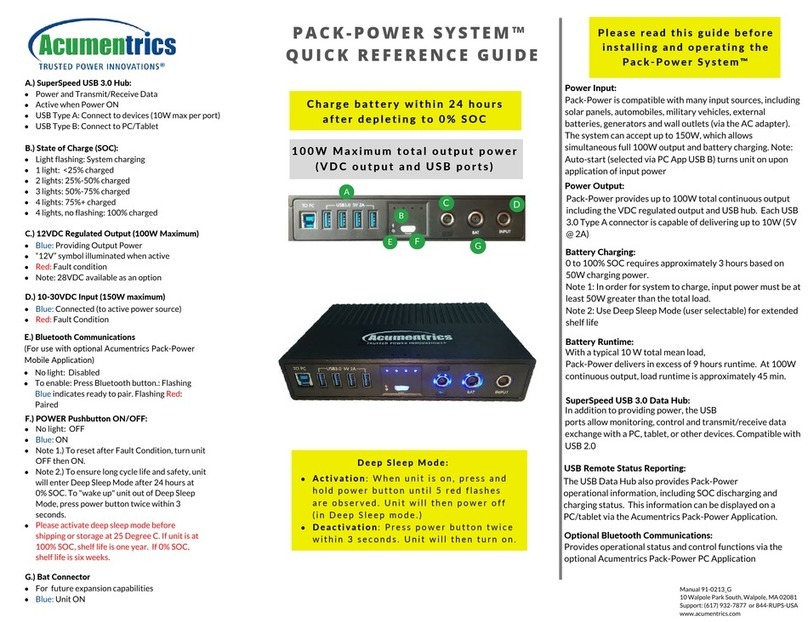
Acumentrics PACK-POWER SYSTEM Quick reference guide

Acumentrics

Acumentrics PACK-POWER SYSTEM Quick reference guide

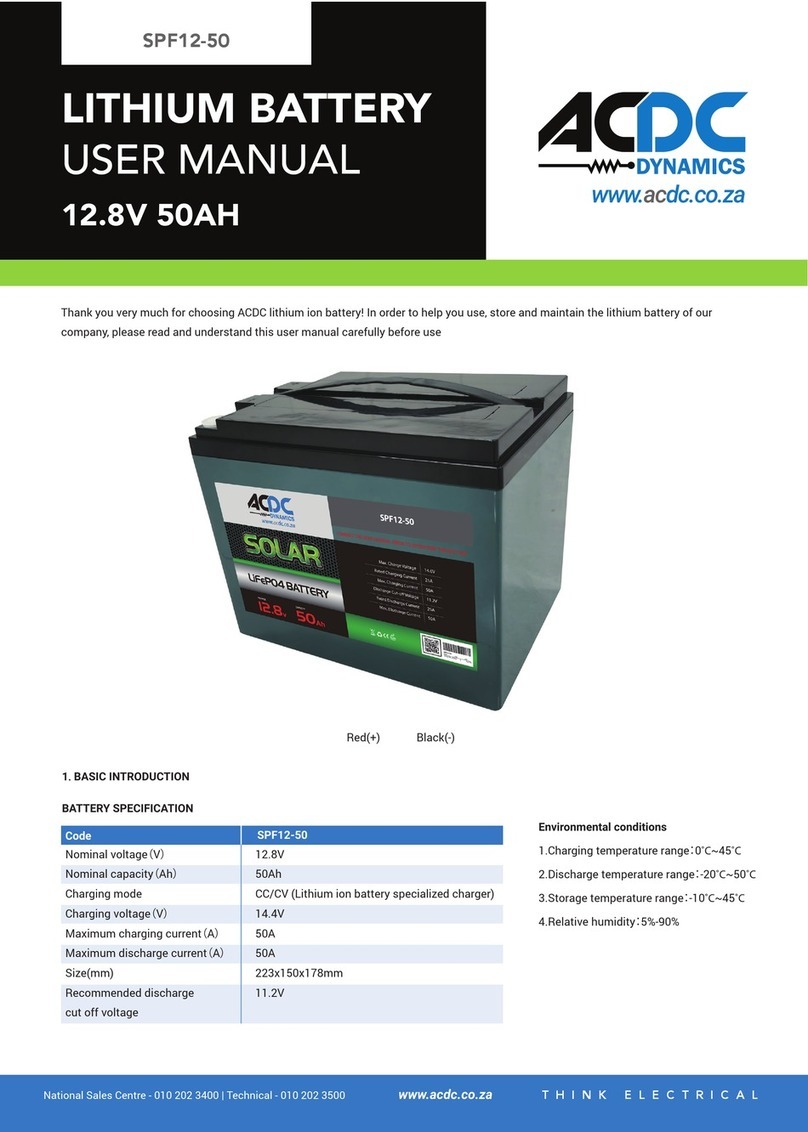
ACDC Dynamics SPF12-50 user manual

ACDC Dynamics

ACDC Dynamics SPF12-50 user manual

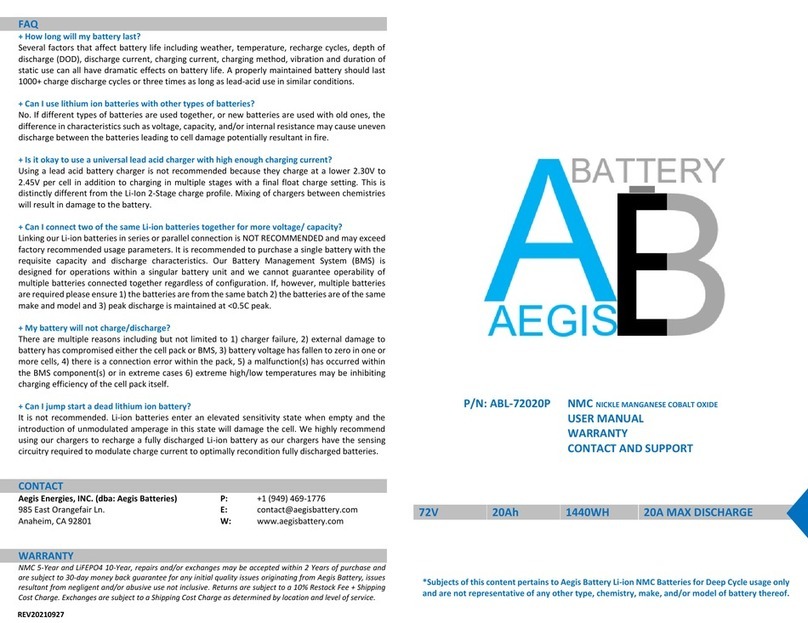
Aegis ABL-72020P user manual

Aegis

Aegis ABL-72020P user manual

Dyness TowerESS user manual

Dyness

Dyness TowerESS user manual

Growatt APX 5.0P-S0-US user manual

Growatt

Growatt APX 5.0P-S0-US user manual

CyberPower BCA Series installation manual

CyberPower

CyberPower BCA Series installation manual

Dometic PLB40 operating manual

Dometic

Dometic PLB40 operating manual

V-TAC VT-48280-W2 instruction manual

V-TAC

V-TAC VT-48280-W2 instruction manual

Valence RT user guide

Valence

Valence RT user guide

Nikon MB-D14 user manual

Nikon

Nikon MB-D14 user manual

Clas Ohlson PW-290A quick start guide

Clas Ohlson

Clas Ohlson PW-290A quick start guide

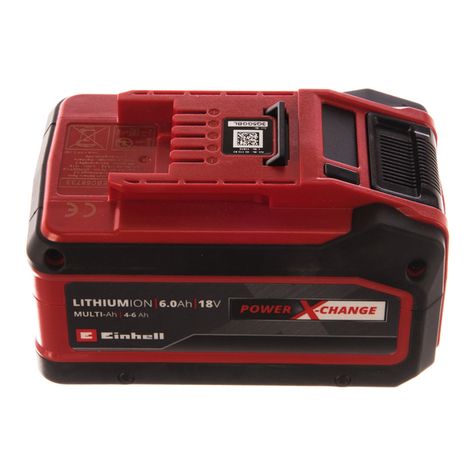
EINHELL MULTI-Ah Power X-Change Plus Original operating instructions

EINHELL

EINHELL MULTI-Ah Power X-Change Plus Original operating instructions

IOGear GBP24V Series user manual

IOGear

IOGear GBP24V Series user manual

Samsung EB-U3300 quick start guide

Samsung

Samsung EB-U3300 quick start guide

ECTIVE LC Series instruction manual

ECTIVE

ECTIVE LC Series instruction manual

Narada 12REXC70 Operation manual

Narada

Narada 12REXC70 Operation manual

Festool BP 12 Original instructions

Festool

Festool BP 12 Original instructions

Simons Voss Technologies CR2450 quick guide

Simons Voss Technologies

Simons Voss Technologies CR2450 quick guide

manuals.online logo
manuals.online logoBrands
  • About & Mission
  • Contact us
  • Privacy Policy
  • Terms and Conditions

Copyright 2025 Manuals.Online. All Rights Reserved.

14.4V 20.4Ah 293Wh / 28.8V 10.2Ah 293Wh
BP-BV300
14.4V/10A(Max) when battery in 14.4V status
16.0V/4A(Max) when battery in 28.8V status
14.4V/18A (Max) / 28.8V/10A (Max)
5V/2.4A,9V/2A,12V/1.5A
154mm (L)*100mm(W)*85mm(H)
-20℃~+55℃
0~+45℃
Capacity
D-tap*2 Output
Battery Output
USB-A Output
Discharge Temperature
Charge Temperature
USB-C Input/Output
Dimension
BP-BV300 BP-BV200
Thank you for choosing to use the FXLION products
In order to enable you to correctly use, store and maintain the products,
please read the instructions carefully.
Packing List: 1.Battery BP-BV300 *1/BP-BV200 *1 2.User Manual *1
I Features Product Appearance
Ⅱ Battery Basic Features
Ⅲ Specification
•Bi-voltage battery, can output 14.4V power the
camera and lighting, also can output 28.8V power
camera and high power lighting.
•Patented intelligent program, without any external
accessories, the battery can automatically switch
voltage 14.4V/28.8V intelligently.
•Build in smart PCB for over-heat,over-charge,over-
discharge and over-current protections.
•The ultra volume energy ratio design,use high power
cells,rechargeable Li-ion battery, no memory effect.
•With 2*D-Tap,1*USB-C and 1*USB-A multiple
outputs options for equipment power supply.
•More safe and compatible structure, with rubber
corners can adapt to falling in the work without
damaging the shell.
•Can be charged by 16.8V V-lock or USB-C charger,
no need use 28V charger. Use special materials for
battery negative and positive can bear the temperature
up to 230℃, The problem of high-temperature
d a m a g e d c o m p o n e n t s c a u s e d b y h i g h c u r r e n t
discharge is solved.
•5-level indicators.
•Precise program control show battery cycles/battery
voltage/battery current/power Percentage on LCD
screen.
•Build in smart communication system, can display
the battery voltage / battery capacity / operating time /
working current on the camera with communication
function.
5V/3A,9V/3A,12V/3A,15V/3A,20V/3A,
PD fast charge protocols,
available only when battery in 14.4V status.
14.4V 13.6Ah 196Wh / 28.8V 6.8Ah 196Wh
BP-BV200
14.4V/10A(Max) when battery in 14.4V status
16.0V/4A (Max) when battery in 28.8V status
14.4V/18A (Max) / 28.8V/10A (Max)
5V/2.4A,9V/2A,12V/1.5A
154mm (L)*100mm (W)*66mm (H)
-20℃~+55℃
0~+45℃
Capacity
E-Tap*2 Output
Battery Output
USB-A Output
Discharge Temperature
Charge Temperature
USB-C Input/Output
Dimension
5V/3A,9V/3A,12V/3A,15V/3A,20V/3A,
PD fast charge protocols,
available only when battery in 14.4V status.
1195g
Weight
1650g
Weight
User Manual
Bi-Voltage Battery
Model Production Date
Serial Number
at +86 10 8879 8684 for assistance.
Strict quality control procedures were done to every Fxlion product before it leaves the factory.
Please contact local Fxlion distributor or call our service center Fxlion Electronic Co., Ltd.
WEB:www.fxlion.net
Email:[email protected]
Caution
•Warranty period: start from the date of purchase
with the record on warranty card and purchase/sales
invoice.
•Battery warranty period is one year. Battery shell,
rubber cap and V-lock part are easily-worn parts
which warranty period is 3 months.
Step1 Step2 Step3
Step4 Step5 Step6
2)Keep press SELECT button 3 seconds,
display turn to 28V flash in red and
white.
1)Press CHECK button to see battery
power status, voltage from 12V to 16.8V.
3)Press CHECK button in 3 seconds or
do nothing, battery voltage turn back to
14.4V.
4)Press SELECT button in 3 seconds,
battery turn to 28V output status, display
flash in red and white.
5)Attach battery to device in 60 seconds,
28V output is locked, SELECT button
li ght tu rn on, di splay show bat ter y
information.
6)Remove battery from device, battery
voltage turn back to 14.4V from 28V.
Ⅴ
•P l ea s e ch a rge b y F x l i o n ch a rge r o r F x l i o n
recommended charger.
•Must accordance with instructions to use and store.
• Do not heated or disassemble.
•Avoid short-circuit.
• Keep away from children.
• Battery should be charged to 50% power status
when need long time storage, charge and discharge
once every three months.
•Do not put battery into water or fire.
•Avoid strong impact.
Ⅶ Maintenance and After-sales ServiceⅥ Storage and Transportation
The warranty will not cover the following cases.
•Non Fxlion products, or out of warranty period.
•Non Fxlion tieline and power supply connection
caused failure.
•Damage to device because of incorrect battery
voltage selection.
•The phenomenon of a natural decrease in battery
c a p a c i t y c a u s e d b y m u l t i p l e c h a r g i n g a n d
discharging cycles after a period of use.
•Battery unable to charge or full charged because of
long term use of non Fxlion charger or charger
Fxlion doesn’t recommend.
•Damage caused by man-made improper use.
•Disassemble or repair by non-professionals, or
failure by dropping.
•Force majeure: Do not work or parts damage
caused by earthquake, fires and other natural
disasters or accidents.
•Battery capacity decrease because not accordance
with instruction to use and store, make sure to
charge and discharge once every three months, and
keep battery capacity 50% for store.
Ⅳ Bi-voltage Selection
Product Production Information
•Batteries should be packed into boxes for transport
which should prevent severe vibration, shock or
extrusion, sun exposed and rain. transportation could
be used cars, trains ,boats and airplane.
•Storage temperature: -20℃~+25℃ (12 months),
-20℃~+45℃ (3 months),-20℃~+60℃ (1 month).
Storage humidity: ≤75% RH .
•Battery should be charged to 50% power status when
need long term storage, charge and discharge once
every three months.
•Place in a dry and cool places, avoid touching
corrosive substances and keep away from fire.