7
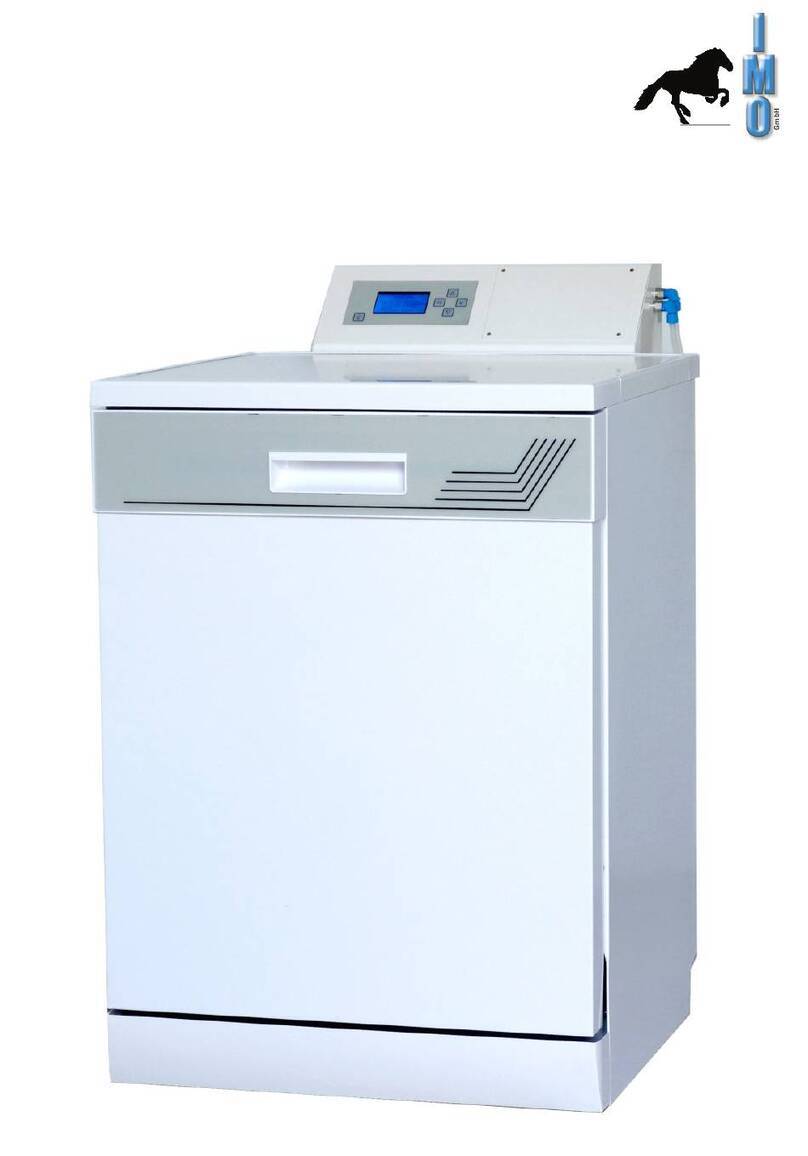
Decomat 4656Operating instructions
9803
Rinsing P01
047°C 00:30
Programming buttons (see
”Service instructions”) Remaining
program time
Operation
• Place the dishware in the trolley and roll it into the machine. How to arrange
the dishware on the trolley is demonstrated in the goods arrangement chart.
• Ensure that the spray arms can rotate freely without touching the dishware.
Close the door.
• Choose a program using the program selector buttons A- F. The upper line
of the display will then show the name and number of the program chosen. If
no program is available under the program button that was chosen, the
message ”NOT PROGRAMMED” will be displayed.
• Press the Gbutton. The yellow lamp will light throughout the program
sequence, and the current phase of the program, eg, ”Rinsing”, the actual
temperature and the remaining program time will be displayed.
• On completion of the program, the green lamp will light and the door will be
unlocked (door on the cleaned side if fitted with two doors).
• Empty the machine (and close the door on the cleaned side if fitted with two
doors).
• If the same program is to be repeated it is not necessary to press a program
selector button, just press the Gbutton.
• If the same program is to be repeated it is not necessary to press a
programselector button, just press the Gbuttom.
• The yellow lamp will flash for 10 seconds when the Gbuttom is pressed.
During this period the program can be interrupted by pressing Gonce more.
Note.
The display window goes dark after 30 minutes and i automatically
activated again on starting or when choosing a program.
Yellow: Process in progress
Green: Process completed
Red: Not disinfected
Actual temperature
in washing
chamber
Program selection
buttons Washing program
start button
Program number
Before starting: Selected program
During process: Program phase (eg,
”Rinsing”)
V200