3. Overview
2. The inverter must be connected to a separate grounded AC group, to which no
other electrical equipment is connected.
3. The electrical installation must meet all the applicable regulations and standards.
2.3 Notice For Use
The inverter was designed in accordance with relevant safety regulations to meet end user’s
demands. The usage of inverter and installation should meet the following requirement:
WARNING:
To reduce the risk of fire, over-current protective devices (OCPD) are required
for circuits connected to the Inverter. The recommended rated trip current of
OCPD is show in 5.3.4.
CAUTION:
Risk of electric shock. Do not remove cover. Refer maintenance servicing to
qualified and accredited service technician.
CAUTION:
The PV array (Solar panels) supplies a DC voltage when it is exposed to light.
CAUTION:
Risk of electric shock from energy stored in capacitors of the Inverter. Do not
remove cover until 5 minutes after disconnecting all sources of supply. Service
technician only. Warranty may be voided if any unauthorized removal of cover.
CAUTION:
The surface temperature of the inverter can exceed 75°C (167°F).
To avoid risk of burns, DO NOT touch the surface when inverter i s operating.
The inverter must be installed out of reach of children.
1. Secure inverter installation is required.
3.1 Inverter Interface Instructions
5. The inverter must be installed according to the correct technical specifications.
6. To startup the inverter, the Grid Supply Main Switch (AC) must be switched on, before
the solar panel's DC isolator switched on. To stop the inverter, the Grid Supply Main
Switch (A C) must be switched off before the solar panel's DC isolator switched off.
7. DC input voltage of inverter must less than its maximum input voltage of inverter.
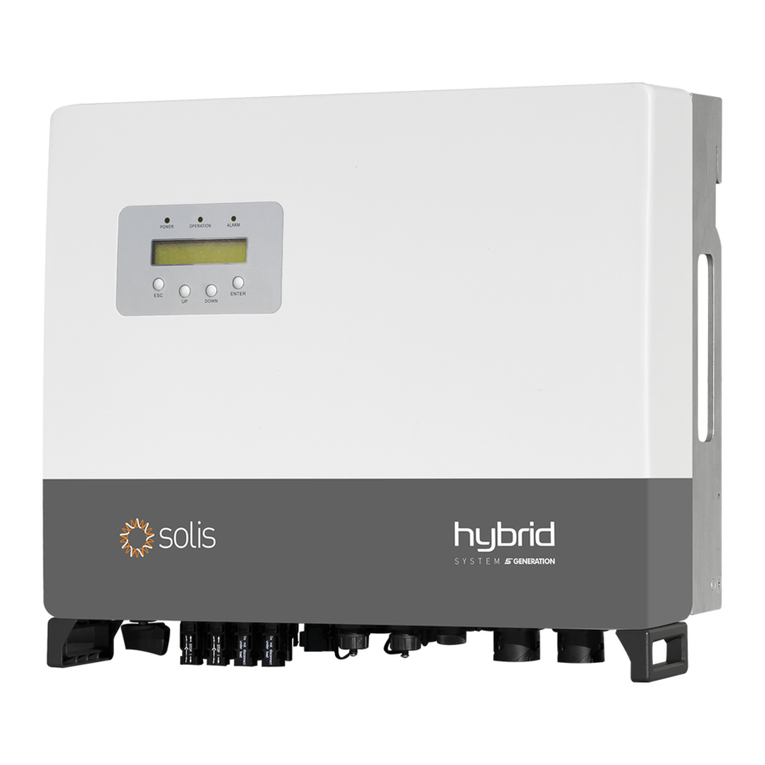
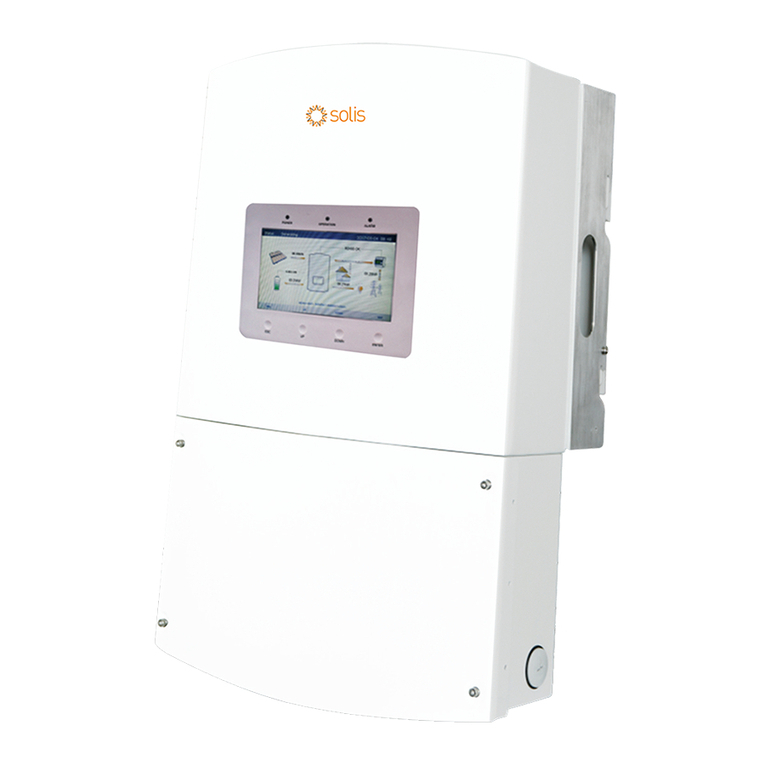
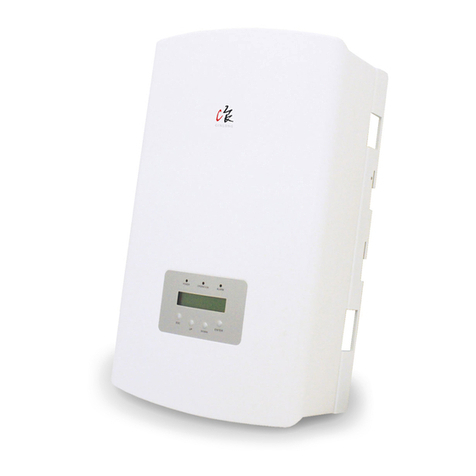
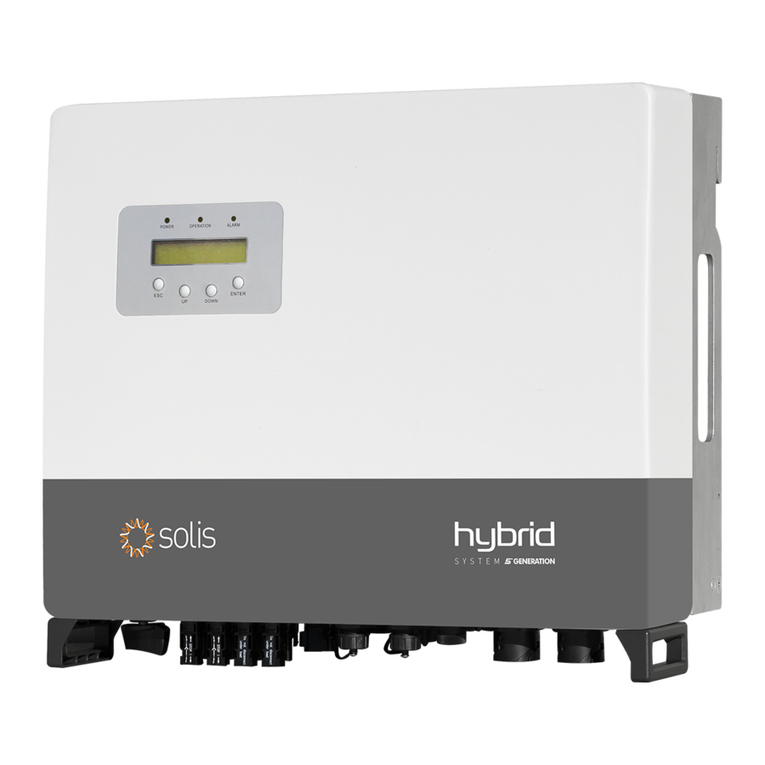
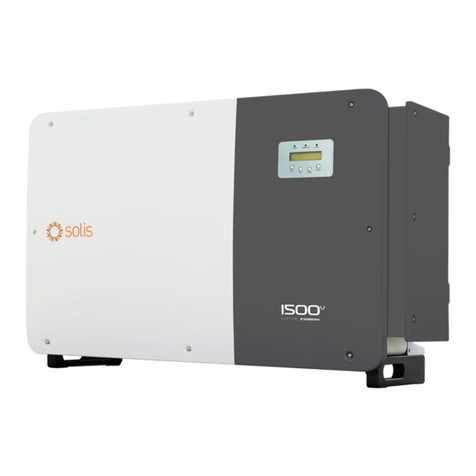
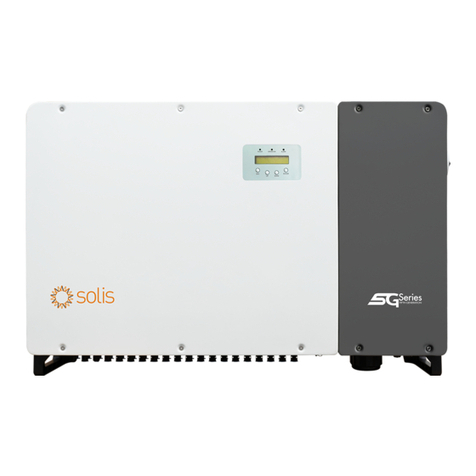
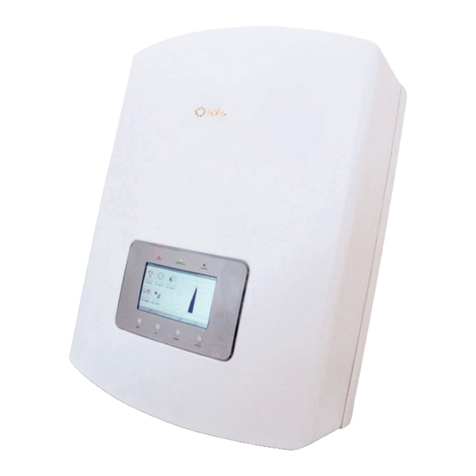
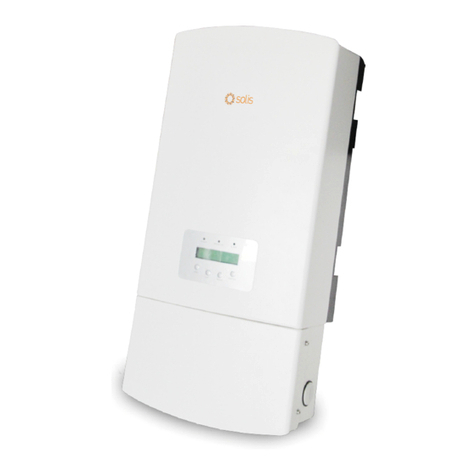
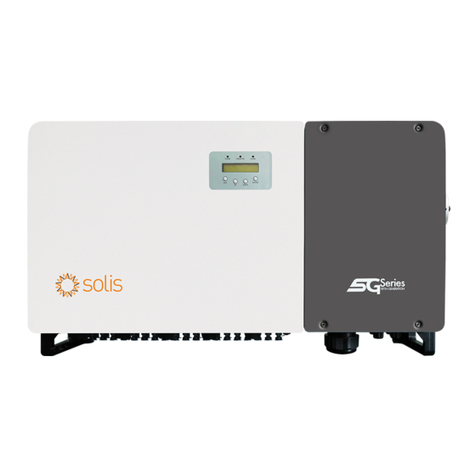
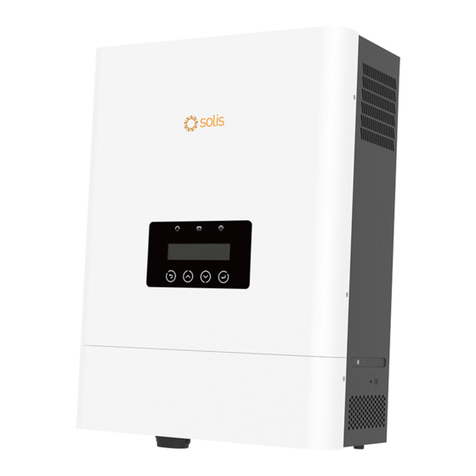
Figure 3.1 Front Panel Display
3.2 LED Status Indicator Lights
There are three LED status indicator lights on the front panel of the inverter.
On the Left: POWER LED (red) indicates the power status of the inverter.
In the Middle: OPERATION LED (green) indicates the operation status.
On the Right: ALARM LED (yellow) indicates the alarm status.
Please see Table 3.1 for details.
2. Safety Instructions
.6. .7.