2. Take the cooking pot from the pressure cooker and add
food and liquids. NOTE: Do not fill more than 60% of the
capacity of the cooking pot. For food that expands, such
as dried vegetables and beans, you must not exceed 50%
of the capacity of the pot. When cooking with pressure,
you must always use at least ½ cup of water.
3. Put the cooking pot back into the cooker and
close the lid. To lock the lid in place, place the lid on the
cooker and turn it counterclockwise. NOTE: When
opening and closing the lid, there is a locking pin on the
side of the lid that goes out when you are opening the lid
and goes back into the lid to indicate that the lid is closed
and locked.
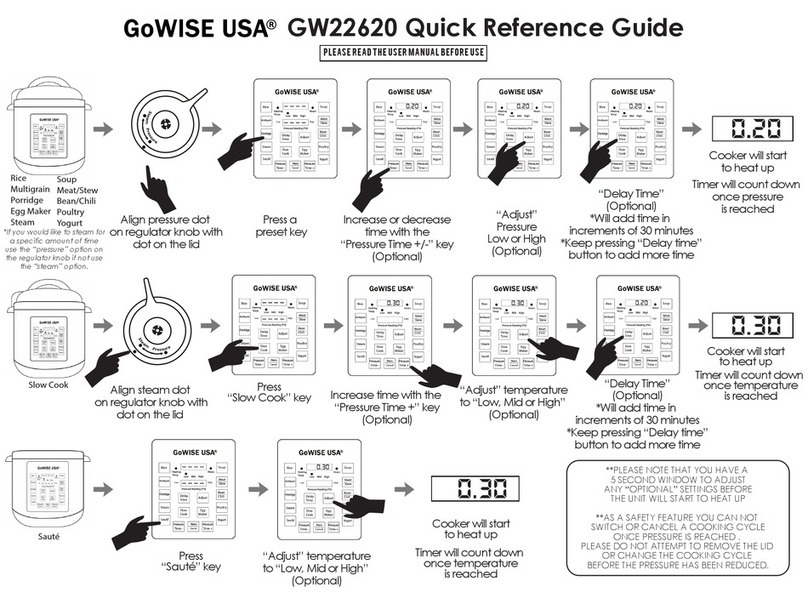
4. Set the regulator knob located at the top of the
lid to the dot that is labeled “Pressure”by pushing the knob
down and turning it clockwise.
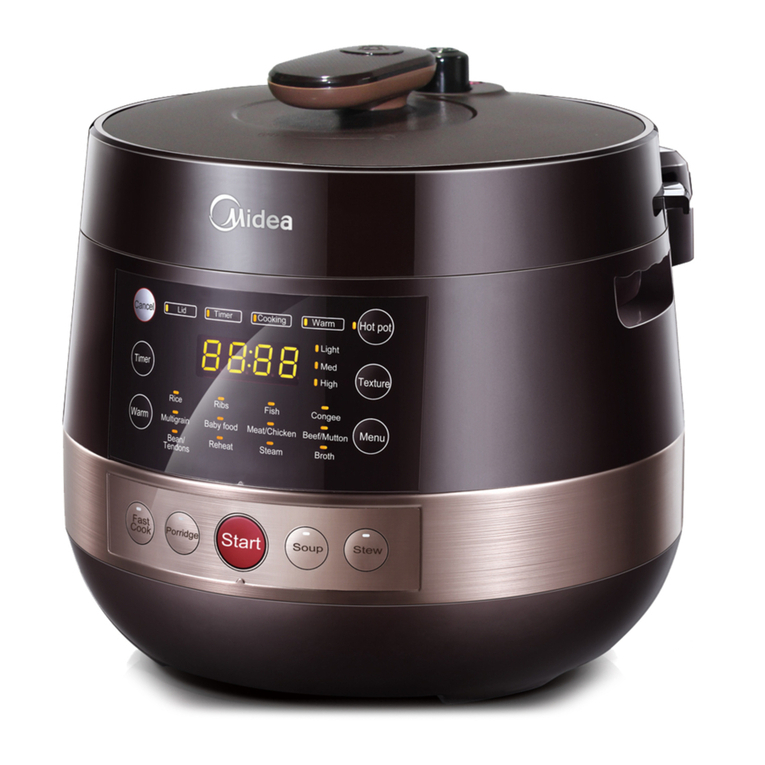
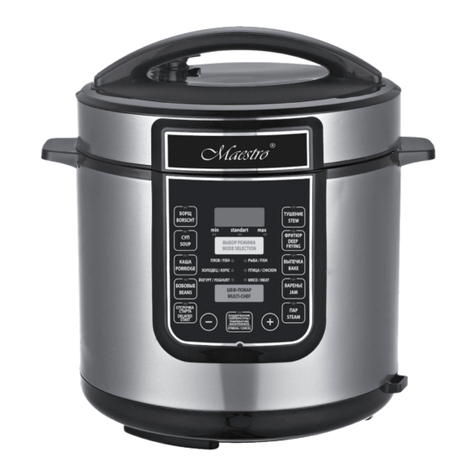
5. Plug in the power cord into the pressure cooker then
into the wall outlet. The LED display will show --:--
Choose which cooking option you would like to use and
set the time. For example, if you choose to pressure
cook at a “High” pressure for 30 minutes, press the
button labeled “High” repeatedly until you reach 30
minutes. For a faster time change, hold the button
down. NOTE: To cancel the cooking option you set,
press the “START/STOP” button.
6. Once you have set the cooking time, press the button that
is labeled “Start/Stop” button to start the cooking cycle.
7. Three dashes will appear repeatedly on the LED display