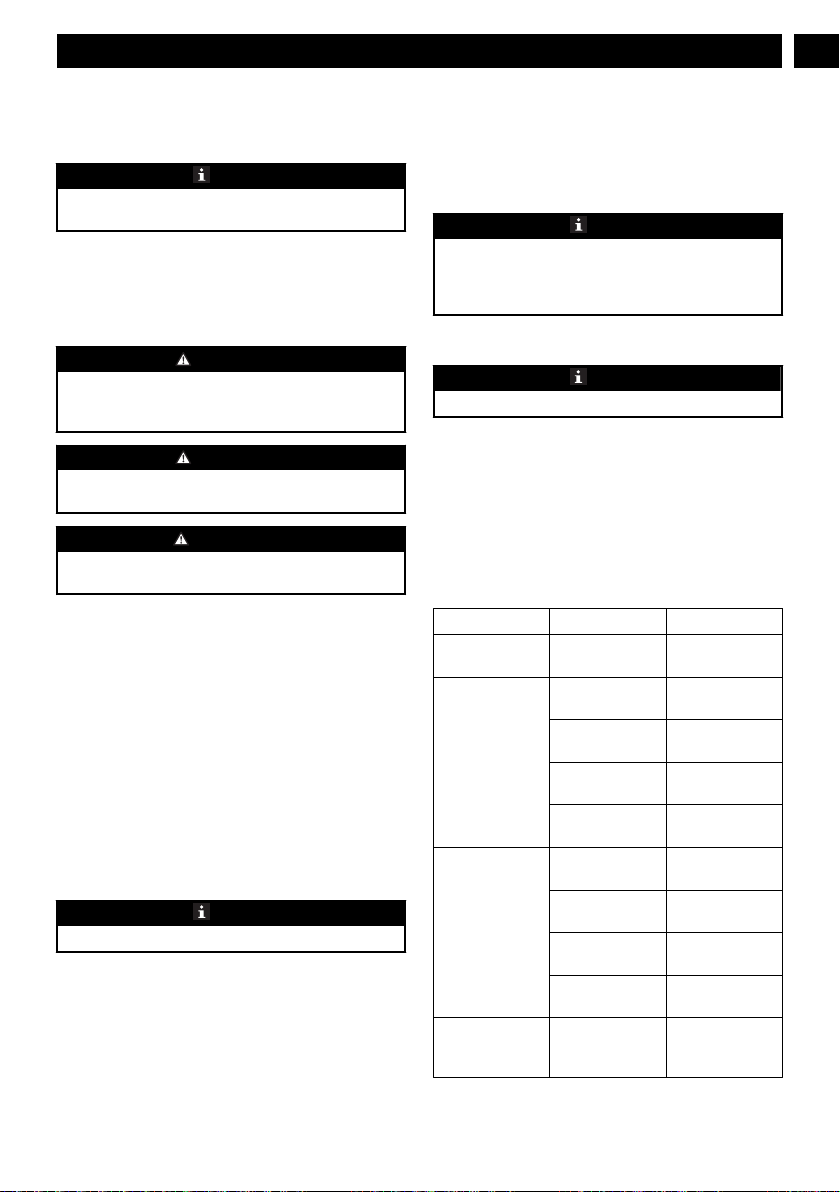
Symbol Explanation
Read and understand all instructions
before operating the product, and fol-
low all warnings and safety instruc-
tions.
Wear eye and ear protection.
4 RISK LEVELS
The following signal words and meanings are intended to
explain the levels of risk associated with this product.
SYM-
BOL
SIGNAL MEANING
DANGER Indicates an imminently haz-
ardous situation,which, if not
avoided, will result in death
or serious injury.
WARNING Indicates a potentially hazard-
ous situation,which, if not
avoided, could result in death
or serious injury.
CAUTION Indicates a potentially hazard-
ous situation, which, if not
avoided, may result in minor
or moderate injury.
CAUTION (Without Safety Alert Sym-
bol) Indicates a situation that
may result in property dam-
age.
5 RECYCLE
Separate collection. You must not discard
with usual household waste. If it is necessa-
ry to replace the machine, or if it is no more
use to you, do not discard it with household
waste. Make this machine available for sepa-
rate collection.
Separate collection of used machine and
packaging let you recycle materials and use
them again. Use of the recycled materials
helps prevent environmental pollution and
decreases the requirements for raw materi-
als.
At the end of their useful life, discard batter-
ies with a precaution for our environment.
The battery contains material that is danger-
ous to you and the environment. You must
remove and discard these materials separate-
ly at a equipment that accepts lithium-ion
batteries.
6 INSTALLATION
• Replace the battery pack or the charger immediately if the
battery pack or charger cord is damaged.
• Exam that the machine is in the OFF status before you
install or remove the battery pack.
6.1 UNPACK THE MACHINE
WARNING
It is not necessary to assemble the machine.
WARNING
• If the parts have damage, do not use the machine.
• If you do not have all the parts, do not operate the
machine.
• If the parts are damaged or missing, speak to the service
center.
1. Open the package.
2. Read the documentation in the box.
3. Remove the machine from the box.
4. Discard the box and package in compliance with local
regulations.
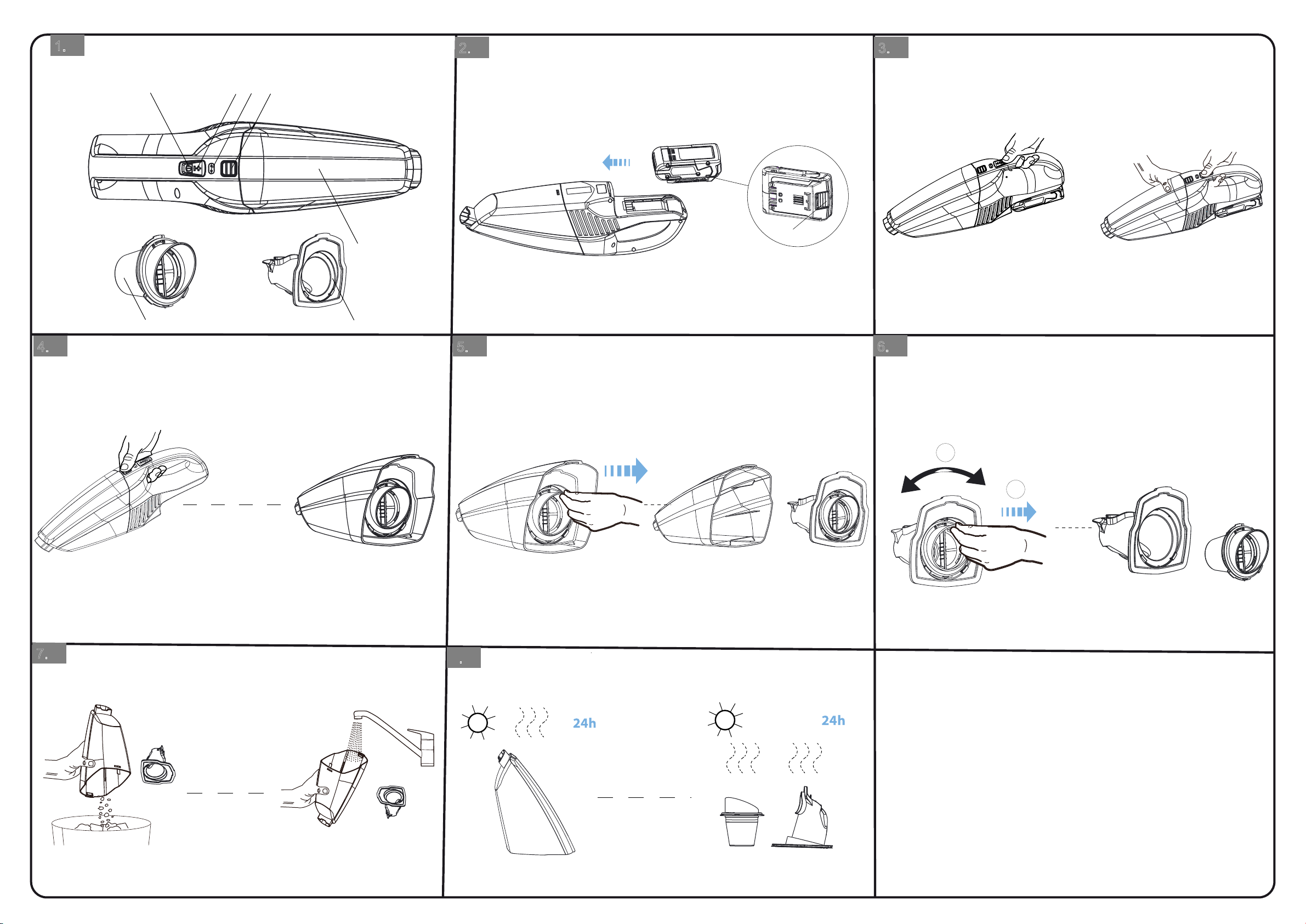
6.2 INSTALL THE BATTERY PACK
Figure 2
WARNING
• If the battery pack or charger is damaged, replace the
battery pack or the charger.
• Stop the machine and wait until the motor stops before
you install or remove the battery pack.
• Read, know, and do the instructions in the battery and
charger manual.
1. Align the lift ribs on the battery pack with the grooves in
the battery compartment.
2. Push the battery pack into the battery compartment until
the battery pack locks into place.
3. When you hear a click, the battery pack is installed.
6.3 REMOVE THE BATTERY PACK
Figure 2
1. Push and hold the battery release button.
2. Remove the battery pack from the machine.
7 OPERATION
WARNING
Do not handle battery pack, switch, or machine with wet
hands. Do not expose to rain or allow liquid to enter the
motor compartment.
6
English
EN