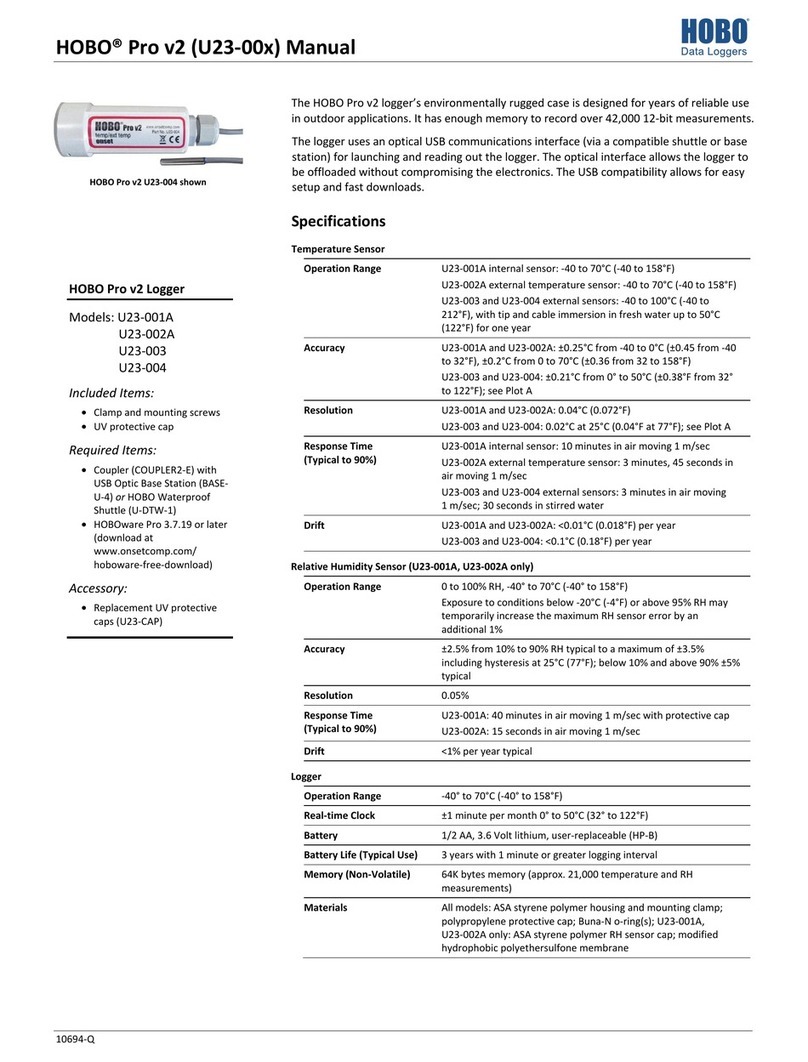
HOBO Pro v2 (U23-00x) Manual
1-800-LOGGERS (564-4377) • 508-759-9500
© 2010–2013 Onset Computer Corporation. All rights reserved. Onset, HOBO, and HOBOware are
trademarks or registered trademarks of Onset Computer Corporation.
Patent #: 6,826,664 10694-M MAN-U23
U23-002 RH Sensor Replacement Steps
1. Grasp the cap and membrane and pull firmly. Discard them.
2. Note the orientation of the small circuit board containing
the RH sensor. Pull it out and discard it.
3. Holding the sides of the board only, push gently but firmly
to install the new sensor (HUM-RHPCB-2) in the same
orientation. WARNING: Do not touch the actual sensor
(black chip) itself; doing so may compromise accuracy.
4. Put the new sensor cap and membrane on. Do not force the
cap. If it does not go on easily, the sensor may be installed
backwards. Reverse the sensor and try again.
Battery
Typical battery life is about three years. Actual battery life is a
function of the number of deployments, logging interval, and
operation/storage temperature of the logger. To obtain a
three-year battery life, use a logging interval of one minute or
greater, and operate and store the logger at temperatures
between 0° and 40°C (32° and 104°F).
Frequent deployments with logging intervals of less than one
minute, and continuous storage/operation at temperatures
above 40°C, will result in significantly lower battery life. For
example, continuous logging at a one-second logging interval
will result in a battery life of approximately one month.
The logger can report and log its own battery voltage. If the
battery falls below 3.1 V, the logger will record a “bad battery”
event in the datafile. If the datafile contains “bad battery”
events, or if logged battery voltage repeatedly falls below 3.3 V,
the battery is failing and should be replaced before the next
deployment. To change the battery:
1. Turn slightly counter-clockwise and pull to remove the
protective cap. Loosen the cable grommet on the opposite
end, if the logger has an external sensor.
2. Carefully pull out the circuit board containing the battery.
(If the logger has an external sensor, you will probably find
it easier to push the cable(s) into the case to push the
circuit board out.)
3. Examine the desiccant packs that were packed into the
case. If the desiccant is not bright blue, put the desiccant
packs in a warm, dry place until the blue color is restored.
4. Install a new 1/2 AA, 3.6 Volt lithium battery (part # HP-B).
The negative end of the battery must face towards the
communication LEDs.
5. Use a clean, dry cloth to wipe away any moisture inside the
case.
6. Push the board and the desiccant packs back into the case,
taking care not to bend the communication LEDs. Align the
board with the grooves inside the case. (If you try to put the
board in upside-down, the battery will get in the way.)
7. Make sure O-ring on the protective cap is still in place. It
should not be pinched, twisted, or trapping dirt or lint,
which could interfere with the protective cap. If you are
replacing it with a new O-ring from an RH sensor
replacement kit, discard the old O-ring and place the new
one into the same groove on the communications window.
Apply a small dot of lubricant from the grease packet
included in the kit on the O-ring. Spread the lubricant
around the O-ring just enough to moisten it while avoiding
getting it on the communications window.
8. Line up the bumps on the protective cap with the notches in
the logger’s case. Push and turn the cap slightly clockwise.
Pull the slack in the sensor cable(s) if applicable. Hand-
tighten the grommet and then turn an additional half turn
with a wrench (do not force).
WARNING: Do not cut open, incinerate, heat above
100°C (212°F), or recharge the lithium battery. The battery
may explode if the logger is exposed to extreme heat or
conditions that could damage or destroy the battery case. Do
not dispose of the logger or battery in fire. Do not expose the
contents of the battery to water. Dispose of the battery
according to local regulations for lithium batteries.
Receptacle
RH sensor
Cable from logger
RH sensor cap &
protective membrane
Communications
window
Circuit board
Cable from sensor (if applicable)
Battery
Desiccant packs
Grommet for cable
(if applicable)