manuals.online logo
Brands
  1. Home
  2. •
  3. Brands
  4. •
  5. HOLT
  6. •
  7. Motherboard
  8. •
  9. HOLT HI?8470 User manual

HOLT HI?8470 User manual

Other manuals for HI?8470

1

Other HOLT Motherboard manuals

HOLT HI?8470 User manual

HOLT

HOLT HI?8470 User manual

HOLT ADK-8400 User manual

HOLT

HOLT ADK-8400 User manual

HOLT ADK-25850FMC User manual

HOLT

HOLT ADK-25850FMC User manual

HOLT ADK-620x3 User manual

HOLT

HOLT ADK-620x3 User manual

HOLT HI-3110 User manual

HOLT

HOLT HI-3110 User manual

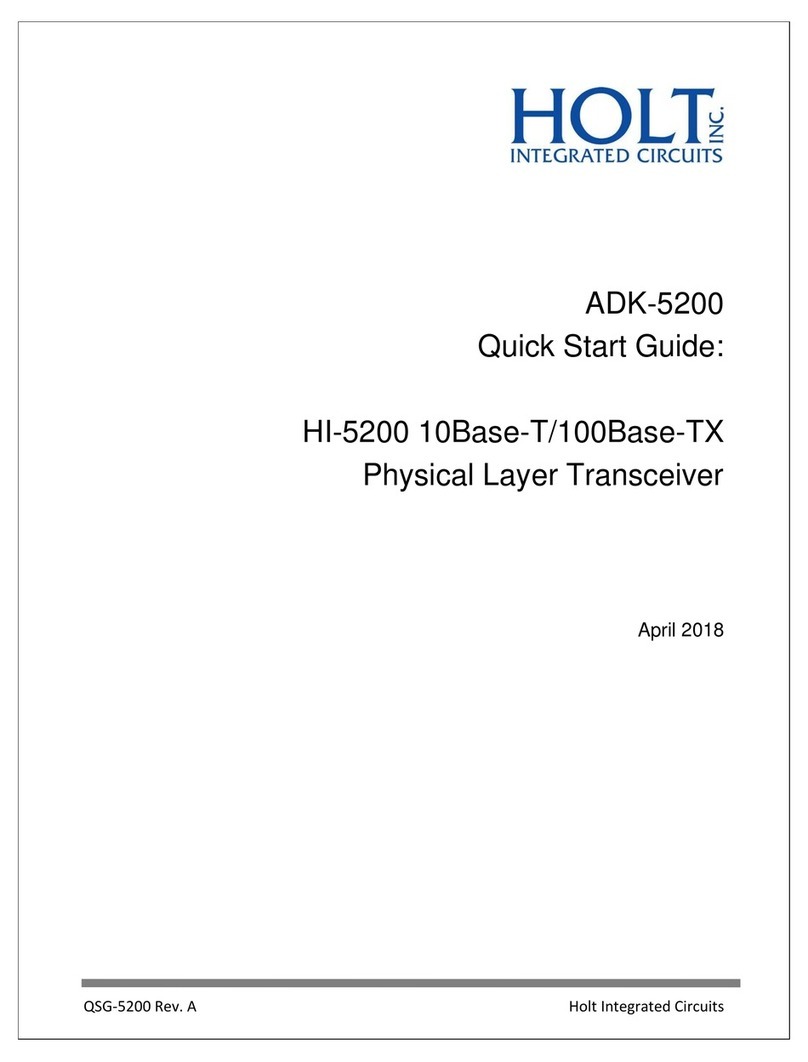
HOLT ADK-5200 User manual

HOLT

HOLT ADK-5200 User manual

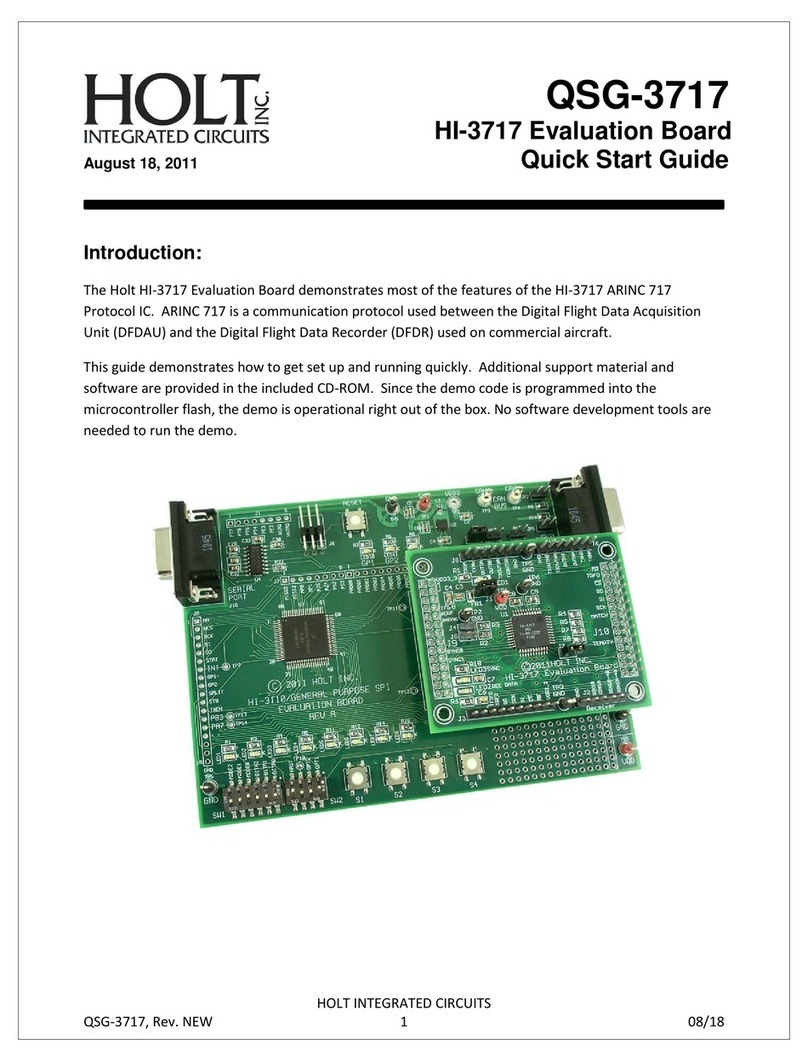
HOLT HI-3717 User manual

HOLT

HOLT HI-3717 User manual

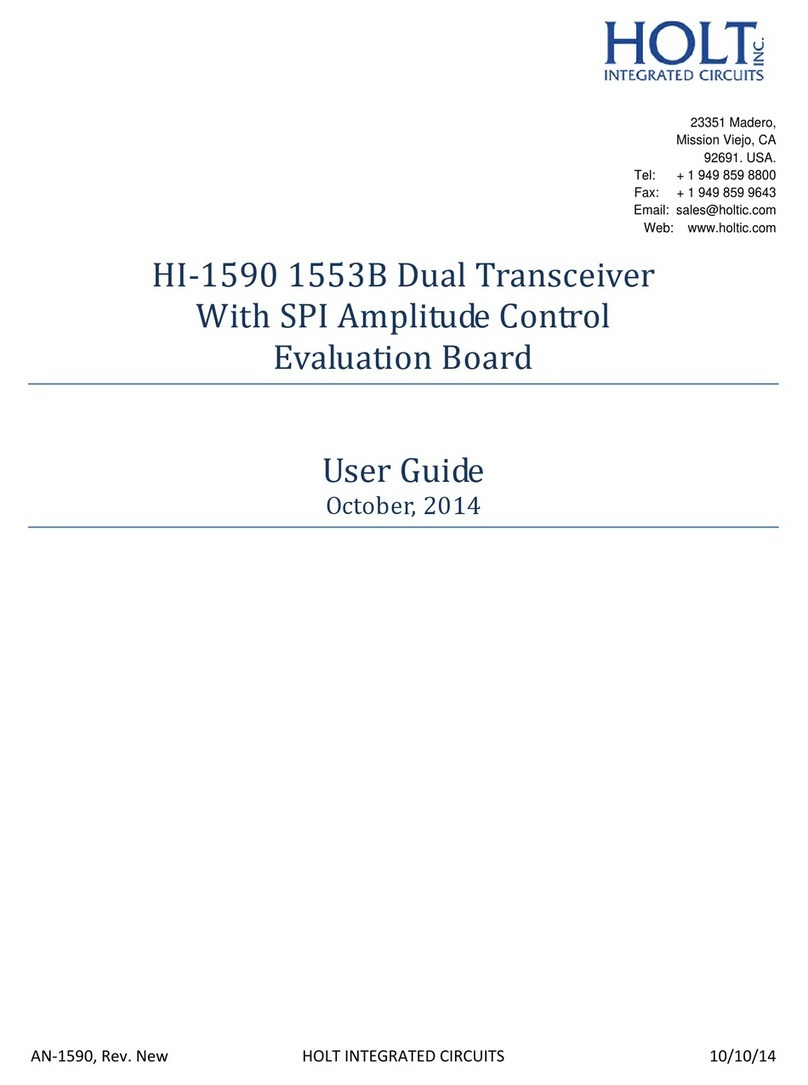
HOLT HI?1590 User manual

HOLT

HOLT HI?1590 User manual

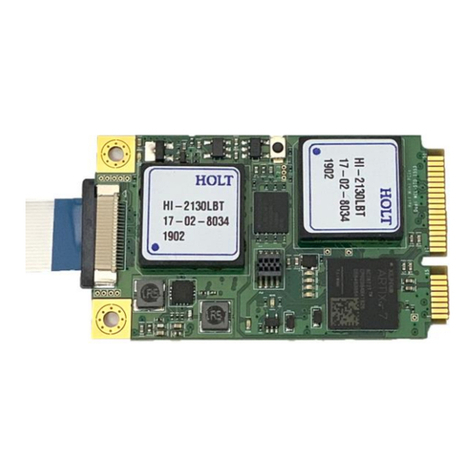
HOLT ADK-2130mPCIe User manual

HOLT

HOLT ADK-2130mPCIe User manual

HOLT ADK-8400 User manual

HOLT

HOLT ADK-8400 User manual

HOLT HI-3110 User manual

HOLT

HOLT HI-3110 User manual

HOLT HI?1590 User manual

HOLT

HOLT HI?1590 User manual

HOLT HI-3110 User manual

HOLT

HOLT HI-3110 User manual

HOLT HI-8428-R User manual

HOLT

HOLT HI-8428-R User manual

Popular Motherboard manuals by other brands

Gigabyte MNJ190I-FH user manual

Gigabyte

Gigabyte MNJ190I-FH user manual

Biostar HI-FI-Z87X-3D Setup manual

Biostar

Biostar HI-FI-Z87X-3D Setup manual

Atmel SAM9753PIA-DK user guide

Atmel

Atmel SAM9753PIA-DK user guide

Coapt GEN2 Handbook

Coapt

Coapt GEN2 Handbook

Supero SUPER P4DL6 user manual

Supero

Supero SUPER P4DL6 user manual

Cypress CY3210-PSoCEVAL1 quick start guide

Cypress

Cypress CY3210-PSoCEVAL1 quick start guide

ASROCK B660M-HDV manual

ASROCK

ASROCK B660M-HDV manual

Fujitsu D2831 Short description

Fujitsu

Fujitsu D2831 Short description

Industrial Computers ADE-6050 user manual

Industrial Computers

Industrial Computers ADE-6050 user manual

Asus TUF Z270 MARK 2 manual

Asus

Asus TUF Z270 MARK 2 manual

DFI NB71-BC user manual

DFI

DFI NB71-BC user manual

ASROCK H61 Pro BTC user manual

ASROCK

ASROCK H61 Pro BTC user manual

Norco POS-7893 user manual

Norco

Norco POS-7893 user manual

Intel DG965MS specification

Intel

Intel DG965MS specification

Asus B85M-VIEW PAKER user manual

Asus

Asus B85M-VIEW PAKER user manual

Asus P5G41T-M LX V2 user manual

Asus

Asus P5G41T-M LX V2 user manual

Gigabyte GA-K8VT800-RH user manual

Gigabyte

Gigabyte GA-K8VT800-RH user manual

Gigabyte Z790M AORUS ELITE user manual

Gigabyte

Gigabyte Z790M AORUS ELITE user manual

manuals.online logo
manuals.online logoBrands
  • About & Mission
  • Contact us
  • Privacy Policy
  • Terms and Conditions

Copyright 2025 Manuals.Online. All Rights Reserved.


AN‐8470,Rev.AHOLTINTEGRATEDCIRCUITS3/2/15
1

23351 Madero,
Mission Viejo, CA
92691. USA.
Tel: + 1 949 859 8800
Fax: + 1 949 859 9643
Email: [email protected]
Web: www.holtic.com
HI‐847016SensorArraywith
ARINC429Output,Ground/Openor
Supply/OpenSensors
EvaluationBoard

UserGuide
March2,2015






AN‐8470,Rev.AHOLTINTEGRATEDCIRCUITS3/2/15
2
INTRODUCTION

TheHoltHI‐8470EvaluationBoarddemonstratesfeaturesoftheHI‐847016SensortoARINC429output
IC.TheboardandtheHI‐8470canberunfromasingle3.3V+/‐5%supplyvoltage.Thedevicehaspreset
internalsensorthresholds,externalthresholdscanalsobesetwithboard‐mountedpotentiometers.The
HI‐8470andEVM(EvaluationModule)requirenosoftwareforcontrol;allfunctionsaresetbyhardware
switches.DIPswitchesconfigurethedeviceanddatainputs.TheEVMisshowninthepicturebelow:



Thisguidesummarizeshowtogetsetupandrunningquickly.

AN‐8470,Rev.AHOLTINTEGRATEDCIRCUITS3/2/15
3
KITCONTENTS
ThisUserGuide
HI‐8470EvaluationBoard
BoardBlockDiagram

AN‐8470,Rev.AHOLTINTEGRATEDCIRCUITS3/2/15
4
JumperFunctions
JUMPERDEFAULT DESCRIPTION
VLOGICONLinkforVLOGICsupplytotheLED
VDDONLinkforVDDsupplycurrent(thissuppliestheHI‐8470
converterfortheARINC429outputs)
XTALVDDONSupplies3.3Vtothe1MHzcrystaloscillator
EXTCLKONTouseexternalclock,disconnectlinkandapplyVlogic
levelclocktotheCLKtestpoint
MASTERRESETOFFInplace,thisholdsHI‐8470inreset
TXENBONInplace;pushbutton‘TRANSMIT’ispressedto
transmit.Forcontinuoustransmit,removethelink.
EXTTHSOGONWhennotinplace,theexternalGLO_SETand
GHI_SETpotentiometerssettheGND/Open
thresholds.Withjumperinplace,thedeviceuses
internalthresholds.
EXTTHSVOONWhennotinplace,theexternalVLO_SETand
VHI_SETpotentiometerssettheSupply/Open
thresholds.Withjumperinplace,thedeviceuses
internalthresholds.
J5GNDSensorinputswitch0:7source;GNDwhenswitches
are‘ON’.Innon‐GNDposition,thevoltageonthe
VSENSE0:7testpointisapplied,fortheswitchesin
‘ON’position.
J11GNDSensorinputswitch8:15source;GNDwhenswitches
are‘ON’.Innon‐GNDposition,thevoltageonthe
VSENSE8:15testpointisapplied,forswitchesinthe
‘ON’position.
TST0OFFWheninplace,thesensorinputsareallsettoLow,
andresultsinHighsatthesensoroutputs.
TST1OFFWheninplace,thesensorinputsareallsettoHigh,
andresultsinLowsatthesensoroutputs.WithTST1
andTST0inplace,sensorinputsarealternately1,0

AN‐8470,Rev.AHOLTINTEGRATEDCIRCUITS3/2/15
5

SwitchFunctions

SWITCHDEFAULTDESCRIPTION
LABEL0:7OFFARINC429labelbits0:7.
ON=‘1’
SPEED&
ARINCBITS
SPEED=ON
ARINC=
OFF
ARINC429speedandARINC429bits9,10,&27:31.
ON=‘1’(seetableonboardforpositions)
TIMER0:7OFFSetsARINC429messagetransmissiontimer.
ON=‘1’
SEL0:7OFFSetssensortypeforSI0:7.
OFF=GND/Open
ON=Supply/Open
SEL8:15OFFSetssensortypeforSI8:15.
OFF=GND/Open
ON=Supply/Open
SENSOR
0:7
ONSetsstateofsensorinputs0:7stimuli.
ONcorrespondstoGNDorSupply.
OFFcorrespondstoOpenstate.
SENSOR
8:15
ONAsabove,setsstateofsensorinputs8:15.


AN‐8470,Rev.AHOLTINTEGRATEDCIRCUITS3/2/15
6
ConnectorFunctions

ConnectorPINDESCRIPTION
SENSORIN
0:7
1to8
9
Sensorinputs;Sensor0:7→Pins1:8
GND
SENSORIN
8:15
1to8
9
Sensorinputs;Sensor8:15→Pins1:8
GND
SENSOR
OUT0:7
1to8
9
Sensoroutputs;Sensor0:7→Pins1:8
GND
SENSOR
OUT8:15
1to8
9
Sensoroutputs;Sensor8:15→Pins1:8
GND
BoardSetUp

1. Makesurethelinkandswitchpositionsareaslistedinthetablesabove.Connecta3.3V
supplytotheVlogictestpoint.TheVDDlinkconnectspowerfromVLogictotheHI‐8470VDD
pin,whichsuppliestheinternalconverter.TheVlogicjumpersuppliesonlytheLED.
2. Tomeasurethedevice’sVlogicsupplycurrent;removetheVlogicGNDjumperandconnect
anammeteracrossthejumperpins.Thismeasuresonlythedevicecurrentandnottheother
circuitryontheboard.TomeasureVddcurrent,removetheVddjumperandconnectthe
ammeteracrossthejumperpins.RemovetheXTALVDDlink;thecurrentmeasuredwillbe
forthedevice‘unclocked’.Tomeasurethedeviceclockedcurrentconsumption,anexternal
1MHzclockshouldbeused,connectedtotheCLKtestpoint,afterremovingtheEXTCLKlink.

AN‐8470,Rev.AHOLTINTEGRATEDCIRCUITS3/2/15
7
ARINC429OutputTesting


1. ThedevicetransmitsthesensordatatotheARINC429outputwhentheTXENBis
switchedhigh.TogeneratejustoneARINC429word,presstheTransmitbutton.To
enablecontinuousARINC429transmission,removetheTXENBlink.Beforetestingensure
theswitchesandlinksareinthedefaultstatesshowninprevioustables,thensetLabel
Switch#8toa‘1’andTimerSwitch#1to‘1’.
2. EnablecontinuousARINC429transmissionbyremovingtheTXENBlink.Connectan
oscilloscopetotheARINC429outputs.Forbestresults,usedifferentialmode.Jumper
TST0forcesallthesensorinputsto‘0’,thisforcesthesensoroutputstoa‘1’.Observethe
ARINC429outputwaveform.Itshouldlooksimilartothewaveformshownbelow:



3. NowlinkjumperTST1only,forcingthesensorinputstoall1’s.Theoutputpatternforthe
datashouldbeall0’sasshownbelow:

AN‐8470,Rev.AHOLTINTEGRATEDCIRCUITS3/2/15
8

4. NowlinkjumperTST1andTST0,forcingthesensorinputstoacontinuouslyalternating
01.Theoutputpatternforthedatashouldbe1010101010101010beasshownbelow:


5. ReplaceTXENBlink.PressTransmit,onlyoneARINC429wordistransmitted.Changethe
Speedswitchto‘0’,thewaveform,shouldchangeto12kbpsrateasshownbelow:

AN‐8470,Rev.AHOLTINTEGRATEDCIRCUITS3/2/15
9


6. Setspeedswitchbackto‘1’.TheTIMERswitchallowsforchangingthetransmitrepetition
rate.Tousethisfeature,removetheTXENBlinktoenablecontinuoustransmission.
Ensurethetimerswitchissetto‘10000000’;onewordwillbetransmittedevery10ms.
Observethisontheoscilloscope;itshouldlooklikethepicturebelow:


AN‐8470,Rev.AHOLTINTEGRATEDCIRCUITS3/2/15
10

7. RemovejumpersTST0andTST1.UsetheSpeedandARINC429bitsswitchtotoggleARINC
429outputbits9,10and27to31,seetableontheboardforswitchpositions.Checkthe
correspondingbitchangesontheARINC429output.

SensorInputandOutputTesting

1. RemovejumpersTST0andTST1.LeavetheTXENBlinkoff.Setuptheboardindefault
state,thesensorsareinGND/OpenstateandinputstoswitchedtoGND(ON).Now
changealltheSensorinputswitchesto‘OFF’,theoutputwaveformshouldshowtheall‘1s’
pattern,shownearlierinthisdocument.SwitchSensorinput0to‘ON’(GND).TheARINC
429outputshouldchangetotheonebelow,withthechangedsensoroutputstate
transmittedonasa‘1’onbit11.


2. Setallthesensorinputswitchesto‘ON’(GND),alltheARINC429dataoutputs(bits11:26)
shouldchangetoa‘1’.ThiscanalsobecheckedontheconnectorsSENSOROUT0:7and
8:15.