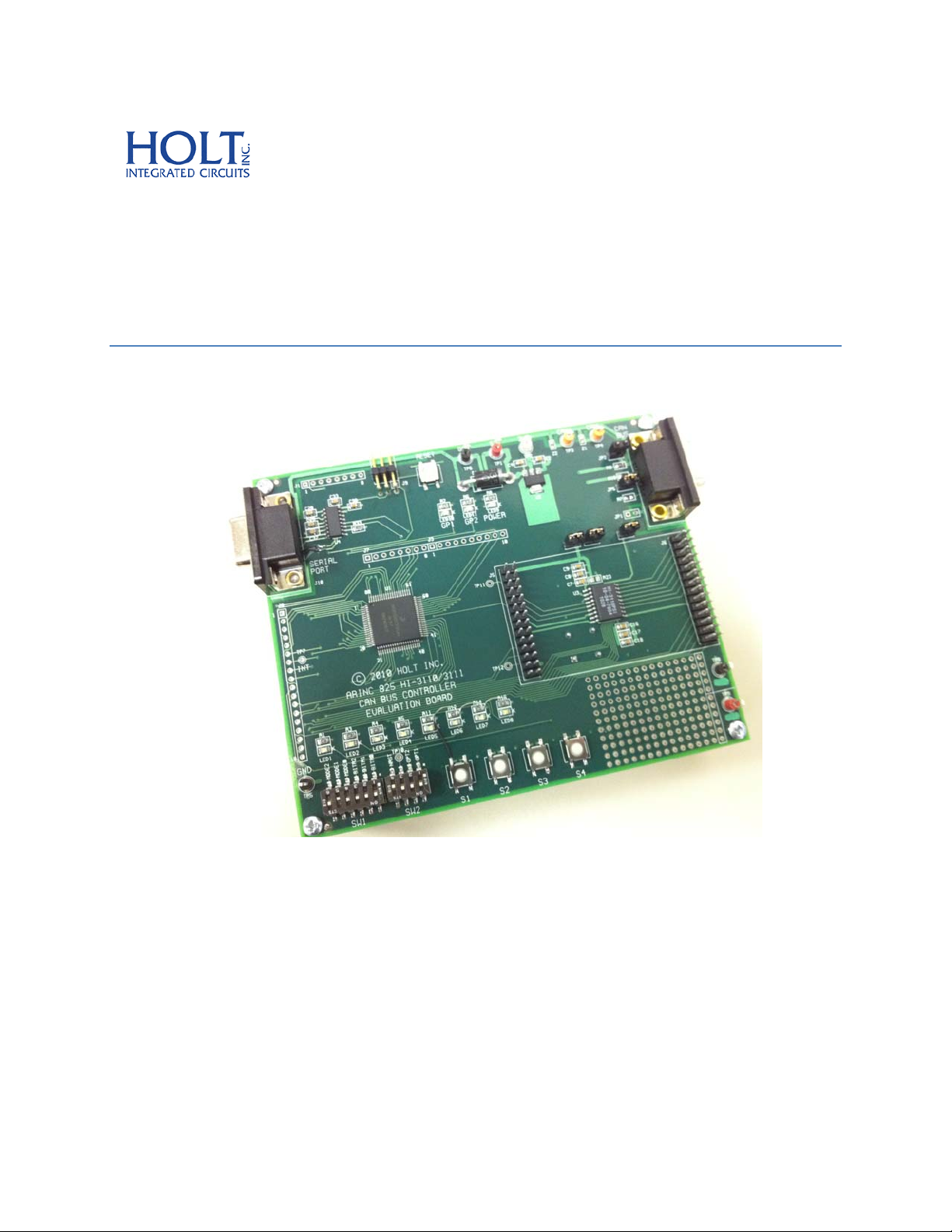
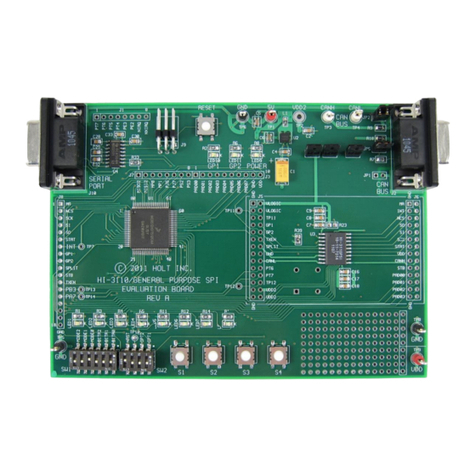
InthismodetheMCUperformsawalkingpatternontheGPIOpinsandcyclesturningonallthe
LEDs.Seetheboardtest.cmodulefordetailsandotheroptionsavailable.
Mode‐1: TransmitModeStandardFrames
ThistransmitsastandardCANframewithanincrementing32‐bitvalueinthefirst4bytesofthe
data–field,thelastfourbyteswillbe00.AfterRESETpresstheButton‐1tostartthe
transmissions.AportionofthedatafieldwillbecopiedtotheLED1‐LED4’s.Theycanbeseen
countinginthismode.
PressButton‐1tostoptransmittingandprintoutthestatusregistersontheserialconsole.
PressButton‐2topausethetransmission.PressButton‐2againtotransmitoneframeagain.
PressButton‐3toprintouttheTransmitHistoryFIFOcontentsontheserialconsole.
PressButton‐4toresumetransmissions.
OPT1switch=open,Insertsa400usdelaybeforeeachtransmission.
Mode‐2 ReceiveModeusingPollingmethod
ReceivemodeiscustomizedtotheTransmitmodebecauseitexpectstheincrementing32‐bit
valueinthedata‐fieldtocomparewiththepredictedvaluestartingfromcountzero.LED1‐4will
reflectthelowernibbleofbyte3ofthedata‐field.
OPT1switch=open,Theprogramwillcomparethe32‐bitcountervalueinthedata‐fieldand
turnontheREDLED8andhaltifitdoesnotmatchtheexpectedvalue.Toexitfromthehalt
conditionpressclosetheOTP1switchorpresstheRESETbutton.
CANErrorDetection
WhilereceivingframesifthereareanyerrorsdetectedintheHI‐3110registers,TEC,RECorERR,
theywillbeautomaticallyloggedontheSerialPort.
ForexampleifERRhasa01valueitwouldbeshownas:ERR:01.Theothertwoerrorswillbe
shownsimilarly.
Button‐1–StopreceivingCANmessagesandprintthelast64CANframesandthestatus
registersontheserialconsole.PressButton‐4toresumereceivingCANMessages.
Button‐3–PuttheHI‐3110intoSleepMode.PressButton‐4orsendCANmessagesinSleep
modetoterminateandre‐enterNormalmode.Amessageontheserialconsolewillindicatethe
SleepModeandthesourcetothewake‐upevent.
Holt HI 3110 Demonstration Software Revision: 06
Receive Mode polling