EnglishDeutsch
 logo
Brands
  1. Home
  2. •
  3. Brands
  4. •
  5. Honeywell
  6. •
  7. Accessories
  8. •
  9. Honeywell Ademco 5800SS1 User manual

Honeywell Ademco 5800SS1 User manual

Other manuals for Ademco 5800SS1

1

Other Honeywell Accessories manuals

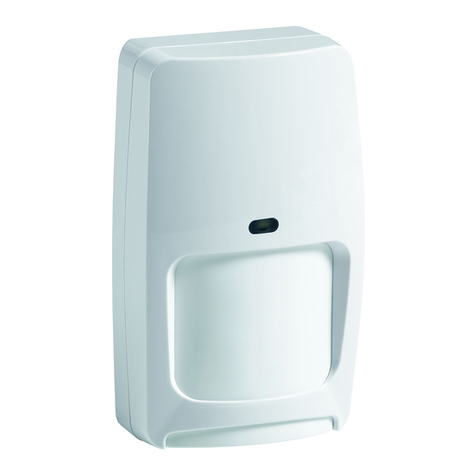
Honeywell DUAL TEC DT8M Wireless User manual

Honeywell

Honeywell DUAL TEC DT8M Wireless User manual

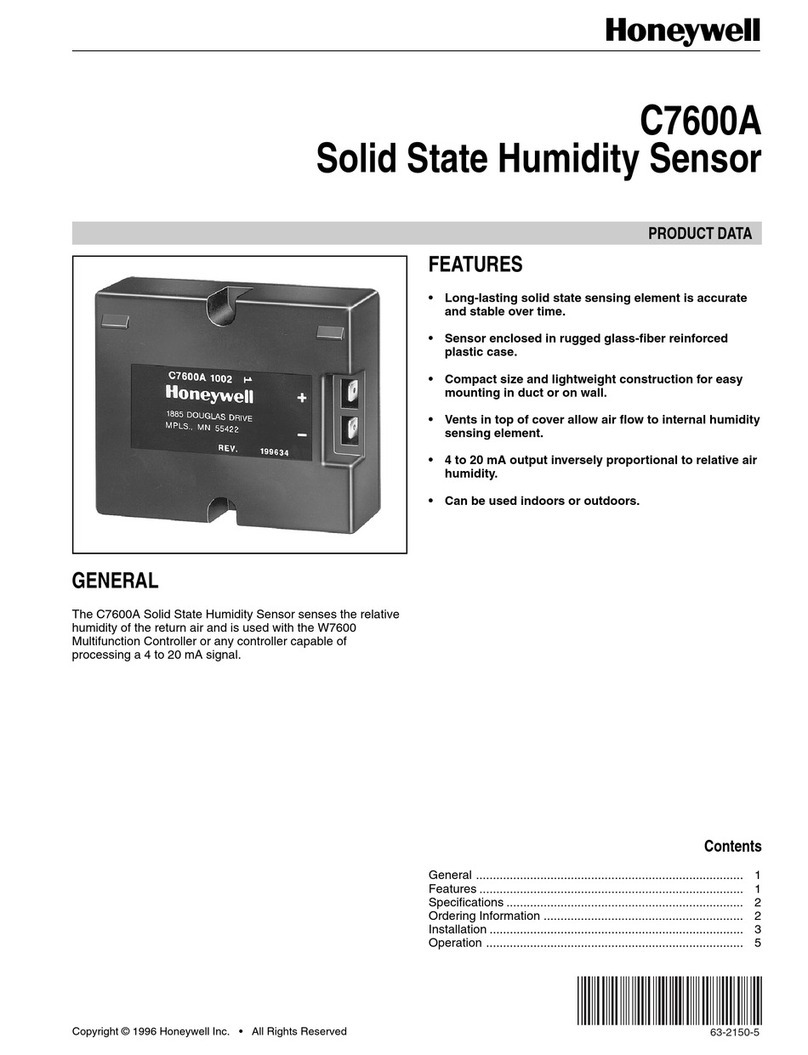
Honeywell C7600A Operation manual

Honeywell

Honeywell C7600A Operation manual

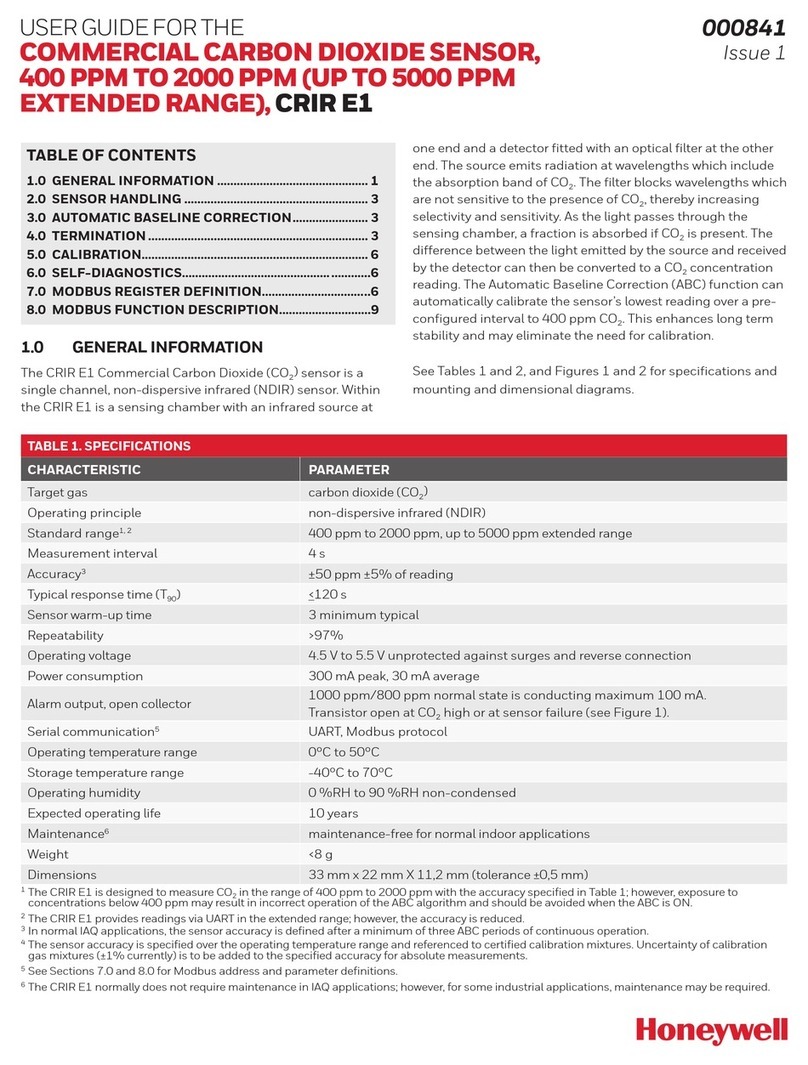
Honeywell CRIR E1 User manual

Honeywell

Honeywell CRIR E1 User manual

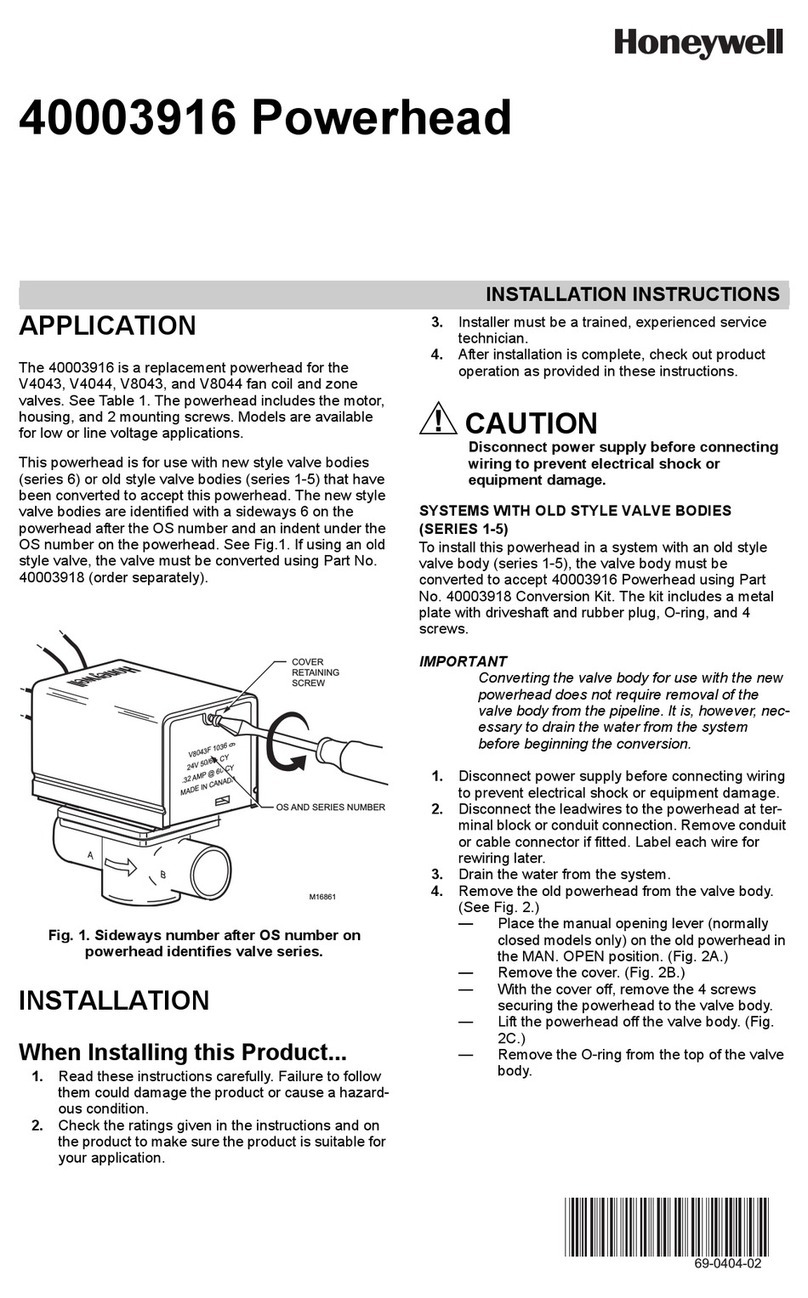
Honeywell 40003916 Powerhead User manual

Honeywell

Honeywell 40003916 Powerhead User manual

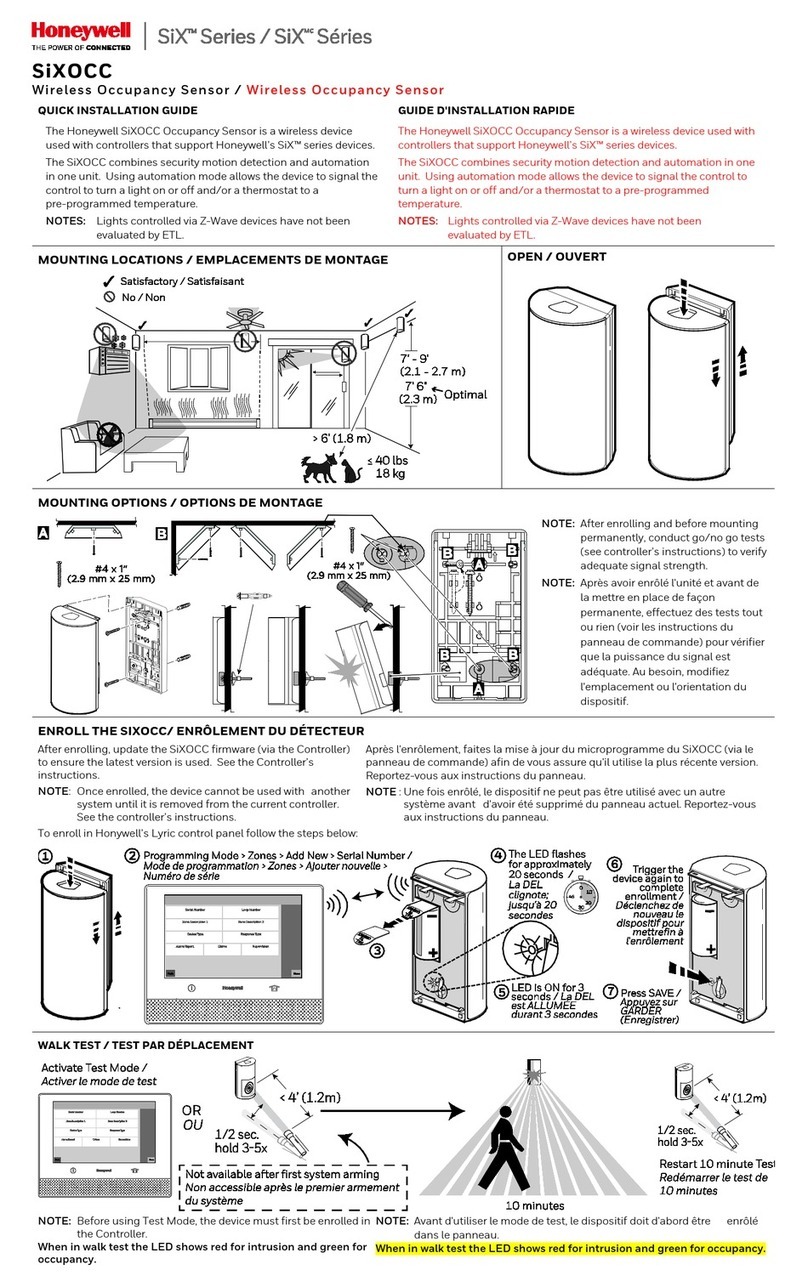
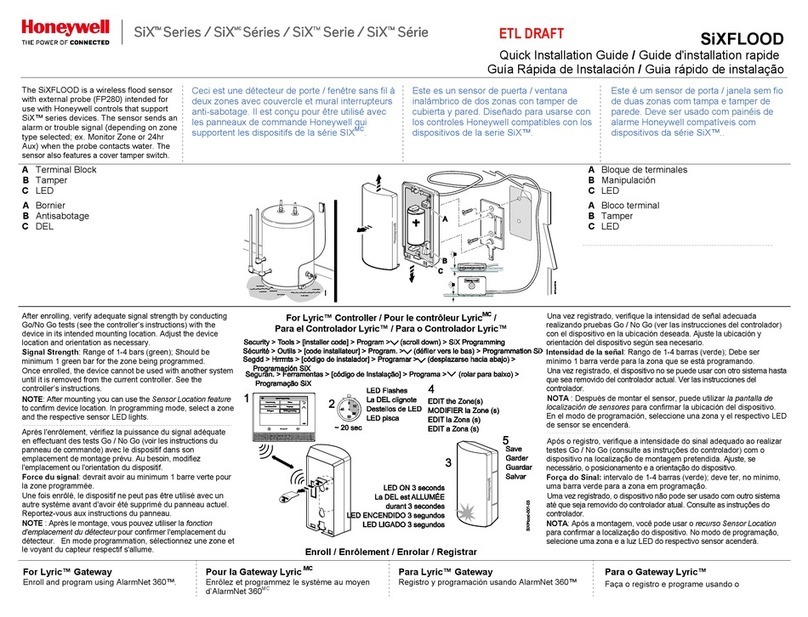
Honeywell SiX series User manual

Honeywell

Honeywell SiX series User manual

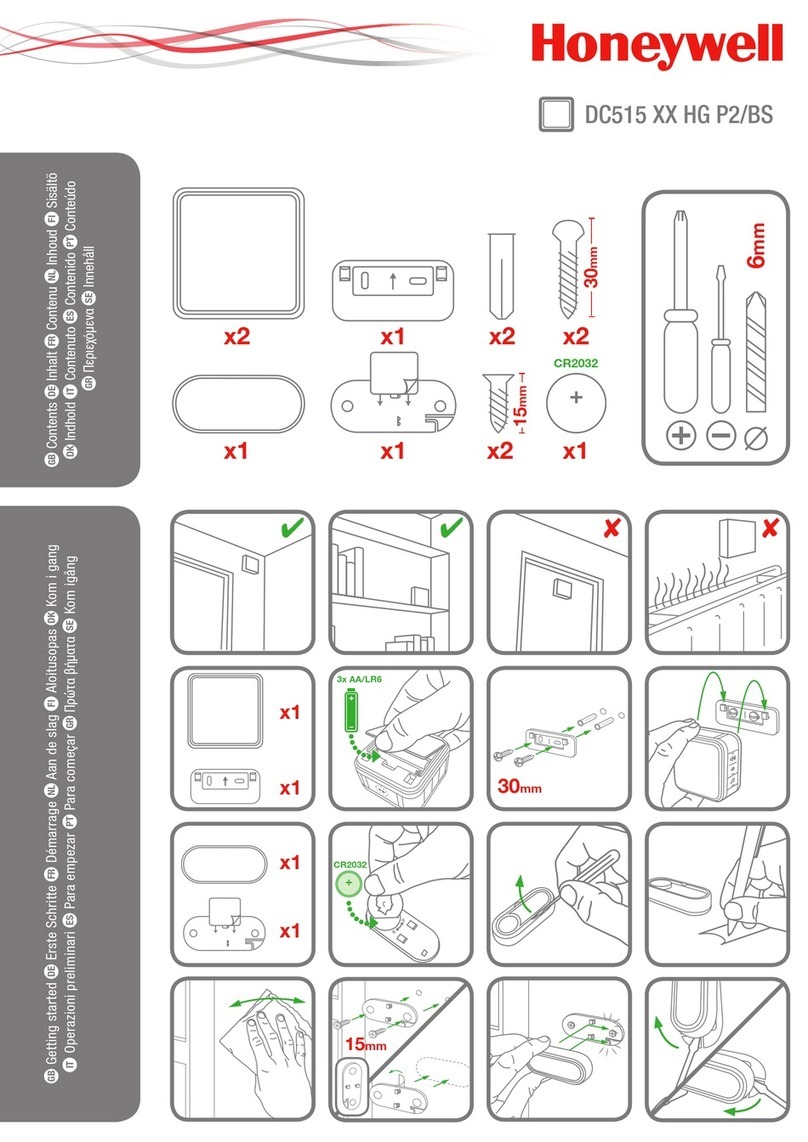
Honeywell DC515 HG P2 Series User manual

Honeywell

Honeywell DC515 HG P2 Series User manual

Honeywell SHK8M User manual

Honeywell

Honeywell SHK8M User manual

Honeywell P7635 User manual

Honeywell

Honeywell P7635 User manual

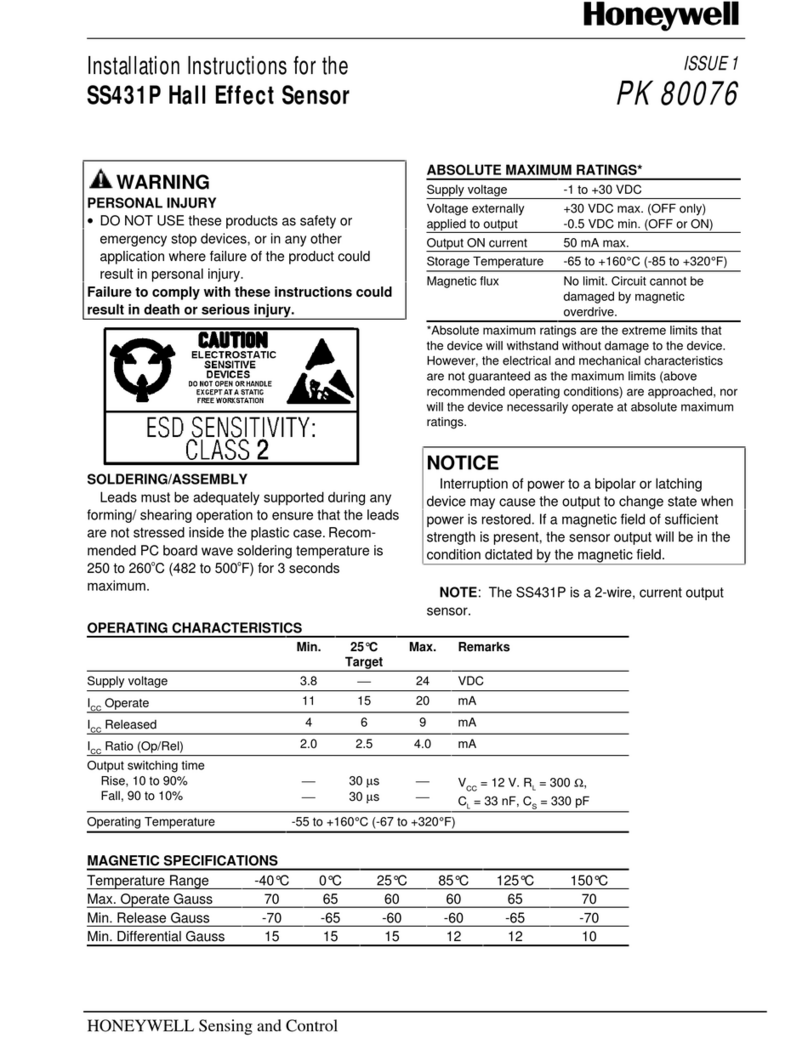
Honeywell SS431P User manual

Honeywell

Honeywell SS431P User manual

Honeywell 4905 Style Manual

Honeywell

Honeywell 4905 Style Manual

Honeywell RPW316A Manual

Honeywell

Honeywell RPW316A Manual

Honeywell Sensepoint User manual

Honeywell

Honeywell Sensepoint User manual

Honeywell C7600B Operation manual

Honeywell

Honeywell C7600B Operation manual

Honeywell T9 User manual

Honeywell

Honeywell T9 User manual

Honeywell CTS-A Series User manual

Honeywell

Honeywell CTS-A Series User manual

Honeywell IS-310 User manual

Honeywell

Honeywell IS-310 User manual

Honeywell RPW214A User guide

Honeywell

Honeywell RPW214A User guide

Honeywell SiX Series User manual

Honeywell

Honeywell SiX Series User manual

Honeywell SiX Series User manual

Honeywell

Honeywell SiX Series User manual

Honeywell C7660 Operation manual

Honeywell

Honeywell C7660 Operation manual

Honeywell Fire-Lite Alarms SD365TA User manual

Honeywell

Honeywell Fire-Lite Alarms SD365TA User manual

Honeywell DC915 series User manual

Honeywell

Honeywell DC915 series User manual

Honeywell SC1000 User manual

Honeywell

Honeywell SC1000 User manual

Honeywell TRADELINE Y594 User manual

Honeywell

Honeywell TRADELINE Y594 User manual

Popular Accessories manuals by other brands

Hillco 2810 Operator's manual

Hillco

Hillco 2810 Operator's manual

Siemens QSA2700D Basic documentation

Siemens

Siemens QSA2700D Basic documentation

Contours ZY024 manual

Contours

Contours ZY024 manual

Saivod VS621 manual

Saivod

Saivod VS621 manual

SCE ENVIRO-THERM SCE-TE170B24VSS user manual

SCE

SCE ENVIRO-THERM SCE-TE170B24VSS user manual

Z-Wave HSD-200Z user manual

Z-Wave

Z-Wave HSD-200Z user manual

turck FMX-IM-2UPLI63FX quick start guide

turck

turck FMX-IM-2UPLI63FX quick start guide

Decagon Devices 10HS manual

Decagon Devices

Decagon Devices 10HS manual

UPPAbaby Cup Holder user manual

UPPAbaby

UPPAbaby Cup Holder user manual

Elko SmartSensor Leakage Wireless manual

Elko

Elko SmartSensor Leakage Wireless manual

Grizzly H8371 instructions

Grizzly

Grizzly H8371 instructions

Panasonic HG-T Series user manual

Panasonic

Panasonic HG-T Series user manual

IFM Electronic Efector 250 Series Brief instructions

IFM Electronic

IFM Electronic Efector 250 Series Brief instructions

Virtuox VirtuCLEAN 2.0 user manual

Virtuox

Virtuox VirtuCLEAN 2.0 user manual

DigiDesign 888/24 I/O installation guide

DigiDesign

DigiDesign 888/24 I/O installation guide

PROZIS QUAY user manual

PROZIS

PROZIS QUAY user manual

patagonia PSI Vest user manual

patagonia

patagonia PSI Vest user manual

SFC Energy EFOY GO! manual

SFC Energy

SFC Energy EFOY GO! manual

https://manuals.online logo
https://manuals.online logoBrands
  • About & Mission
  • Contact us
  • Privacy Policy
  • Terms and Conditions

Copyright 2026 Manuals.Online. All Rights Reserved.

GENERAL INFORMATION
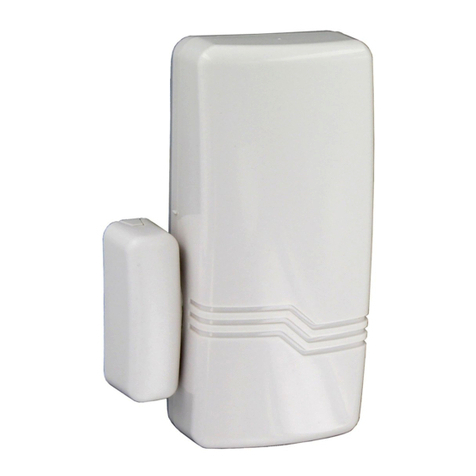
The 5800SS1 is a wireless shock sensor
intended for use in systems that support 5800
series devices. Each transmitter has its own
unique serial number, assigned during
manufacture, which must be “enrolled” in the
control panel before the device can be used
with the system. Refer to the control panel's
Installation and Setup Guide for programming
details.
One 5800SS1 is required for each pane of
glass protected. (Do not use more than one
sensor per pane.)
Types of Glass Protection
•Tempered
•Ordinary Plate
•Laminated Type
•Wired
•Coated*
•Sealed Insulated
*Not for use in UL installations.
Note: It is not necessary to remove the case
cover during installation.
ENROLLING THE 5800SS1
You must enroll the 5800SS1 serial number
in the control panel during zone
programming. The control panel's Installation
and Setup Guide provides detailed
programming procedures. Before
programming, perform the following:
1. To cause the transmitter to transmit,
remove the “PULL TO CONNECT
BATTERY” tab (see Figure 1). (For
additional transmissions, lightly tap on
the base of the sensor with a
screwdriver.)
PULL TO CONNECT BATTERY
K5867
5800SS1-001-V0
PULL
TAB
SENSOR
Figure 1
2. When programming the shock
sensor, note the following:
•Input Type = 3 (Supervised RF)
•Loop Number = 1
3. When prompted for the serial number,
you can transmit by lightly tapping on
the base of the sensor with a
screwdriver or by manually entering
the serial and loop number.
MOUNTING
1. Determine the optimum mounting
location. For best sensitivity, the
sensor should be mounted one-inch
from the corner edge of the window
frame (see Figure 2).
1in.
1in.
10 FT. RADIUS
MAXIMUM
COVERAGE
STRIKE AT
FURTHEST
OPPOSITE
CORNER WITH
SCREWDRIVER
HANDLE
MOUNT 1 INCH FROM CORNER
OF WINDOW FRAME.
5800SS1-003-V0
Figure 2
2. Before the transmitter is permanently
mounted, conduct Go/No Go tests (see
control’s instructions) to verify adequate
signal strength from the mounting
location.
3. Always verify range by holding the
sensor in the approximate mounting
location and tapping at the base. The
panel (in test mode) should respond to
the transmissions. If not, find a more
suitable mounting location.
4. Clean the glass, where the sensor will be
mounted, with a mixture of water and
isopropyl alcohol.
5. Once the glass has dried, remove the
tape backing paper and firmly press the
sensor in the desired mounting location.
6. Verify operation by striking the furthest
opposite corner of the glass with the
handle of a large screwdriver. Always
check the alarm panel keypad to verify
that the zone has tripped.
7. Apply optional “WARNING” label to the
outside glass surface opposite the tape
side of the 5800SS1.
5800SS1
5800SS15800SS1
5800SS1
Wireless Shock Sensor
Wireless Shock SensorWireless Shock Sensor
Wireless Shock Sensor -
--
-
Installation Guide

REPLACING THE BATTERY
1. Using a screwdriver, carefully remove
the sensor’s cover.
2. Check the battery polarity orientation
before installing (see Figure 3).
3. Insert the battery securely in the sensor.
4. Snap the sensor cover back in place.
5800SS1-001-V0
CR2
Figure 3
SPECIFICATIONS
Glass Coverage:
Plate, Laminate, Wired, Sealed Insulated,
Coated*and Tempered glass, with thick-
nesses between 3/32” (2.38mm) and 1/4”
(6.35mm) and up to 10 ft (3.048m) distance
from mounting location. One sensor is
required for each separate pane of glass.
*Not for use in UL installations.
Dimensions:
1.6" H x 1.6" W x 0.8" D (40.64 mm x 40.64
mm x 20.32 mm)
Power:
Single 3V Panasonic CR2, or Duracell
DLCR2 Lithium Battery
WARNING
Risk of fire, explosion, and burns. Do not
recharge, disassemble, heat above 212º F
(100º C) or incinerate. Dispose of used
batteries properly. Keep away from children.
FCC / IC STATEMENT
This device complies with Part 15 of the FCC Rules, and RSS 210 of IC. Operation is subject to
the following two conditions: (1) This device may not cause harmful interference (2) This device
must accept any interference received, including interference that may cause undesired
operation.
Cet appareil est conforme à la partie 15 des règles de la FCC & de RSS 210 des Industries

Canada. Son fonctionnement est soumis aux conditions suivantes: (1) Cet appareil ne doit pas
causer d' interferences nuisibles. (2) Cet appareil doit accepter toute interference reçue y compris
les interferences causant une reception indésirable.
FEDERAL COMMUNICATIONS COMMISSION STATEMENTS
The user shall not make any changes or modifications to the equipment unless authorized by the
Installation Instructions or User's Manual. Unauthorized changes or modifications could void the
user's authority to operate the equipment.
TO THE INSTALLER
Regular maintenance and inspection (at least annually) by the installer and frequent testing by
the user are vital to continuous satisfactory operation of any alarm system.
The installer should assume the responsibility of developing and offering a regular maintenance
program to the user as well as acquainting the user with the proper operation and limitations of
the alarm system and its component parts. Recommendations must be included for a specific
program of frequent testing (at least weekly) to ensure the system’s proper operation at all times.
FOR WARRANTY INFORMATION AND DETAILS REGARDING THE LIMITATIONS OF THE
ENTIRE ALARM SYSTEM REFER TO THE INSTALLATION INSTRUCTIONS FOR THE
RECEIVER/CONTROL USED WITH THIS DEVICE.
ÊK0011V1†Š
K0011V1 1/12 Rev. A
2 Corporate Center Drive, Suite 100
P.O. Box 9040, Melville, NY 11747
Copyright 2011 Honeywell International Inc.
http://www.honeywell.com/security