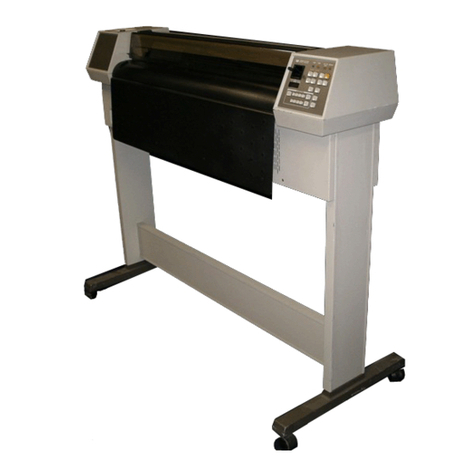
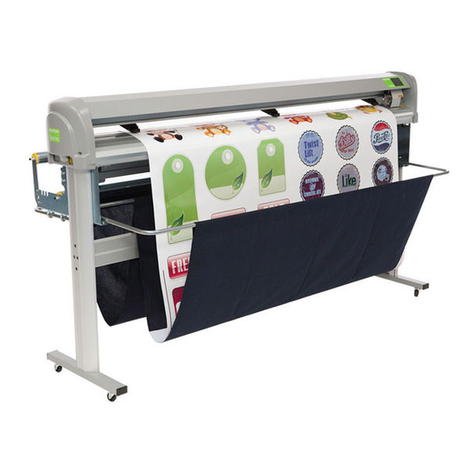
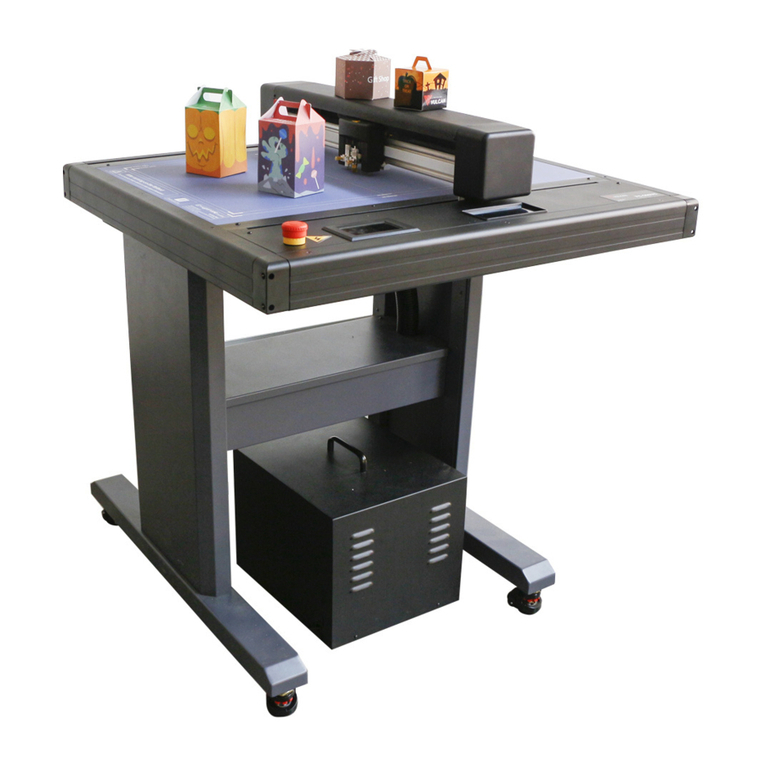
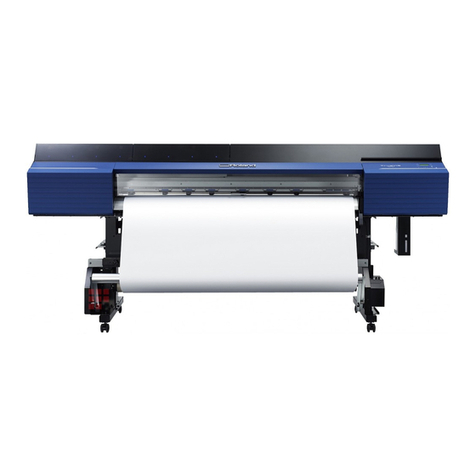
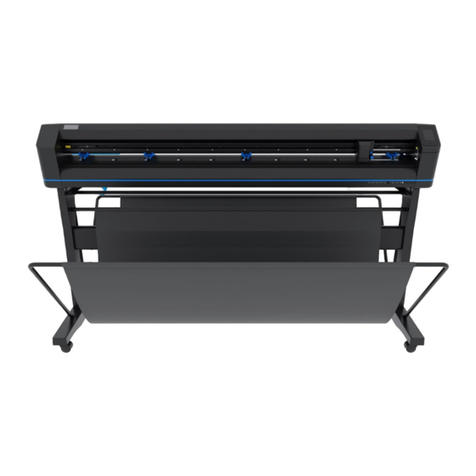
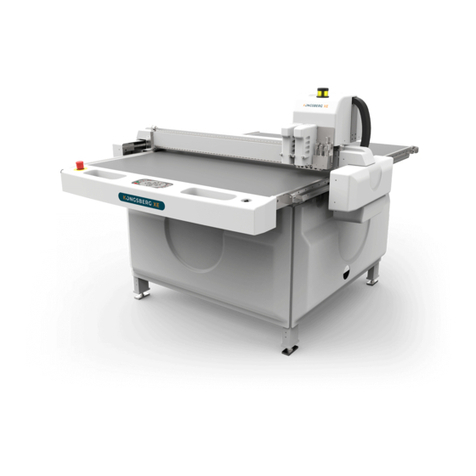
HP 54 Basic Cutter User manual

HP Latex Cutter Series
User Guide

Edition 2
© Copyright 2017 HP Development Company,
L.P.
Legal notices
The information contained herein is subject to
change without notice.
The only warranties for HP products and
services are set forth in the express warranty
statements accompanying such products and
services. Nothing herein should be construed as
constituting an additional warranty. HP shall not
be liable for technical or editorial errors or
omissions contained herein.
Trademarks
Microsoft® and Windows® are U.S. registered
trademarks of Microsoft Corporation.

Table of contents
1 Introduction ............................................................................................................................................................................................... 1
Welcome to your cutter ........................................................................................................................................................... 2
Cutter models ........................................................................................................................................................................... 2
Documentation ......................................................................................................................................................................... 2
Safety precautions ................................................................................................................................................................... 3
Main cutter components ......................................................................................................................................................... 5
Turn the cutter on and o ....................................................................................................................................................... 8
Connect the cutter to a computer .......................................................................................................................................... 8
Front panel ................................................................................................................................................................................ 9
2 Useful links .............................................................................................................................................................................................. 10
When you need help .............................................................................................................................................................. 10
3 Load the substrate ................................................................................................................................................................................. 12
Position the pinch rollers ...................................................................................................................................................... 16
Calibrate the substrate .......................................................................................................................................................... 17
Adjust cutting parameters .................................................................................................................................................... 18
Perform length calibration ................................................................................................................................................... 20
Change the user ..................................................................................................................................................................... 21
4 Cut the substrate .................................................................................................................................................................................... 23
Introduction ............................................................................................................................................................................. 23
HP barcode .............................................................................................................................................................................. 23
Automate tasks ...................................................................................................................................................................... 23
Job types ................................................................................................................................................................................. 26
Calibrations ............................................................................................................................................................................. 26
Change the origin ................................................................................................................................................................... 27
Extended load ......................................................................................................................................................................... 27
Cut types .................................................................................................................................................................................. 28
Detailed OPOS operations .................................................................................................................................................... 28
5 Detailed operation of the cutter ........................................................................................................................................................... 32
Introduction ............................................................................................................................................................................. 32
Main menu ............................................................................................................................................................................... 34
ENWW iii

System setup .......................................................................................................................................................................... 35
6 Maintenance ............................................................................................................................................................................................ 41
Clean cutter surfaces ............................................................................................................................................................. 41
Clean the drive system .......................................................................................................................................................... 41
Clean the substrate sensor ................................................................................................................................................... 42
Clean the Y-guide rail ............................................................................................................................................................. 42
Replace the knife .................................................................................................................................................................... 43
Change the fuse ..................................................................................................................................................................... 45
Update the rmware .............................................................................................................................................................. 45
7 Troubleshooting ..................................................................................................................................................................................... 47
Cutting quality is not satisfactory ........................................................................................................................................ 47
Substrate is drifting and you have tracking issues ........................................................................................................... 47
Substrate jams ........................................................................................................................................................................ 47
Cutter cannot detect HP barcode or registration marks .................................................................................................. 48
8 Accessories .............................................................................................................................................................................................. 49
Order accessories ................................................................................................................................................................... 49
Set the tool type ..................................................................................................................................................................... 50
9 Specications .......................................................................................................................................................................................... 51
Cutter dimensions .................................................................................................................................................................. 51
Shipping dimensions ............................................................................................................................................................. 51
Substrate dimensions ........................................................................................................................................................... 51
Performance ........................................................................................................................................................................... 52
Firmware .................................................................................................................................................................................. 53
Environment ........................................................................................................................................................................... 53
Electrical .................................................................................................................................................................................. 53
Index ............................................................................................................................................................................................................. 54
iv ENWW

1 Introduction
●Welcome to your cutter
●Cutter models
●Documentation
●Safety precautions
●Main cutter components
●Turn the cutter on and o
●Connect the cutter to a computer
●Front panel
ENWW 1

Welcome to your cutter
Your cutter is a drag-knife contour cutter designed to cut exible substrates accurately. Some major features of
the cutter are shown below:
●Optical Positioning System (OPOS X) and HP Barcode System for precise and unattended cutting
●Dierent cutting modes, with the ability to cut completely through some substrates
●Compatible with blade, pen, and pounce tools
●High-speed cutting head, for reliable and eortless vinyl cutting
●Intuitive control panel to modify settings easily
●Intelligent substrate system to keep substrates on track, even when cutting at top speed
●Ethernet (LAN) connectivity
●Substrate basket included
To send print jobs to your printer, you will need Raster Image Processor (RIP) software, which should be run on a
separate computer. RIP software is available from various dierent companies. Included in the box is a license for
the HP FlexiPrint and Cut RIP, supporting Print and Cut and Direct Cut workows.
Cutter models
HP 54 Basic Cutter, HP Latex 54 Cutter, and HP Latex 64 Cutter
Supplied with the cutter HP standard blades (2)
HP cut-o knife
HP 3-in substrate anges
HP FlexiPrint and Cut RIP license
Optional accessories HP Latex Cutter Extended Kit
HP Latex 2-in Media Holder Kit
HP Latex Standard Blade Kit
HP Latex Specialty Blade Kit
Consumables HP Latex Standard Blade Kit
Documentation
The following documents can be downloaded from http://www.hp.com/go/latex115printandcut/manuals/:
●Introductory information
●Site preparation guide
●Assembly instructions
●User guide
●Legal information
●Limited warranty
2 Chapter 1 Introduction ENWW

The Quick Response (QR) code images found in some parts of this user guide provide links to additional video
explanations of particular topics.
Safety precautions
Before using your cutter, read the following safety precautions to make sure you use the equipment safely.
You are expected to have the appropriate technical training and experience necessary to be aware of hazards to
which you may be exposed in performing a task, and take appropriate measures to minimize the risks to yourself
and to other people.
This equipment is not suitable for use in locations where children are likely to be present.
General safety guidelines
●There are no operator-serviceable parts inside the cutter except those covered by HP's Customer Self
Repair program (see http://www.hp.com/go/selfrepair/). Refer servicing of other parts to qualied service
personnel.
●Turn o the cutter and call your service representative in any of the following cases:
–The power cord or plug is damaged.
–The cutter has been damaged by an impact.
–There is any mechanical or enclosure damage.
–Liquid has entered the cutter.
–There is smoke or an unusual smell coming from the cutter.
–The cutter has been dropped.
–The cutter is not operating normally.
●Turn o the cutter in either of the following cases:
–During a thunderstorm
–During a power failure
●Take special care with zones marked with warning labels.
●Ventilation measures for your location, whether oice, copy room, or printer room, should meet local
environmental health and safety (EHS) guidelines and regulations.
Electrical shock hazard
WARNING! The internal circuits of the built-in power supplies operate at hazardous voltages capable of causing
death or serious personal injury.
The cutter uses one power cord. Unplug the power cord before servicing the cutter.
To avoid the risk of electric shock:
●The cutter must be connected to earthed mains outlets only.
●Do not remove or open any other closed system covers or plugs.
●Do not insert objects through slots in the cutter.
●Take care not trip over the cables when walking behind the cutter.
ENWW Safety precautions 3

●Insert the power cord securely and completely into the wall socket and cutter inlet.
●Never handle the power cord with wet hands.
Fire hazard
To avoid the risk of re, take the following precautions:
●The customer is responsible for meeting the cutter's requirements and the Electrical Code requirements
according to the local jurisdiction of the country where the equipment is installed. Use the power supply
voltage specied on the nameplate.
●Connect the power cords to a line protected by a branch circuit breaker according to the information
detailed in the site preparation guide. Do not use a power strip (relocatable power tap) to connect the
power cord.
●Use only the power cord supplied by HP with the cutter. Do not use a damaged power cord. Do not use the
power cord with other products.
●Do not insert objects through slots in the cutter.
●Take care not to spill liquid on the cutter. After cleaning, make sure all components are dry before using the
cutter again.
●Do not use aerosol products that contain ammable gases inside or around the cutter. Do not operate the
cutter in an explosive atmosphere.
●Do not block or cover the openings of the cutter.
Mechanical hazard
The cutter has moving parts that could cause injury. To avoid personal injury, take the following precautions
when working close to the cutter:
●Keep your clothing and all parts of your body away from the cutter's moving parts.
●Avoid wearing necklaces, bracelets, and other hanging objects.
●If your hair is long, try to secure it so that it will not fall into the cutter.
●Take care that sleeves or gloves do not get caught in the cutter's moving parts.
●Do not touch gears or moving rolls during printing.
●Do not operate the cutter with covers bypassed.
Light radiation hazard
Light radiation is emitted from the LED status indicators and front panel. This illumination is in compliance with
the requirements of the exempt group of IEC 62471:2006, Photobiological safety of lamps and lamp systems.
However, you are recommended not to look directly at the LEDs while they are on. Do not modify the module.
Heavy substrate hazard
Special care must be taken to avoid personal injury when handling heavy substrates:
●Handling heavy substrate rolls may require more than one person. Care must be taken to avoid back strain
and/or injury.
●Consider using a forklift, pallet truck, or other handling equipment.
●When handling heavy substrate rolls, wear personal protective equipment including boots and gloves.
4 Chapter 1 Introduction ENWW

Warnings and cautions
The following symbols are used in this manual to ensure the proper use of the cutter and to prevent the cutter
from being damaged. Follow the instructions marked with these symbols.
WARNING! Failure to follow the guidelines marked with this symbol could result in serious personal injury or
death.
CAUTION: Failure to follow the guidelines marked with this symbol could result in minor personal injury or
damage to the cutter.
Warning labels
Label Explanation
Hazardous moving part. Keep your ngers and other body parts
away from this area.
This label is located on the scan axis.
Fuse caution label. For continued protection against risk of re,
replace the fuse only with one of the same rating.
Double pole/Neutral fusing
This label is located near the power inlet, at the rear.
Caution: Always leave the pinch rollers in the upper positions when
the cutter is not in use.
This label is located on the side of the scan axis.
NOTE: The nal label position and size may vary slightly, but should always be visible and close to the potential
risk area.
Main cutter components
The following views of the cutter illustrate its main components.
ENWW Main cutter components 5

Front view
1. Pinch roller (the number of rollers depends on the model)
2. Front panel
3. Pinch roller lever
4. Substrate drive sleeves (the number of sleeves depends on the model)
5. Tool carriage and OPOS sensor
6. Cutting strip
7. Substrate sensor
8. Screws to secure the cutter base
9. Substrate basket
6 Chapter 1 Introduction ENWW
This manual suits for next models
2
Table of contents
Other HP Plotter manuals

HP
HP C2858A User manual

HP
HP 650c - DesignJet Color Inkjet Printer User manual

HP
HP Designjet 230 User manual

HP
HP DesignJet 250C User manual

HP
HP DesignJet 650C C2858B User instructions

HP
HP 7585B User manual

HP
HP DesignJet 750c plus Series User manual

HP
HP DesignJet 2500CP User manual

HP
HP 4280A Operation manual

HP
HP Designjet 510 series Manual

HP
HP C2858A User manual

HP
HP 7470A Owner's manual

HP
HP Designjet 230 User manual

HP
HP Designjet 8000s Series User manual

HP
HP DesignJet 700 User manual

HP
HP DesignJet Z6610 60 User manual

HP
HP Designjet 230 User manual

HP
HP DesignJet 3500CP User manual

HP
HP Designjet 330 User manual

HP
HP 7470A Owner's manual