manuals.online logo
Brands
  1. Home
  2. •
  3. Brands
  4. •
  5. Hubbell
  6. •
  7. Accessories
  8. •
  9. Hubbell KILLARK ACCEPTOR UGR Series Instruction Manual

Hubbell KILLARK ACCEPTOR UGR Series Instruction Manual

This manual suits for next models

21

Other Hubbell Accessories manuals

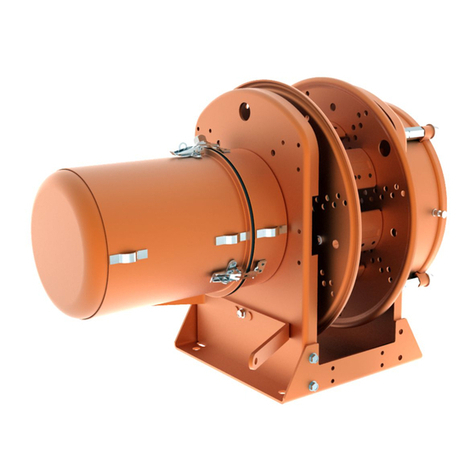
Hubbell Direct Drive Electric Cable Reels MMD32 User manual

Hubbell

Hubbell Direct Drive Electric Cable Reels MMD32 User manual

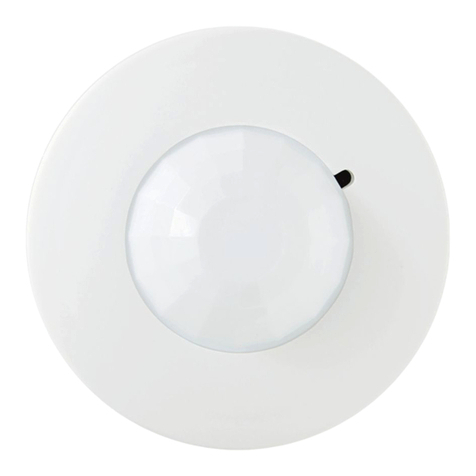
Hubbell LightHawk LHMT User manual

Hubbell

Hubbell LightHawk LHMT User manual

Hubbell Gear Drive Electric Cable Reels SM21 User manual

Hubbell

Hubbell Gear Drive Electric Cable Reels SM21 User manual

Hubbell KILLARK VSI30 Series Instruction Manual

Hubbell

Hubbell KILLARK VSI30 Series Instruction Manual

Hubbell PIR 10 Series User manual

Hubbell

Hubbell PIR 10 Series User manual

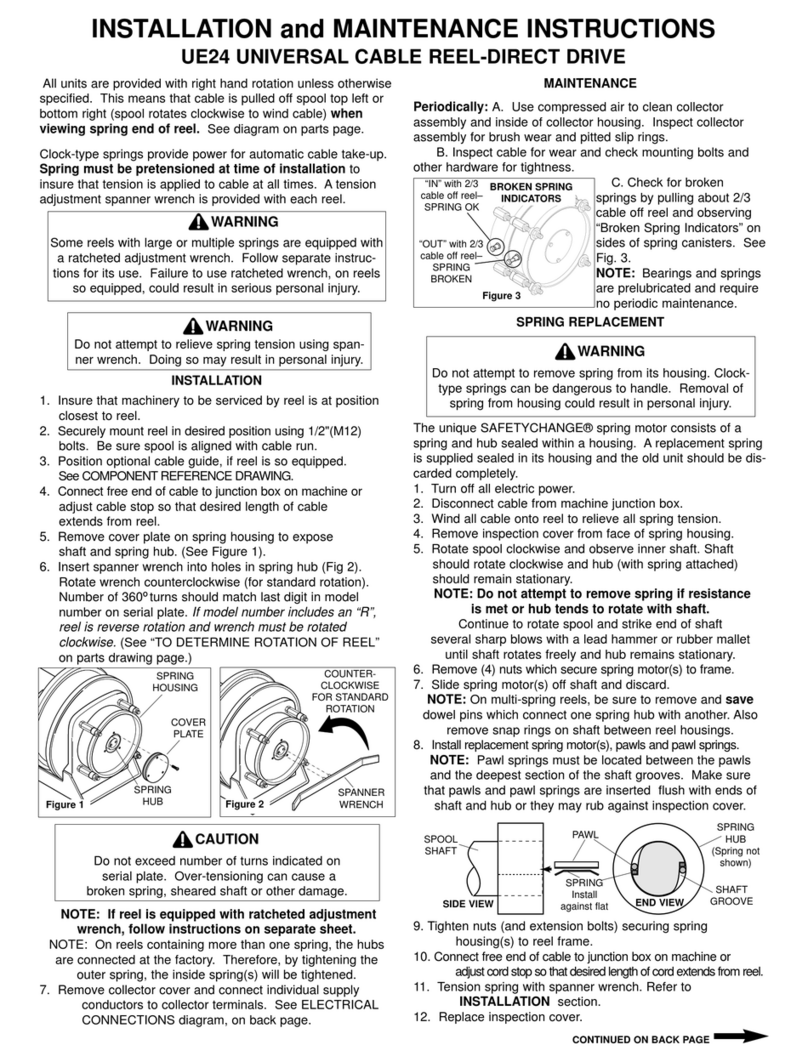
Hubbell Universal Cable Reel-Direct Drive UE24 User manual

Hubbell

Hubbell Universal Cable Reel-Direct Drive UE24 User manual

Hubbell Direct Drive Electric Cable Reels S-16 User manual

Hubbell

Hubbell Direct Drive Electric Cable Reels S-16 User manual

Hubbell Direct Drive Electric Cable Reels S-21 User manual

Hubbell

Hubbell Direct Drive Electric Cable Reels S-21 User manual

Hubbell BTSMP-HMO User manual

Hubbell

Hubbell BTSMP-HMO User manual

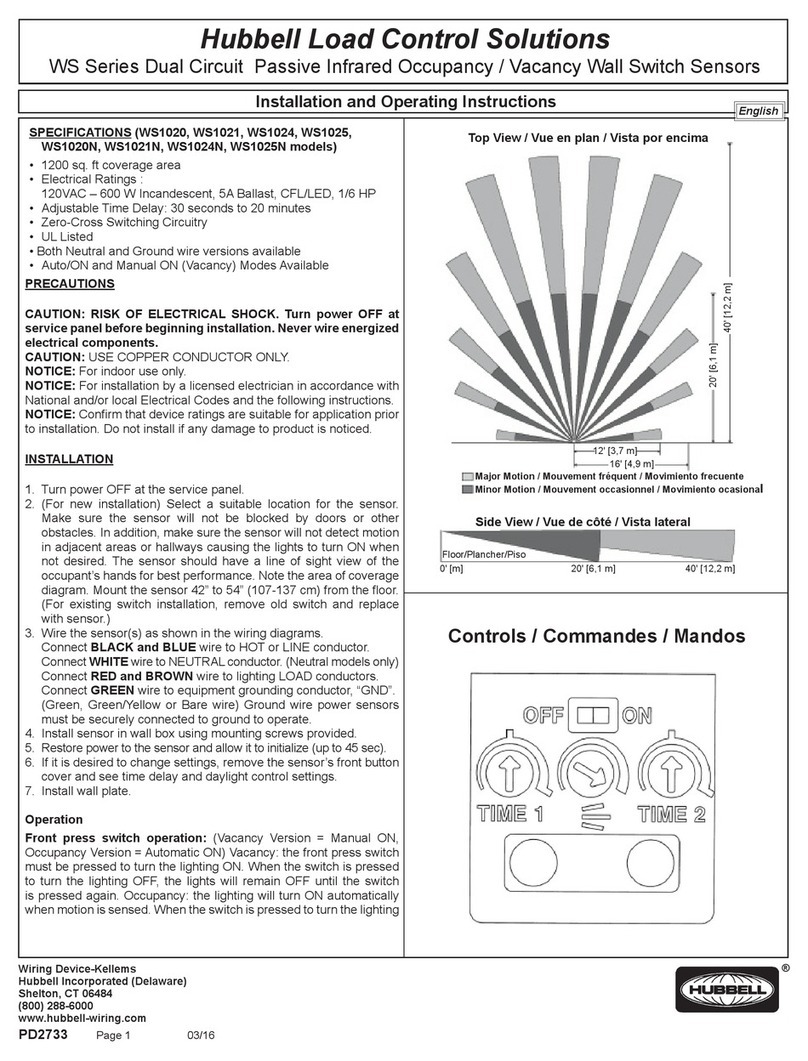
Hubbell WS Series User manual

Hubbell

Hubbell WS Series User manual

Hubbell INSULGRIP HBL4100RS1W Owner's manual

Hubbell

Hubbell INSULGRIP HBL4100RS1W Owner's manual

Hubbell Electric Cable Reels SHO Series User manual

Hubbell

Hubbell Electric Cable Reels SHO Series User manual

Hubbell H-MOSS ATP1274 User manual

Hubbell

Hubbell H-MOSS ATP1274 User manual

Hubbell Electric Cable Reels TMR Series User manual

Hubbell

Hubbell Electric Cable Reels TMR Series User manual

Hubbell Gear Drive Electric Cable Reels SM-28 User manual

Hubbell

Hubbell Gear Drive Electric Cable Reels SM-28 User manual

Hubbell Gear Drive Electric Cable Reels MMD21 User manual

Hubbell

Hubbell Gear Drive Electric Cable Reels MMD21 User manual

Hubbell Gear Drive Electric Cable Reels S-24 User manual

Hubbell

Hubbell Gear Drive Electric Cable Reels S-24 User manual

Hubbell Gear Drive Electric Cable Reels SM-24 User manual

Hubbell

Hubbell Gear Drive Electric Cable Reels SM-24 User manual

Hubbell WS2001NS Series User manual

Hubbell

Hubbell WS2001NS Series User manual

Hubbell H-MOSS ATD500C User manual

Hubbell

Hubbell H-MOSS ATD500C User manual

Hubbell KILLARK ACCEPTOR UGP Series Instruction Manual

Hubbell

Hubbell KILLARK ACCEPTOR UGP Series Instruction Manual

Hubbell Gear Drive Electric Cable Reels S-28 User manual

Hubbell

Hubbell Gear Drive Electric Cable Reels S-28 User manual

Hubbell H-MOSS WS Series User manual

Hubbell

Hubbell H-MOSS WS Series User manual

Hubbell NX Distributed Intelligence NXSMP-LMO User manual

Hubbell

Hubbell NX Distributed Intelligence NXSMP-LMO User manual

Popular Accessories manuals by other brands

Hillco 2810 Operator's manual

Hillco

Hillco 2810 Operator's manual

Siemens QSA2700D Basic documentation

Siemens

Siemens QSA2700D Basic documentation

Contours ZY024 manual

Contours

Contours ZY024 manual

Saivod VS621 manual

Saivod

Saivod VS621 manual

SCE ENVIRO-THERM SCE-TE170B24VSS user manual

SCE

SCE ENVIRO-THERM SCE-TE170B24VSS user manual

Z-Wave HSD-200Z user manual

Z-Wave

Z-Wave HSD-200Z user manual

turck FMX-IM-2UPLI63FX quick start guide

turck

turck FMX-IM-2UPLI63FX quick start guide

Decagon Devices 10HS manual

Decagon Devices

Decagon Devices 10HS manual

UPPAbaby Cup Holder user manual

UPPAbaby

UPPAbaby Cup Holder user manual

Elko SmartSensor Leakage Wireless manual

Elko

Elko SmartSensor Leakage Wireless manual

Grizzly H8371 instructions

Grizzly

Grizzly H8371 instructions

Panasonic HG-T Series user manual

Panasonic

Panasonic HG-T Series user manual

IFM Electronic Efector 250 Series Brief instructions

IFM Electronic

IFM Electronic Efector 250 Series Brief instructions

Virtuox VirtuCLEAN 2.0 user manual

Virtuox

Virtuox VirtuCLEAN 2.0 user manual

DigiDesign 888/24 I/O installation guide

DigiDesign

DigiDesign 888/24 I/O installation guide

PROZIS QUAY user manual

PROZIS

PROZIS QUAY user manual

patagonia PSI Vest user manual

patagonia

patagonia PSI Vest user manual

SFC Energy EFOY GO! manual

SFC Energy

SFC Energy EFOY GO! manual

manuals.online logo
manuals.online logoBrands
  • About & Mission
  • Contact us
  • Privacy Policy
  • Terms and Conditions

Copyright 2025 Manuals.Online. All Rights Reserved.

Page 1 of 3
3940 Dr. Martin Luther King Drive
St. Louis, MO 63113
P/N 00911678 FORM NO. K1007 R9/15 ECO-7-019-15
INSTALLATION, OPERATION &
MAINTENANCE DATA SHEET
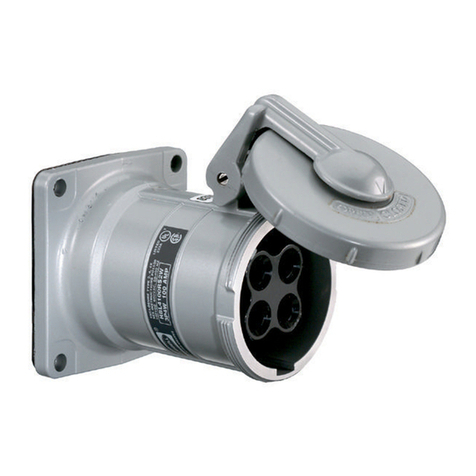
THE “ACCEPTOR®” SERIES “UGR” & “UGR…QW”
RECEPTACLES
THE “ACCEPTOR®” SERIES “UGR” &
“UGR…QW” RECEPTACLES
CAUTION:
Before installing, make sure you are compliant with area classications, failure to do so may result in bodily injury,
death and property damage. Do not attempt installation until you are familiar with the following procedures. All
installation must comply with the applicable Electrical Code.

Make sure that the circuit is de-energized before starting installation or maintenance.
Verify that the installation is grounded. Failure to ground will create electrical shock hazards, which can cause

serious injury and or death.
Technical information, advice and recommendations contained in these documents is based upon information
that Killark believes to be reliable. All the information and advice contained in these documents is intended for
use only by persons having been trained and possessing the requisite skill and know-how and to be used by
such persons only at their own discretion and risk. The nature of these instructions is informative only and does
not cover all of the details, variations or combinations in which this equipment may be used, its storage, delivery,
installation, check out, safe operation and maintenance. Since conditions of use of the product are outside of the
care, custody and control of Killark, the purchaser should determine the suitability of the product for his intended
use, and assumes all risk and liability whatsoever in connection therewith.
Page 2 of 3
3940 Dr. Martin Luther King Drive
St. Louis, MO 63113
P/N 00911678 FORM NO. K1007 R9/15 ECO-7-019-15
WARNING: Electrical power MUST BE
OFF during installation, or performing any
maintenance. Disconnect primary power
source and lock out. This device must
be installed by trained, qualied and
competent personnel. Installation must
comply with local, state and national
regulations, as well as safety practices for
this type of equipment.
CAUTION: To reduce the risk of ignition
of hazardous atmospheres, do not use
Class II, Group F locations that contain
electrically conductive dusts.
Before installing, check the carton label
and product nameplate to be sure you
have the correct type.
INSTALLATION DRAWINGS
1. DIRECTIONS FOR INSTALLATION
RECEPTACLE: The series “UGR” Receptacle
must be installed as directed below for the specic
hazardous location in which it is to be used. (Vertical
position only for Class II, Gr. F&G and/or Raintight).
For use with Killark Type “UGP” plugs and other plugs
specied on Form No. K1092, also provided with this
product.
1. Using the drawings at the left as a guide, securely
mount the outlet box in a suitable location and
install conduit. Receptacles for Class I, Group B are
provided with single gang Series “SWB” mounting
box. All conduits must be provided with a sealing
tting within 6 inches of the box. Receptacles for
Class I, Groups C&D may be provided with single
or double gang mounting boxes, or may be eld
assembled with Series “SWB” mounting boxes, Cat.
Nos. SWB-1 through SWB-12.
2. Pull supply wires through conduit system and into box.
NOTE: Use only Copper wire with this device (10, 12
or 14 AWG).
3. UGRO WIRING (for UGRO…QW Wiring, See
next page): Loop the wires and attach them to
the proper terminal screws: Green lead (Ground, if
provided) to screw at Ground strap (marked Green);
White (Neutral) lead to terminal at White mark (125V
only); Black and/or Red [Line lead(s)] to unmarked
terminal(s).
Page 3 of 3
3940 Dr. Martin Luther King Drive
St. Louis, MO 63113
P/N 00911678 FORM NO. K1007 R9/15 ECO-7-019-15
Figure 1
“QW” TERMINAL CONNECTIONS
4. Check the ange surfaces of both the box and the
receptacle cover to be sure they are clean, smooth;
free of nicks, scratches, dirt or any foreign particles
that would prevent a proper seal. Apply a light coating
of Killark “LUBG” lubricant to the anges and , after
pushing wiring into box, install cover to box, using the
(4) screws provided. Tighten the screws to 5 ft. lbs.
torque. After tightly bolting the cover assembly to the
box, the box to cover ame joint should be checked
with a 0.0015” thick feeler gauge, such that the gauge
will not enter the joint more than 1/8” at any point.
2. OPERATIONAL DATA
NOTE: UGRx receptacles WILL NOT operate with
ordinary plugs; UGP series plugs must be used. See
UGP instruction sheet K1377 for more information.
1. Lift receptacle door and insert plug all the way into the
receptacle.
2. Turn plug to clockwise limit (45°). This closes internal
contacts and completes circuit.
3. Release plug. Plug will move outward to “LOCK”
position. Check by trying to turn plug without pushing
inward; plug should not turn.
4. To remove plug, push plug inward and turn to counter-
clockwise limit (45°). Pull plug straight out.
UGRO…QW WIRING (See Figure 1) :
NOTE: Use only copper wire with this device (10, 12
or 14 AWG). Recommended wire strip length – ½
inch nominal (wire strip gauge also available on the
QW terminal cover). Loosen all (3) Terminal Contact
Screws and insert wire through the Wiring Entrance
holes, into proper terminals: Green lead (Ground)
to terminal with ground mark & Green screw head;
White (Neutral) lead to terminal with Silver screw
head (125V. only); Black and/or Red [Line lead(s)]
to terminal(s) with Brass screw head. Hand tighten
terminal screws (recommended torque 8 in.-lbs.
3. MAINTENANCE DATA
These receptacles require no maintenance other than
a periodic cleaning and a check for damage and/or
loose fasteners. These items should be performed on
a regular basis, determined by the environment and
usage.
WARNING: Disconnect and Lock Out supply circuit
before starting maintenance work.
1. To clean receptacle it is recommended that a soft,
non-metallic bristle brush be used.
2. Check tightness of all accessible screws.
3. Inspect the entire assembly for damage and/or wear.
Consult Killark factory for availability of replacement
parts and discontinue use of the equipment until
repairs are made.