9
Step 6: Test the backrest actuator.
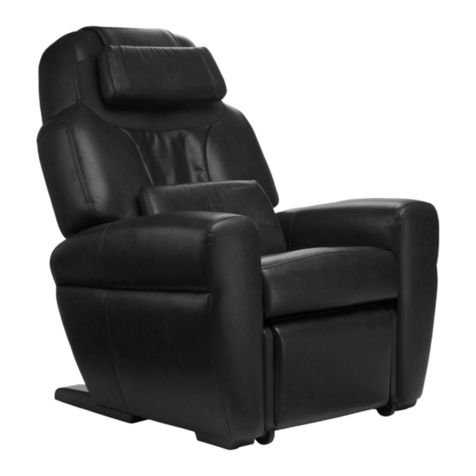
A. Use the remote BACK buttons to recline the chair all the way and then incline the chair
all the way. The foot/calf massager automatically extends/retracts to measure the
length of your legs (this only occurs the first time you do this).
1. If the chair will not recline, and the result of Tech Screen 2 test 01 was FAIL:
a. Make sure the rear plastic shroud is not stuck downward (depressing the
safety sensor, which will not allow the chair to recline); it should bounce
up and down approximately an inch. If it is stuck, tap it gently with your
foot to release it.
b. Remove the rear plastic shroud, then make sure the connector on the
inside of the shroud is connected to the corresponding connector from
the safety sensor.
c. Test the recline function with the shroud removed.
d. If the problem remains, request a main PCB, backrest actuator, and
backrest actuator harness to main PCB.
2. If the chair will not recline, and the result of Tech Screen 2 test 01 was PASS,
request a main PCB. If the problem remains after the main PCB has been
replaced, request a remote.
3. If the chair makes a screeching or grinding noise when it reclines (that was not
heard when testing the footrest by itself):
a. Remove the side panels and lubricate the pivot hinge using WD-40.
b. If the problem remains, request a backrest actuator.
4. If the chair makes a popping noise when inclining:
a. Remove the upper and lower plastic cover located behind the foot/calf
massager and then recline/incline the chair again. If removing the covers
resolves the problem and you can see any deformation in one of the
covers, replace the deformed cover. If the covers look normal, reinstall
them with the panels pushed as far to the right as the screw holes will
allow.
b. If the problem remains, remove the two side panels. Recline and incline
the chair and check for conflict between plastic parts on the sides. If
there is a conflict, send photos to HT Customer Experience for
Engineering resolution.
c. If the problem remains, remove the rear plastic shroud and ensure that
the plastic PCB cover is properly installed on the rear edge, with the two
tabs inserted into the two slots on the cover (otherwise the PCB cover
may conflict with the rear plastic shroud).