Navigation
Activate the selected item ENTER or cursor routing button above
the word on the display
Move to the previous item SPACE with DOT 1 or Previous
Move to the next item SPACE with DOT 4 or Next
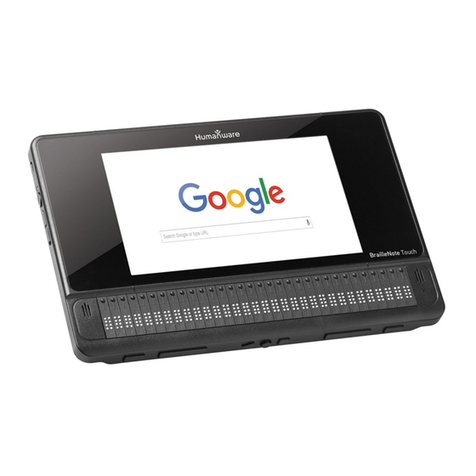
Braille panning left and right Left or Right thumb key
Move to first element on visual screen ENTER with DOTS 1 3
Move to last element on visual screen ENTER with DOTS 4 6
Scroll up in a list ENTER with DOTS 1 2 6
Scroll down in a list ENTER with DOTS 3 4 5
Toggle navigation levels SPACE with Trepeatedly
Move back using selected navigation element SPACE with DOTS 1 3
Move forward using selected navigation element SPACE with DOTS 4 6
Long press BACKSPACE with L
Time ENTER with T
Date ENTER with D
Battery power ENTER with P
Reading
Previous character SPACE with DOT 3
Current character SPACE with DOTS 3 6
Next character SPACE with DOT 6
Previous word SPACE with DOT 2
Current word SPACE with DOTS 2 5
Next word SPACE with DOT 5
Previous line SPACE with DOT 1
Current line SPACE with DOTS 1 4
Next line SPACE with DOT 4
Previous paragraph SPACE with DOTS 2 3
Current paragraph SPACE with DOTS 2 3 5 6
Next paragraph SPACE with DOTS 5 6
Jump to the beginning of a line or sentence (Home) ENTER with DOTS 1 3
Jump to the end of a line or sentence (End) ENTER with DOTS 4 6
Jump to the top of an area SPACE with DOTS 1 2 3
Jump to the bottom of an area SPACE with DOTS 4 5 6
Page up, move accessibility focus one screen up ENTER with DOTS 1 2 6
Page down, move accessibility one screen down ENTER with DOTS 3 4 5
Read all SPACE with G
Stop reading BACKSPACE with ENTER