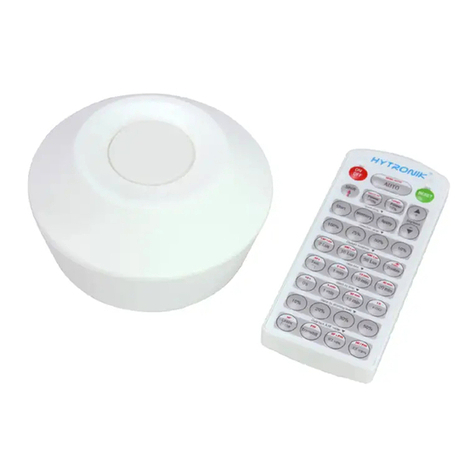
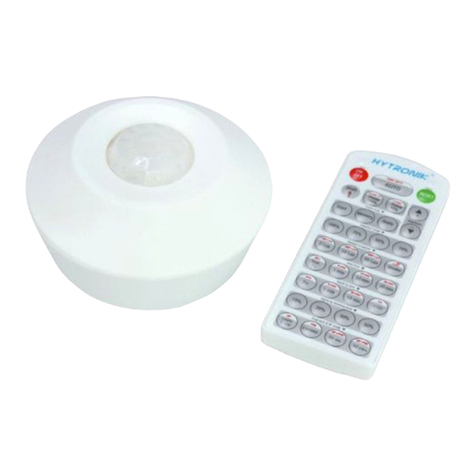
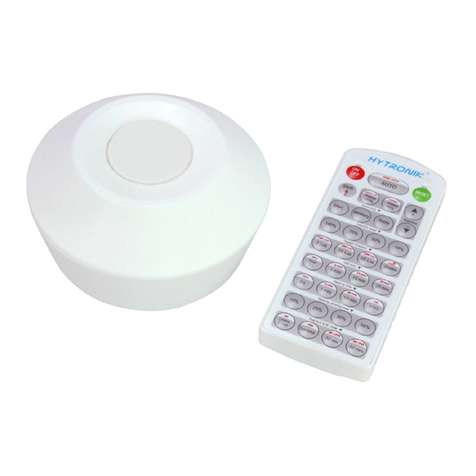
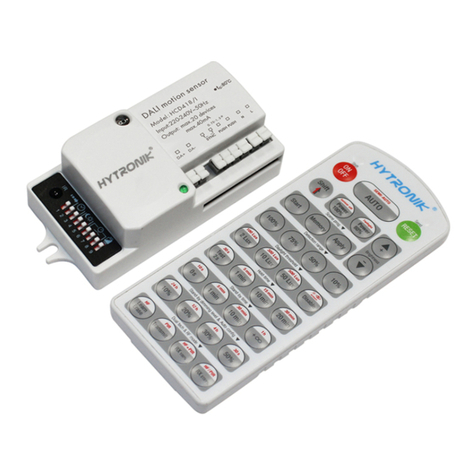
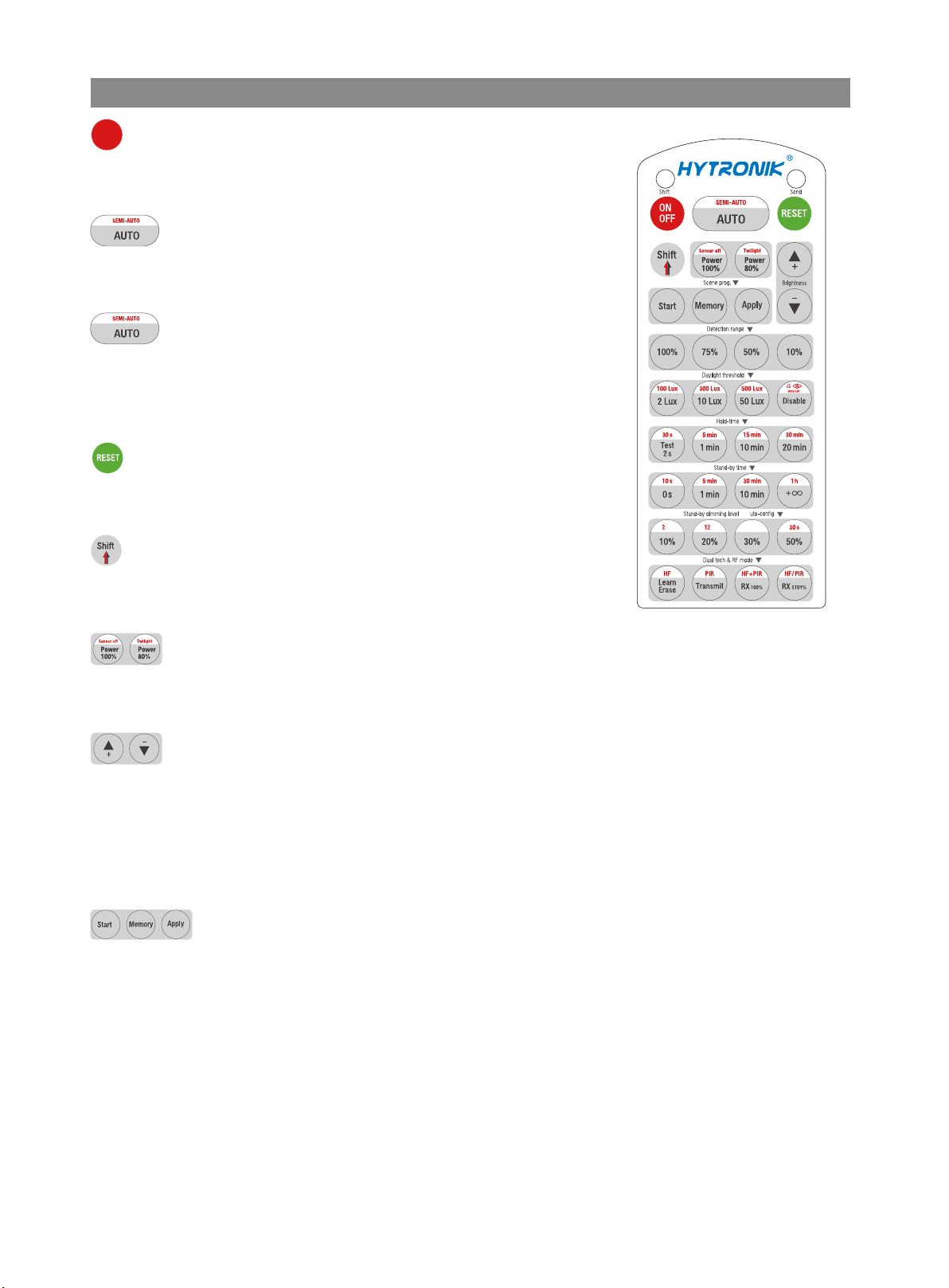
Settings (Remote Control HRC-11)
Press button “RESET”, all settings go back to DIP switch (HC403VRC-KD/I) or
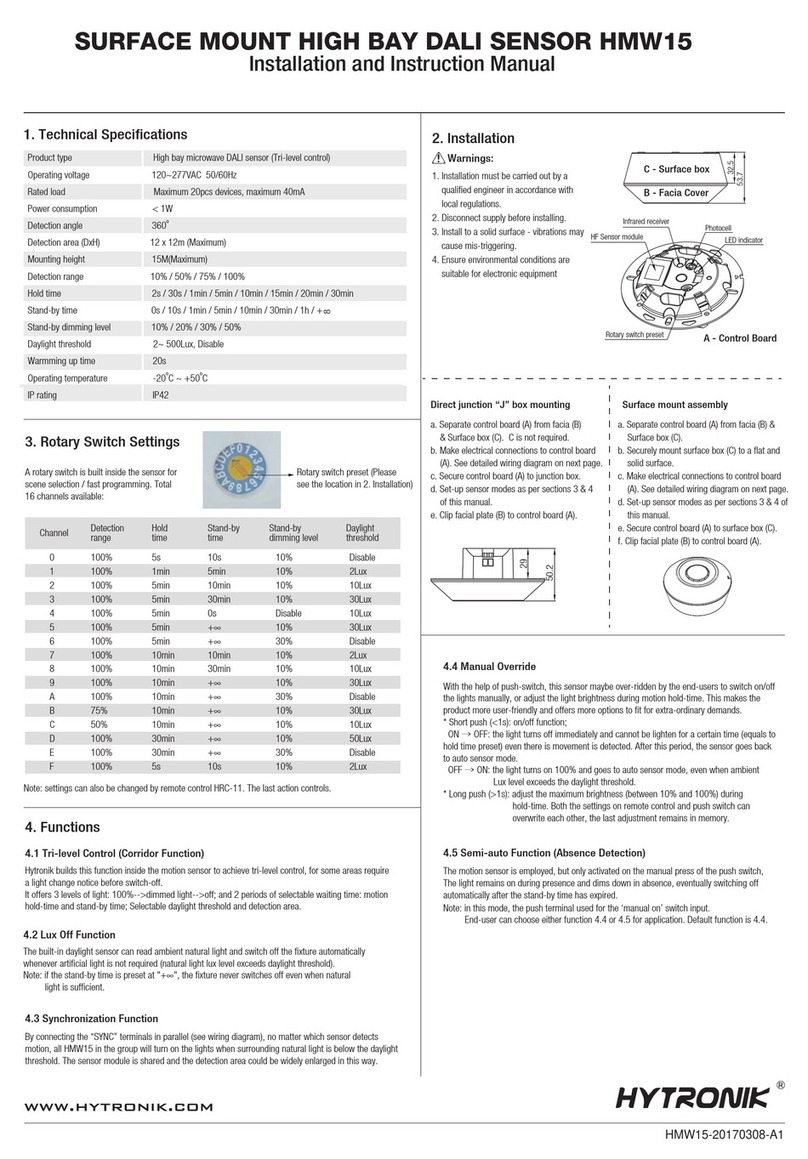
default settings (HC404VRC-KD/I).
Reset Settings
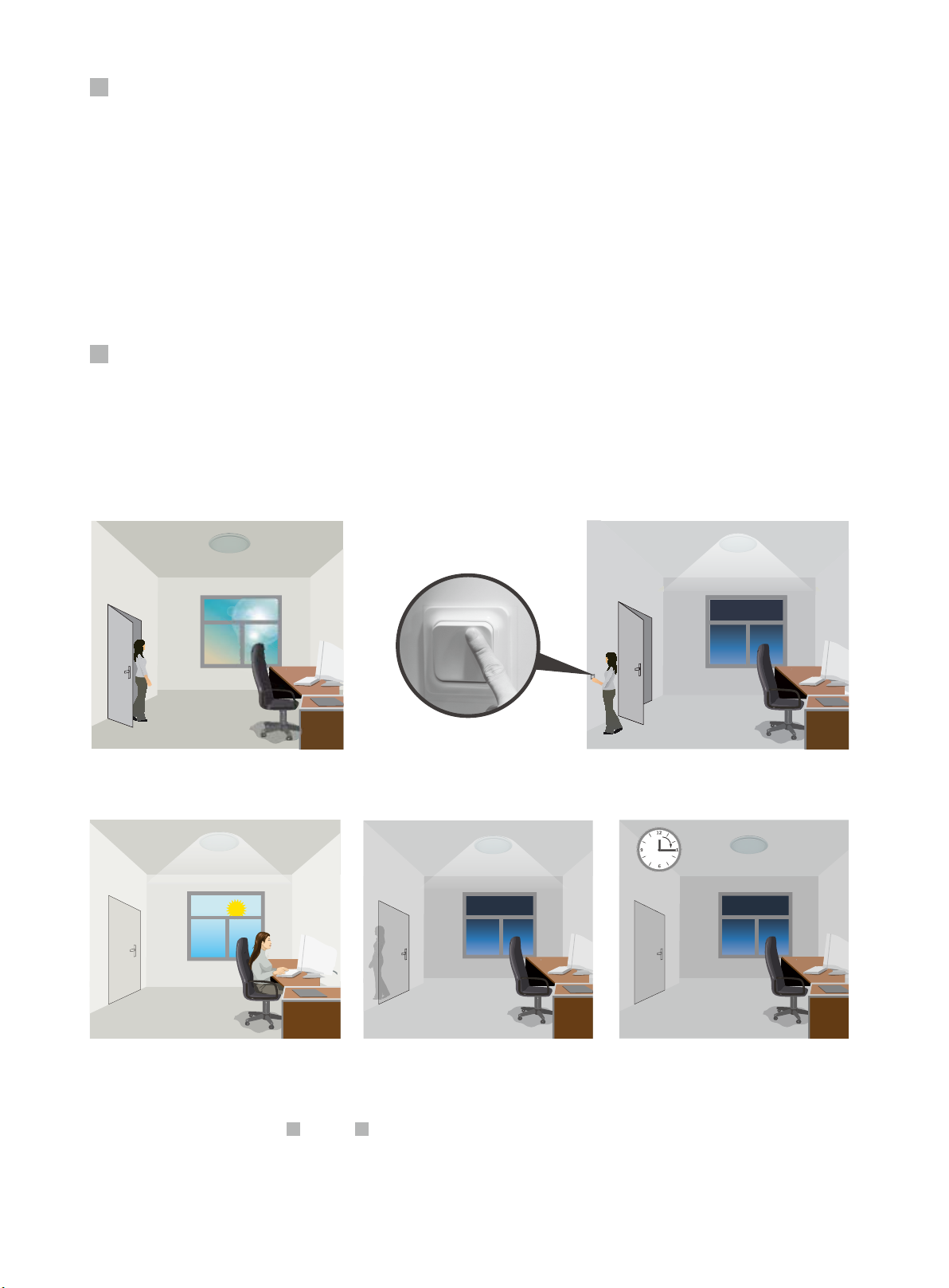
Permanent ON/OFF function
Press button “ON/OFF” to select permanent ON or permanent OFF mode.
* Press button “AUTO”, “RESET” or “Ambient” to quit this mode.
AUTO mode
Press button “AUTO” to initiate automatic mode. The sensor starts working and all
settings remain as before the light is switched ON/OFF.
ON/
OFF
SEMI-AUTO mode (for HC404VRC-KD/I only)
1. Press button “Shift”, the red LED ashes for indication.
2. Press button “SEMI-AUTO/AUTO” to initiate semi-auto mode. The xture is
manually turned on by pressing the push-switch, and goes off automatically in this
mode. (Absence detection mode)
Press button “Shift”, the LED on the top left corner will ash to indicate mode
selection. All values / settings in RED are valid for 20 seconds.
Shift Button
Press the buttons to select light output at 80% (at initial 10,000 hours) or 100%.
Note: “Sensor off” and “Twilight” functions are disabled.
Power output
Press the buttons to adjust the light brightness during hold-time.
Brightness +/-
1. Press button “Shift”, the red LED starts to ash.
2. Press button “Ambient”, the surrounding lux level is sampled and set as the new daylight threshold.
Ambient daylight threshold
Detection range
Scene program - 1-key commissioning
1. Press button “Start” to program.
2. Select the buttons in “Detection range”, “Daylight threshold”, “Hold-time”, “Stand-by time”, “Stand-by dimming level” to set all
parameters.
3. Press button “Memory” to save all the settings programmed in the remote control.
4. Press button “Apply” to set the settings to each sensor unit(s).
For example, to set detection range 100%, daylight threshold Disable, hold-time 5min, stand-by time +∞, stand-by dimming level 30%, the steps should be:
Press button “Start”, button ”100%”, “Disable”, “Shift”, “5min”, “Shift”, “+∞”, “30%”, “Memory”. By pointing to the sensor unit(s) and pressing “Apply”, all
settings are passed on the sensor(s).
Press buttons in zone “Detection range” to set detection range at 100% / 75% / 50% / 10%.
HRC-11
&
A
4 hh
4
h