manuals.online logo
Brands
  1. Home
  2. •
  3. Brands
  4. •
  5. I-Tech
  6. •
  7. LCD Drawer
  8. •
  9. I-Tech RKP1017 User manual

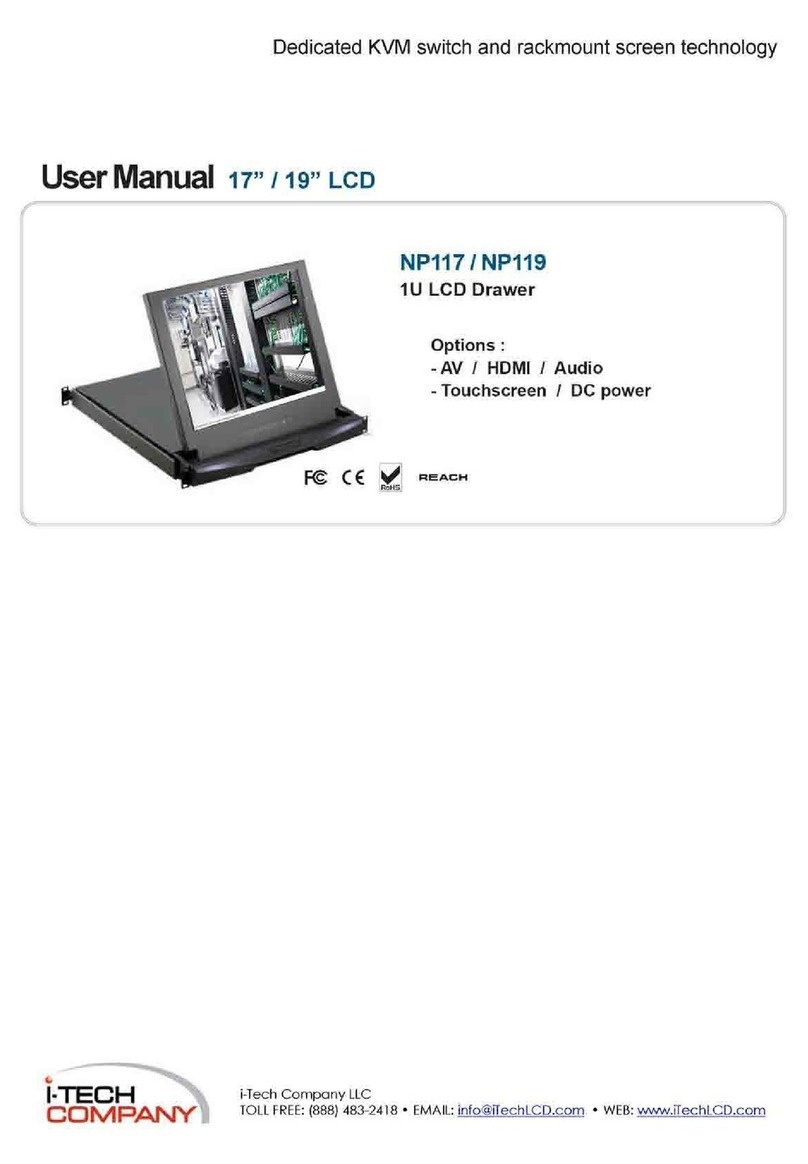
I-Tech RKP1017 User manual

This manual suits for next models

2

Other I-Tech LCD Drawer manuals

I-Tech RKP215-1601 User manual

I-Tech

I-Tech RKP215-1601 User manual

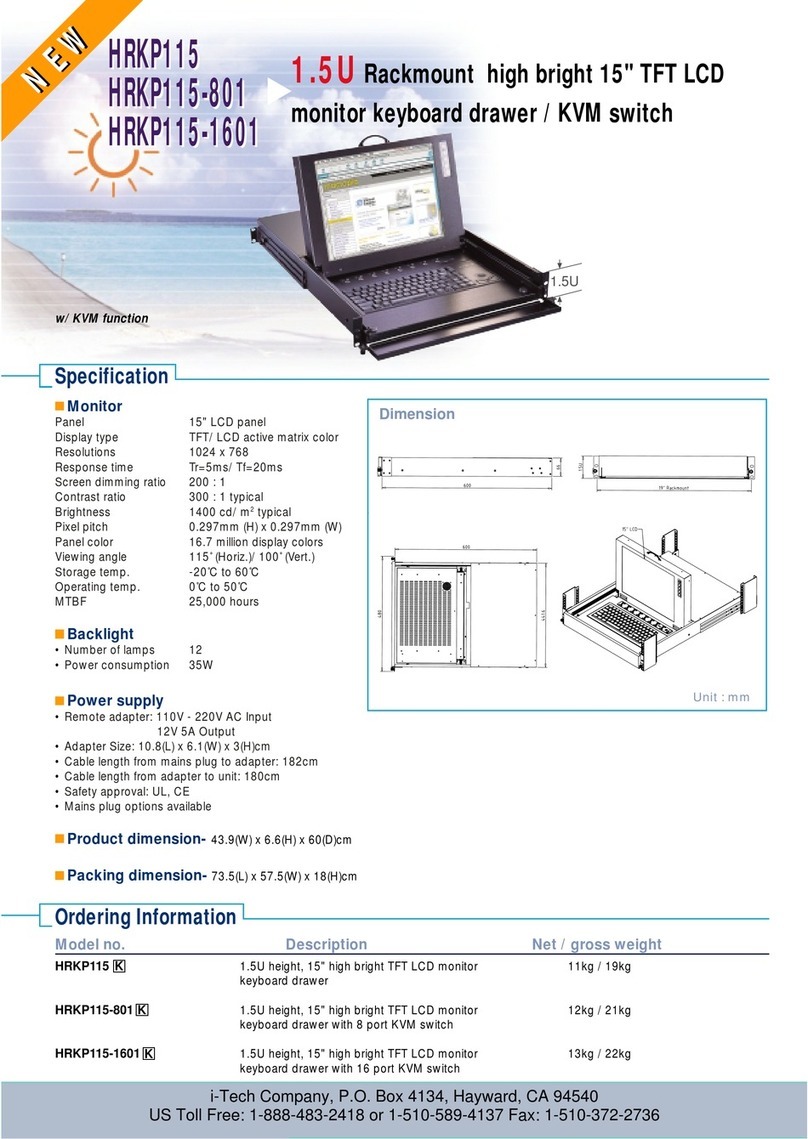
I-Tech HRKP115 User manual

I-Tech

I-Tech HRKP115 User manual

I-Tech ELD220m User manual

I-Tech

I-Tech ELD220m User manual

I-Tech ELD115m Manual

I-Tech

I-Tech ELD115m Manual

I-Tech RV1-CEKVM15A User manual

I-Tech

I-Tech RV1-CEKVM15A User manual

I-Tech SNX119 User manual

I-Tech

I-Tech SNX119 User manual

I-Tech AMil-W1730e-AC User manual

I-Tech

I-Tech AMil-W1730e-AC User manual

I-Tech RKP215-1601 User manual

I-Tech

I-Tech RKP215-1601 User manual

I-Tech NK-1e User manual

I-Tech

I-Tech NK-1e User manual

I-Tech NPW117 User manual

I-Tech

I-Tech NPW117 User manual

I-Tech RP1619D User manual

I-Tech

I-Tech RP1619D User manual

I-Tech SNK117 Series User manual

I-Tech

I-Tech SNK117 Series User manual

I-Tech NVP120 User manual

I-Tech

I-Tech NVP120 User manual

I-Tech RKP1615 User manual

I-Tech

I-Tech RKP1615 User manual

I-Tech RKP1015-1602 User manual

I-Tech

I-Tech RKP1015-1602 User manual

I-Tech NVP1617 User manual

I-Tech

I-Tech NVP1617 User manual

I-Tech RKP115-S1601 User manual

I-Tech

I-Tech RKP115-S1601 User manual

I-Tech ELD117e User manual

I-Tech

I-Tech ELD117e User manual

I-Tech RKP1415 User manual

I-Tech

I-Tech RKP1415 User manual

I-Tech NPW119 User manual

I-Tech

I-Tech NPW119 User manual
I-Tech NV115162 User manual

I-Tech

I-Tech NV115162 User manual
I-Tech RP1617D User manual

I-Tech

I-Tech RP1617D User manual

I-Tech RV1-KVM17/SM User manual

I-Tech

I-Tech RV1-KVM17/SM User manual

I-Tech RKP1015 User manual

I-Tech

I-Tech RKP1015 User manual

Popular LCD Drawer manuals by other brands
Acnodes KD 8228 user manual

Acnodes

Acnodes KD 8228 user manual

Ameriwood 9524328PCOM manual

Ameriwood

Ameriwood 9524328PCOM manual

Kesseböhmer TANDEM solo Mounting instructions
Kesseböhmer

Kesseböhmer TANDEM solo Mounting instructions

Crystal Image Technologies RMD-151-A Series user manual

Crystal Image Technologies

Crystal Image Technologies RMD-151-A Series user manual

APW Wyott Ease Extreme HDX-1-120 Installation and operating instructions
APW Wyott

APW Wyott Ease Extreme HDX-1-120 Installation and operating instructions

NTI RACKMUX-V17-N Installation and operation manual
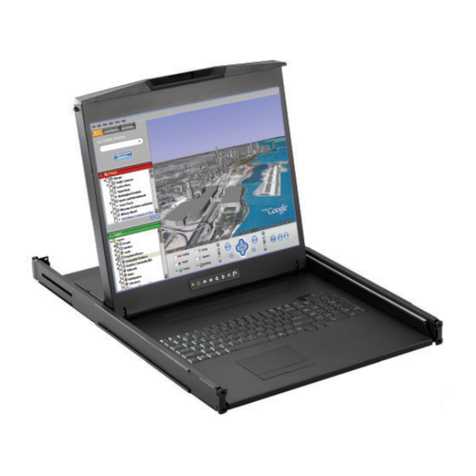
NTI

NTI RACKMUX-V17-N Installation and operation manual
Austin Hughes CyberView L120 user manual

Austin Hughes

Austin Hughes CyberView L120 user manual

Uplift Desk STR018 manual

Uplift Desk

Uplift Desk STR018 manual

Acnodes KDC 81932 user manual

Acnodes

Acnodes KDC 81932 user manual

Acnodes RK1200T user manual

Acnodes

Acnodes RK1200T user manual

StarTech.com DuraView RACKCONS1501 instruction manual

StarTech.com

StarTech.com DuraView RACKCONS1501 instruction manual

Mocka Mischa Assembly instructions

Mocka

Mocka Mischa Assembly instructions

GRASS DWD XP manual

GRASS

GRASS DWD XP manual
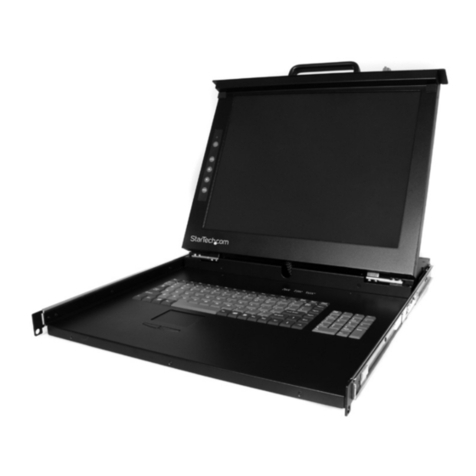
StarTech.com DuraView RACKCONS1701 instruction manual
StarTech.com

StarTech.com DuraView RACKCONS1701 instruction manual

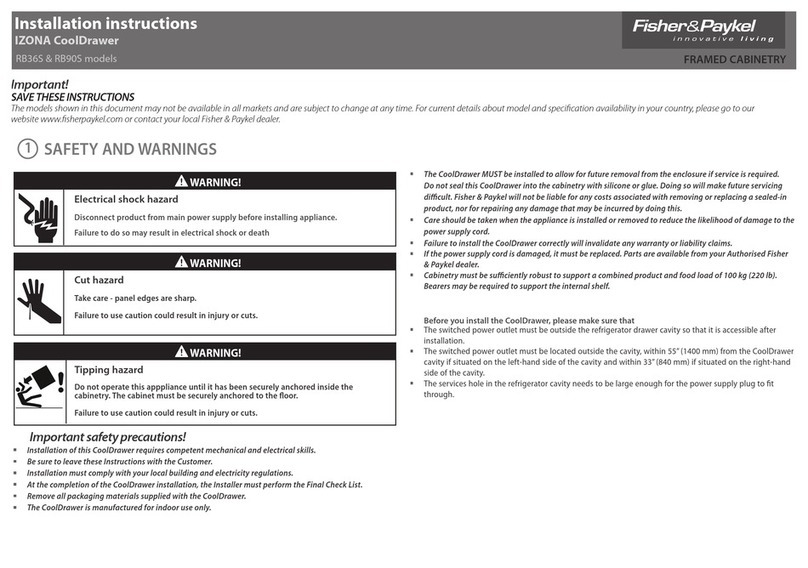
Fisher & Paykel IZONA CoolDrawer RB36S installation instructions

Fisher & Paykel

Fisher & Paykel IZONA CoolDrawer RB36S installation instructions

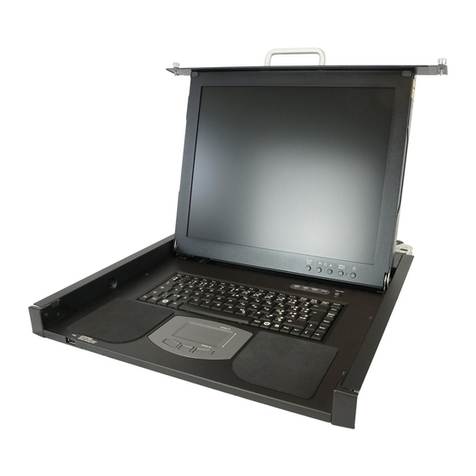
Synergy Global Technology LCD1U17-44 user manual
Synergy Global Technology

Synergy Global Technology LCD1U17-44 user manual

Fujitsu RC25 user manual

Fujitsu

Fujitsu RC25 user manual
Acnodes RK 1000B installation guide

Acnodes

Acnodes RK 1000B installation guide

manuals.online logo
manuals.online logoBrands
  • About & Mission
  • Contact us
  • Privacy Policy
  • Terms and Conditions

Copyright 2025 Manuals.Online. All Rights Reserved.

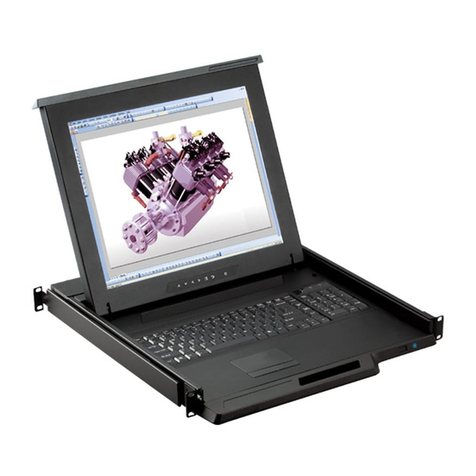
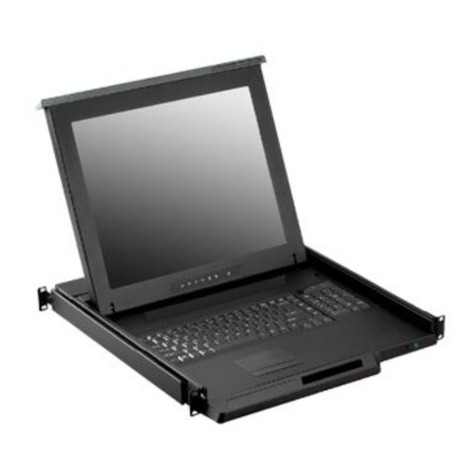
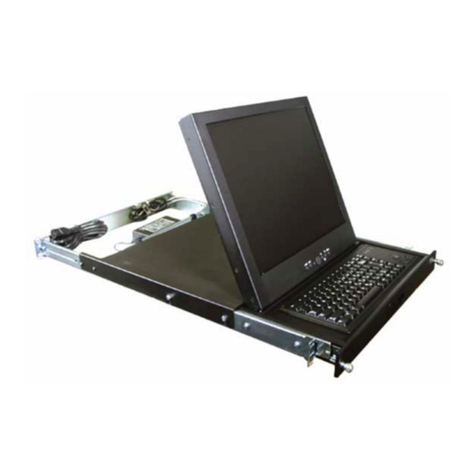
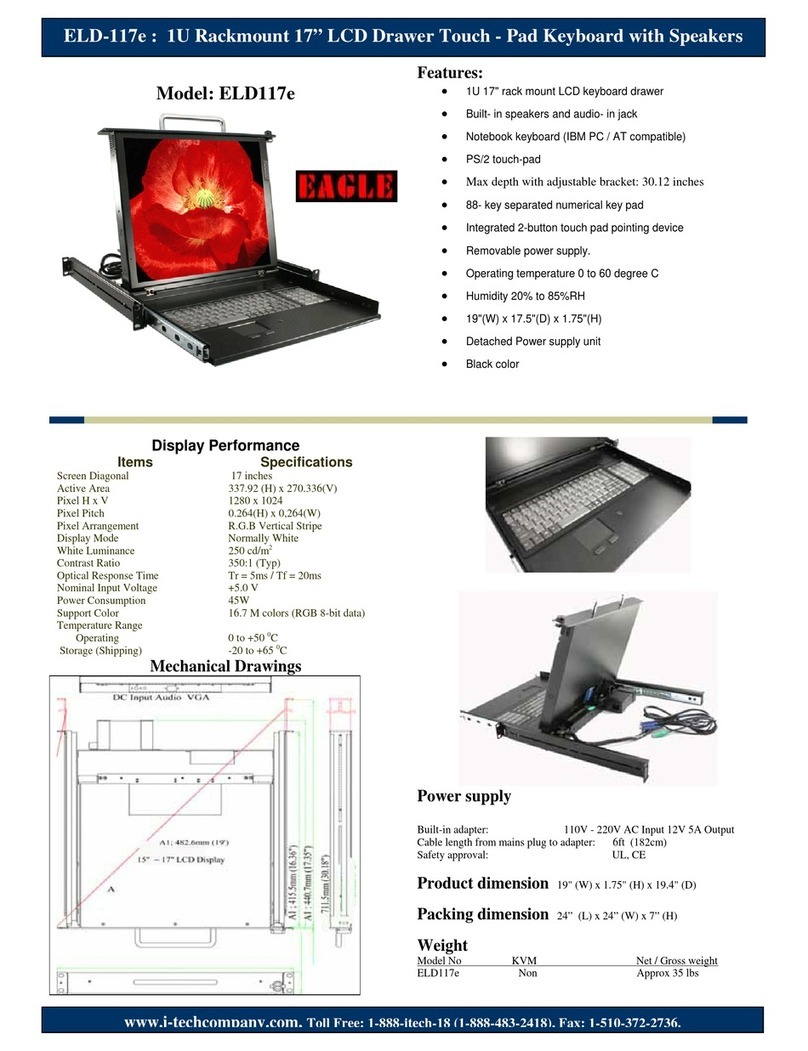
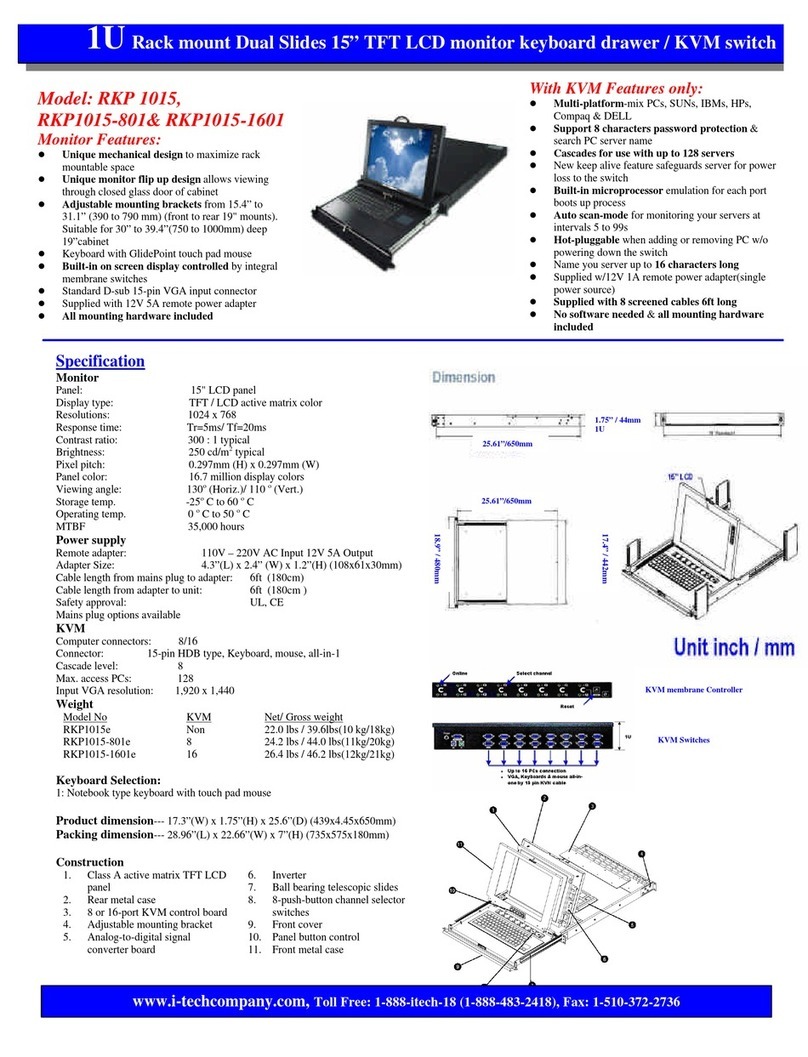
Model: RKP 1017, RKP1017-
801 & RKP1017-1601
Monitor Features:
lUnique mechanical design to maximize rack
mountable space
lUnique monitor flip up design allows viewing
through closed glass door of cabinet
lAdjustable mounting brackets from 15.4” to
31.1” (390 to 790 mm) (front to rear 19"
mounts). Suitable for 30” to 39.4”(750 to
1000mm) deep 19”cabinet
lKeyboard with GlidePoint touch pad mouse
lBuilt-in on screen display controlled by
integral membrane switches
lStandard D-sub 15-pin VGA input connector
lSupplied with 12V 5A remote power adapter
lAll mounting hardware included
With KVM Features only:
lMulti-platform-mix PCs, SUNs, IBMs, HPs,
Compaq & DELL
lSupport 8 characters password protection &
search PC server name
lCascades for use with up to 128 servers
lNew keep alive feature safeguards server for power
loss to the switch
lBuilt-in microprocessor emulation for each port
boots up process
lAuto scan-mode for monitoring your servers at
intervals 5 to 99s
lHot-pluggable when adding or removing PC w/o
powering down the switch
lName you server up to 16 characters long
lSupplied w/12V 1A remote power adapter(single
power source)
lSupplied with 8 screened cables 6ft long
lNo software needed & all mounting hardware
included
Specification
Monitor
Panel: 17" LCD panel
Display type: TFT / LCD active matrix color
Resolutions: 1280 x 1024
Response time: Tr=5ms/ Tf=20ms
Contrast ratio: 350 : 1 typical
Brightness: 250 cd/m2typical
Pixel pitch: 0.264mm (H) x 0.264mm (W)
Panel color: 16.7 million display colors
Viewing angle: 150o(Horiz.)/ 125 o(Vert.)
Storage temp. -25oC to 60o C
Operating temp. 0o C to 50o C
MTBF 20,000 hours
Power supply
Remote adapter: 110V -220V AC Input 12V 5A Output
Adapter Size: 4.3”(L) x 2.4” (W) x 1.2”(H) (108x61x30mm)
Cable length from mains plug to adapter: 6ft (182cm )
Cable length from adapter to unit: 6ft (180cm )
Safety approval: UL, CE
Mains plug options available
KVM
Computer connectors: 8/16
Connector: 15-pin HDB type, Keyboard, mouse, all-in-1
Cascade level: 8
Max. access PCs: 128
Input VGA resolution: 1,920 x 1,440
Keyboard Selection:
Option 1: Notebook type keyboard with touch pad mouse
Product dimension--- 17.3”(W) x 1.75”(H) x 25.6”(D) (439x4.45x650mm)
Packing dimension--- 28.96”(L) x 22.66”(W) x 7”(H) (735x575x180mm)
Weight
Model No KVM Net / Gross weight
RKP1017eNon 24.2 lbs/ 41.8lbs (11kg/19kg)
RKP1017-801e 8 port 26.4lbs/ 46.2lbs (12kg/21kg)
RJP1017-1601e16 port 28.6lbs / 48.4lbs ( 13kg/22kg)
Construction
1. Class A active matrix TFT LCD panel
2. Rear metal case
3. 8 or 16-port KVM control board
4. Adjustable mounting bracket
5. Analog-to-digital signal converter board
6. Inverter
7. Ball bearing telescopic slides
8. 8-push-button channel selector switches
9. Front cover
10. Panel button control
11. Front metal case
1U
Rack mount Dual Slides 17” TFT LCD monitor keyboard drawer / KVM switch
www.i
-
techcompany.com,
Toll Free: 1
-
888
-
itech
-
18 (1
-
888
-
483
-
2418), Fax: 1
-
510
-
372
-
2736
KVM Switches
KVM membrane Controller