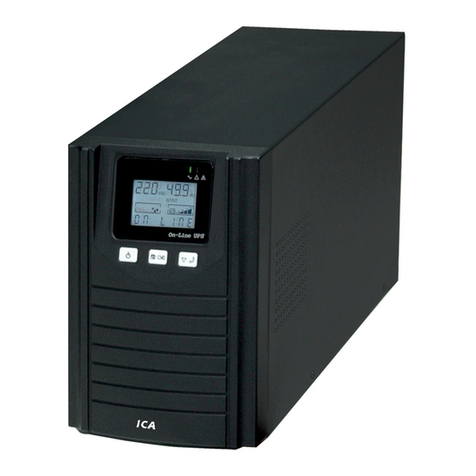
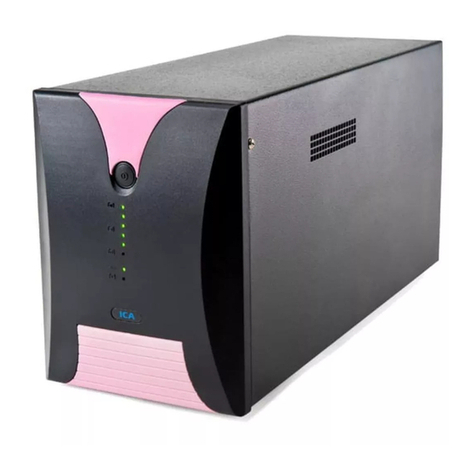
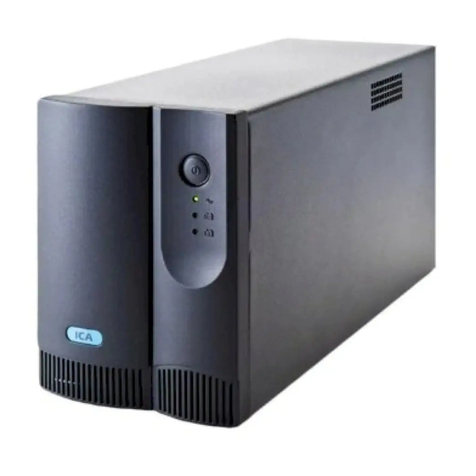
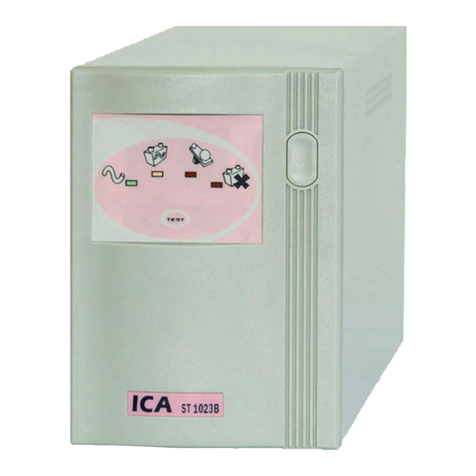
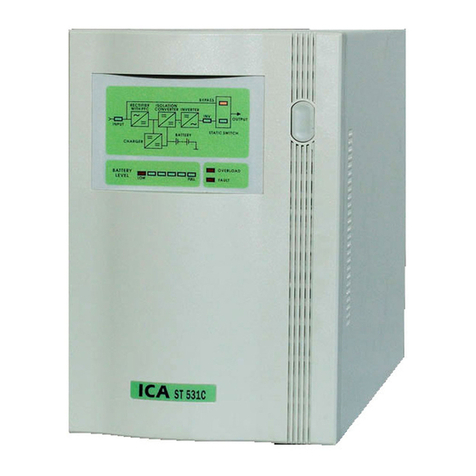
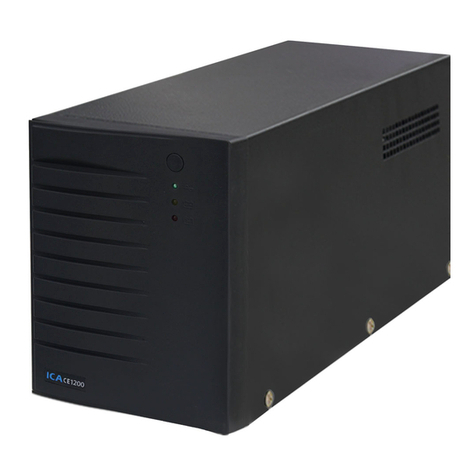
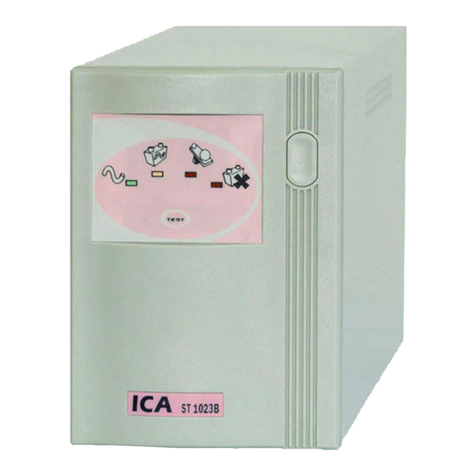
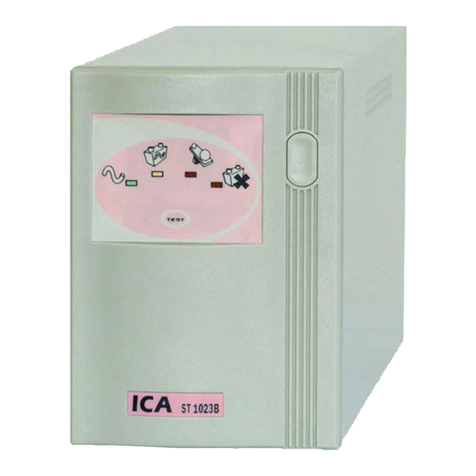
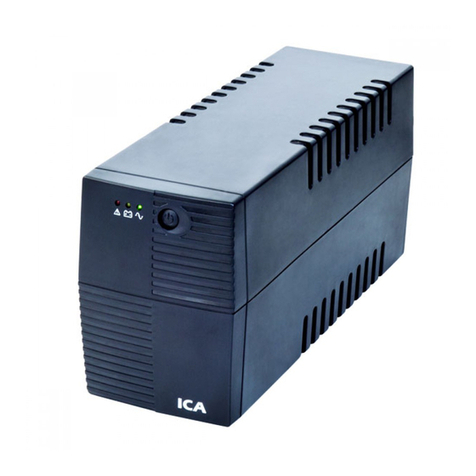
III. FRONT PANEL & REAR PANEL VIEW / TAMPAK PANEL
DEPAN & PANEL BELAKANG
1. Main Switch / Tombol Daya : To turn on the UPS / untuk menghidupkan UPS.
2. Green Led / Led Hijau : Indicate output UPS from line power /
Menunjukkan keluaran UPS dari listrik jala-jala.
3. Yellow Led / Led Kuning : Indicate output UPS from inverter /
Menunjukkan keluaran UPS berasal dari Inverter.
4. Red Led / Led Merah : Indicate low battery / Menunjukkan keadaan battery hampir habis
5. Red Led / Led Merah : Indicate overload / Menunjukkan keadaan beban lebih.
6. Inverter Test / Test Inverter : To inverter test when line power on /
Untuk melakukan test inverter, saat AC input ada.
7. RS232 Connector / Konektor RS232 : For communication between UPS and computer /
Untuk komunikasi antara UPS dengan komputer.
8. Outlet / Stopkontak Keluaran
9. Inlet / Stopkontak Masukan
10. Jack RJ11 : Internet modem protection / Perlindungan modem internet.
IV. START UP UPS / MENGHIDUPKAN UPS
1. Make sure Main Switch on the “off” position and
no load is connected to the outlet.
2. Connect inlet with power cord to a power
receptacle with earth ground
3. Turn on the UPS by pressing power button. The
red led of BATTERY LOW lights for about 2
seconds and will go out when the battery is in
good condition. At the same time the green led
of LINE ON light (if line voltage > 170V and <
255V) which indicates UPS output is from line
power.
4. Disconnect inlet from line power, the green led
of LINE ON will go out while the yellow led of
INVERTER will light on and audible alarm will
sound every 4 seconds.
5. Connect inlet to line power again and then after
about 2 seconds the yellow led of INVERTER
will go out while the green led of line on will
light on.
6. Now your UPS is ready for operation. Connect
the equipment that is going to be supplied by the
UPS into the UPS.
1. Pastikan tombol pada posisi “off” dan tidak ada
beban yang terpasang pada stopkontak keluaran.
2. Hubungkan steker kabel daya ke stopkontak jala-
jala yang mempunyai arde.
3. Hidupkan UPS dengan menekan tombol daya.
Led merah TEGANGAN BATERAI RENDAH
akan menyala sekitar 2 detik dan padam kembali
bila kondisi baterai baik. Bersamaan dengan itu
led hijau LISTRIK JALA-JALA menyala (bila
tegangannya > 170V dan < 255V) yang
menunjukkan keluaran UPS berasal dari listrik
jala-jala.
4. Cabut steker kabel daya dari stopkontak jala-jala
maka led hijau LISTRIK JALA-JALA padam
sedangkan led kuning INVERTER akan menyala
dan buzzer akan berbunyi setiap 4 detik.
5. Pasang kembali steker maka sekitar 2 detik
kemudian led kuning INVERTER padam
sedangkan led hijau akan menyala.
6. Sekarang UPS siap menjalankan fungsinya.
Hubungkan peralatan yang akan diberi pasokan
daya pada stopkontak keluaran UPS.
9
REAR PANEL VIEW
ST623B, ST1023B
FRONT PANEL VIEW
ST623B, ST1023B
ST 62 3B
7
8
1
4
2
3
610