10
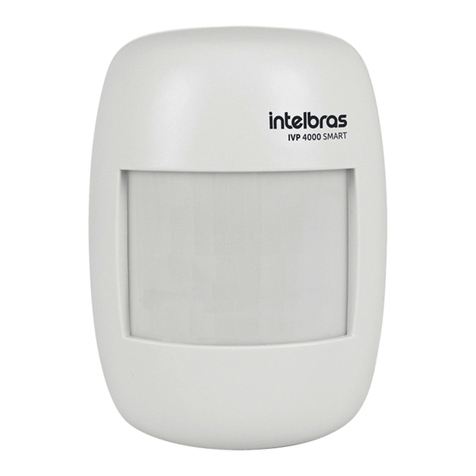
10.1. IVP 4000 smart sensor sensitivity adjustment
The SENS jumper (JP1) is used to control the detection sensitivity.With jumper JP1 in position 1 the sensor provides maxi-
mum sensitivity. With jumper JP1 in position 2 the sensor provides minimum sensitivity.
Factory default: position 2 (minimum).
10.2. IVP 4000 smart sensor operating mode setting
Through jumper ECO/CONT (JP2), select between intelligent continuous mode and economic mode. With jumper JP2 in
position 1 the sensor is in continuous intelligent mode. With jumper JP2 in position 2, the sensor is in economy mode.
Factory default: position 2 (economy).
» Intelligent Continuous Mode: the sensor takes a reading of the environment and generates a trigger for 3 movements,
after this generation of triggers the sensor goes into hibernation for 2 minutes. During this period, the indication LED is not
activated and new trips are not generated, since a notication has just been sent to the control panel. After the hibernation
time, the sensor monitors the environment until it detects 3 more events.
Após inserir a
bateria o LED
azul piscará por
alguns segundos
e não há
detecção.
A qualquer
detecção o
LED
acende e
informa a
central.
O sensor detecta (acende o
LED e gera um disparo) para
as próximas 3 detecção, após,
entra em hibernação.
15 min
Período de
estabilização
Período de
teste Modo Continuo Inteligente
Durante esse
período o LED não
acende e não são
gerados novos
disparos.
2 min
Passado o tempo de
hibernação o sensor
volta a detectar e
gerar disparos na
central, iniciando o
ciclo novamente
After inserting the
battery, the blue LED will
ash for a few seconds
and there will be no
detection.
Stabilization period Trial period Smart Continuous Mode
At any detection,
the LED comes on
and informs the
control panel.
The sensor detects (turns on the LED and
generates a trigger) for the next 3 detections,
after which it goes into suspension.
During this period, the LED
does not come on and new
shots are not generated.
After the rest time, the sensor
detects movement again, restar-
ting the cycle.
» Economy Mode: when detecting movement, it turns on the LED, triggers and goes into hibernation, remaining for
a period that can last from 30 seconds (environment with little movement) to 2 minutes (environment with a lot of
movement). During this sleep period the LED is not activated and no new triggers are generated, as a notication has
just been sent to the control panel. After the hibernation period, the sensor monitors the environment again until a new
movement is detected.
This ability to learn from the movement of the environment means that in places with a lot of movement, periodic and non-
-continuous shots are generated, in turn, saving battery life.
Após inserir a
bateria o LED
azul piscará por
alguns segundos
e não há
detecção.
A qualquer
detecção o
LED
acende e
informa a
central.
Após a detecção do primeiro
movimento o sensor informa
a central e entra no
período de hibernação.
Durante esse período o
sensor entra em
hibernação e não
detecta movimento.
Passado o tempo
de hibernação o
sensor volta a
detectar movimento,
iniciando o ciclo
novamente.
15 min
Período de
estabilização
Período de
teste Modo Econômico
After inserting the battery,
the blue LED will ash for
a few seconds and there
will be no detection.
Stabilization period Trial period Economy mode
At any detection,
the LED comes on
and informs the
control panel.
After detecting the rst movement, the sensor
informs the control panel and enters the
hibernation period.
During this period, the
sensor sleeps and does not detect
movement.
After the rest time, the sensor
detects movement again, restar-
ting the cycle.