manuals.online logo
Brands
  1. Home
  2. •
  3. Brands
  4. •
  5. Invacare
  6. •
  7. Medical Equipment
  8. •
  9. Invacare Softform Active 2 User manual

Invacare Softform Active 2 User manual

Other Invacare Medical Equipment manuals

Invacare 9610 User manual

Invacare

Invacare 9610 User manual

Invacare Platinum IRC5LXO2 User manual

Invacare

Invacare Platinum IRC5LXO2 User manual

Invacare H304 Finesse User manual

Invacare

Invacare H304 Finesse User manual

Invacare Dress Toileting User manual

Invacare

Invacare Dress Toileting User manual

Invacare Solara User manual

Invacare

Invacare Solara User manual

Invacare Polaris EX CPAP with SoftX ISP3000 User manual

Invacare

Invacare Polaris EX CPAP with SoftX ISP3000 User manual

Invacare Matrx E2 BACK User manual

Invacare

Invacare Matrx E2 BACK User manual

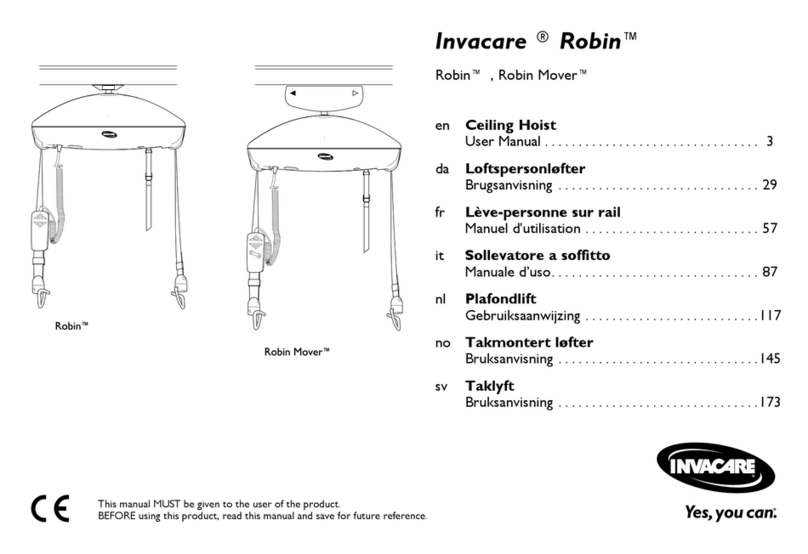
Invacare Robin Series User manual

Invacare

Invacare Robin Series User manual

Invacare Medley Ergo User manual

Invacare

Invacare Medley Ergo User manual

Invacare HF2RE9ES User manual

Invacare

Invacare HF2RE9ES User manual

Invacare Classic Visco User manual

Invacare

Invacare Classic Visco User manual

Invacare Platinum IRC5LXAW User manual

Invacare

Invacare Platinum IRC5LXAW User manual

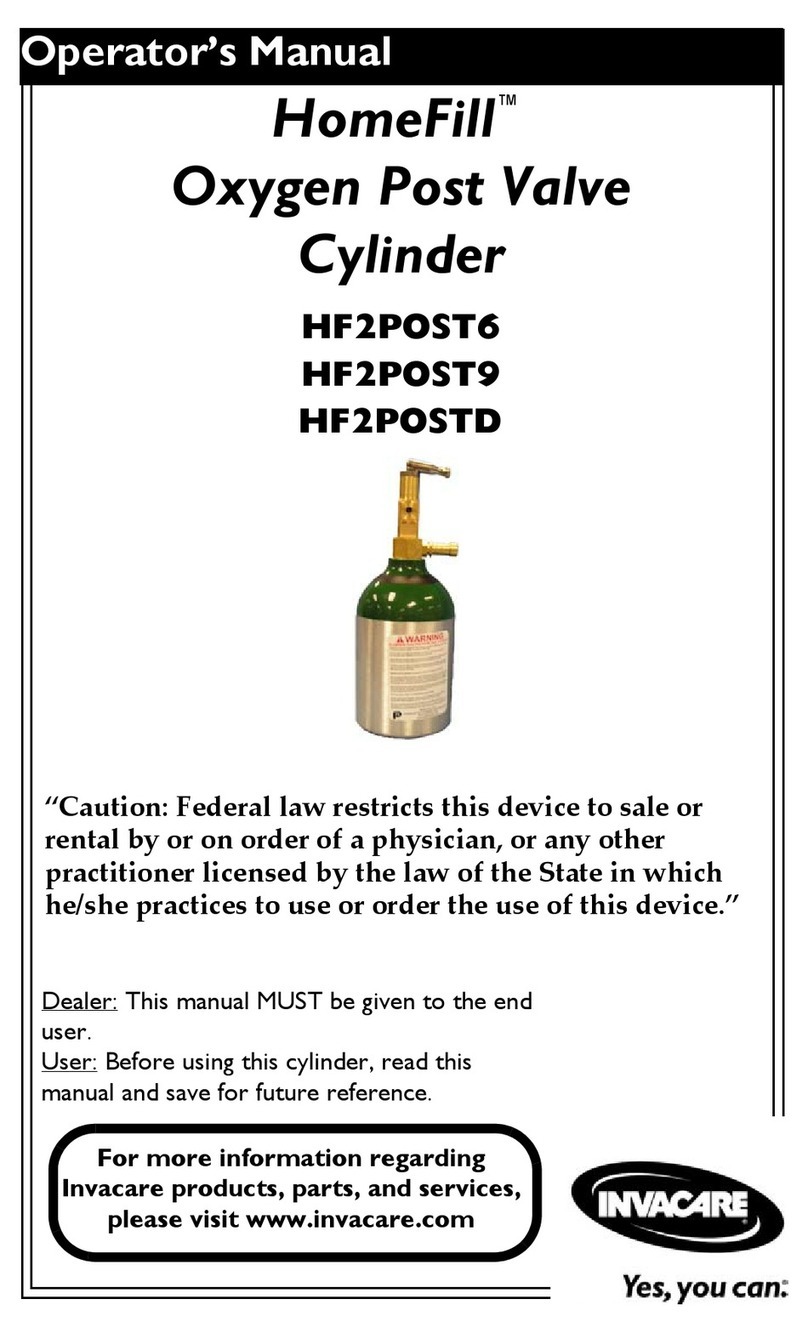
Invacare HomeFill HF2ECE9 User manual

Invacare

Invacare HomeFill HF2ECE9 User manual

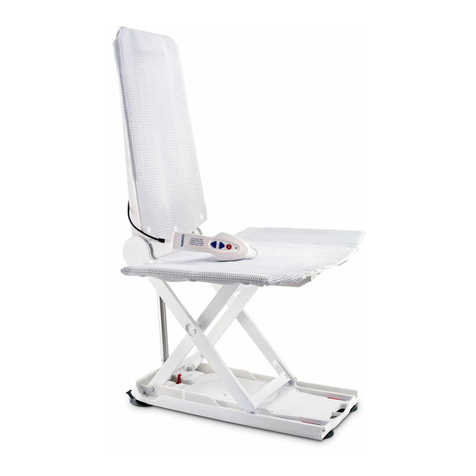
Invacare Aquatec ORCA User manual

Invacare

Invacare Aquatec ORCA User manual

Invacare 5143B User manual

Invacare

Invacare 5143B User manual

Invacare TPO100 User manual

Invacare

Invacare TPO100 User manual

Invacare Element IOC100P User manual

Invacare

Invacare Element IOC100P User manual

Invacare Platinum IRC5LXO2 User manual

Invacare

Invacare Platinum IRC5LXO2 User manual

Invacare Areste L110 User manual

Invacare

Invacare Areste L110 User manual

Invacare CS8 User manual

Invacare

Invacare CS8 User manual

Invacare Accent User manual

Invacare

Invacare Accent User manual

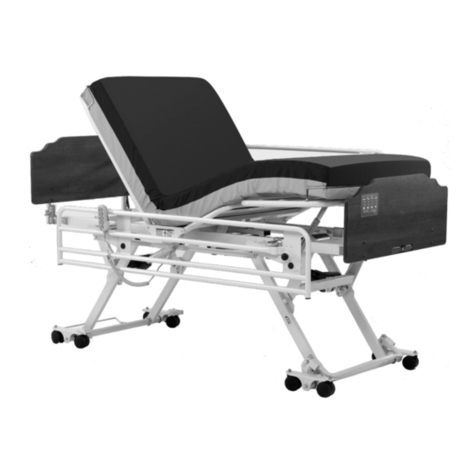
Invacare 1600 Bed User manual

Invacare

Invacare 1600 Bed User manual

Invacare Head and Torso Supports 1164 User manual

Invacare

Invacare Head and Torso Supports 1164 User manual

Invacare Aquatec Ocean VIP User manual

Invacare

Invacare Aquatec Ocean VIP User manual

Popular Medical Equipment manuals by other brands

Itamar Medical WatchPAT Operation manual

Itamar Medical

Itamar Medical WatchPAT Operation manual

PROTEOR 1P650 KNEE Assembling and adjustment instructions

PROTEOR

PROTEOR 1P650 KNEE Assembling and adjustment instructions

Liberate Medical VentFree user manual

Liberate Medical

Liberate Medical VentFree user manual

Dicarre DA20 user guide

Dicarre

Dicarre DA20 user guide

Stryker Medical M Series Operation manual

Stryker Medical

Stryker Medical M Series Operation manual

Getinge Arjohuntleigh Nimbus 3 Professional Instructions for use

Getinge

Getinge Arjohuntleigh Nimbus 3 Professional Instructions for use

Mettler Electronics Sonicator 730 Maintenance manual

Mettler Electronics

Mettler Electronics Sonicator 730 Maintenance manual

Pressalit Care R1100 Mounting instruction

Pressalit Care

Pressalit Care R1100 Mounting instruction

Denas MS DENAS-T operating manual

Denas MS

Denas MS DENAS-T operating manual

bort medical ActiveColor quick guide

bort medical

bort medical ActiveColor quick guide

AccuVein AV400 user manual

AccuVein

AccuVein AV400 user manual

agiliti NP Trio user manual

agiliti

agiliti NP Trio user manual

Rocket Medical Rocket Digital Oocyte Aspiration Pump Service manual

Rocket Medical

Rocket Medical Rocket Digital Oocyte Aspiration Pump Service manual

Monteris Medical Neuroblate Instructions for use

Monteris Medical

Monteris Medical Neuroblate Instructions for use

Otto Block 8E33 7 manual

Otto Block

Otto Block 8E33 7 manual

ADVANCED HOME CARE Helios Guide

ADVANCED HOME CARE

ADVANCED HOME CARE Helios Guide

NeuLog NUL-208 Guide

NeuLog

NeuLog NUL-208 Guide

Healthtree Medical JKS50A Operator's manual

Healthtree Medical

Healthtree Medical JKS50A Operator's manual

manuals.online logo
manuals.online logoBrands
  • About & Mission
  • Contact us
  • Privacy Policy
  • Terms and Conditions

Copyright 2025 Manuals.Online. All Rights Reserved.

Invacare UKOpera ons Limited
Pencoed Technology Park, Pencoed
Bridgend CF35 5AQ, UK
60132743-A 2022-01-10 1 / 3
Control unit menu display
KJ
G
H
I
C D E F
A
B
QuickGuide
Invacare® Softform Active® 2 with RX pump
Pos.DescriptionFunction
AMutebutton
The relevant audible / visible indicator turns on when low pressure,
power failure or alternate failure is recognised. To mute the audible
signal, press the Mute button. The visible indicator will ash u ntil the
problem is solved. If the problem indicated has not been solved within
10 minutes, the indicator will sound again. Press the Mute button to
mute the audible indication, the indicator will not sound again. Refer to
Identifying and repairing faults on page 3 of this guide.
BSystemincycle/Setupindicator
(OperativeLED)
GreenLEDindicatorasheswhilstsystemissettingup–SolidgreenLED
indicatesnormaloperational.
CAlternatingsystem/Timingfailure
indicator
RedLEDindicatorashesandaudiblebuzzersoundsifthesystem
recognisesacycletimeproblem.
DPowerfailureindicatorRedLEDindicatorashesandaudiblebuzzersoundsifthesystemhas
nopowerconnected.Thiscouldbeintheeventofapowerfailure,for
examplecausedbypowercordunpluggedorpoweroffwhencontrol
unitisworking.Whenpowerisrestored,controlunitwillautomatically
startworking.
EPressurefailure/Lowpressure
indicator
RedLEDindicatorashesandaudiblebuzzersoundsifthesystem
recognisesalowpressurefailure.
Operation
1. The power indicator will flash and control unit will enter static mode initially until pressure reaches 15 mmHg. Then control
unit will enter alternate mode and power indicator will remain on. The cycle time is set at 10 min, and the pressure is
set at 60 ± 3 mmHg.
Therstinationofnewmattress:theindicatorfunction(visibleandaudibleindicators)willactivateifthemattress
doesnotinatecompletelywithin15minutes.
Operationfailures
• During control unit operation, low pressure indicator will activate within 1 minute if air hoses are disconnected or
air cells are broken.
• In the case of abnormal alternate or no alternate, the audible signal will be activated and alternate failure indicator
will flash.
InvacarePortugal,Lda
RuaEstradaVelha949
4465-784LeçadoBalio
Portugal
Invacare Limited
Pencoed Technology Park, Pencoed
Bridgend CF35 5AQ
UK

Invacare UKOpera ons Limited
Pencoed Technology Park, Pencoed
Bridgend CF35 5AQ, UK
60132743-A 2022-01-10 2 / 3
Installing the system
KJ
G
H
I
C D E F
A
B
QuickGuide
Invacare® Softform Active® 2 with RX pump
1.Hangthecontrolunitbymeansofthe2builtinhangers
Aattheendofthebedorplaceitonahorizontal
surface.(Placingthecontrolunitontheoorwillnot
affecttheperformance,butmayexposeittoaccidental
damage.)
2.ConnecttheCPRhoseEtoairoutletsonthemattress
andcontrolunitB,ensuringthatthehoseisnotkinked
ortwisted.Allowspaceforbedrailstodropfreely.
3.Connectthemainspowercabletothepowersupply
socketCofthecontrolunitandasuitableoutlet.
4.Switchonmainspoweroftheoutletifpresent.
5.MovethemechanicalswitchDontheleftsideofthe
ControlunittotheOnposition.Afaintsinglebeep
soundsandthesystemincyclelightasheswhilethe
systempowersup.
CPR procedure
The Invacare® Softform Active® 2 Rx mattress has been fully
tested to comply with the current CPR standard of 5 - 6 cm
compression depth. This was achieved at all stages of
inflation/deflation.
1.HolddownRedCPRbuttonA.
2.Pullhoseconnectorrmlya wayfromthecontrolunitB.
3.Switchoffthecontrolunit.
Mattresswillstarttodeate.Thedeationtimeis
20seconds.
4.WhenCPRiscompletereactivatethesystemfollowing
section Installing the system.
InvacarePortugal,Lda
RuaEstradaVelha949
4465-784LeçadoBalio
Portugal
Invacare Limited
Pencoed Technology Park, Pencoed
Bridgend CF35 5AQ
UK
Invacare UKOpera ons Limited
Pencoed Technology Park, Pencoed
Bridgend CF35 5AQ, UK

60132743-A 2022-01-10 3 / 3
QuickGuide
Identifying and repairing faults
There are audio and visual alarms present on the control unit.
Problem/AlarmCauseSolution
MattressCPRhosedisconnected.ConnectCPRhoseconnector,lockitinplace.
Powercableandfusehasbeenchecked,control
unitdoesnotoperate.
SendcontrolunitbacktoInvacareforrepair.
Mattressnotinating
(notalternating
properly).
Alternatingsystem
/Timingfailure
indication
Majorleakinaircellorcompleteairinsert.Replaceleakingaircell.
CPRhoseortubeconnectorskinkedorsplit.UnkinkorreplacesplitCPRhoseortube
connectors.
Notalternating,rotorfailure.SendcontrolunitbacktoInvacareforrepair.
Noair(controlunitfailure).SendcontrolunitbacktoInvacareforrepair.
Controlunitoff.Checkpowersource,turnuniton.
Nopower/
Powerfailure
indication
Powercorddisconnected.Connectpowercordandensurethepower
sourceison.
Nopowerinthepoweroutlet.Switchonthepoweroutlet(ifpoleswitch
available).
Havethepoweroutletrepairedbyanelectrician.
Poweroutage.Waituntilthepowersourcehaspower.
Fuseblown.Changefuseonpowerinletconnectorwithspare
fuseoridenticalreplacementonly(consulta
trainedengineerifyouareunsurehowtochange
afuse).
DisconnectionofCPR(connectionhose).Connecthoseproperly.
Disconnectionofconnectortubestoaircellsin
airinsert.
Checkindividualaircellsininsertarecorrectly
connectedtoconnectortubes.
Pressurefailure/Low
pressureindication
KinkedconnectionhoseMakesurethattherearenokinksorbendsin
thehose.
Invacare® Softform Active® 2 with RX pump
InvacarePortugal,Lda
RuaEstradaVelha949
4465-784LeçadoBalio
Portugal
Invacare Limited
Pencoed Technology Park, Pencoed
Bridgend CF35 5AQ
UK