manuals.online logo
Brands
  1. Home
  2. •
  3. Brands
  4. •
  5. inVue
  6. •
  7. Lock
  8. •
  9. inVue Smart Lock PL501 User manual

inVue Smart Lock PL501 User manual

Other inVue Lock manuals
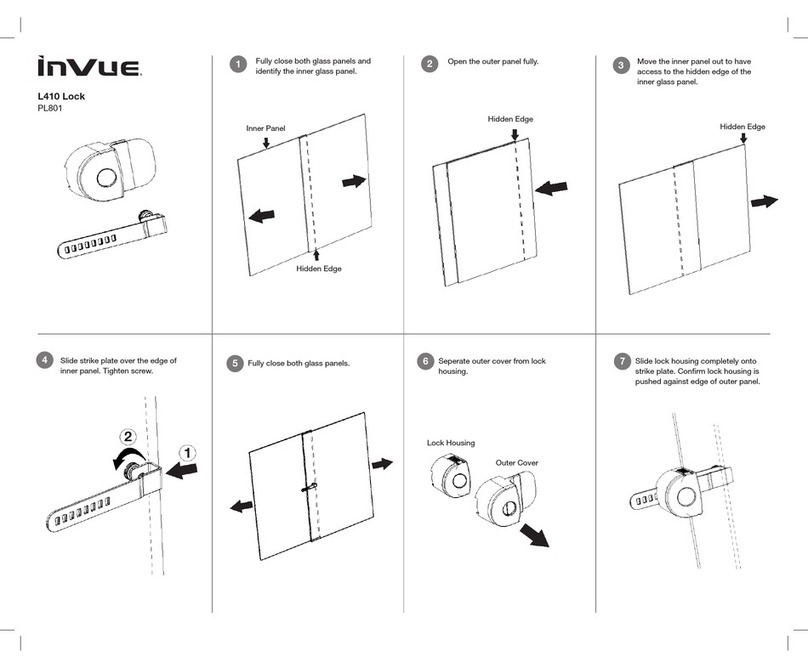
inVue L410 User manual

inVue

inVue L410 User manual

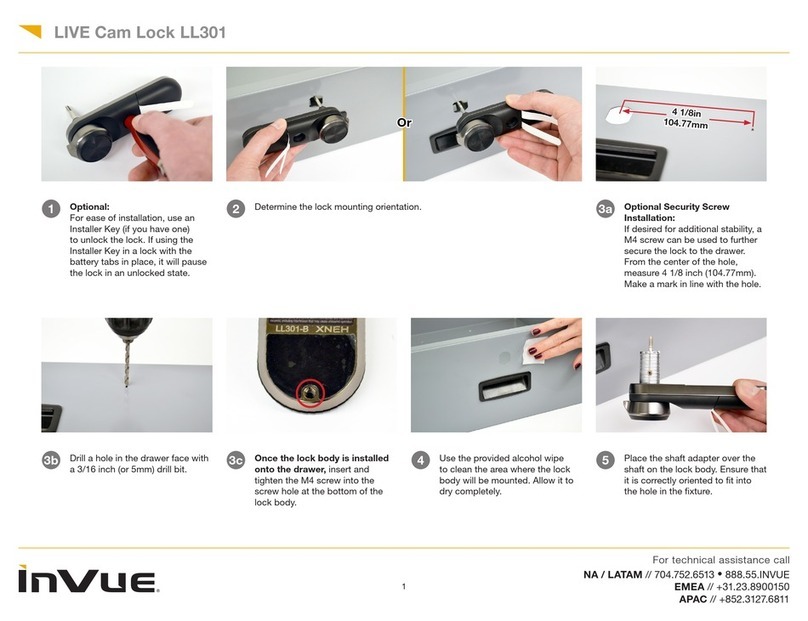
inVue LL301 User manual

inVue

inVue LL301 User manual

inVue OneKEY User manual

inVue

inVue OneKEY User manual

inVue L410 User manual

inVue

inVue L410 User manual

inVue PL106 User manual

inVue

inVue PL106 User manual

inVue PL401 User manual

inVue

inVue PL401 User manual

inVue PL601 User manual

inVue

inVue PL601 User manual

inVue LIVE LL101 User manual

inVue

inVue LIVE LL101 User manual

Popular Lock manuals by other brands

Magic 105 manual

Magic

Magic 105 manual

Gantner GAT NET.Lock 7020 System Installation, configuration & operation

Gantner

Gantner GAT NET.Lock 7020 System Installation, configuration & operation

Dorma Studio Classic Installation instruction

Dorma

Dorma Studio Classic Installation instruction

Securam ECSL-601 quick start guide

Securam

Securam ECSL-601 quick start guide

Sudhaus 3003 operating manual

Sudhaus

Sudhaus 3003 operating manual

Safety 1st 48517 user guide

Safety 1st

Safety 1st 48517 user guide

Pado FDS-10 user manual

Pado

Pado FDS-10 user manual

Esco systeQ Series installation instructions

Esco

Esco systeQ Series installation instructions

COMPX National D8951 instruction sheet

COMPX

COMPX National D8951 instruction sheet

secureo Key Box instruction manual

secureo

secureo Key Box instruction manual

Stock Loks C8713 instruction sheet

Stock Loks

Stock Loks C8713 instruction sheet

COMPX 1T-058 Information

COMPX

COMPX 1T-058 Information

Auslock T11 user manual

Auslock

Auslock T11 user manual

Stealth SAFES ShadowVault Instructions & Troubleshooting

Stealth SAFES

Stealth SAFES ShadowVault Instructions & Troubleshooting

Knox KeySecure 5 Admin & user guide

Knox

Knox KeySecure 5 Admin & user guide

Kwikset 48334/01 Quick installation guide
Kwikset

Kwikset 48334/01 Quick installation guide

Metra Electronics Door Access Terminal Combo Technical manual

Metra Electronics

Metra Electronics Door Access Terminal Combo Technical manual

Kilitronik miniK10m operating manual

Kilitronik

Kilitronik miniK10m operating manual

manuals.online logo
manuals.online logoBrands
  • About & Mission
  • Contact us
  • Privacy Policy
  • Terms and Conditions

Copyright 2025 Manuals.Online. All Rights Reserved.

1
Smart Lock
Drawer Lock
PL501
2 3
Overview
Review entire instruction guide before starting installation.
Instructions are intended for drawer applications.
Lock Specification
Drawer Lock is designed for wood and metal drawers.
Drawer door thickness can range from 19 mm – 30 mm
(0.75” – 1.18”).
System Components
1. Drawer Lock (PL501)
2. Template (included)
3. Drawer Arm (sold separately)
4. IR2 Key (PK4400)
Tool Requirements
1. Pencil
2. Power Drill and Bit
3. Drill Bit (2.5 mm) and Hole Saw Bit (22 mm)
4. Phillips #1 Screwdriver
Back Housing
PL501
Front Housing
PL501
Drawer Arm
(sold separately)
IR2 Key
PK4400
Template
(included)
4 5
Determine location of lock. Open drawer. Align tem-
plate (inside of drawer) with top edge of drawer.
Note: Illustrations below shows inside view of cabinet.
Using power tools, drill a 22 mm (0.87”) center hole
through drawer. Drill two 2.5 mm (0.1”) holes for anti-
rotation prongs on lock. Caution: Do not drill prong
holes through drawer, only 4 mm depth needed.
1 2
Center Hole
22 mm (0.87”)
Anti-Rotation
Prongs
Anti-Rotation
Prong Holes
2.5 mm (0.1”)
6 7
Attach drawer arm onto back housing and tighten all 3
screws.
3Slide front housing through drawer.
4
8 9
Extend flex cable through pre-drilled hole. Connect
cable to back housing. Store excess cable in drilled
hole or front housing.
5Align front housing and back housing with hole. Tighten
both long screws to connect front and back housing.
6
10 11
Close drawer. Test lock to confirm proper function. Use
IR2 Key to lock/unlock installation (see page 11).
7LOCK OPERATION USING IR2 KEY
Position IR2 Key against lock, push button and wait for “beep”
before removing key. Lock and unlock cabinets several times to
ensure proper operation.
IR2 Key must be
charged and activated.
See IR2 Key instruction
guide.
Hold until you get a
confirmation “beep.”
Note: If double “buzz,”
an error has occurred.
Unlock, ensure drawer
can fully close and
drawer arm has
clearance.
Locked
“BEEP”
12
LOCK STATUS INDICATORS
Locked
Unlocked
Error (not fully locked)
Note: Unlock lock. Confirm
no obstructions. Fully close
cabinet and try again.
16
© 2013 InVue Security Products Inc. All rights reserved.
InVue is a registered trademark of InVue Security Products.
SD0172 Rev0 05/21/13
www.invuesecurity.com
Corporate Office (North America) // 704.752.6513 •888.55.INVUE
Europe, Middle East & Africa // +31.23.8900150
Asia Pacific // +852.3127.6811
Latin America // +52.55.9000.3957