PC software installation
PCsoftwareinstallation
Softwareinstallation
3
PCsoftwareinstallation
PC software installation
Softwareinstallation
2
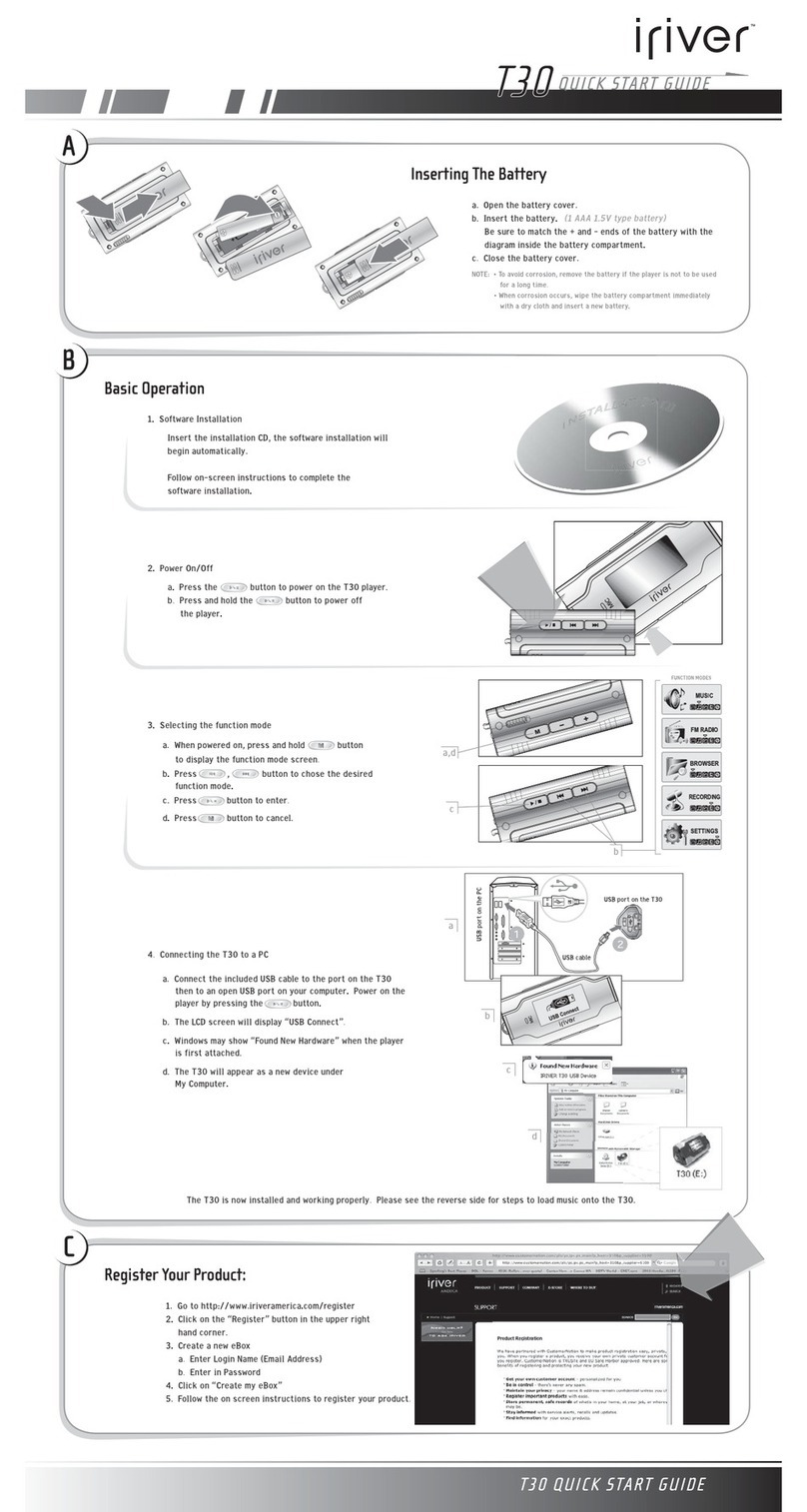
Insert the Installation CD into the CD-ROM drive.
The installation will start automatically.
System Requirements (Windows)
"
Pentium 133MHz or faster
"
USB port
"
Window 98SE / ME / 2000 / XP
"
CD-ROM drive
"
10MB free hard disk space
Note
"
The player can store MP3 files or files of any type.
You can upload files, other than music (MP3, WMA, OGG, ASF), to the PC using the iRiver
Music Manager Program.
"
Download latest versions of drivers and iRiver Music Manager at www.iRiverAmerica.com
"
Please be sure your login has Administrator privileges if using Windows 2000 or Windows XP.
"
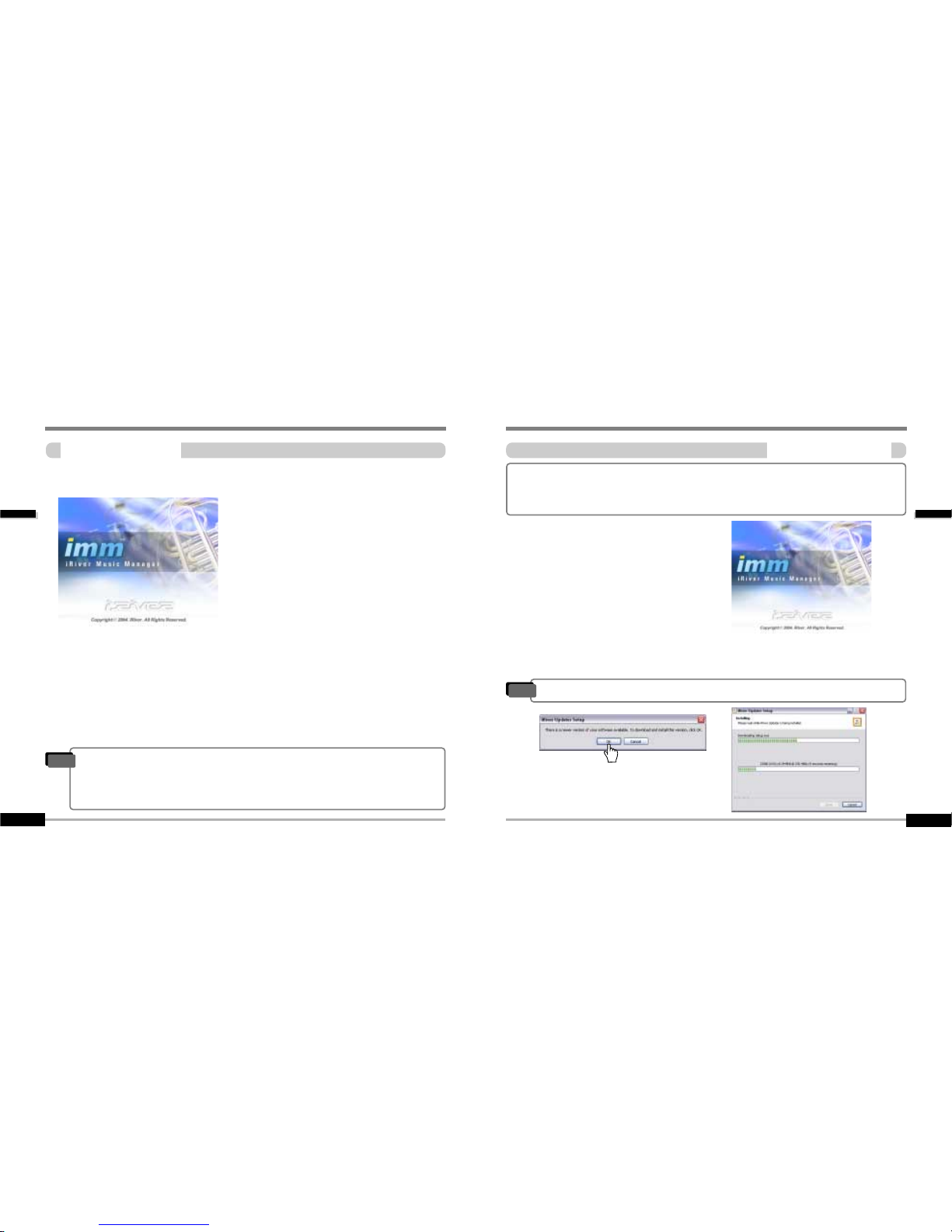
Insert the Installation CD into the CD-ROM drive.
The following screen appears after inserting the CD.
"
If the installation doesn't automatically begin,
execute the "setup.exe" file in the installation
CD.
The installation program will begin.
"
The installation CD contains the following
contents :
- Device Driver
- iRiver Music Manager
- Manager Program for Mac
During this installation, the software will check online for the most recent updates.
Please note that the installation screens may differ slightly from those appearing
here, as software may be of a more recent version. If your screens differ, please
visit www.iRiverAmerica.com/software for an updated user guide
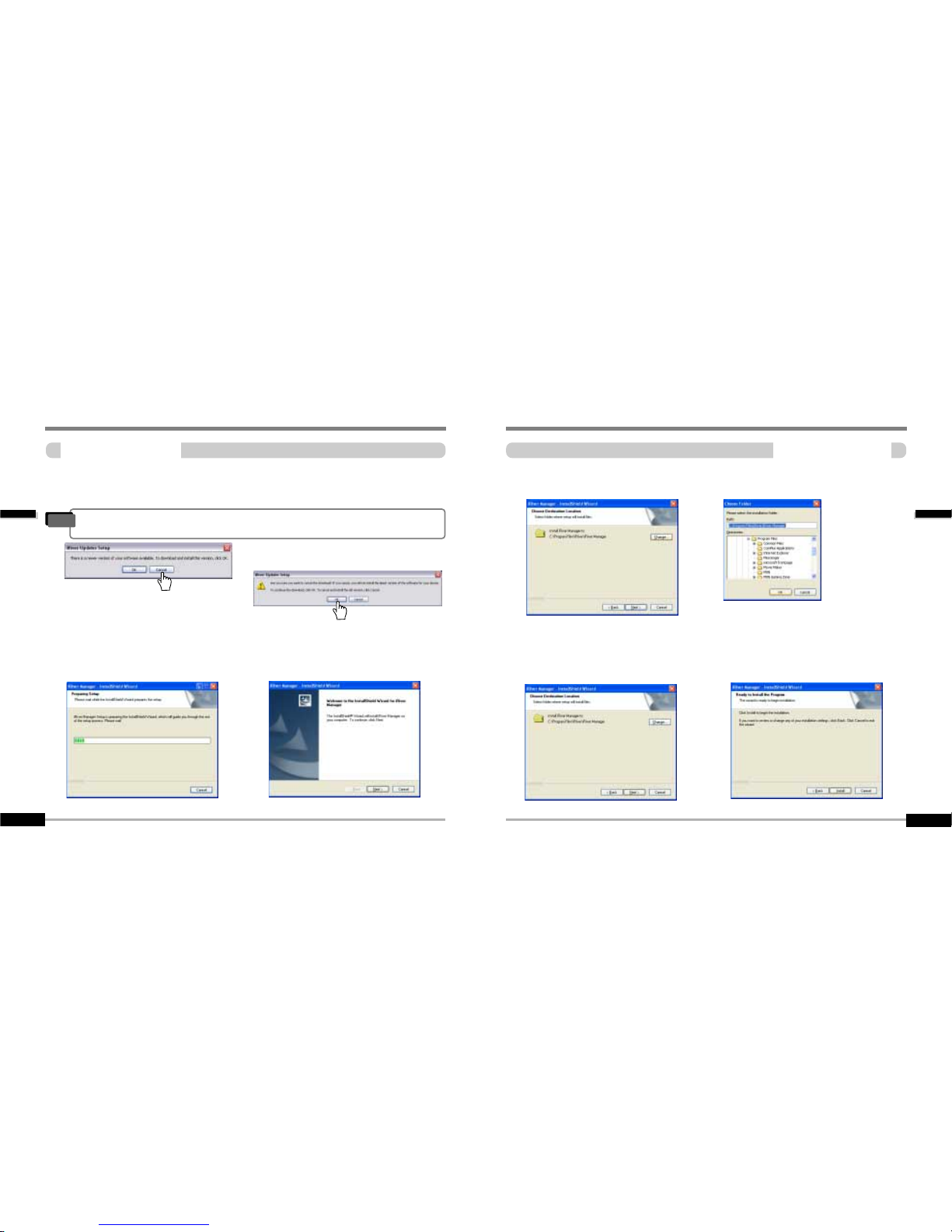
After checking for updates, click “OK” to contine
installing the most updated version.
"
If there is an updated software version available you will see this message.
Note
The installation will check for the most recent updates online. It is strongly
recommended that your computer be connected to the internet before continuing the
installation.