3
○○○○○○○○○○○○○○○○○○○○○○○○○○○○○○○○○○○○○○○○○○○○○○○○○○○○○○○○○
○○○○○○○○○○○○○○○○○○○○○○○○○○○○○○○○○○○○○○○○○○○○○○○○○○○○○○○○○
CONGRATULATIONS!
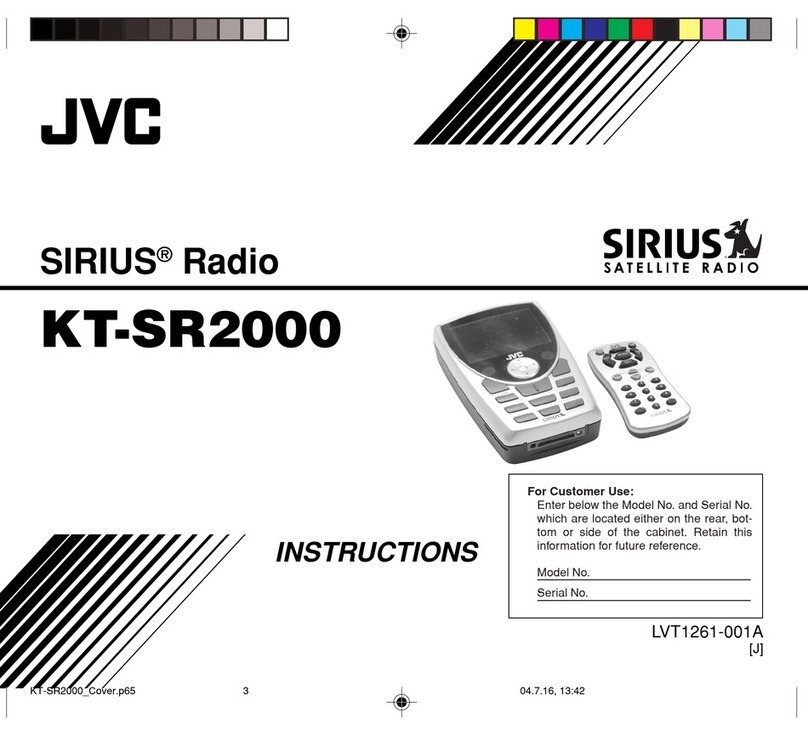
Your new JVC SIRIUS®Radio KT-SR1000, called “JVC Plug-In–Play (PnP),” lets you enjoy SIRIUS Satellite
Radio’s digital entertainment streams anywhere you’ve installed one of our KS-K6003 Home Docking Kit and
KS-K6002/KS-K6001 Car Docking Kit (sold separately). Use this manual to familiarize yourself with all of
JVC PnP’s features and capabilities.
For the latest information about this and other JVC PnP products, visit the JVC Web site at
<www.jvcmobile.com>.
Table of Contents
Menu Options Settings ............................................. 22
Basic Setting Procedure ..................................... 23
1Sirius ID ........................................................ 23
2Display Settings ............................................ 23
3Confirmation Tone Options .......................... 24
4FM Transmitter Options ............................... 24
5Add or Skip ................................................... 24
6Lock Options ................................................ 25
7Audio Level Options ..................................... 26
8Antenna Aiming Options .............................. 27
9Memory Options ........................................... 27
0Time Based Features .....................................28
-Factory Default ............................................. 30
Specifications ........................................................... 31
Troubleshooting ........................................................ 31
Safety Precautions ...................................................... 4
Box Contents .............................................................. 5
Installation: Preparation.............................................. 6
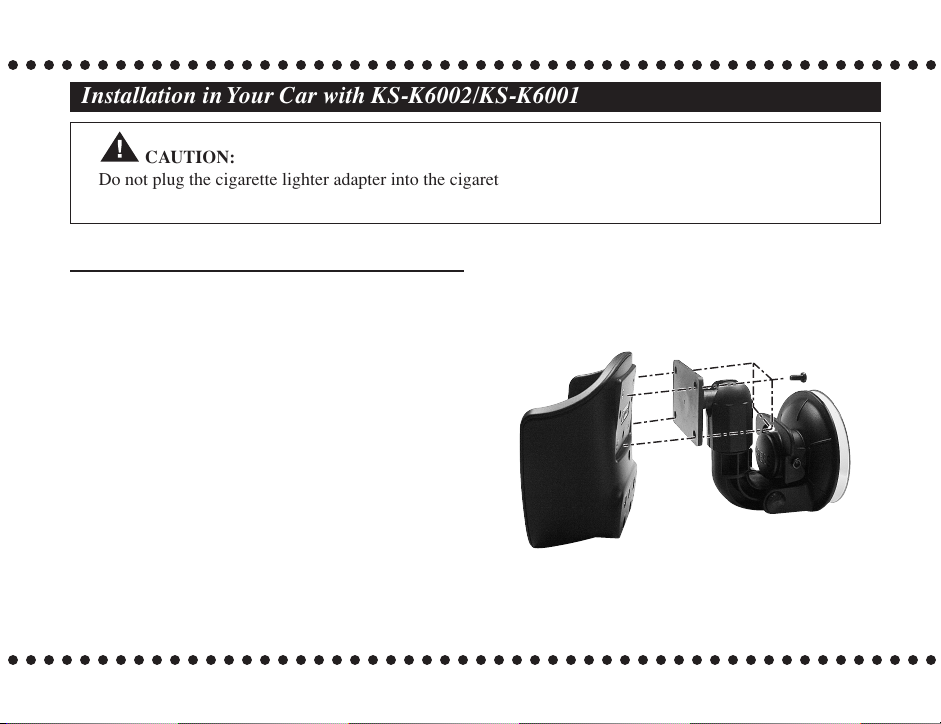
Installation in Your Car with KS-K6002/KS-K6001 ......
7
Installation in a Home with KS-K6003 .................... 11
JVC PnP’s Controls and Features ............................. 12
Activating your SIRIUS Subscription ...................... 14
Basic Operation ........................................................ 15
Selecting Music ................................................. 16
Direct Tuning ..................................................... 17
Presetting the Desired Streams .......................... 17
Enlarging the Indications—Display Button ...... 19
S-Seek Function—Memory Button ................... 20
KT-SR1000_02-14.p65 03.12.15, 16:513