manuals.online logo
Brands
  1. Home
  2. •
  3. Brands
  4. •
  5. Kilotech
  6. •
  7. Scale
  8. •
  9. Kilotech KPC 1500 SS User manual

Kilotech KPC 1500 SS User manual

Other Kilotech Scale manuals
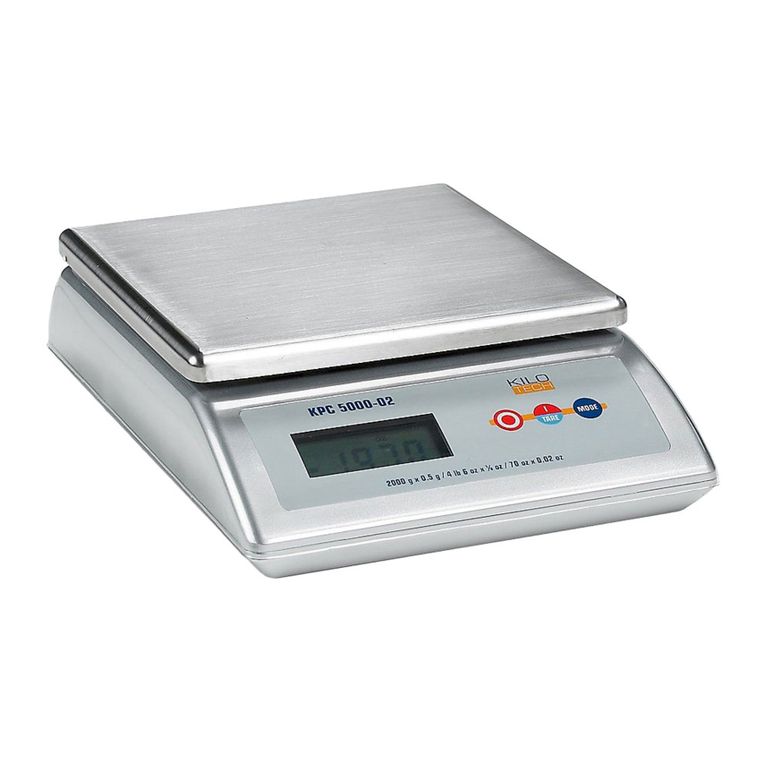
Kilotech KPC 5000 User manual

Kilotech

Kilotech KPC 5000 User manual
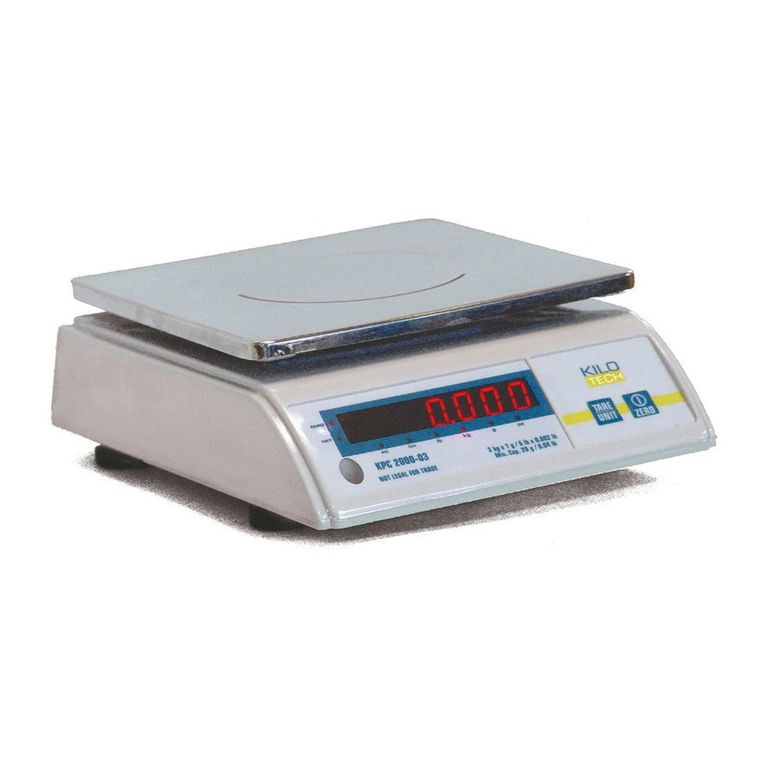
Kilotech KPC-2000 User manual

Kilotech

Kilotech KPC-2000 User manual

Kilotech KRS SWP Series User manual

Kilotech

Kilotech KRS SWP Series User manual

Kilotech KPS 60 SS Use and care manual

Kilotech

Kilotech KPS 60 SS Use and care manual

Kilotech KPC 1000SS User manual

Kilotech

Kilotech KPC 1000SS User manual

Kilotech KWD 500 Use and care manual

Kilotech

Kilotech KWD 500 Use and care manual

Kilotech KRS 3000 User manual

Kilotech

Kilotech KRS 3000 User manual

Kilotech KLE 200 User manual

Kilotech

Kilotech KLE 200 User manual

Kilotech KSB series User manual

Kilotech

Kilotech KSB series User manual

Kilotech KPC 5000 Instruction manual

Kilotech

Kilotech KPC 5000 Instruction manual

Kilotech MS-4202L Adult User manual

Kilotech

Kilotech MS-4202L Adult User manual

Kilotech 851340 User manual

Kilotech

Kilotech 851340 User manual
Kilotech KPS MS User manual

Kilotech

Kilotech KPS MS User manual
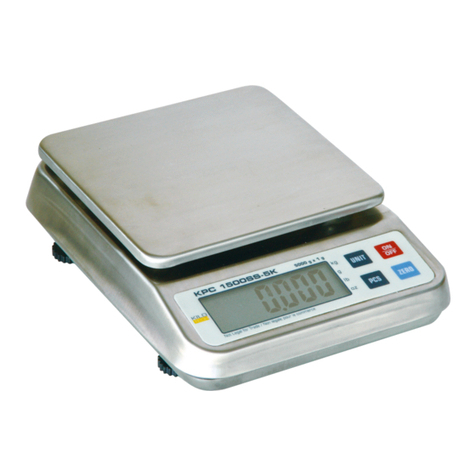
Kilotech KPC 1500SS Use and care manual

Kilotech

Kilotech KPC 1500SS Use and care manual

Kilotech KHS 200-30 User manual

Kilotech

Kilotech KHS 200-30 User manual

Kilotech KWS 301 User manual

Kilotech

Kilotech KWS 301 User manual
Kilotech KHA Series User manual

Kilotech

Kilotech KHA Series User manual

Kilotech KWS 301 User manual

Kilotech

Kilotech KWS 301 User manual

Kilotech KWD 15K User manual

Kilotech

Kilotech KWD 15K User manual

Kilotech KBS Series User manual

Kilotech

Kilotech KBS Series User manual
Kilotech Integrator LE.3k User manual

Kilotech

Kilotech Integrator LE.3k User manual

Kilotech Integrator LE.3k User manual

Kilotech

Kilotech Integrator LE.3k User manual

Kilotech KPS 60 User manual

Kilotech

Kilotech KPS 60 User manual

Kilotech KWS 2200 User manual

Kilotech

Kilotech KWS 2200 User manual

Popular Scale manuals by other brands

KERN MCC-M operating instructions

KERN

KERN MCC-M operating instructions

Little Balance SB MECA 8113 user manual

Little Balance

Little Balance SB MECA 8113 user manual

Fitbit Zip Aria Wi-Fi Smart Scale user manual

Fitbit Zip

Fitbit Zip Aria Wi-Fi Smart Scale user manual

KERN MPU 250K100 operating instructions

KERN

KERN MPU 250K100 operating instructions

Steinberg Systems SBS-PF-200 user manual

Steinberg Systems

Steinberg Systems SBS-PF-200 user manual

Total TP2000 user guide

Total

Total TP2000 user guide

A&D HL-200i operating instructions

A&D

A&D HL-200i operating instructions

OHAUS Courier 3000 user guide

OHAUS

OHAUS Courier 3000 user guide

Scarlett SC-KS57P97 instruction manual

Scarlett

Scarlett SC-KS57P97 instruction manual

BASETech LS-40S operating instructions

BASETech

BASETech LS-40S operating instructions

SR Instruments SR Scales SR565i-H Operating and service manual

SR Instruments

SR Instruments SR Scales SR565i-H Operating and service manual

Gallet PEP 301ART instruction manual

Gallet

Gallet PEP 301ART instruction manual

AWS ZEO-50 user manual

AWS

AWS ZEO-50 user manual

Gima Glass Body Fat Analyzer Use and maintenance book

Gima

Gima Glass Body Fat Analyzer Use and maintenance book

Seca 374 user manual

Seca

Seca 374 user manual

EDLUND BBPZ-20 quick start guide

EDLUND

EDLUND BBPZ-20 quick start guide

TEC TEC SL59 SERIES owner's manual

TEC

TEC TEC SL59 SERIES owner's manual

Alecto ACW-40 user manual

Alecto

Alecto ACW-40 user manual

manuals.online logo
manuals.online logoBrands
  • About & Mission
  • Contact us
  • Privacy Policy
  • Terms and Conditions

Copyright 2025 Manuals.Online. All Rights Reserved.

KPC 1500 SS
851295
Service Manual
Contents subject to change without
notice
Last edited: August 25th, 2016
2
TABLE OF CONTENTS
TABLE OF CONTENTS .................................................................................................................. 2
Introduction .............................................................................................................................. 3
Calibration................................................................................................................................. 4
Set selectable units .................................................................................................................... 4
3
Introduction
Thank you for choosing a Kilotech Scale. We appreciate your business and hope that you will enjoy using your
scale. Should you require Technical Support, please contact your local dealer from whom you have purchased.
General Precautions
Avoid lengthy exposure to heat or cold
Allow the scale to acclimate to normal room temperature
before use
Allow sufficient warm up time
Turn the scale on and wait for a few minutes to allow the
internal components a chance to stabilize before weighing
Do not leave a load or weight on a scale for a prolonged
period of time.
Might damage load cell
Do not tamper with the scale yourself
This will void the warranty. Contact your local distributor or
Kilotech directly to properly repair your scale
Do not overload beyond the maximum weight limit
Do not pull the plug by its cord when unplugging
Do not use the scale near fire or corrosive gas
Unless the scale is waterproof do not spill water or immerse in
water
Avoid placing the scale near a heater
It could cause a fluctuation to the indicator reading
Always make sure to use a Kilotech approved adapter
Do not drop the scale or apply a sudden shock
Do not drag the scale
Avoid exposing to other electromagnetic devices
These devices emit RF and can cause unstable readings. If
your scale should perform poorly, try moving the scale to a
different room or location
Level the scale or make sure it is on an even surface
A scale used on an uneven surface may provide an unstable
reading
Scale should be used within stated temperature
& humidity limits
4
Calibration
How to calibrate your scale
Before entering calibration mode, press [ON/OFF] to power up the scale for 1 minute.
Enter calibration mode:
Press [ON/OFF] to turn the scale off.
Press both the [ZERO] key and the [ON/OFF] key simultaneously.
Once the display shows CAL, you can release both buttons.
The scale will now display the A/D value.
Zero point calibration:
Wait for the stable indicator to be displayed.
Press the [UNIT] key. The display will show a flashing calibration weight.
Place the calibration weight on the platform.
Once the scale is stable, press the [UNIT] key.
The display will show "-------” followed by the A/D value.
Remove the weight and reboot the scale.
Check for accuracy.
If the calibration is repeatedly incorrect:
1) Replace the batteries,
2) Try a more stable surface or a vibration and interference free location.
Set selectable units
1. Press and hold ZERO and PCS together and power up the scale.
2. Press UNITS to scroll and select the available units: kg, lb ...
3. Select the one you want by pressing ZERO
4. ON indicates the unit you chose.