logo
Brands
  1. Home
  2. •
  3. Brands
  4. •
  5. LevelOne
  6. •
  7. Wireless Access Point
  8. •
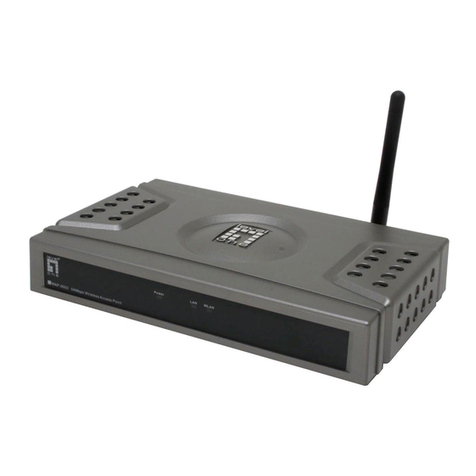
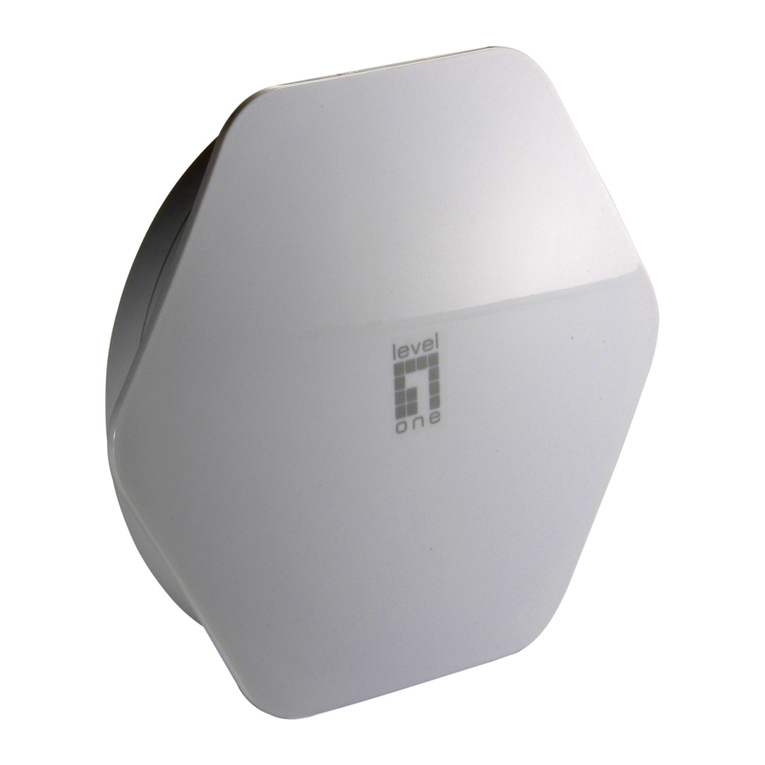
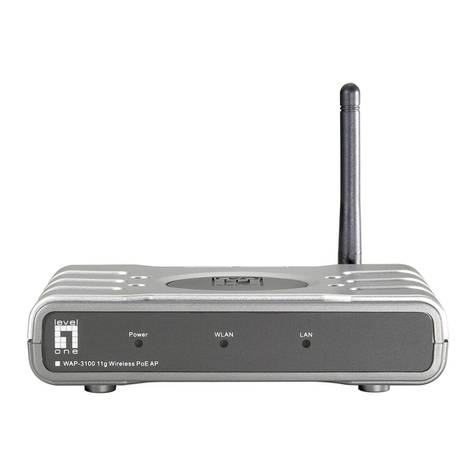
  9. LevelOne WAP-3000 Operating instructions

LevelOne WAP-3000 Operating instructions

Other manuals for WAP-3000

4

This manual suits for next models

2

Other LevelOne Wireless Access Point manuals
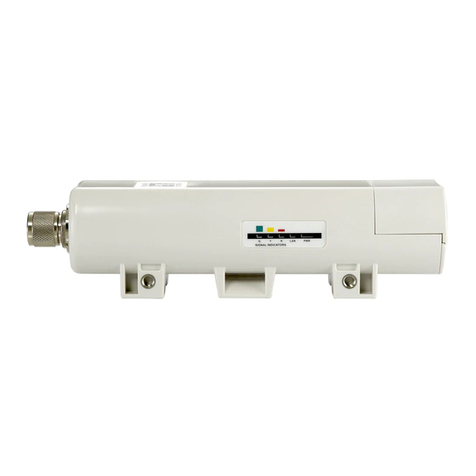
LevelOne WAP-6011 User manual

LevelOne

LevelOne WAP-6011 User manual

LevelOne WAP-0003 User manual

LevelOne

LevelOne WAP-0003 User manual

LevelOne WAP-6003 User manual

LevelOne

LevelOne WAP-6003 User manual

LevelOne OAN-4058 User manual

LevelOne

LevelOne OAN-4058 User manual

LevelOne WAP-6013 User manual

LevelOne

LevelOne WAP-6013 User manual

LevelOne WAP-8121 User manual

LevelOne

LevelOne WAP-8121 User manual

LevelOne WAP-0003 User manual

LevelOne

LevelOne WAP-0003 User manual

LevelOne WAP-3101 User manual

LevelOne

LevelOne WAP-3101 User manual

LevelOne WAP-0010 User manual

LevelOne

LevelOne WAP-0010 User manual

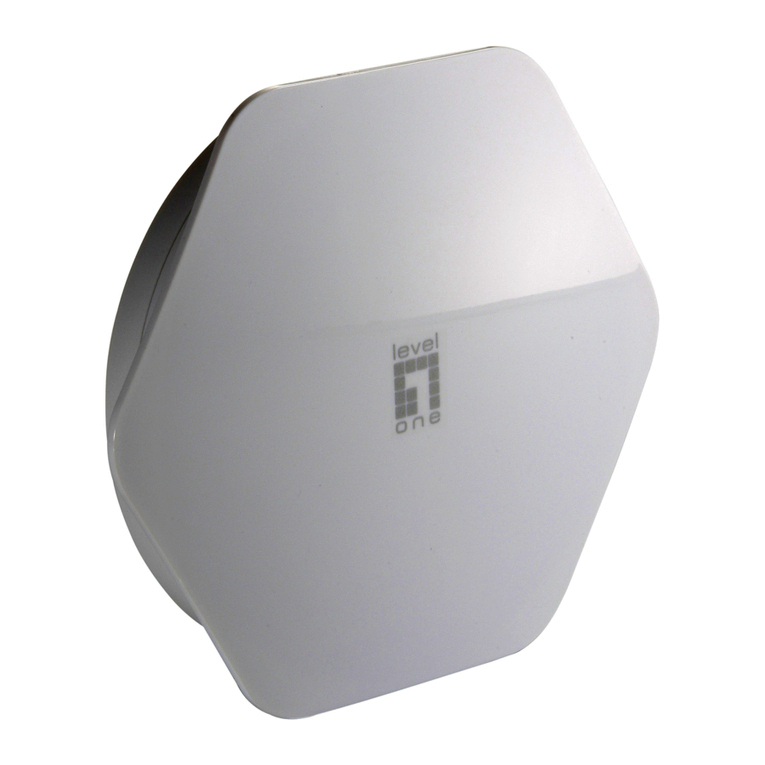
LevelOne WAP-3000 User manual

LevelOne

LevelOne WAP-3000 User manual

LevelOne WAP-0005 User manual

LevelOne

LevelOne WAP-0005 User manual

LevelOne WAB-3000 Setup guide

LevelOne

LevelOne WAB-3000 Setup guide

LevelOne MobilSpot WBR-3800 User manual

LevelOne

LevelOne MobilSpot WBR-3800 User manual

LevelOne WAP-6221 User manual

LevelOne

LevelOne WAP-6221 User manual

LevelOne WAP-6011 User manual

LevelOne

LevelOne WAP-6011 User manual

LevelOne WAP-6012 User manual

LevelOne

LevelOne WAP-6012 User manual

LevelOne WAP-6110 User manual

LevelOne

LevelOne WAP-6110 User manual

LevelOne PLI-3411 User manual

LevelOne

LevelOne PLI-3411 User manual

LevelOne WAP-6010 User manual

LevelOne

LevelOne WAP-6010 User manual

LevelOne WAP-6111 User manual

LevelOne

LevelOne WAP-6111 User manual

LevelOne WAB-5120 User manual

LevelOne

LevelOne WAB-5120 User manual

LevelOne WAB-3003 User manual

LevelOne

LevelOne WAB-3003 User manual

LevelOne WAP-6102 User manual

LevelOne

LevelOne WAP-6102 User manual

LevelOne WAB-6120 User manual

LevelOne

LevelOne WAB-6120 User manual

Popular Wireless Access Point manuals by other brands

D-Link DWL-2100AP - AirPlus Xtreme G Quick installation guide

D-Link

D-Link DWL-2100AP - AirPlus Xtreme G Quick installation guide

Ubiquiti NanoStation NSM2 quick start guide

Ubiquiti

Ubiquiti NanoStation NSM2 quick start guide

Cisco Aironet 1550 Series Getting started guide

Cisco

Cisco Aironet 1550 Series Getting started guide

Aruba IAP-335 user guide

Aruba

Aruba IAP-335 user guide

Advantek Networks AWN-AP-54MR user manual

Advantek Networks

Advantek Networks AWN-AP-54MR user manual

IP-COM AP355 user guide

IP-COM

IP-COM AP355 user guide

Buffalo AirStation WLA-L11G user manual

Buffalo

Buffalo AirStation WLA-L11G user manual

EnGenius EnStationACv2 user manual

EnGenius

EnGenius EnStationACv2 user manual

D-Link DAP-3662 Quick installation guide

D-Link

D-Link DAP-3662 Quick installation guide

Widelink ezWave WAP-1100 Series user guide

Widelink

Widelink ezWave WAP-1100 Series user guide

Edimax CAP1200 user manual

Edimax

Edimax CAP1200 user manual

xG Technology xMax CN1300 installation guide

xG Technology

xG Technology xMax CN1300 installation guide

Ubiquiti LBE-5AC-Gen2 quick start guide

Ubiquiti

Ubiquiti LBE-5AC-Gen2 quick start guide

Aruba AP-203R installation guide

Aruba

Aruba AP-203R installation guide

LuXout Shades LUXSHADE MOTION manual

LuXout Shades

LuXout Shades LUXSHADE MOTION manual

CreatComm TB5F user manual

CreatComm

CreatComm TB5F user manual

SineDigital MW-1500AP(H) installation guide

SineDigital

SineDigital MW-1500AP(H) installation guide

TP-Link AP9650 V1 Quick installation guide

TP-Link

TP-Link AP9650 V1 Quick installation guide

https://manuals.online logo
https://manuals.online logoBrands
  • About & Mission
  • Contact us
  • Privacy Policy
  • Terms and Conditions

Copyright 2026 Manuals.Online. All Rights Reserved.

How to use WAP-3000 or WAP-3100 with AMG-2000?
AMG-2000 is capable of manage up to 12 WAP-0005, WAP-0006 and WAP-0009 in it’s AP
management function. AMG-2000 can still work with other Access points in the market, only the
APs can not be directly managed through AMG-2000’sAP management. In another word, you
will need to log in each AP and configure individually.
The example here is using LevelOne WAP-3000/3100.
1. Please configure different fixed IP for your WAP-3000/3100.
2. Please configure your WAP-3000/3100 with the same SSID, so Wireless client can roam
between different AP.
3. Please log into AMG-2000, add new user.
4. Search for the SSID you had configured in WAP-3000/3100, in this case WAP-3100TSD,
associate to it.
5. When you open the web browser, you should see the screen as below.
6. When you open your web browser, Click on Yes.
7. Please enter your user name and password as configured inAMG-2000.
8. Login Successfully. You will now able to browse the internet.